




New Trade Zone
Trade Zone is now live
Use the new Trade Zone for auctions and instant-price trades so Pokemon and item offers are easy to find.


Goingrank1
Registered User
-
Joined
-
Last visited
Everything posted by Goingrank1
-
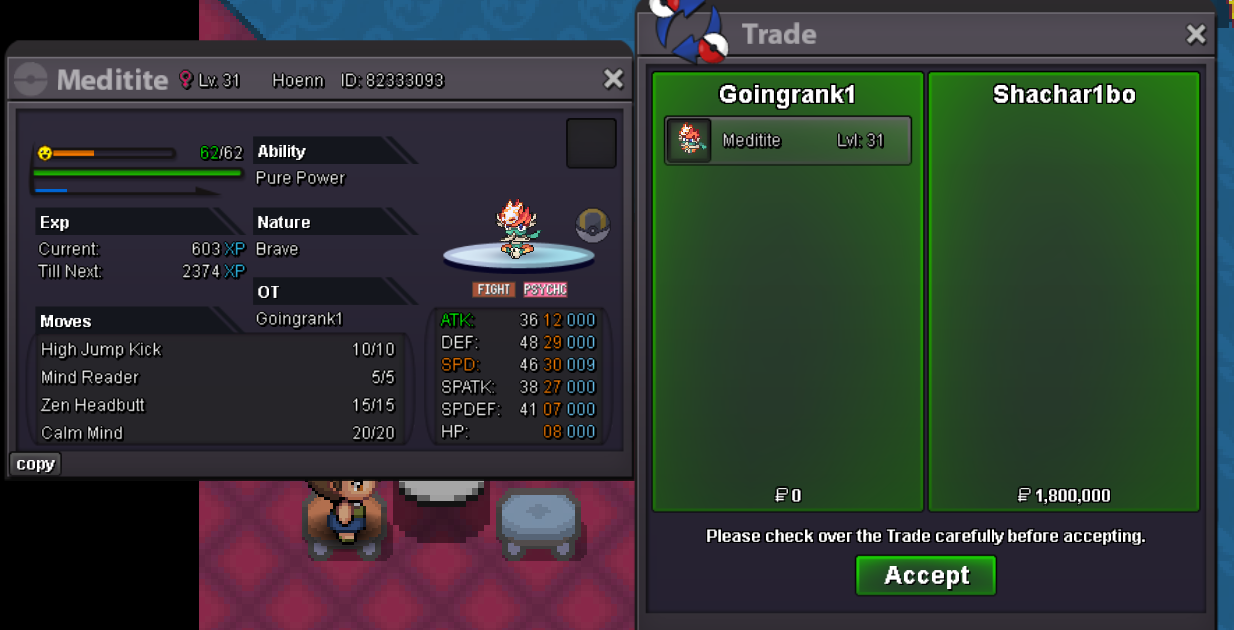
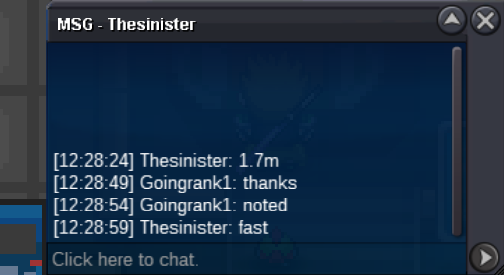
2.2m
-
start
-
800k ferrothorn
-
700k ferrothorn
-
600k ferrothorn
-
did i won?
-
CLOSED
-
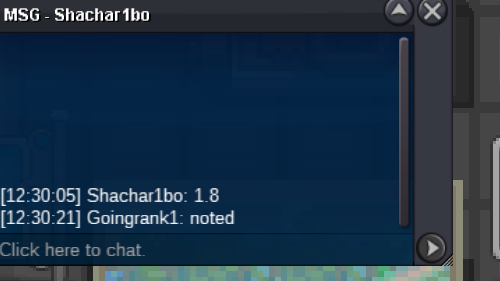
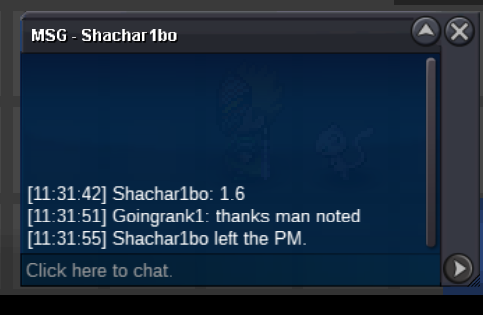
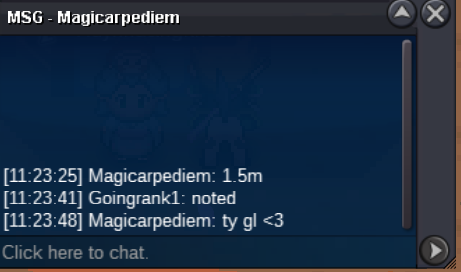
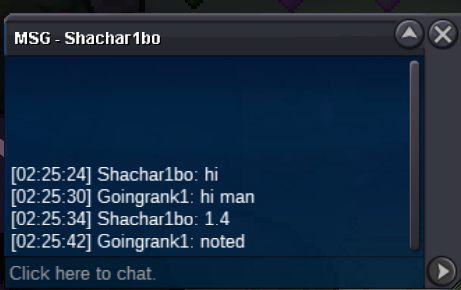
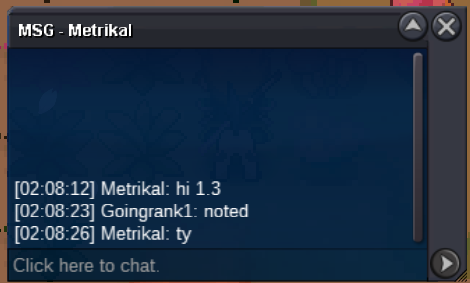
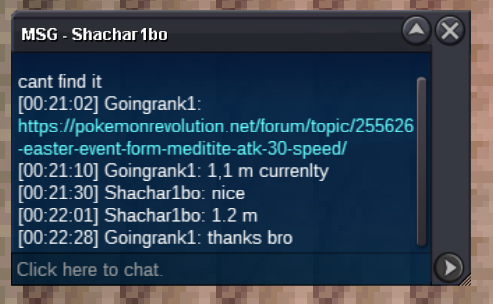
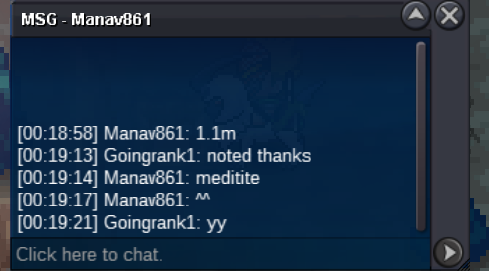
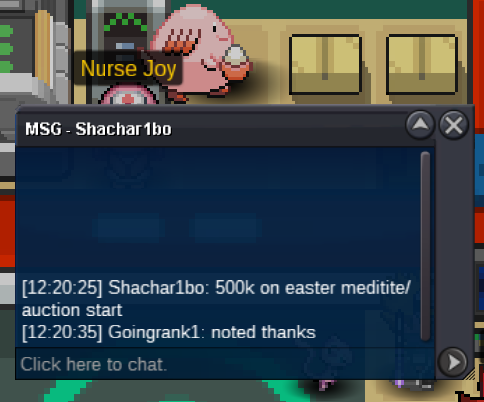
CONGRATS @Shachar1bo U WON10 MINUTES REMAININGBUMP550 altariaWhat is your IGN? Goingrank1 What is your discord? dont_blink2410 Tell us a little about yourself. Oversized gym guy who chills in pc the rest of the day. How many hours do you currently have? 392 Do you know any existing members? Kesser Have you been in a guild before? If so, which one(s)? yes i was in akatsuki back in the day ..i just hopped back into the game i am just looking for good guild What are your expectations for this guild? hunting toogether, helping each other and maybe getting the ladder up in pvp What You are looking for from the guild? nothing specificly maybe some lend help or smt like that What other games do you play online? nothing other than pro right now..i was a pro player in fifa back in the days What is your favorite pokemon and what made them stick out to you? my legend absol everything about his existance is ABSOLutetly perfect In your own words, please describe why you need to be recruited into this guild. i am just hopping to make some more friends in the game If you're interested in PvP what is your favorite Archetype to use (Ex. HO, Balance, Stall, Weather, etc)? balance800 from Solofiq
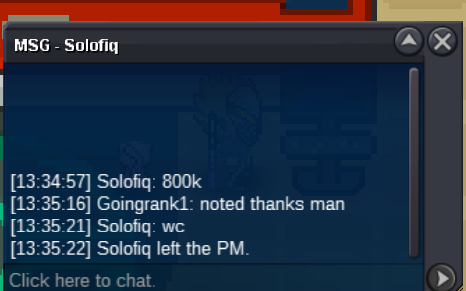 700k from Suncity600k from Topscammer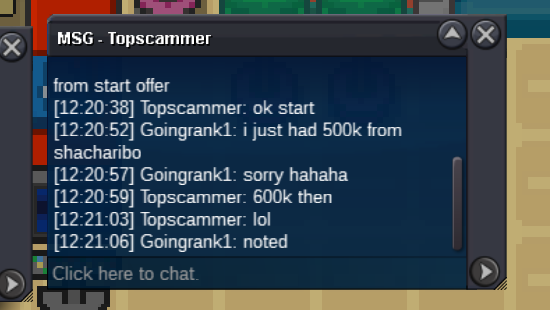

Account
Navigation
Search
Configure browser push notifications
Chrome (Android)
- Tap the lock icon next to the address bar.
- Tap Permissions → Notifications.
- Adjust your preference.
Chrome (Desktop)
- Click the padlock icon in the address bar.
- Select Site settings.
- Find Notifications and adjust your preference.
Safari (iOS 16.4+)
- Ensure the site is installed via Add to Home Screen.
- Open Settings App → Notifications.
- Find your app name and adjust your preference.
Safari (macOS)
- Go to Safari → Preferences.
- Click the Websites tab.
- Select Notifications in the sidebar.
- Find this website and adjust your preference.
Edge (Android)
- Tap the lock icon next to the address bar.
- Tap Permissions.
- Find Notifications and adjust your preference.
Edge (Desktop)
- Click the padlock icon in the address bar.
- Click Permissions for this site.
- Find Notifications and adjust your preference.
Firefox (Android)
- Go to Settings → Site permissions.
- Tap Notifications.
- Find this site in the list and adjust your preference.
Firefox (Desktop)
- Open Firefox Settings.
- Search for Notifications.
- Find this site in the list and adjust your preference.