New Trade Zone
Trade Zone is now live
Use the new Trade Zone for auctions and instant-price trades so Pokemon and item offers are easy to find.
.gif.f6c47b5d89d290a61bab4e0a1db71256.gif)

Xeenon
Suspended
-
Joined
-
Last visited
Everything posted by Xeenon
-
bump
-
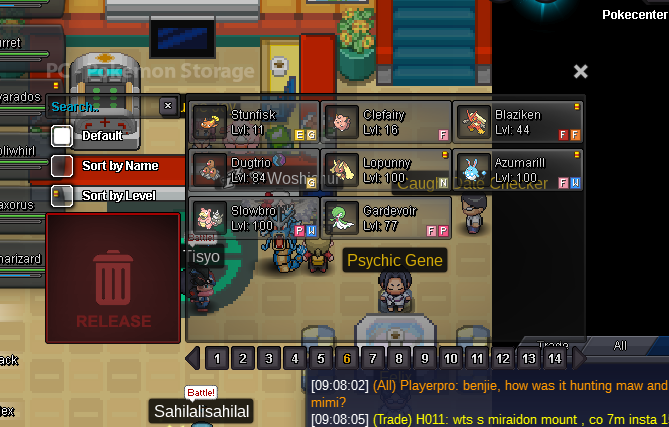
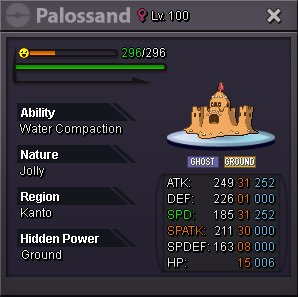
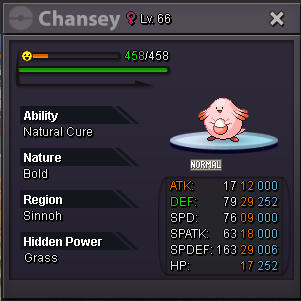
s.o : 100k min bid : 250k no insta 72 hours after 1st auction accepted payement : pokedollar / r.c = 5k / cc = 420k
-
@Beverr u won auction 325k pm me ingame = xennon
-
c.o 250k auction ends in 48 hours from now
 s.o = 250 k min bid = 25k insta = 1.5 m time = 48 hours after 1st accepted payement = pokedollar or cc's= 420k
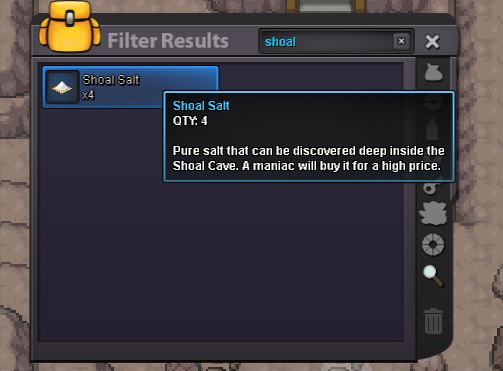
 hi, i have sold out my 04 shoal shells to item maniac & now i can't continue to get a reward
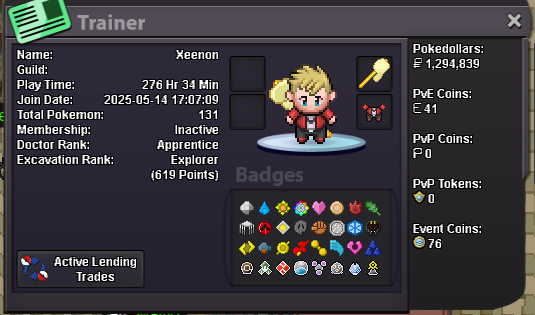
 hi iam xeenon 47 years from Algeria i like pro & want to learn more about pvp & game mecanism i spend much hours per day & want to be a member of this guild my discord = xenon.dz card id :
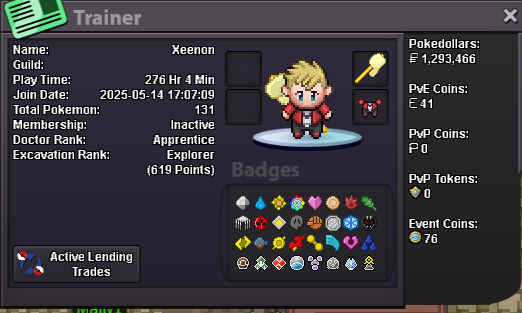
 discord = xenon.dz 47 years old from algeria interested to learn about pvp
 bump
bump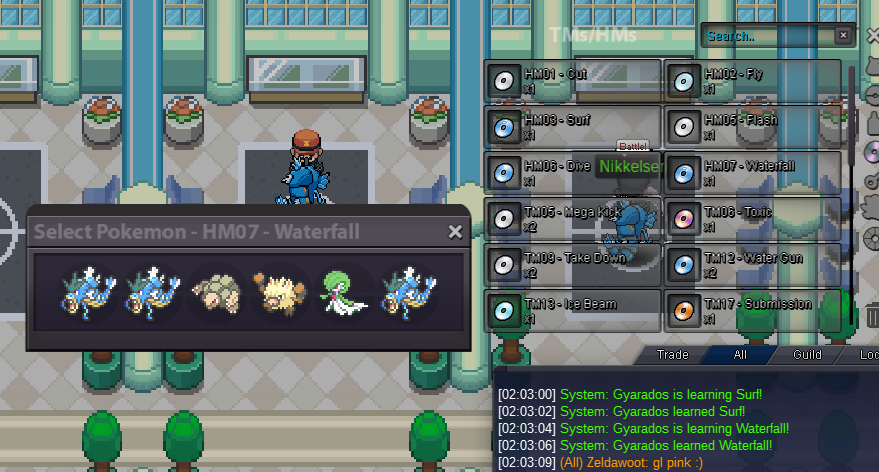 hi i wish you add a cooldown icon when entring bcc to see timewhen resolve ?
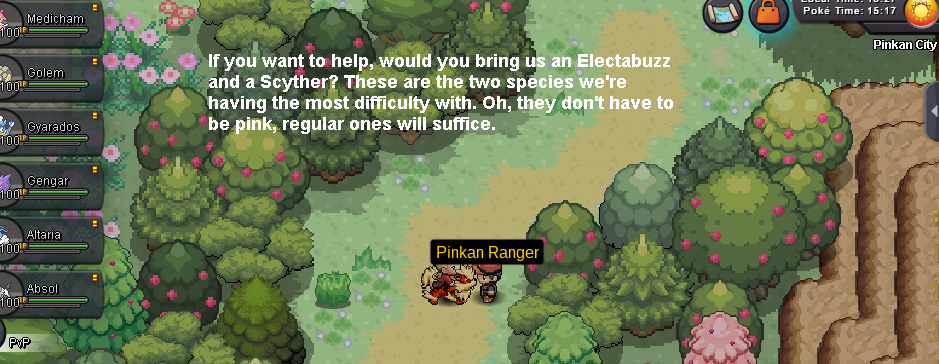 bump
bump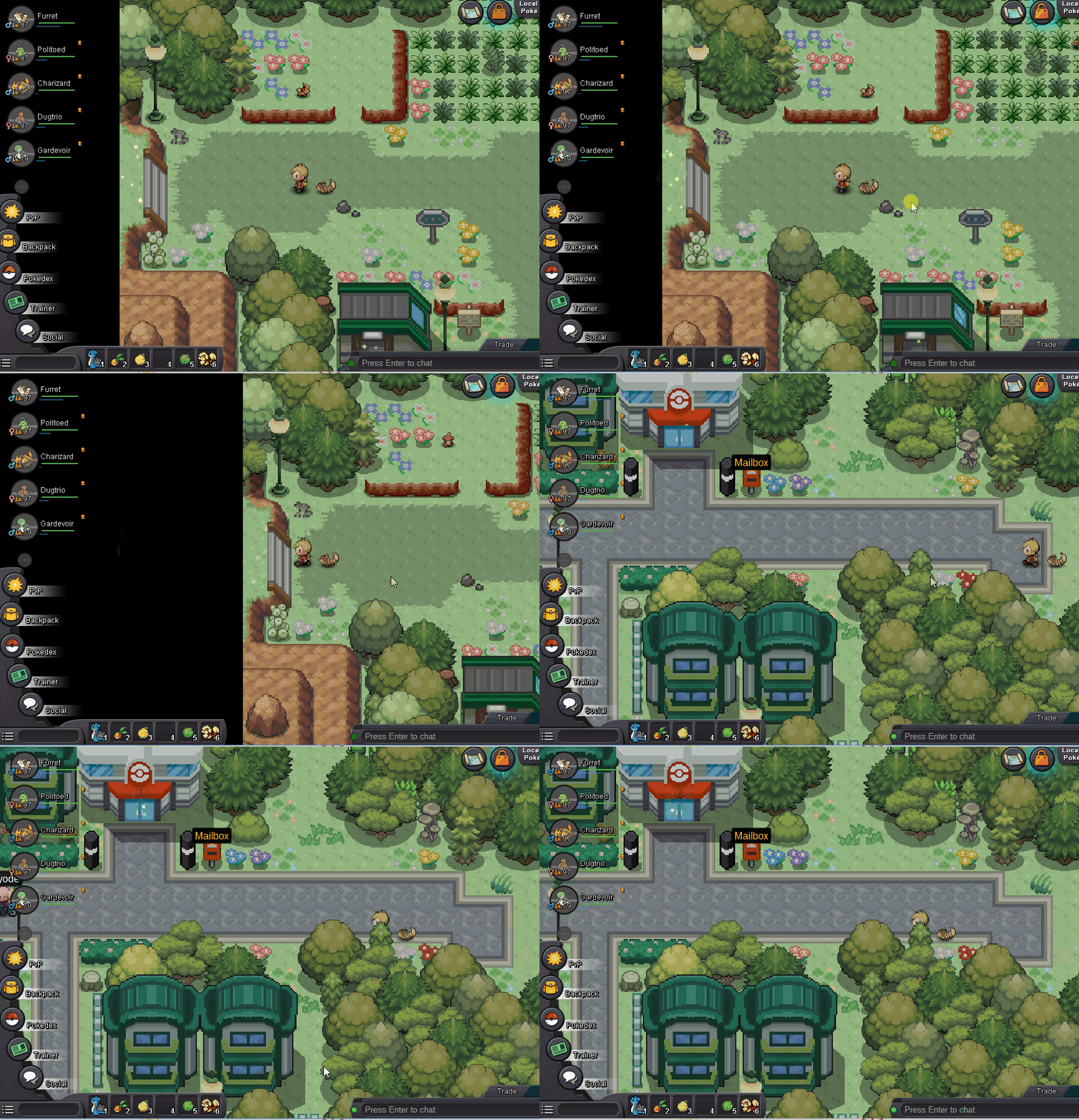 bump
bump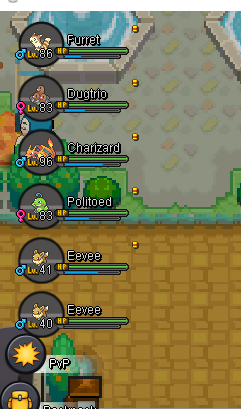 not worksbump
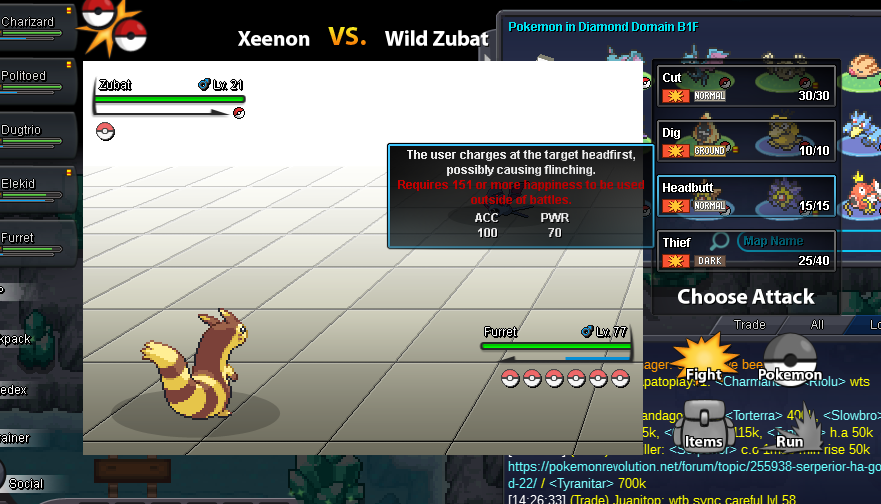 taking offer i will do it in less than 2 dayshi how much for mega gyarados quest , got mega bracelet already
 add an option in pokemon which are in party to send him to pc (except the last one) especially when we are grinding mones
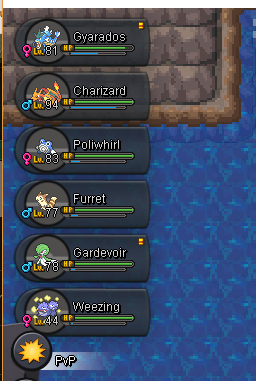 hi; i just bought a new graphic card to my pc & find a bug in pro & as i started just 3 days ago i don't know if other player had the same issue can you fix it or i have to change something in my computer .... bye