




New Trade Zone
Trade Zone is now live
Use the new Trade Zone for auctions and instant-price trades so Pokemon and item offers are easy to find.
.png.f465ccbd9e288dd5f595ccc4ca545094.png)

Bicharizard
Suspended
-
Joined
-
Last visited
Everything posted by Bicharizard
-
Bump! Updated more untrained pokemons!
-
Wtb
-
Bump!
-
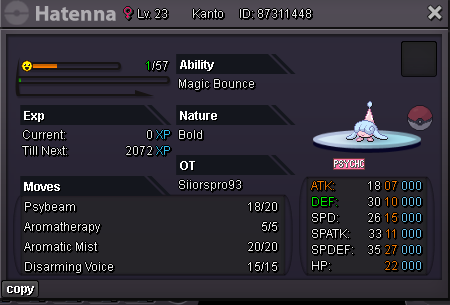
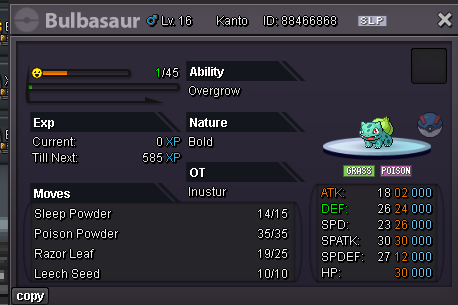
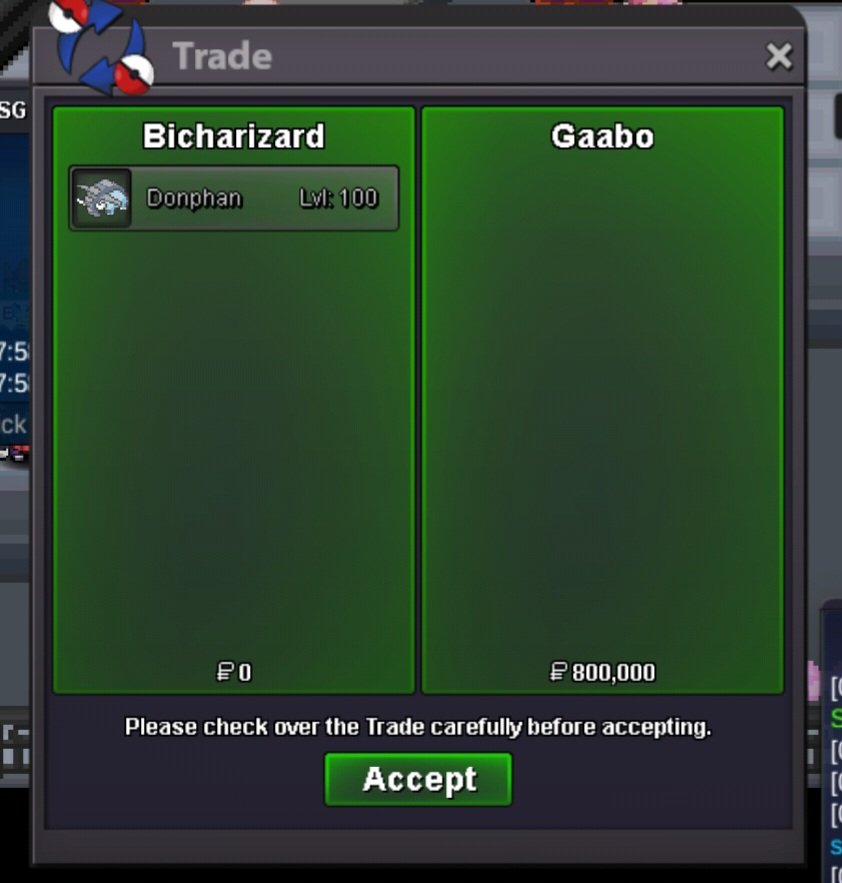
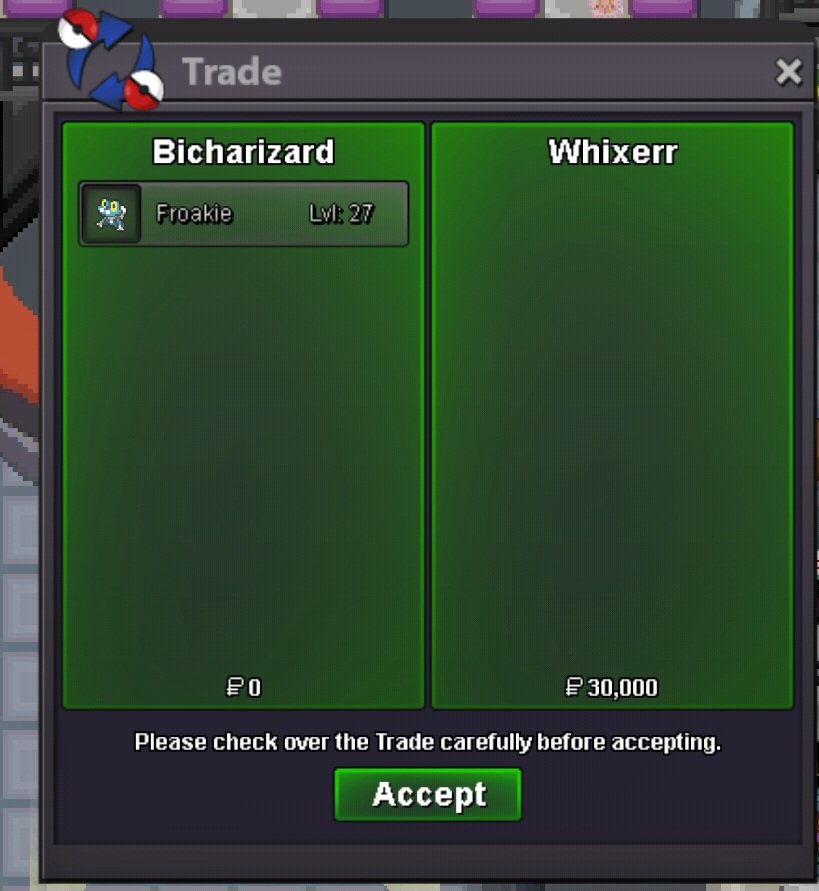
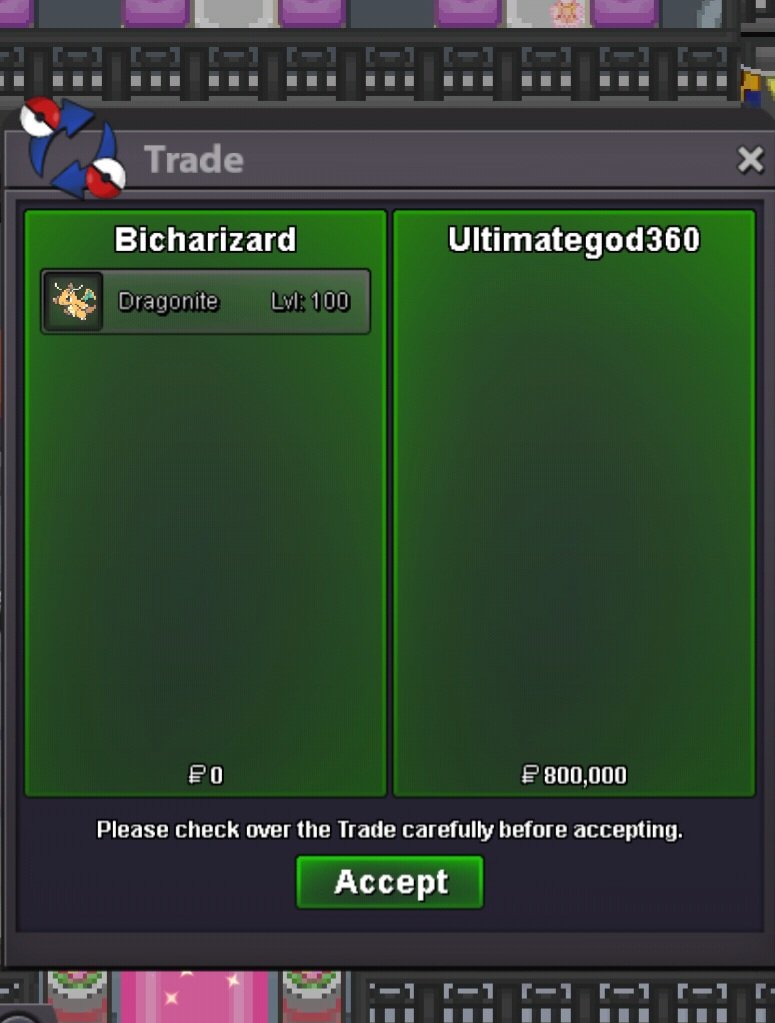
800k for GengarBump!300k gengarBump!300k!Bump!Hi guys, As the title, I want to buy a Hatenna that meets one of the following two requirements: 1. Bold, 25+ HP, 25+ Def, 25+ SpDef, and 20+ SpAtk 2. Modest, 25+ SpAtk, 25+ HP, and 20+ for Def and SpDef Please include your Hatenna information and your offer if you are interested. You can contact me via the forum below or through my IGN Bicharizard. Thank you for reading and have a good day!Bicharizard's Shop IGN: Bicharizard Accepted Payments Pokedollar Coin Capsule = 450k Reroll Ticket = 750k Nature Reroll Ticket = 350k Rare Candy = 6k Shop Rules 1. The offer posted can not be changed and cancelled. 2. This is a Gold server shop so I do not transfer to Silver. 3. Price are negotiable, feel free to contact me in game or on the forum. 4. Fake, scam or obscene comments will be reported. 5. Please use English only. Featured Pokemons Please offer to these pokemons! In case I don't reply that your offer isn't interested in to me! Spoiler Trained Pokemons Spoiler Untrained Pokemons Spoiler Sold Spoiler

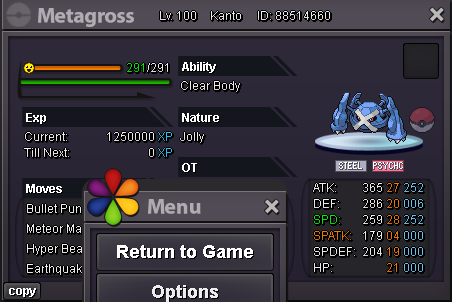
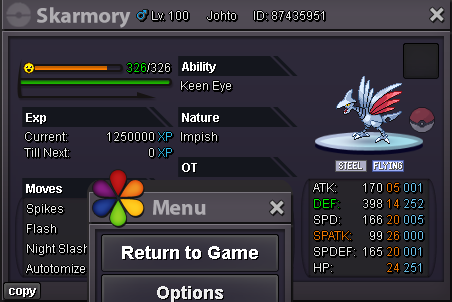
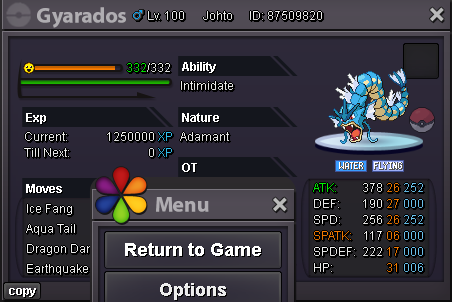
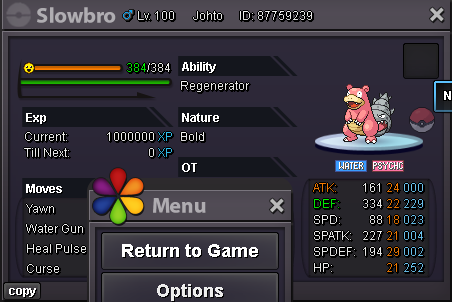
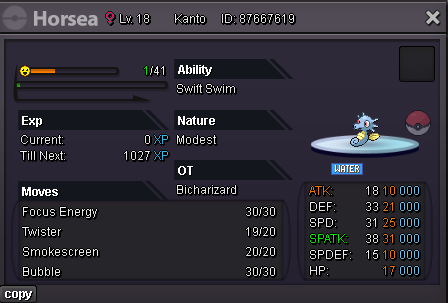
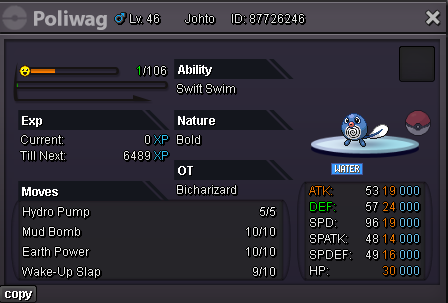
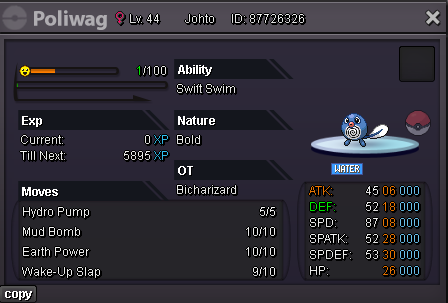
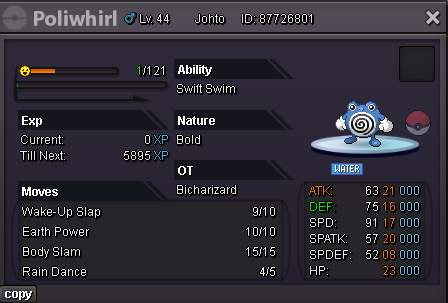
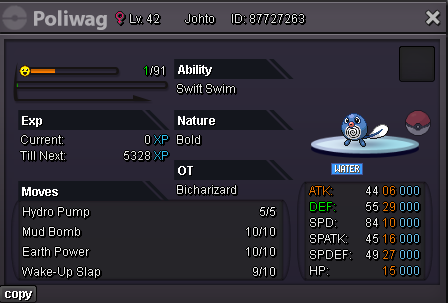
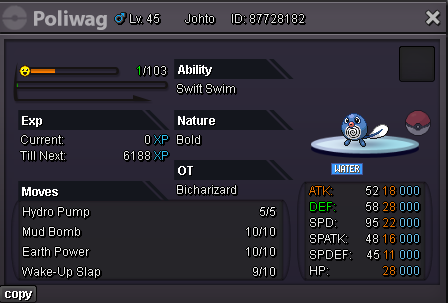
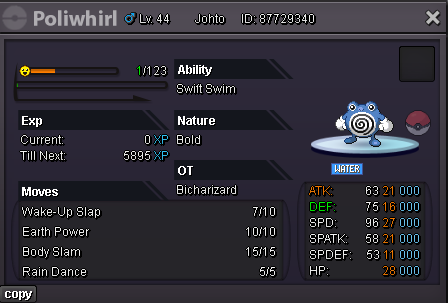
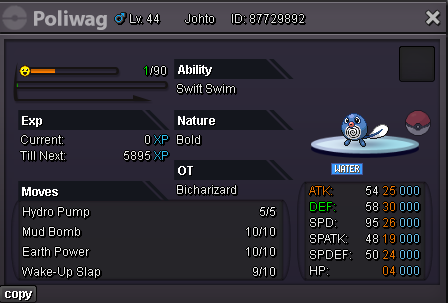
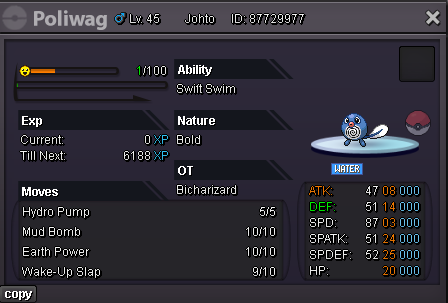
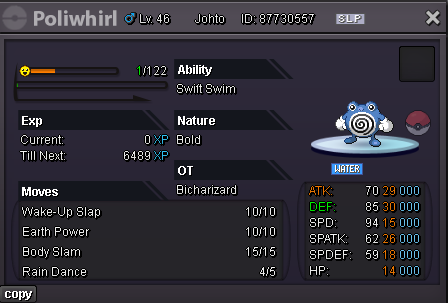
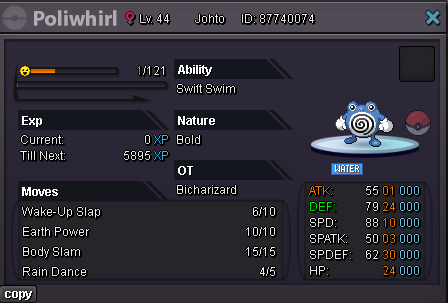
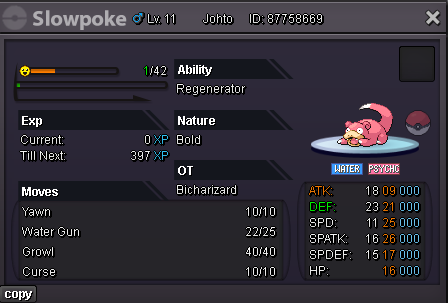
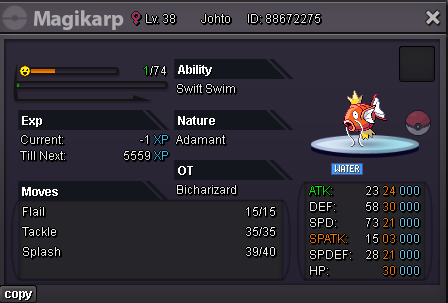
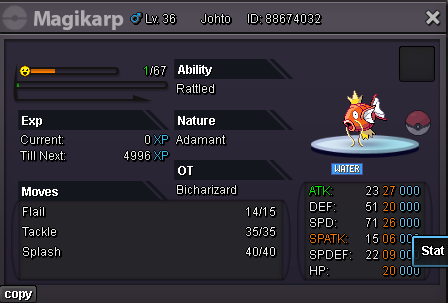
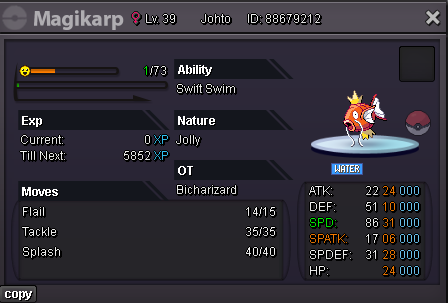
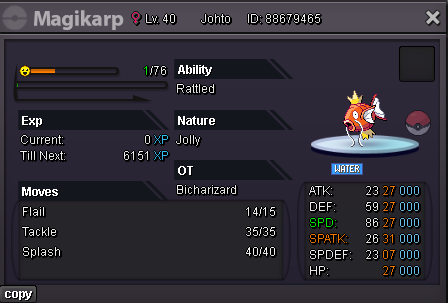
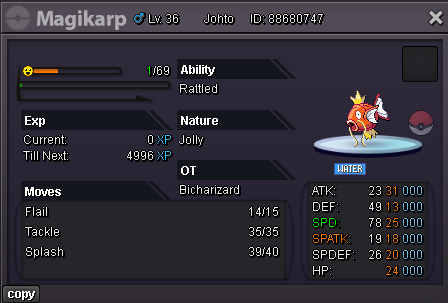
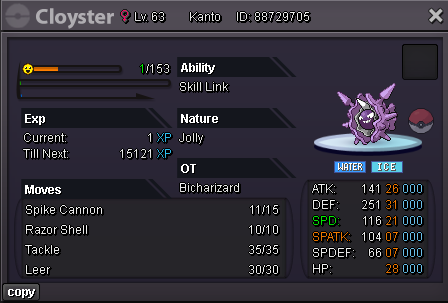
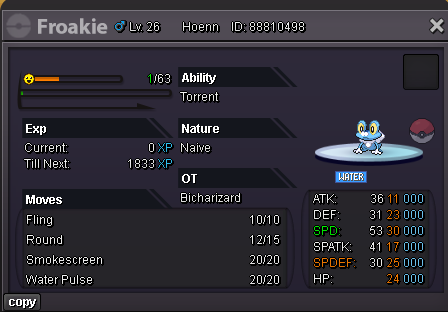
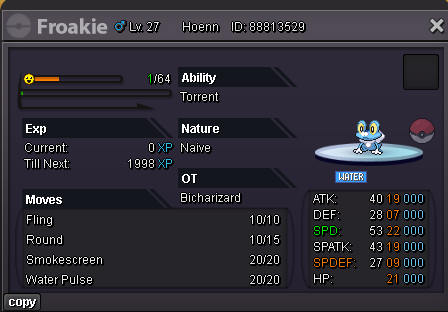
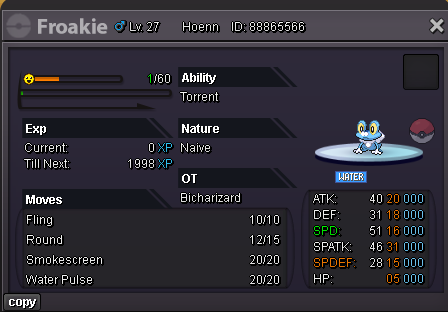
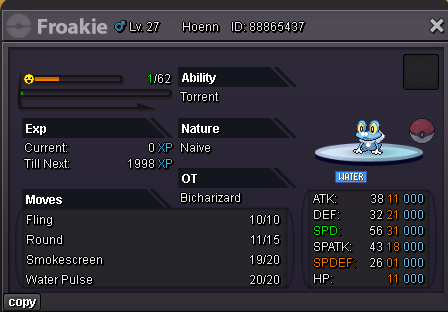
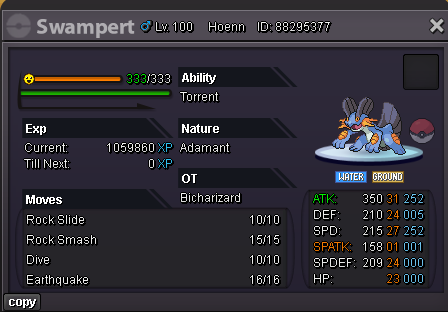
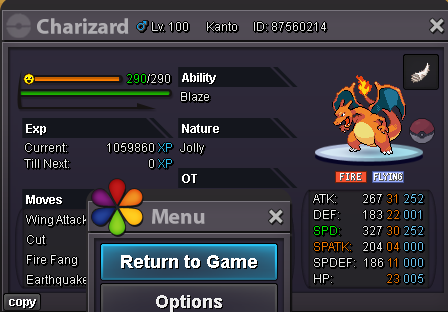
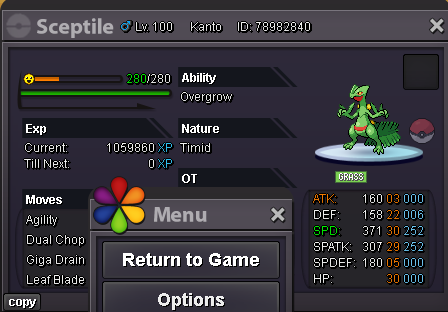
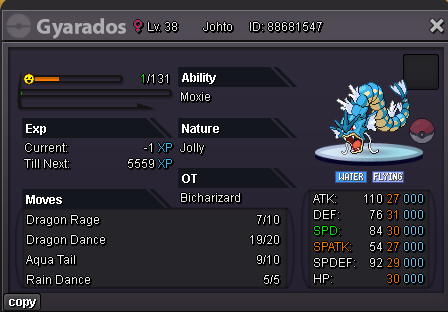
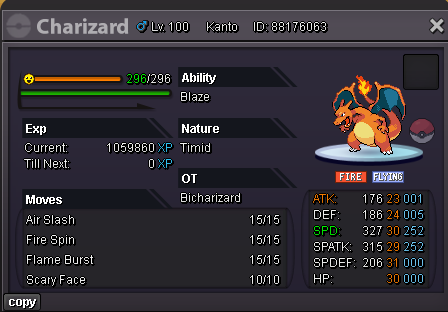
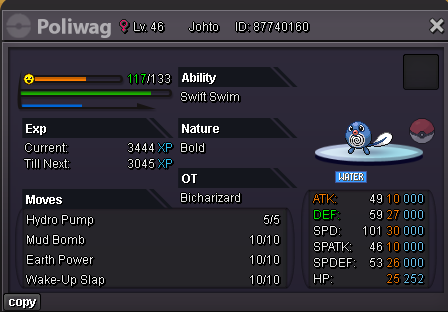
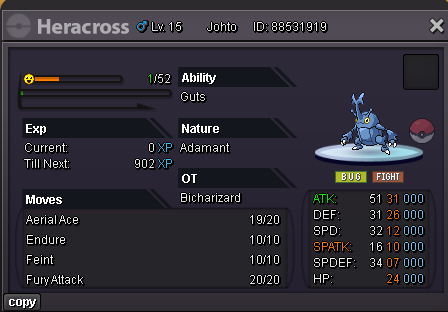
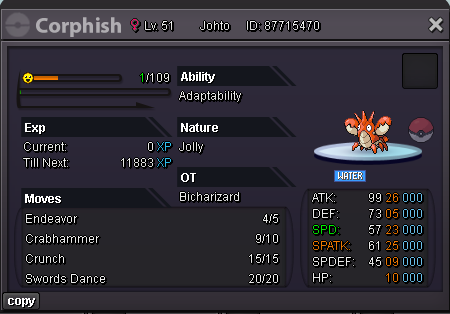
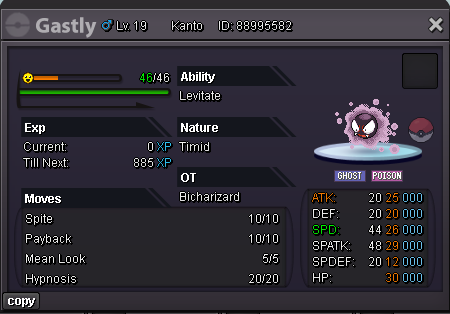
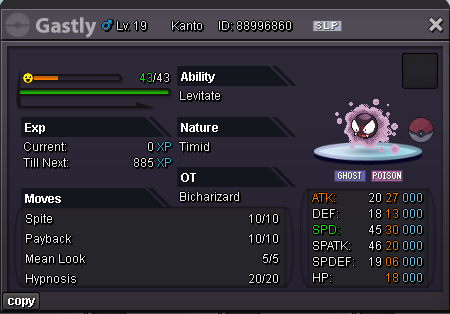
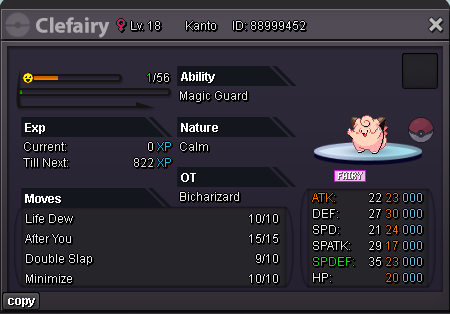
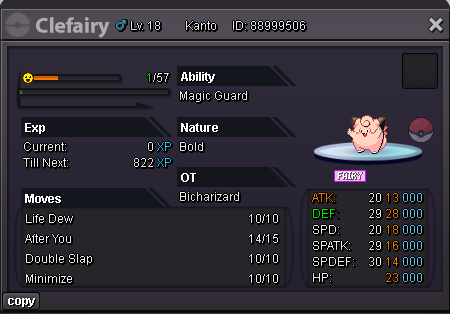
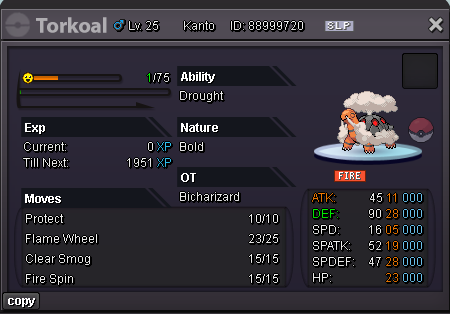
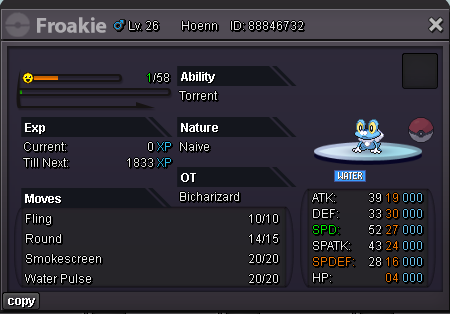
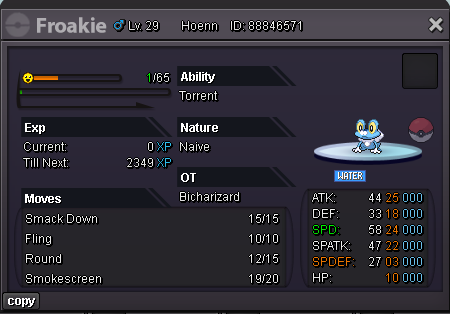
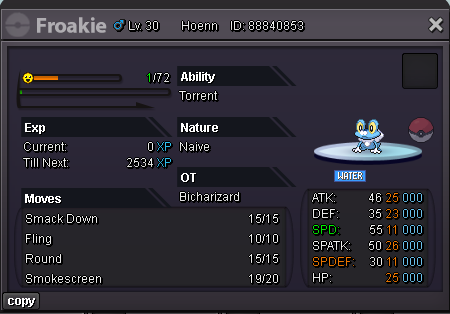
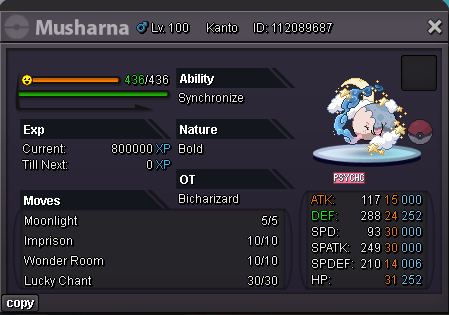
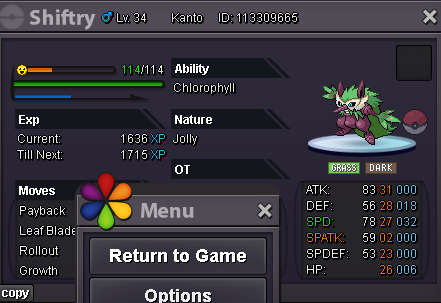
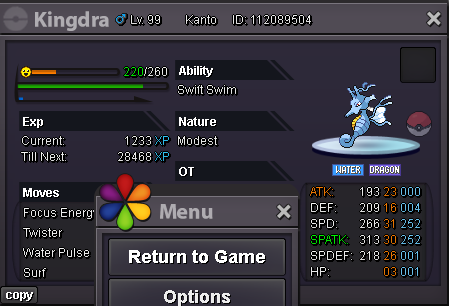
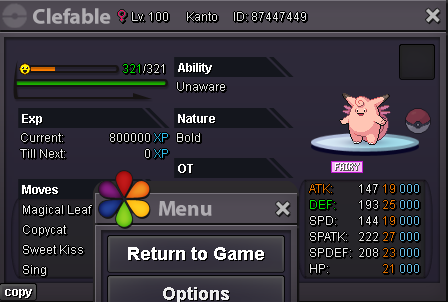
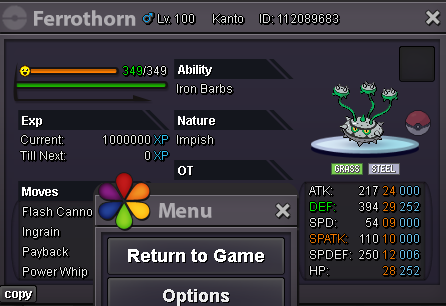
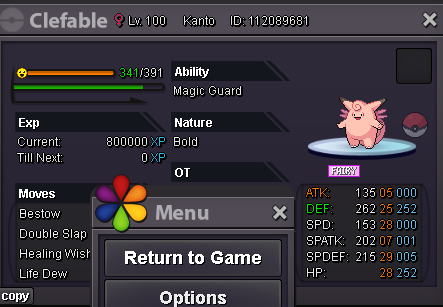
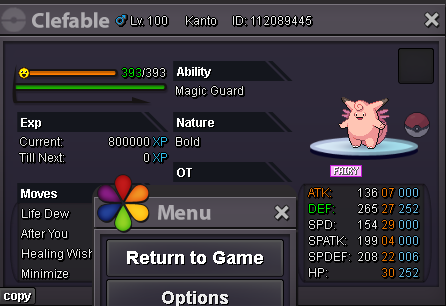
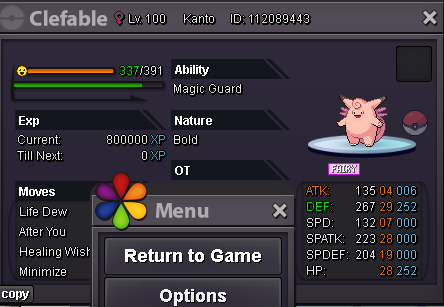
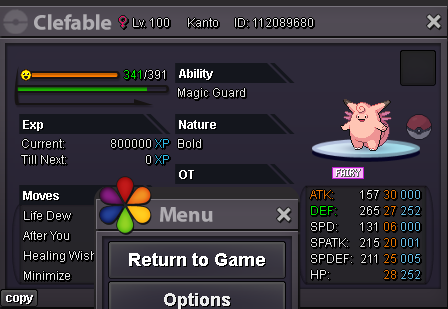
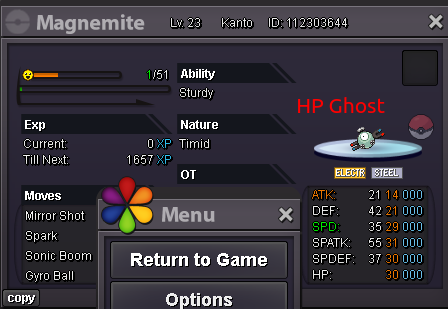
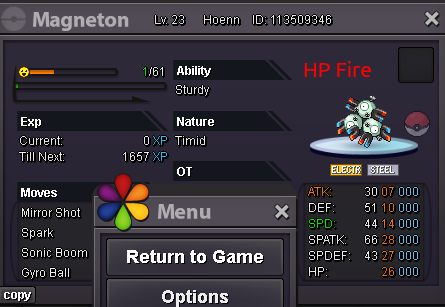
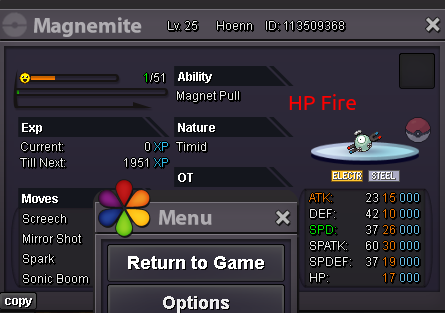
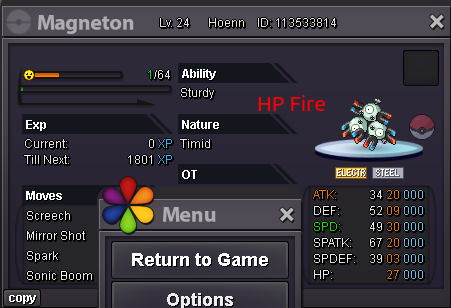
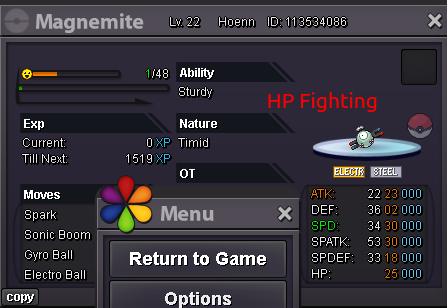
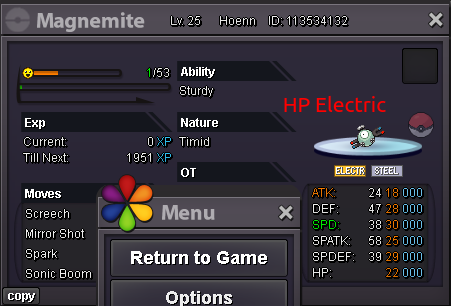
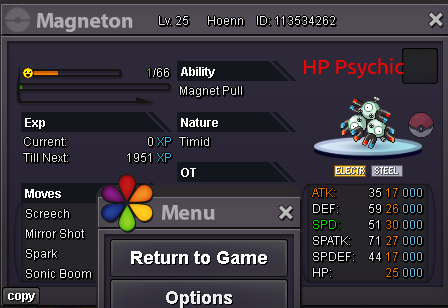
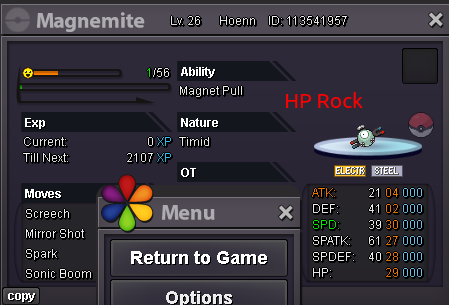
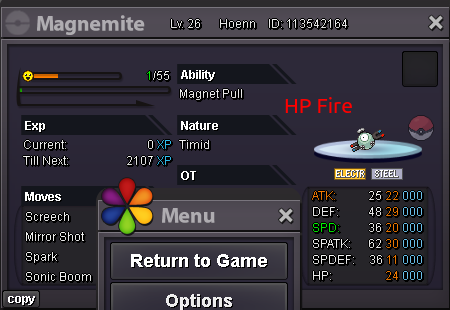
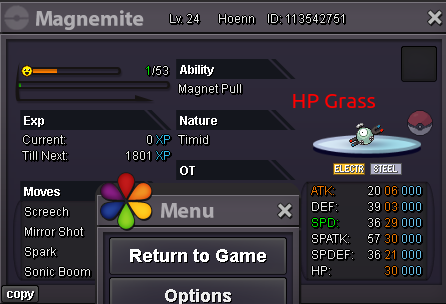
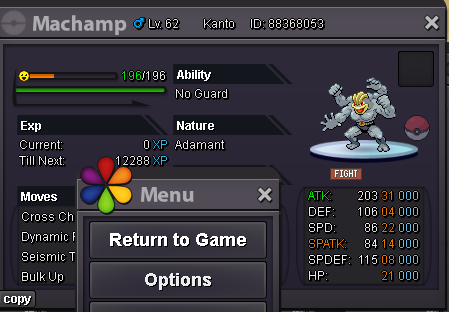
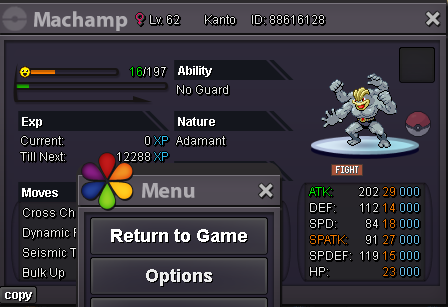
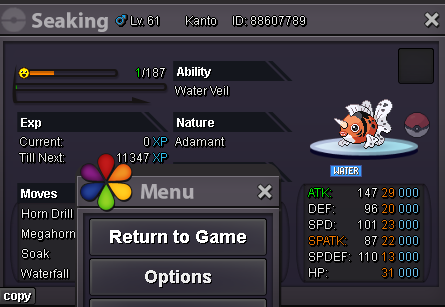
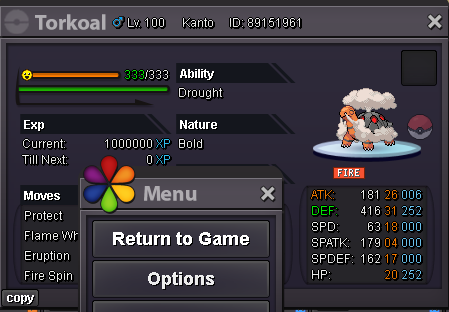
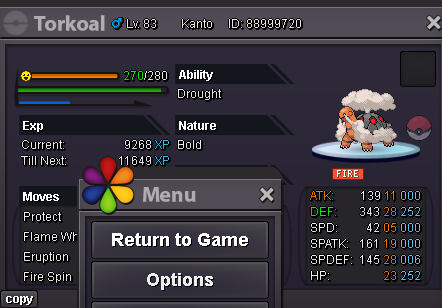
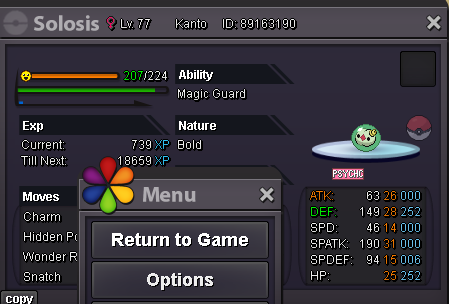
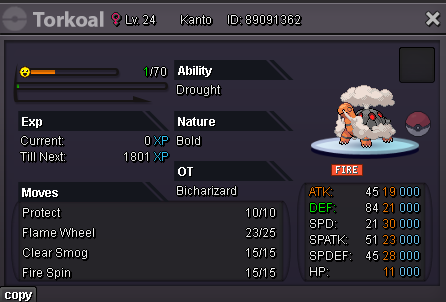
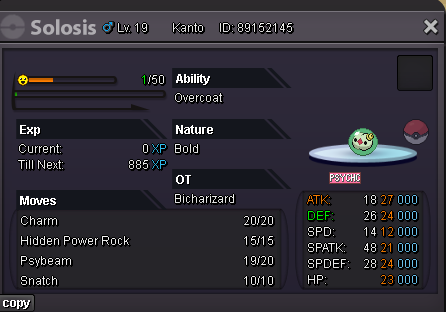
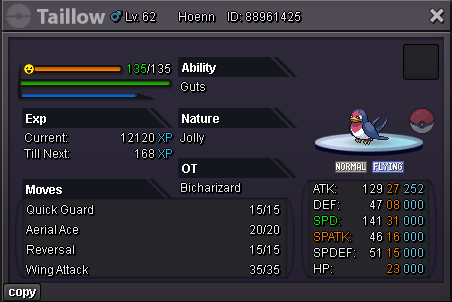
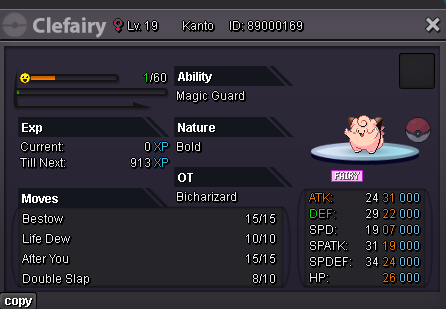
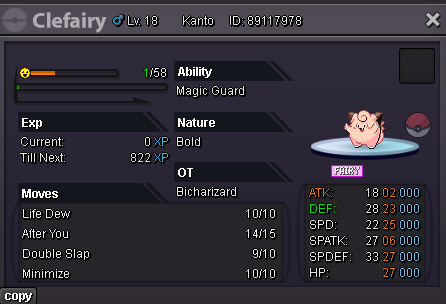
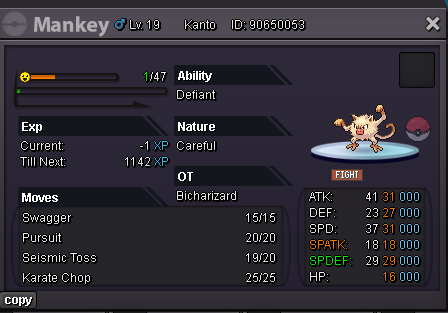
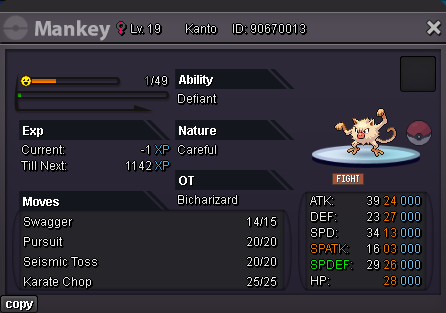
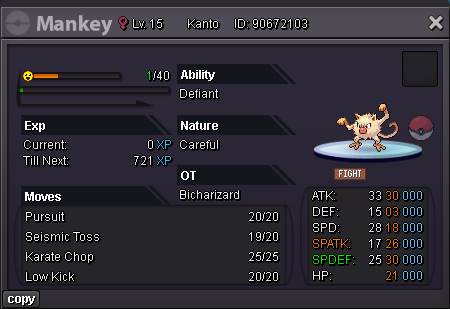
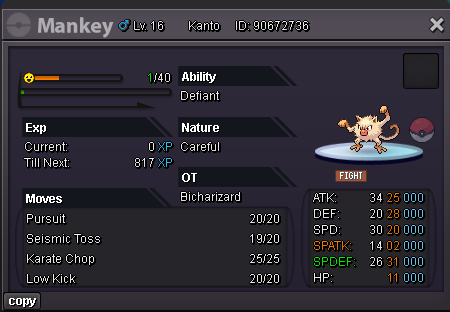
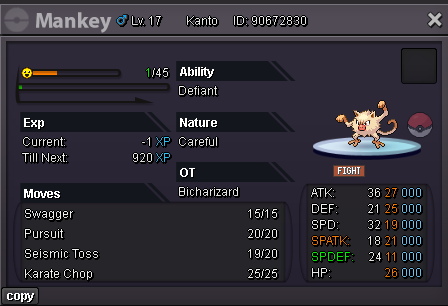
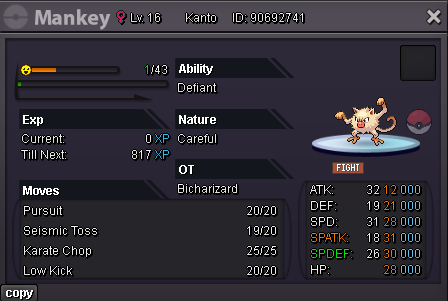
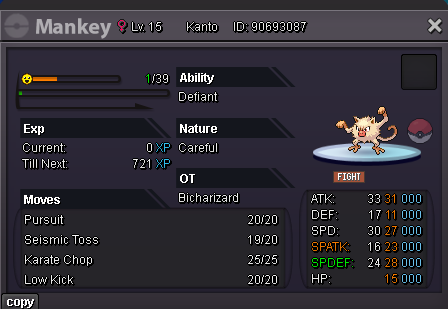
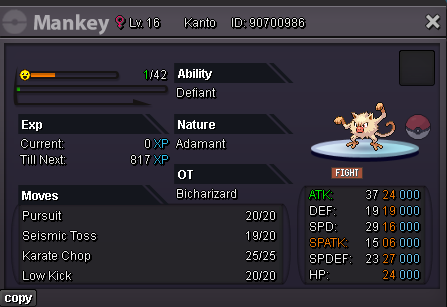
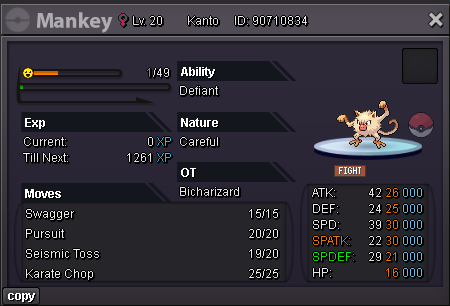
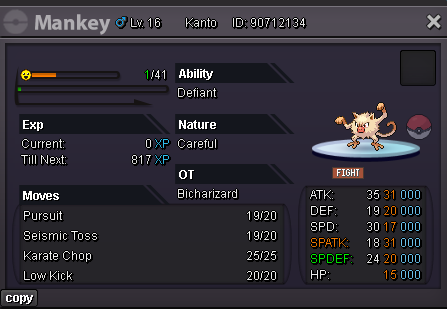
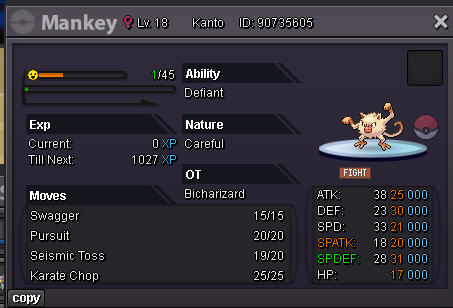
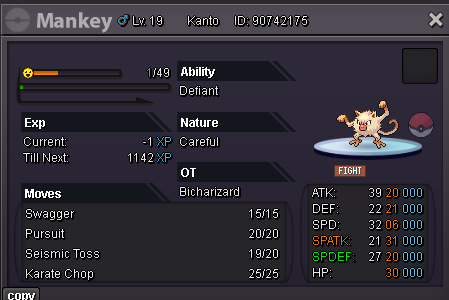
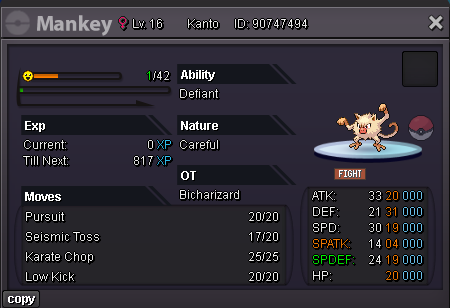
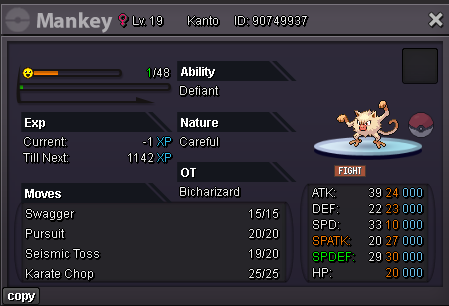
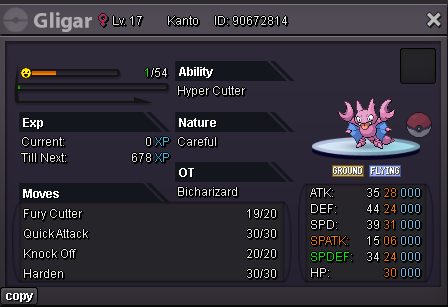
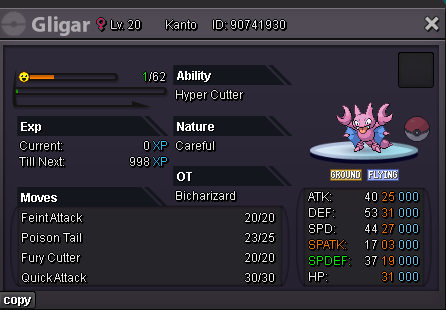
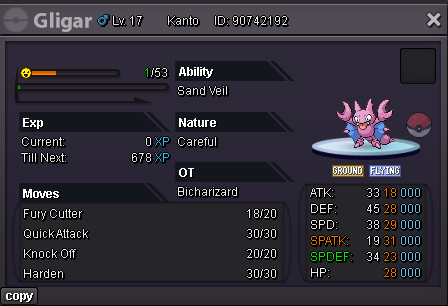
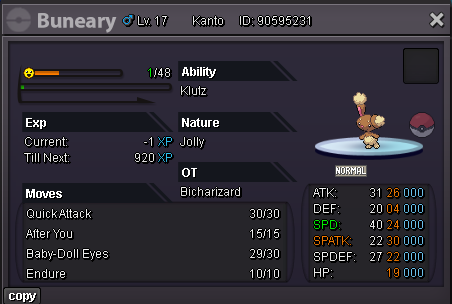
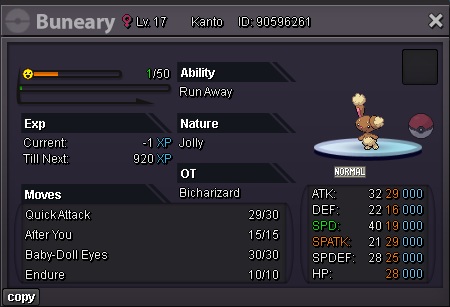
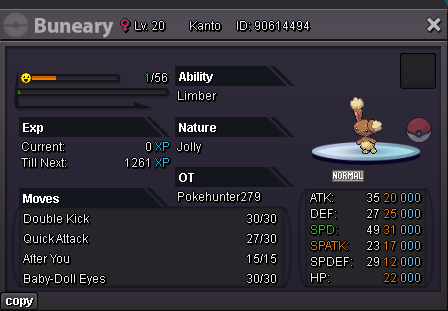 start@Suzu1 I sent u my Discord. Pls contact me!@Suzu1 Please contact me in game soon. My IGN is BicharizardAny update?I wtb Clef 200k
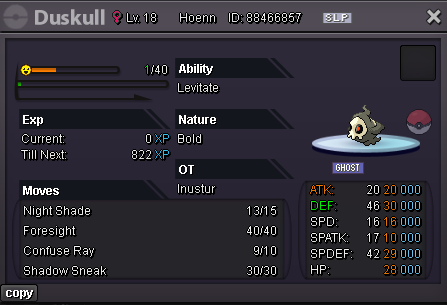
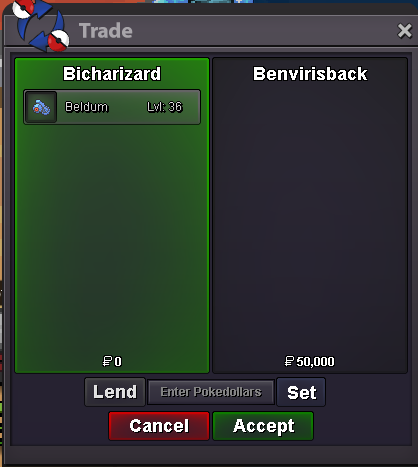
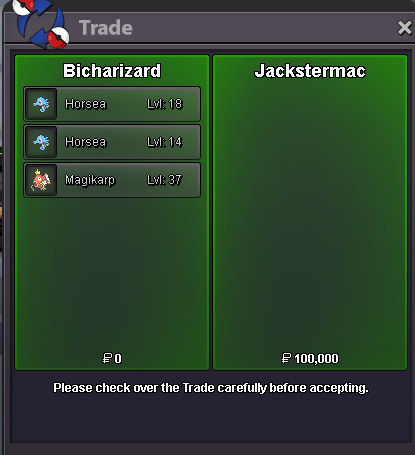
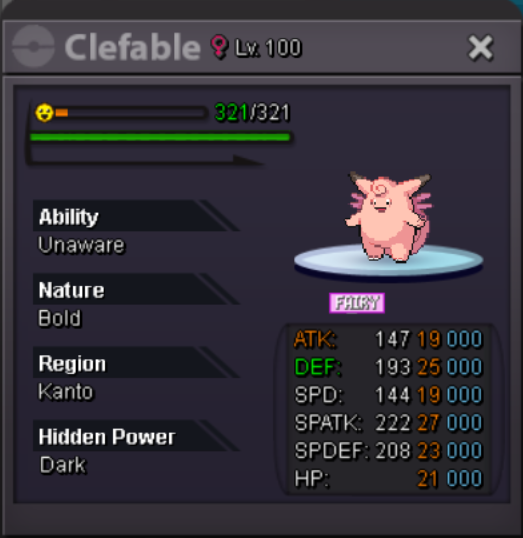 I wtb 1 Samurai Clothes Red, 1 Samurai Helmet, 1 Life Orb, 10 Focus Sash300k for Huntail 250k for Sceptilewtb. my IGN is bicharizard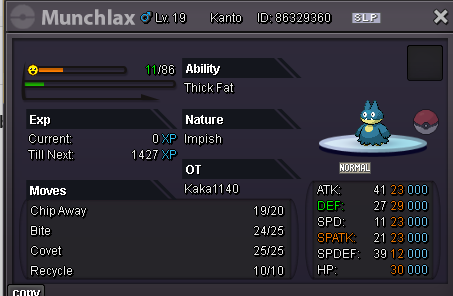


Account
Navigation
Search
Configure browser push notifications
Chrome (Android)
- Tap the lock icon next to the address bar.
- Tap Permissions → Notifications.
- Adjust your preference.
Chrome (Desktop)
- Click the padlock icon in the address bar.
- Select Site settings.
- Find Notifications and adjust your preference.
Safari (iOS 16.4+)
- Ensure the site is installed via Add to Home Screen.
- Open Settings App → Notifications.
- Find your app name and adjust your preference.
Safari (macOS)
- Go to Safari → Preferences.
- Click the Websites tab.
- Select Notifications in the sidebar.
- Find this website and adjust your preference.
Edge (Android)
- Tap the lock icon next to the address bar.
- Tap Permissions.
- Find Notifications and adjust your preference.
Edge (Desktop)
- Click the padlock icon in the address bar.
- Click Permissions for this site.
- Find Notifications and adjust your preference.
Firefox (Android)
- Go to Settings → Site permissions.
- Tap Notifications.
- Find this site in the list and adjust your preference.
Firefox (Desktop)
- Open Firefox Settings.
- Search for Notifications.
- Find this site in the list and adjust your preference.