




New Trade Zone
Trade Zone is now live
Use the new Trade Zone for auctions and instant-price trades so Pokemon and item offers are easy to find.

Scarlettrasza
Registered User
-
Joined
-
Last visited
Everything posted by Scarlettrasza
-
Can be closed
-
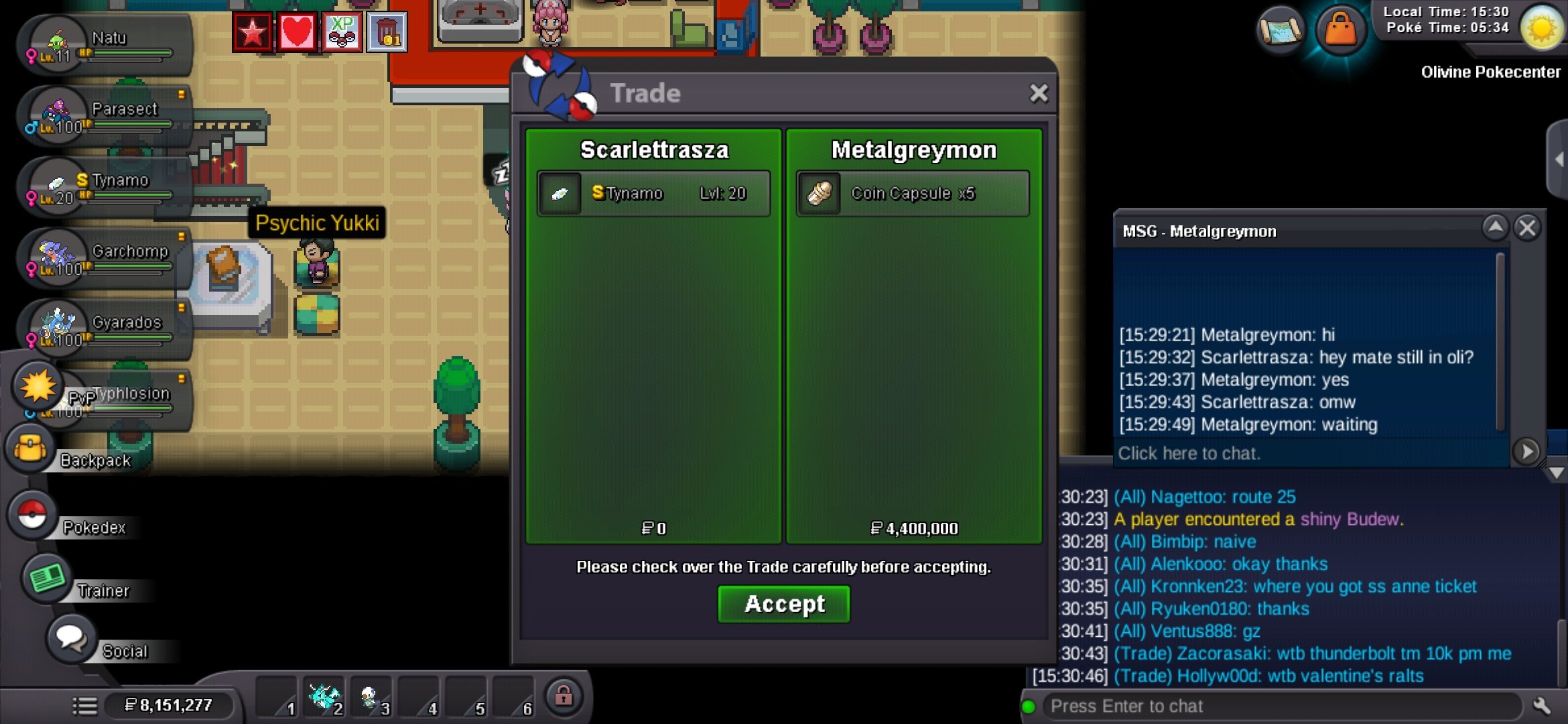
Congrats @Metalgreymon, the shiny tynamo is yours for 6.9M. I am available now for the trade if you want
-
Less than 4 hours now
-
16 hours left! Metalgreymon leading with 5.8M
-
Timer started 43 mins ago Link to timer Ends 11th of March at 3:20PM UK time
-
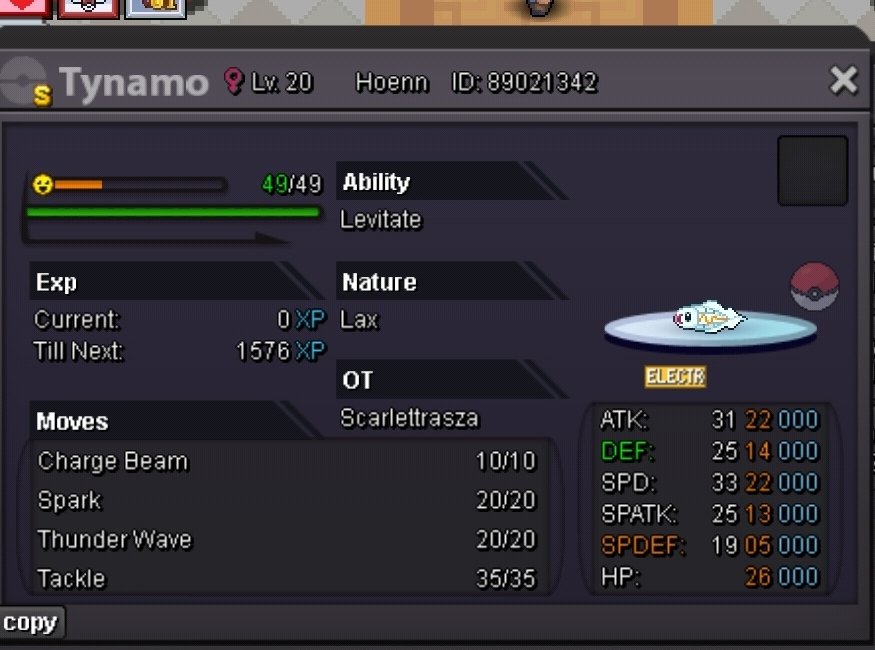
Auction Details: Start Price: 3M End point: 48 Hours (after start, 15mins extension rule applies) Insta Price: no insta Minimum Raise: 100K Accepted Payments: Pokedollars, cc = 500K Server: Gold
-
Can I get your oshawott mount please? 🙂
-
800k pancham
-
700k pancham
-
600k pancham
-
800k
-
500k pancham
-
Heya, I am interested in a boss bundle. How does that work exactly? Will you show me the 6 mons? Also, does it work for Medium and/or hard difficulty?
-
400k pancham
-
Oh shoot, so only baton pass team viable nowadays?
-
Start
-
Gotta go to work, we'll have to trade later
-
Cool thank you! I am at Cerulean poke center
-
Oh okay, would you do 550k for xmas dragonite please?
-
Hiya, would you take 400k for S Serperior please?
-
450k
-
350k
-
800k
-
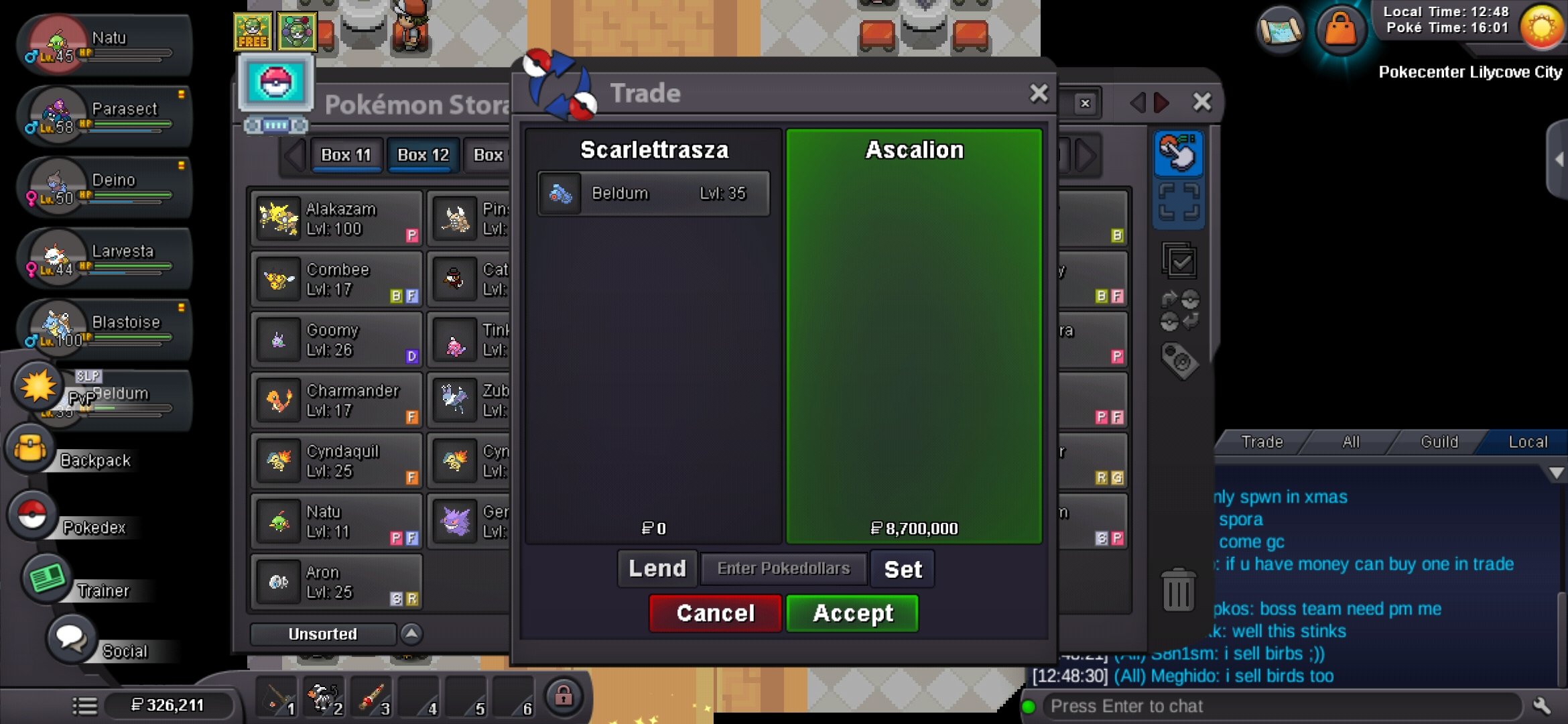
Auction ended, transaction done enjoy the beldum @Ascalion
-
Congrats @Ascalion you won the bid with 8.7M. yeah we can trade now, Ill be in lilycove pokecenter

