New Trade Zone
Trade Zone is now live
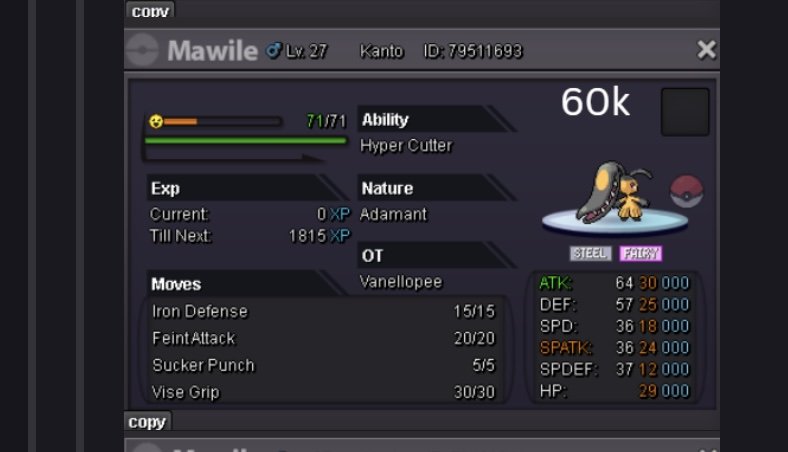
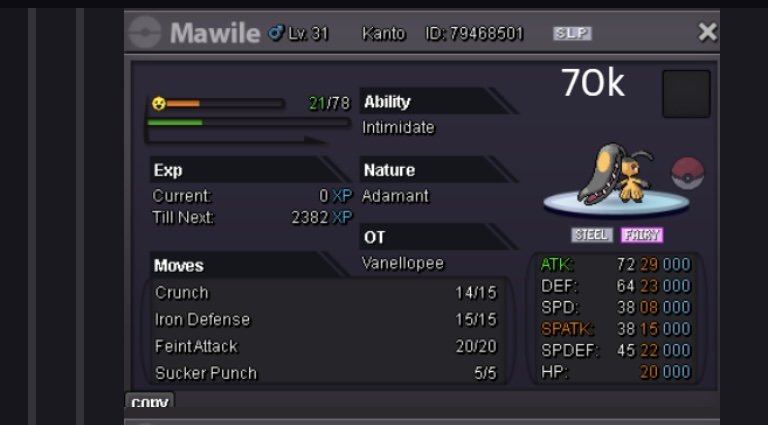
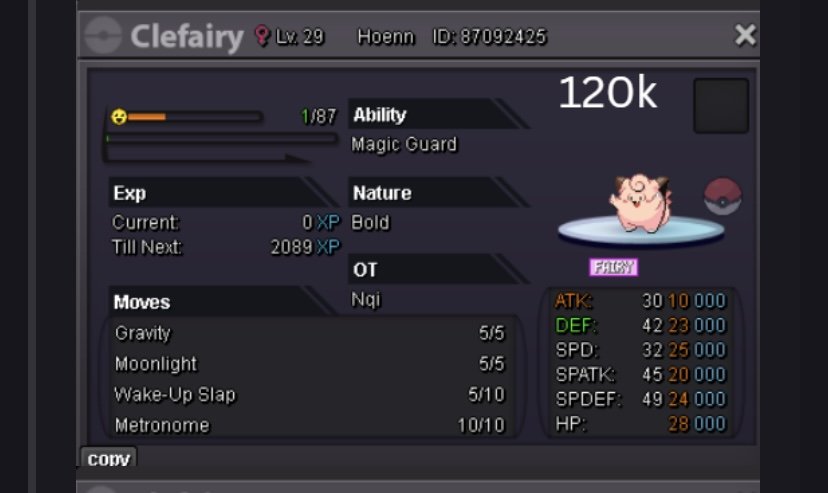
Use the new Trade Zone for auctions and instant-price trades so Pokemon and item offers are easy to find.

Everything posted by Wyloria
-
Hi if i have 1 acc in gold got top 25 but i want pvp more then i use second acc in silver sever to pvp but i will not in top 25 is it ok?
-
I'll be online in 30 minutes.
-
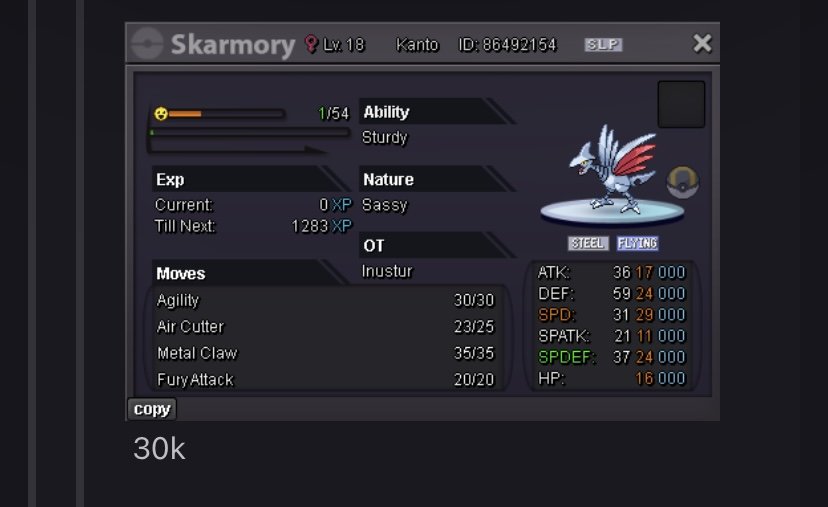
Wtb
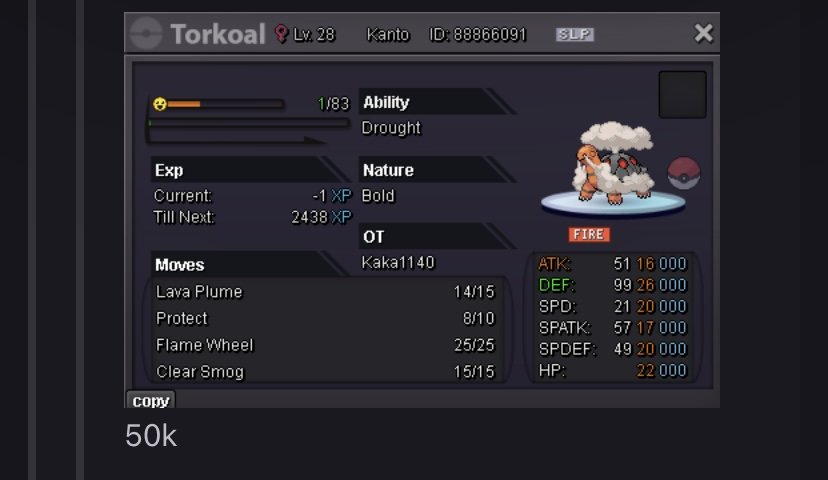
-
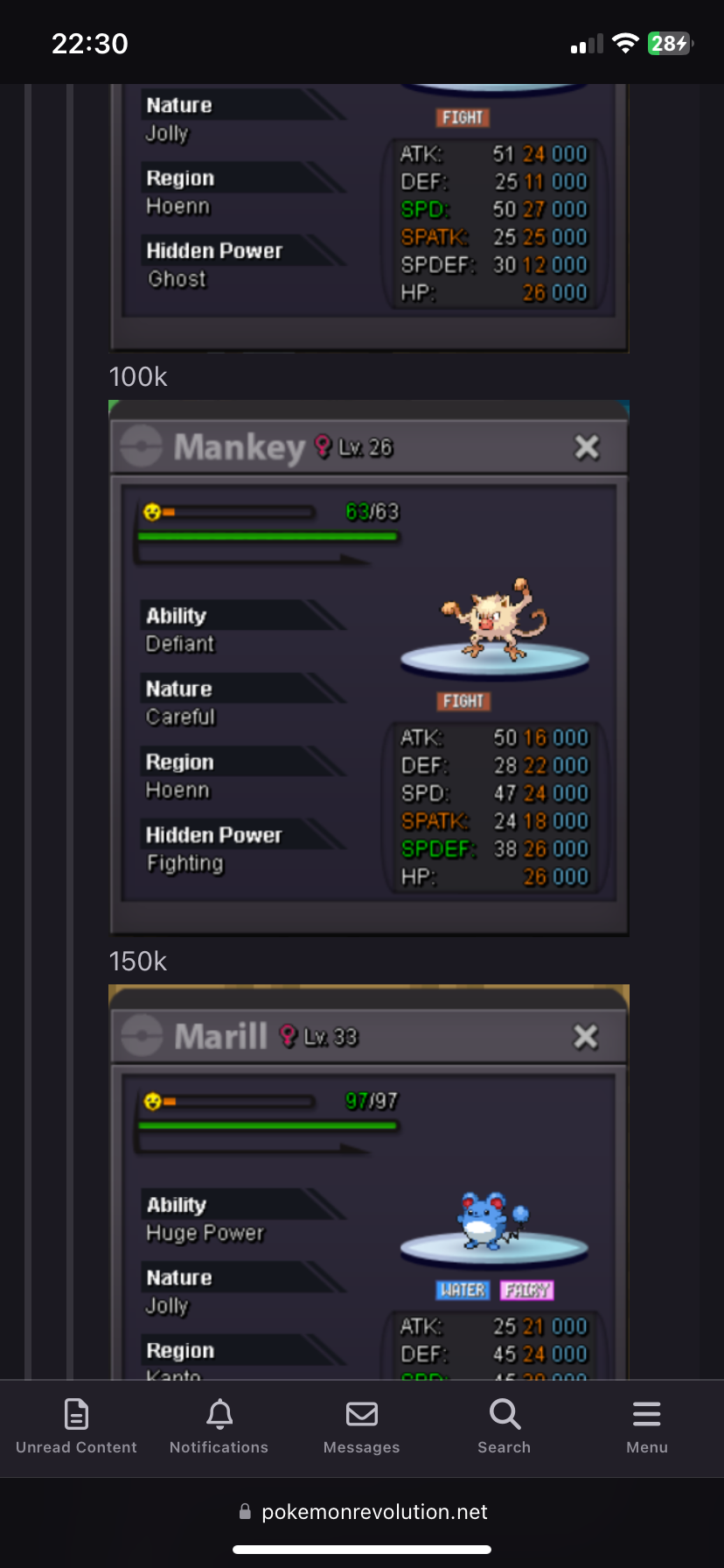
Wtb mankey 150k
-
Hello, I have a question. I currently have to wait another 12 days before I can transfer to the Silver server for free. During this waiting period, I plan to do PvP on the Gold server. Once the 12 days are over, if I transfer to the Silver server and then do PvP there, would that violate any rules? I am not using the same account to PvP on both servers at the same time. I would simply be playing on Gold during the waiting period and then transferring to Silver afterward. Thank you for clarifying!
-
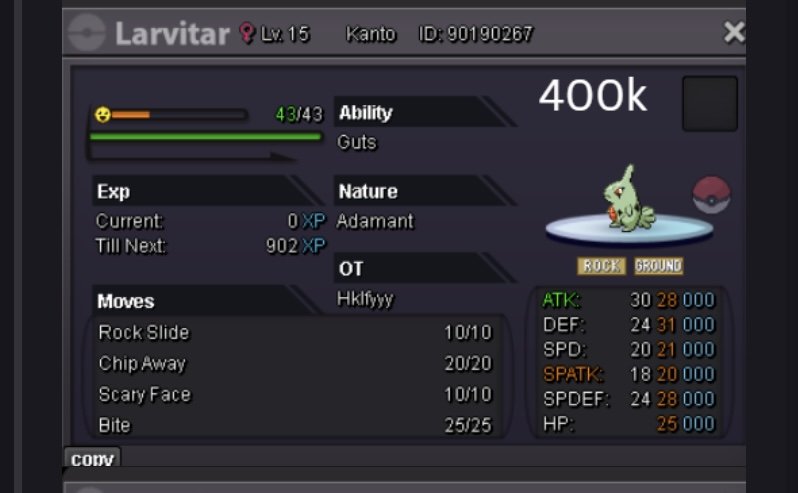
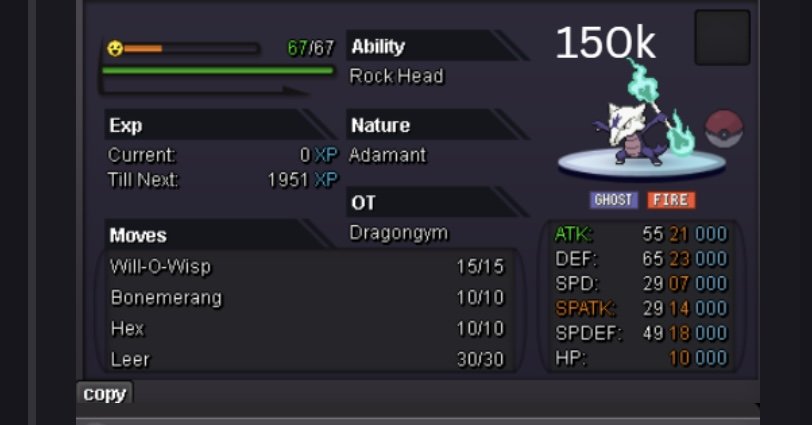
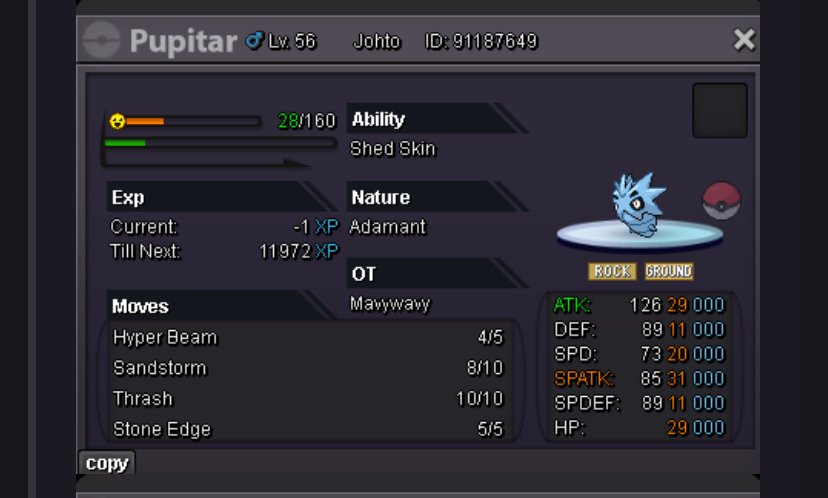
Wtb 2 this And get free it
-
-
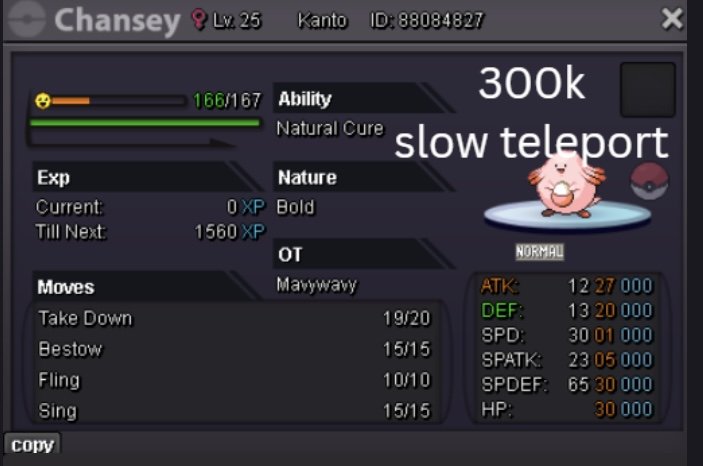
Wtb

-
I want to take it free Also buy 3 this