




New Trade Zone
Trade Zone is now live
Use the new Trade Zone for auctions and instant-price trades so Pokemon and item offers are easy to find.

Minakochan
Registered User
-
Joined
-
Last visited
Everything posted by Minakochan
-
6.8m
-
6.2m
-
2.5m
-
2m
-
5 iv rr +500k
-
I start (4 iv rerolls + 200k)
-
45m
-
Ok cool! Seems like I missed this one. Thank you for the quick answer and have a great day 😊
-
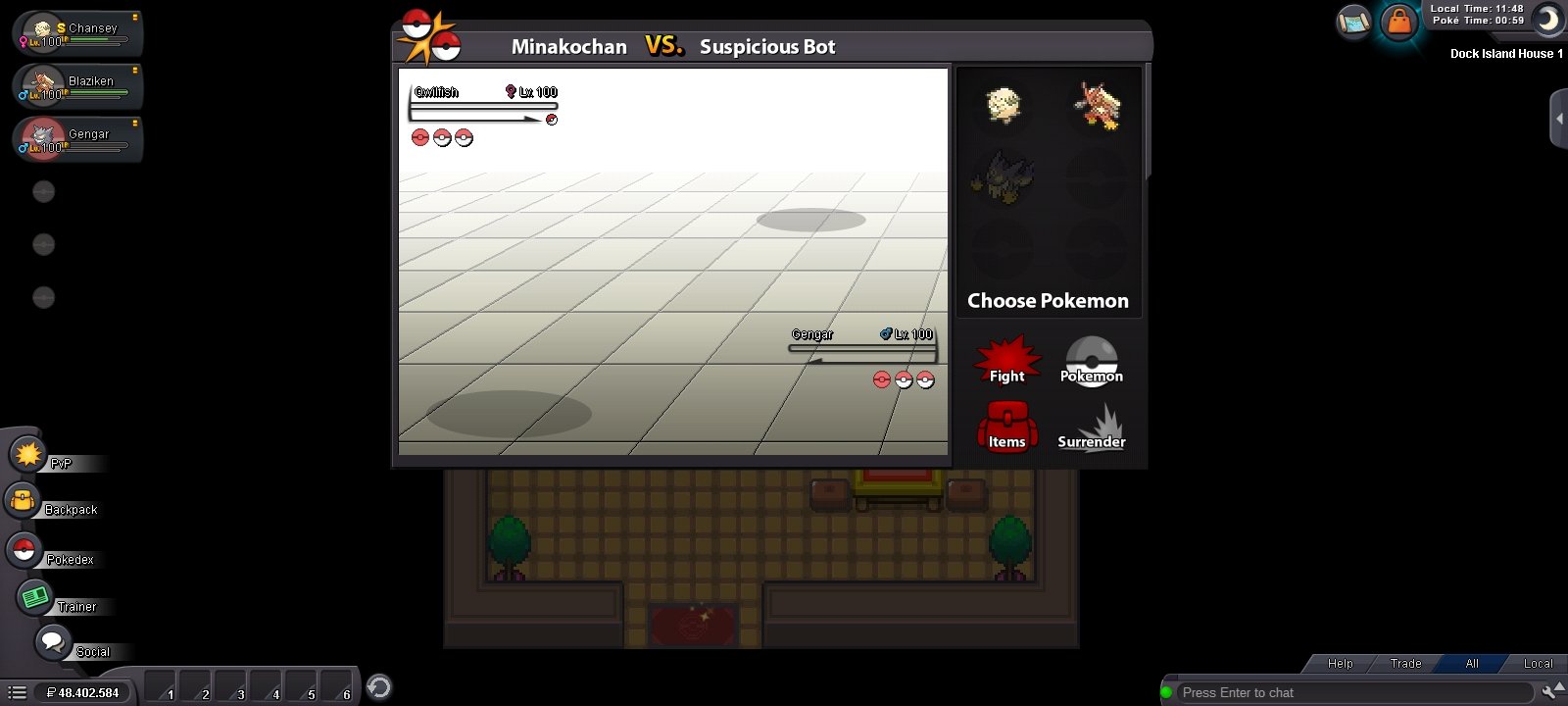
I've been noticing something new in pve recently. When both mons die, it doesn't show up which will be the next enemy mon and I have to choose first. I just wanted to know if this change is intended or if it's some sort of bug.
-
Hi everyone! This is something that has been bothering me for a while. We don't have a cooldown checker for sus bot, it's weird isn't it? Or maybe it's somewhere and I don't see it! 😆 I think it should be added to the extra cooldown checker, what do you guys think?
-
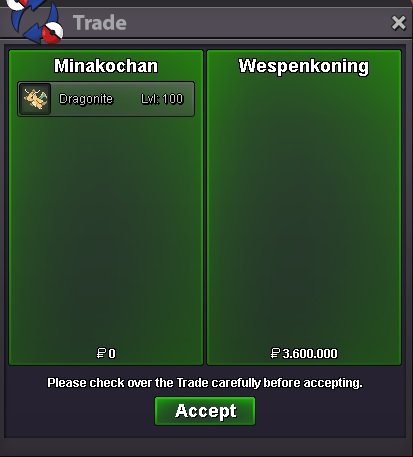
Sold
-
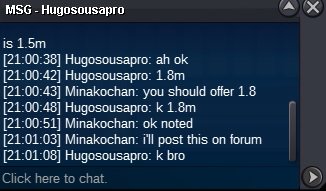
c.o is 1.8m
-
I specified that I only accept cash, so I will not consider your offer, sorry.
-
bump
-
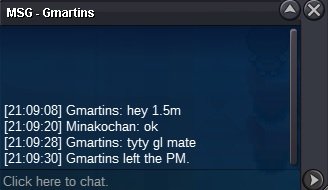
c.o is 1.5m
-
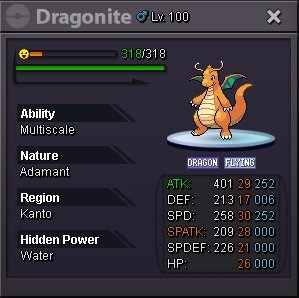
s.o 1m min bid 300k no insta only cash auction ends 72h after the first bid countdown here https://www.tickcounter.com/countdown/3406006/my-countdown
-
Totally agree +1
-
Umbreon Gyarados Chansey
-
1.6m
-
Hey Staff! I was unable to contact the winner of the auction, can you help me please?
-
bump
-
Bump
-
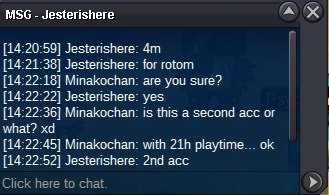
Got a 4m offer in game
-
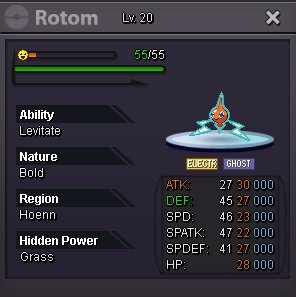
s.o 2m min bid 300k no insta auction ends 72h after the first bid check how much time is left here https://www.tickcounter.com/countdown/3156827/my-countdown
-
+1 Huge fan of Pinkan Island here. We absolutely need a pink Cynda!

