




New Trade Zone
Trade Zone is now live
Use the new Trade Zone for auctions and instant-price trades so Pokemon and item offers are easy to find.

Everything posted by Mozambi
-
4.2m maro
-
3.6m maro
-
7.9m
-
400k ludicolo
-
7.7
-
7.5m
-
7.1m
-
300k ludicolo
-
7m
-
6.6m
-
6.2m
-
Frozen dont work,I testet 5 times,poke gets frozen from lets say ice punch then he atacks like he is not frozen ice melted insta
-
Close no activity
-
-
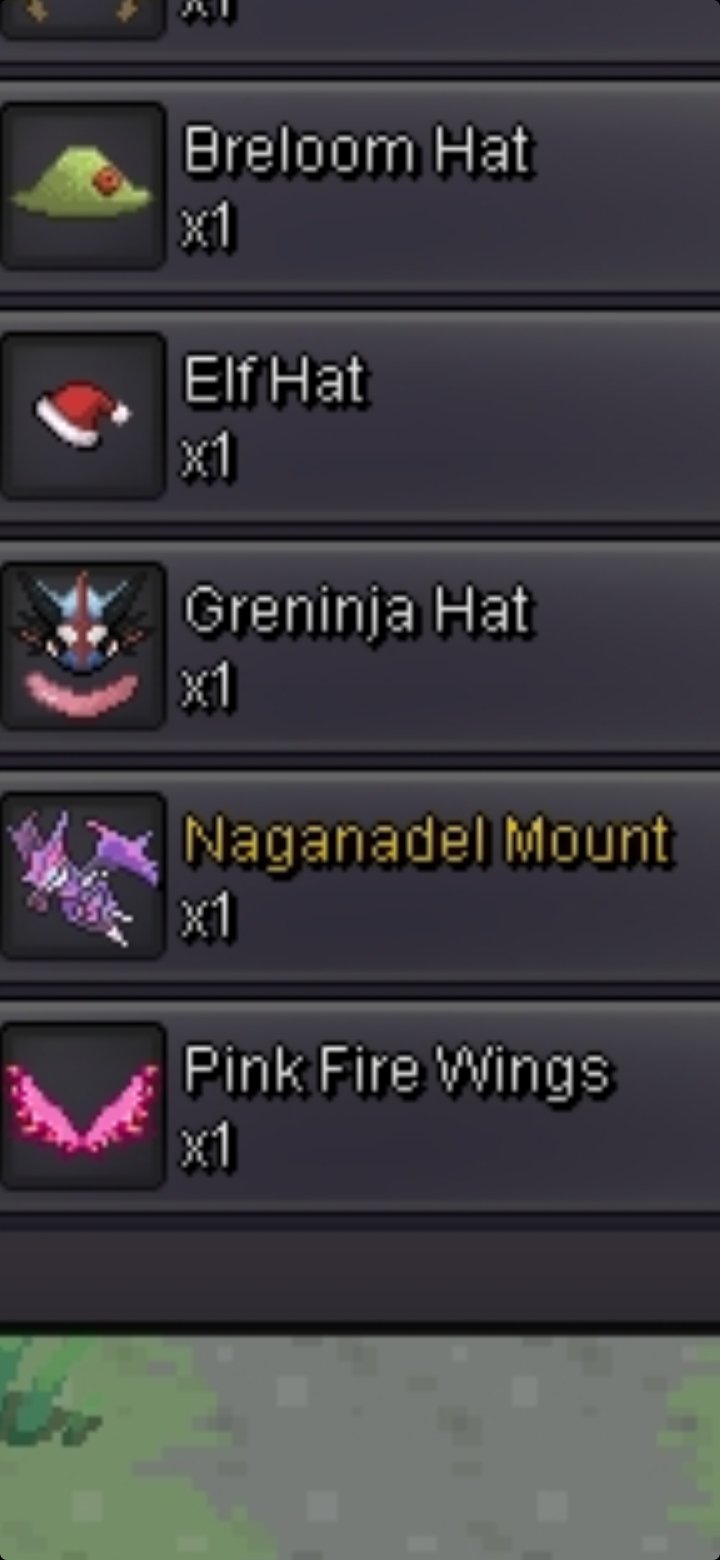
Start 2m,min raise 200k,auction ends 24hr after first bid,insta 5m.



-
Very Professional,easy to deal 10/10
-
1m
-
@Killzone4355yes,can u come vermilion silveraround 11hr leftstart 2.2m min bid 200k auction ends in 48hr after first bid
 Today 18:00 gmt+2Hi,I need 3 players for Victini dungeon,you must have it discord so we can talk and finish dungeon,add me on discord Mozambi#8379@Incandescent @Doakes @Kimew4. Auction winners must be publicly announced. - In-game: A trade post must be made to announce the end of the auction, with the winning bidder's username and bid amount. - Forum: A reply on the auction thread must be made with a screenshot of the completed trade window. › In the event that the auctioned Pokemon/Item is traded to the wrong player, the trade will be forcefully reversed and traded to the rightful winner. › In the event that the winning bid is a false offer, the bid will be made void, and the auction win will be offered to the runner-up. Runner-ups are not obligated to honour their bid in these cases. Where no runner-up is available, the auction will be made null and void.

