




New Trade Zone
Trade Zone is now live
Use the new Trade Zone for auctions and instant-price trades so Pokemon and item offers are easy to find.


Tba7
Registered User
-
Joined
-
Last visited
-
Currently
Viewing Topic: PokeLink - All PRO Services - All in One Place
Everything posted by Tba7
-
I can come online now. IGN: Tba7
-
WTB Pink Magikarp
-
Yeah, I'm online now. Let me know when you are available.
-
Dungeon Pokémon's sold with a discount to a fellow Guild member.
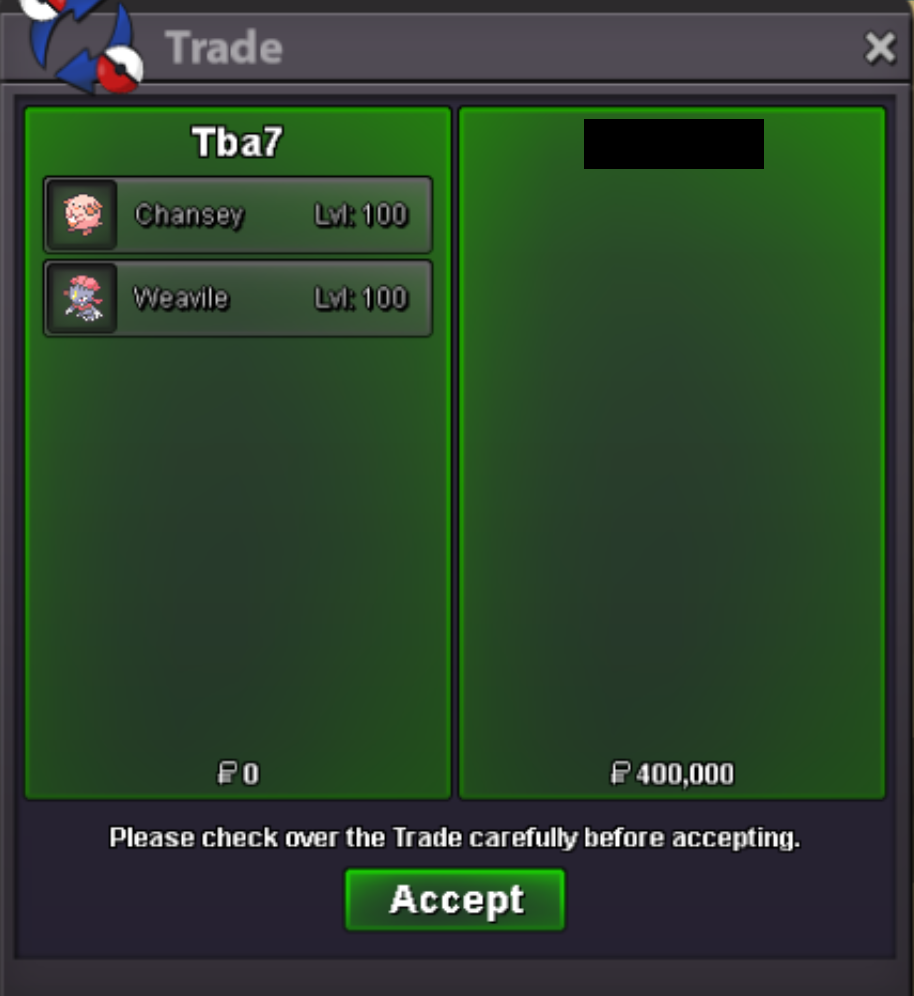 Another successful Dungeon Service! Customer got their Meloetta. GG WP!
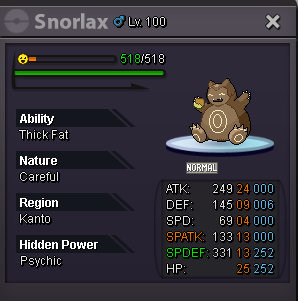
 New Forms and Shinies added! Preview on some of them: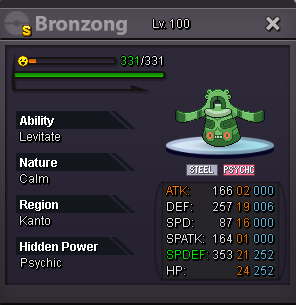
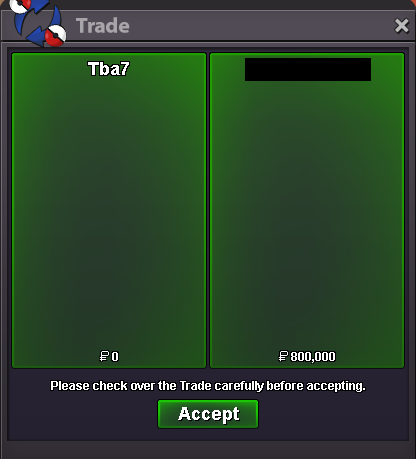
 Successful Victini Dungeon run! Customer got their Victini from Dungeon.
 For sure bro. Let me know when you are available.Yet another Boss Team sold! Good luck & have fun^^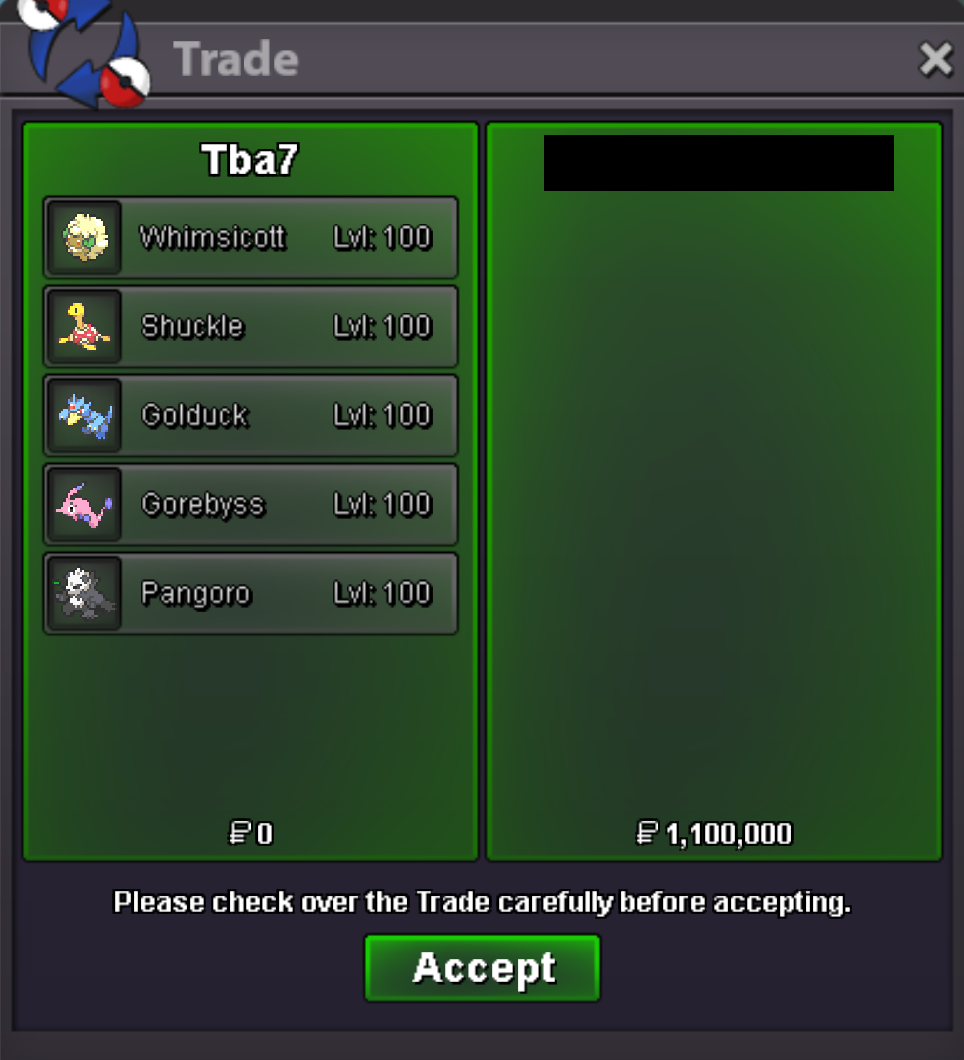
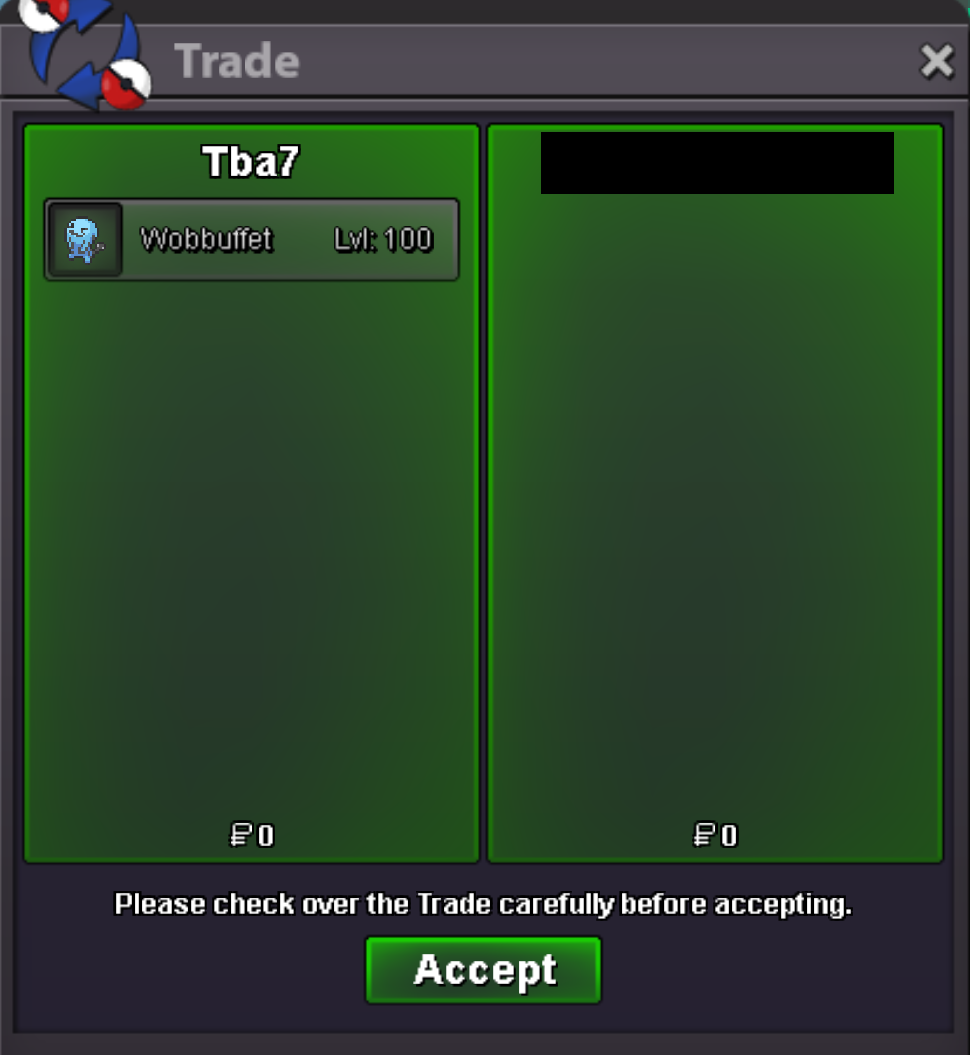
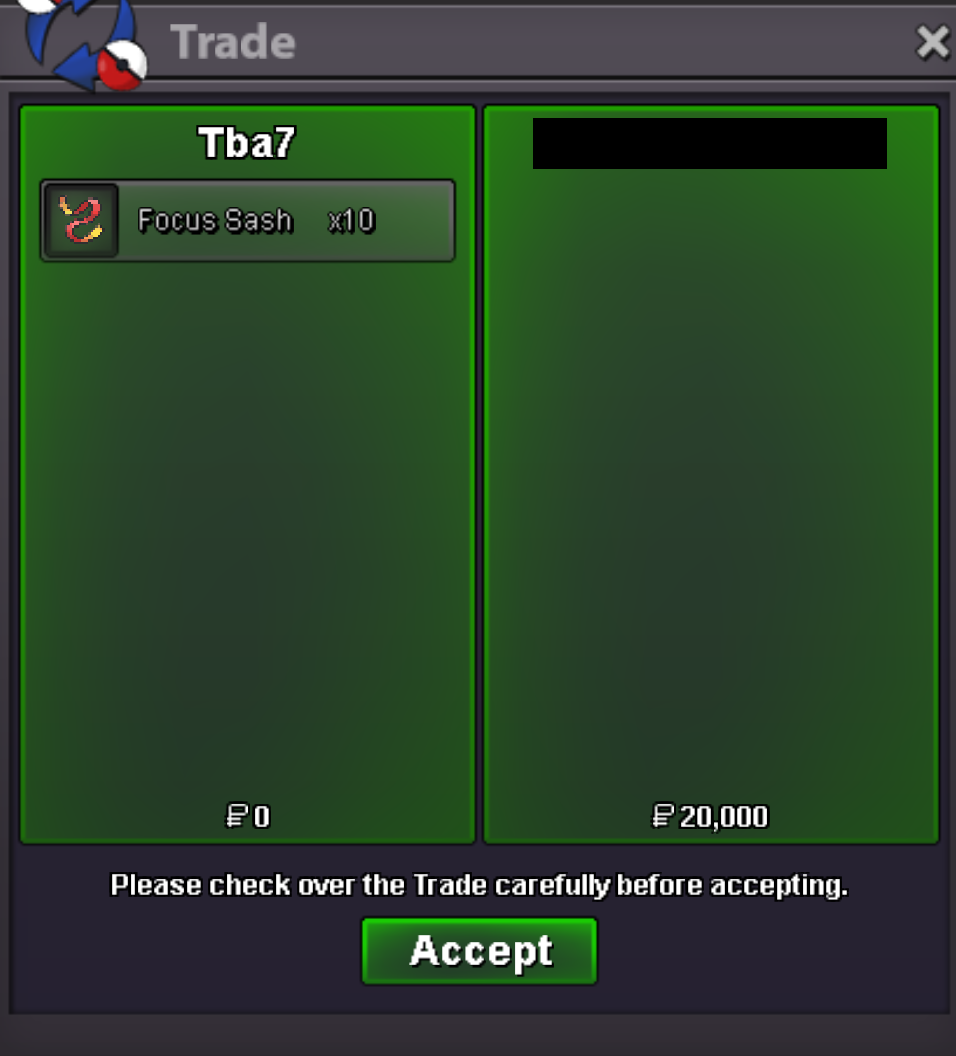 Another successful Boss Team(2 Baton Passers + Wobbuffet) trade in Silver Server from my Alt account. Enjoy and good luck!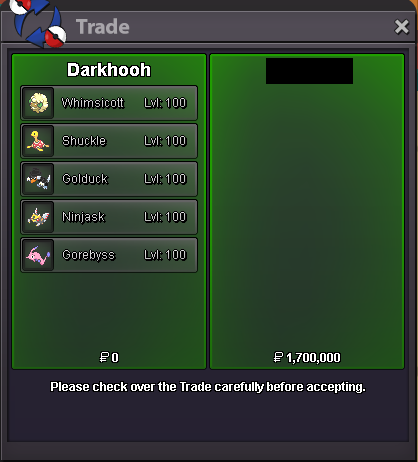
 I found a way to come to Silver for free, @Fumi21Rental Teams have special forms, so they are more expensive. Both my alt accounts are already in Silver and have a cooldown before they can switch servers again for free. Are you willing to come to Gold server? If not, I can try and see if I can figure out something, but I can't promise anything as of yet...Boss team 1 sold! Enjoy and good luck!
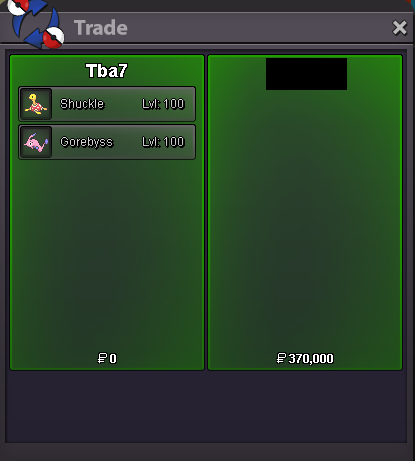
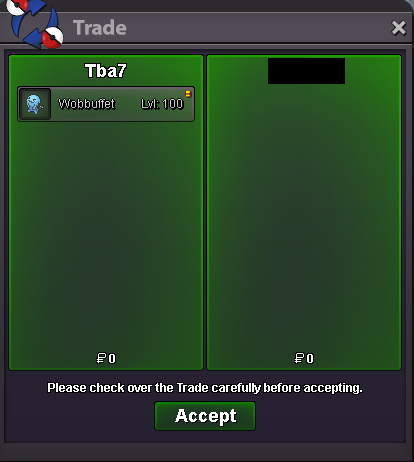 Unfortunately it just got sold. Team 2 is available. I also have some single Boss Pokémon's that can be combined into a team. You can even choose some from the rental Boss teams also..That's a deal. Where you wanna meet?Another happy customer appreciating my fair prices 🙂
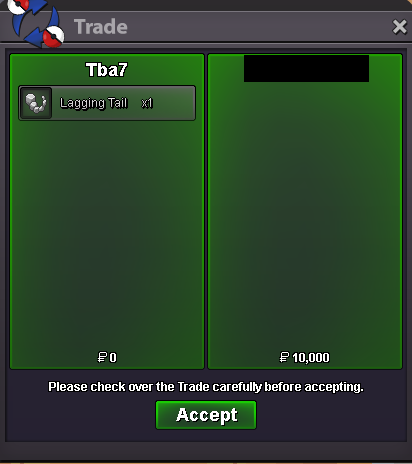 Customer also rented the remaining 2 Pokémon's from the Rental Boss Team.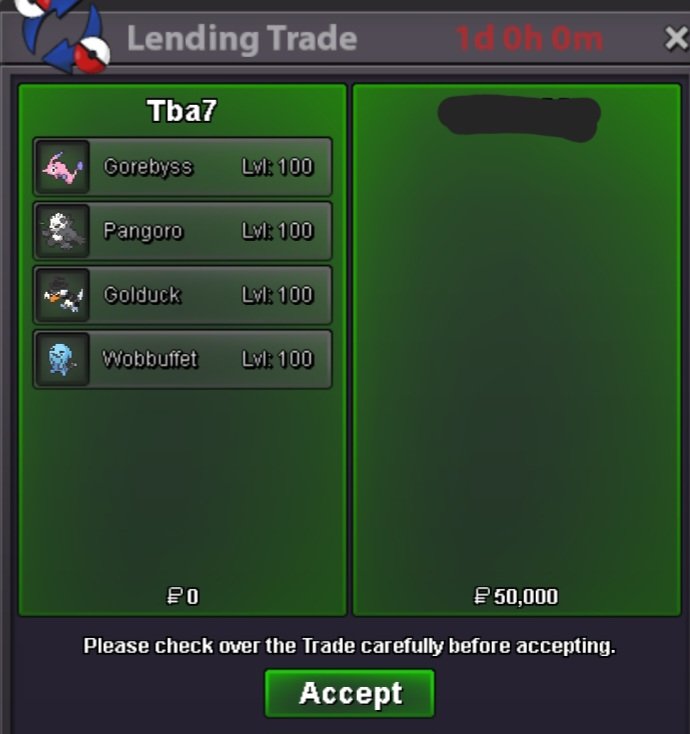
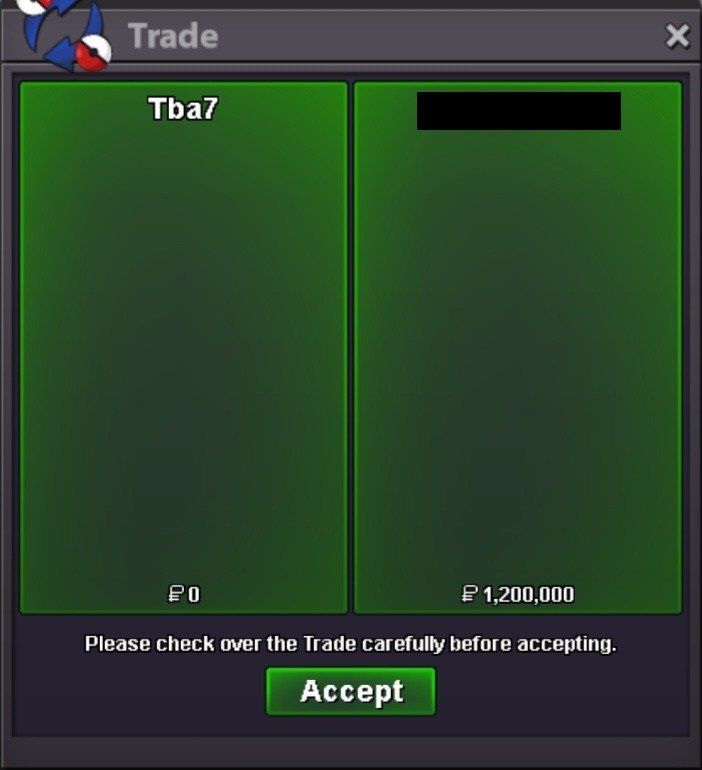
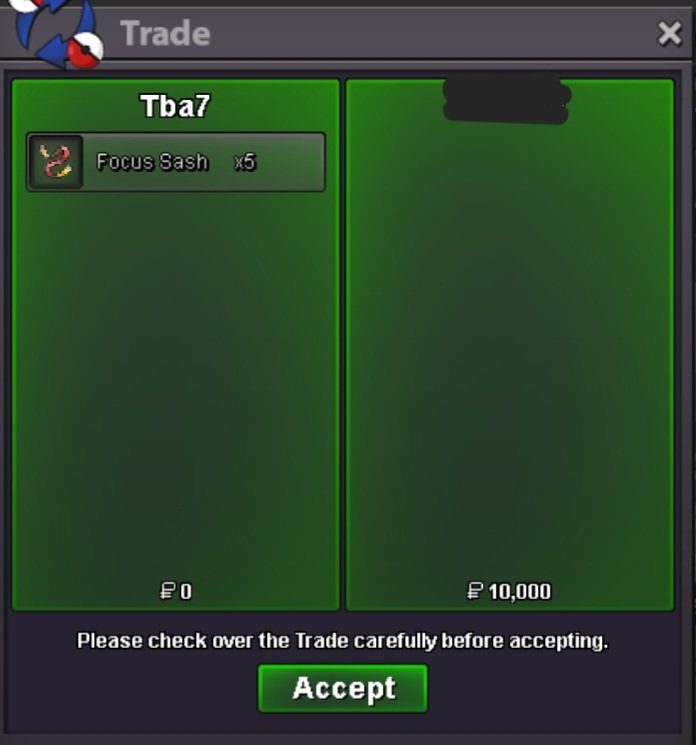 800k Meloetta and 1.2m for Victini^^ Let me know when you can bro. Contact me on Discord - if you have it - for a quicker reply 😉


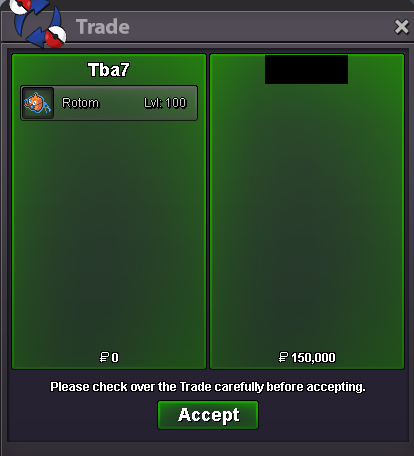
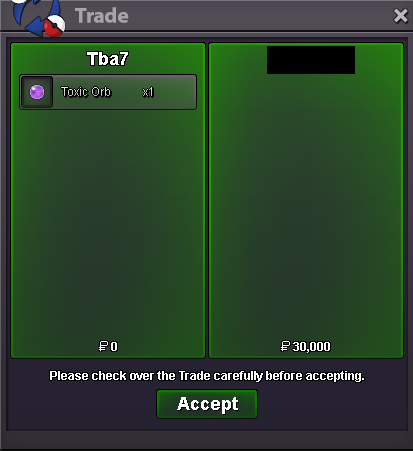

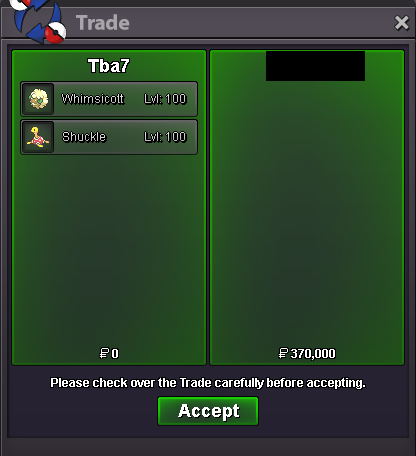
Account
Navigation
Search
Configure browser push notifications
Chrome (Android)
- Tap the lock icon next to the address bar.
- Tap Permissions → Notifications.
- Adjust your preference.
Chrome (Desktop)
- Click the padlock icon in the address bar.
- Select Site settings.
- Find Notifications and adjust your preference.
Safari (iOS 16.4+)
- Ensure the site is installed via Add to Home Screen.
- Open Settings App → Notifications.
- Find your app name and adjust your preference.
Safari (macOS)
- Go to Safari → Preferences.
- Click the Websites tab.
- Select Notifications in the sidebar.
- Find this website and adjust your preference.
Edge (Android)
- Tap the lock icon next to the address bar.
- Tap Permissions.
- Find Notifications and adjust your preference.
Edge (Desktop)
- Click the padlock icon in the address bar.
- Click Permissions for this site.
- Find Notifications and adjust your preference.
Firefox (Android)
- Go to Settings → Site permissions.
- Tap Notifications.
- Find this site in the list and adjust your preference.
Firefox (Desktop)
- Open Firefox Settings.
- Search for Notifications.
- Find this site in the list and adjust your preference.