




New Trade Zone
Trade Zone is now live
Use the new Trade Zone for auctions and instant-price trades so Pokemon and item offers are easy to find.


Tba7
Registered User
-
Joined
-
Last visited
Everything posted by Tba7
-
-
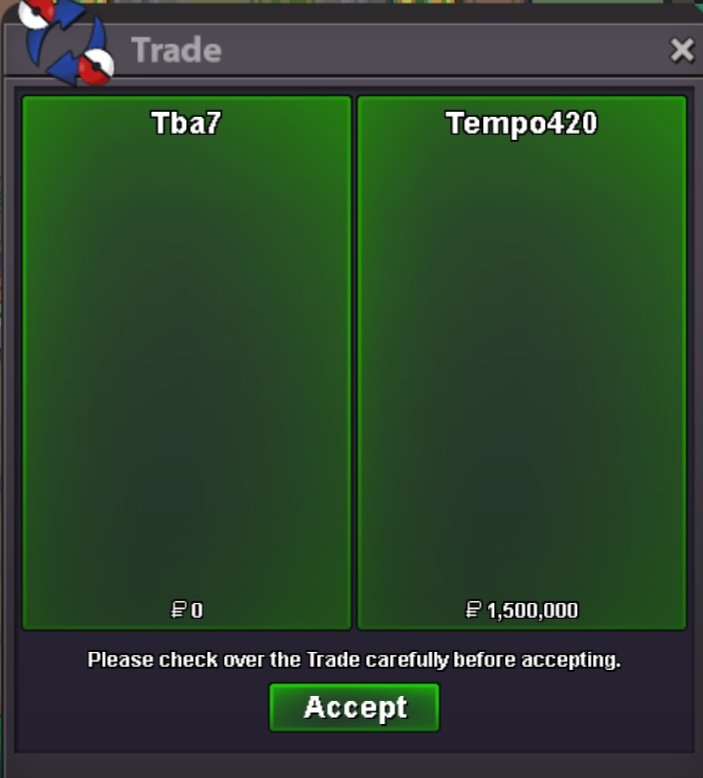
Successful Victini Dungeon Service. The player got Victini as well as Time Flute in one run and decided to tip 300k. Very much appreciated! - GG WP!
-
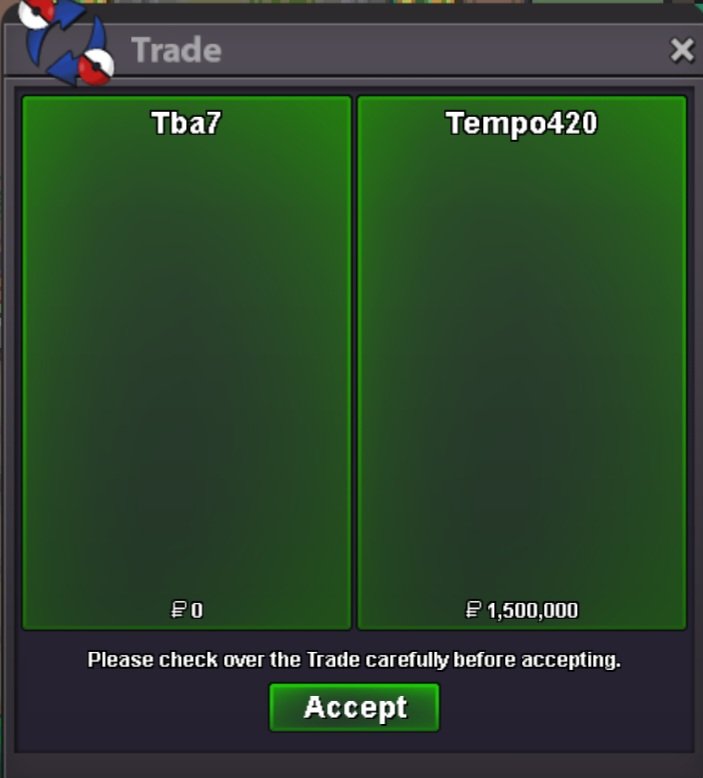
Successful Victini Dungeon Service. The player got Victini as well as Time Flute in one run and decided to tip 300k. Very much appreciated! - GG WP!
-
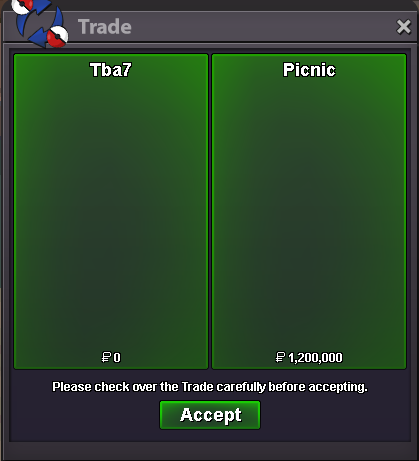
Successful Victini Dungeon Service. The player got Victini and managed to get over 2500+ points, earning them a Time Flute as well. GG WP!
-
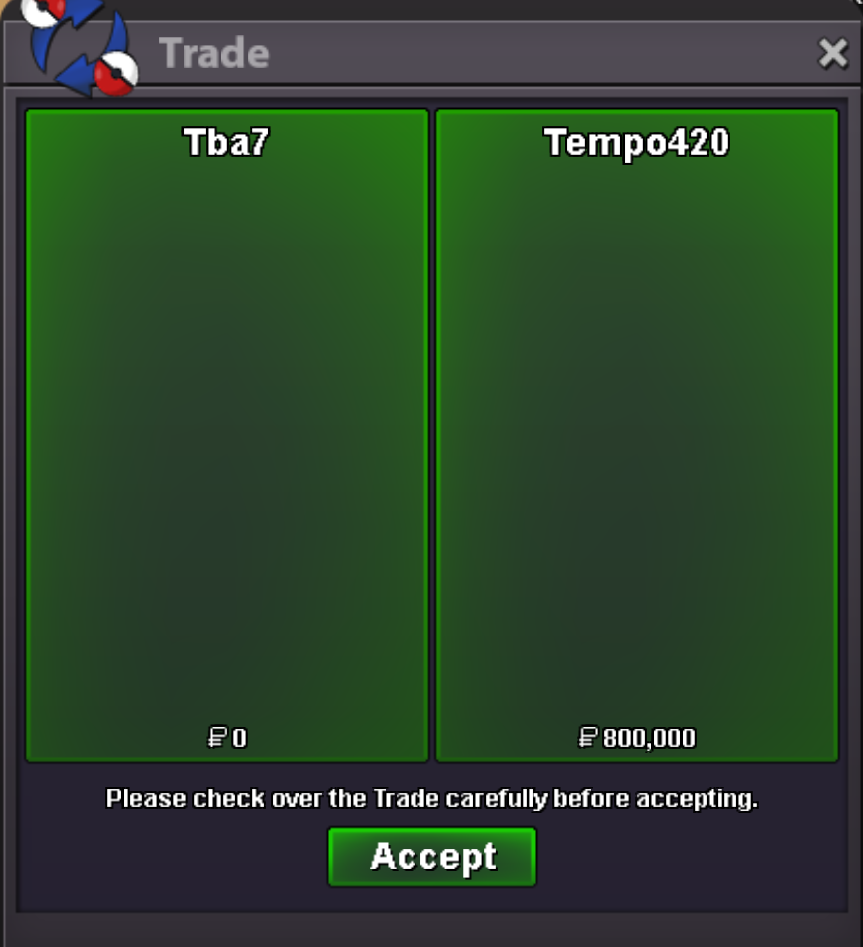
Successful Victini Dungeon Service. The player got Victini and managed to get over 2500+ points, earning them a Time Flute as well. GG WP!
-
Successful Melotta Dungeon Service. GG WP!
-
Successful Melotta Dungeon Service. GG WP!
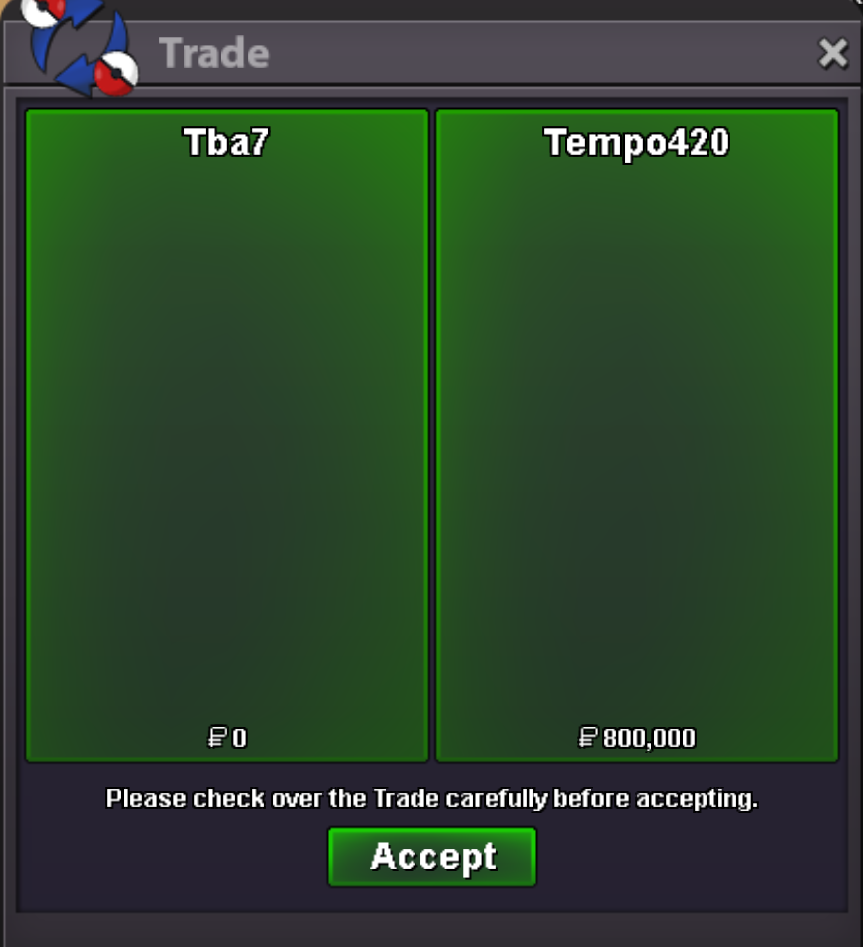
-
Boss Team with Golduck Xmas Form and various items sold!
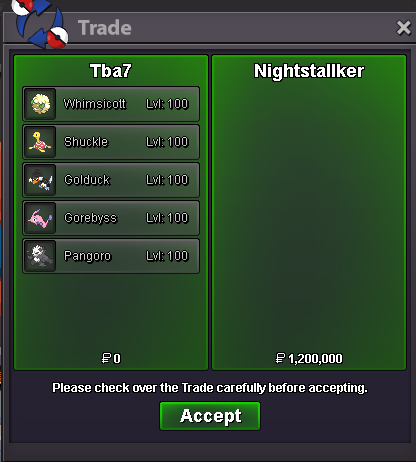
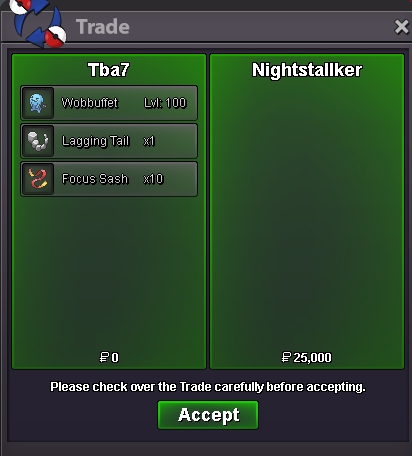 Boss Team with Golduck Valentines form.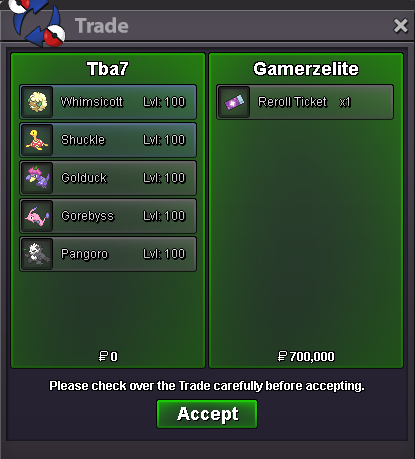
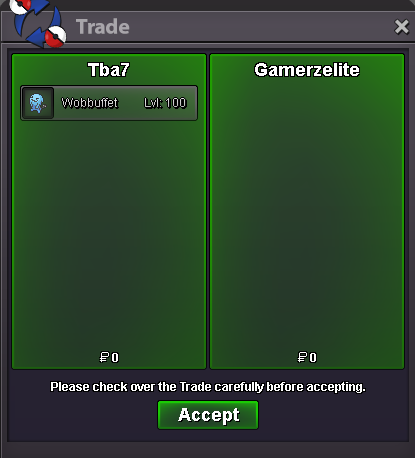 Any Pikachu lovers here?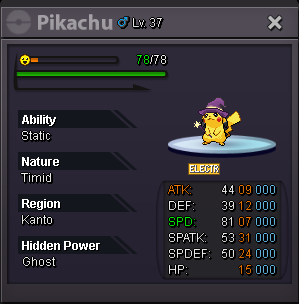
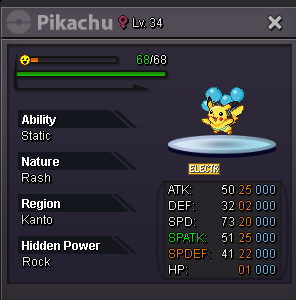
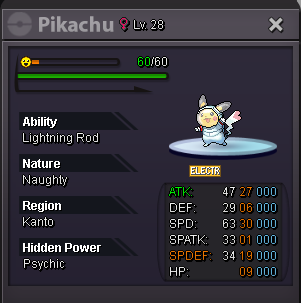
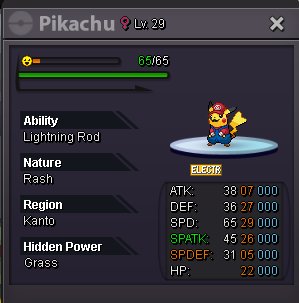
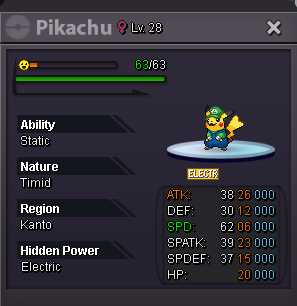 No sorry I asked my friend who owns it, and he said price is final.Xmas Dungeon Service. Customer got the Light Stone and Lucario Mega Stone on the 1st run and scored over 1500 points, earning them a free IV reroll.
 Xmas Dungeon Service. Customer got the Light Stone and Lucario Mega Stone on the 1st run and scored over 1500 points, earning them a free IV reroll.
Xmas Dungeon Service. Customer finally got the Light Stone on the 3rd run.
Xmas Dungeon Service. Customer got the Light Stone and Lucario Mega Stone on the 1st run and scored over 1500 points, earning them a free IV reroll.
Xmas Dungeon Service. Customer finally got the Light Stone on the 3rd run.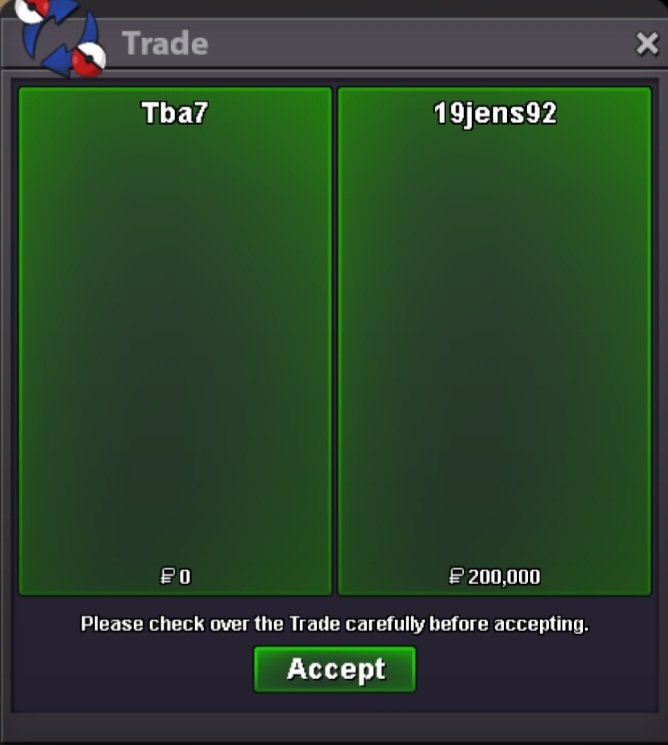 Xmas Dungeon Service. Customer finally got the Light Stone on the 3rd run.
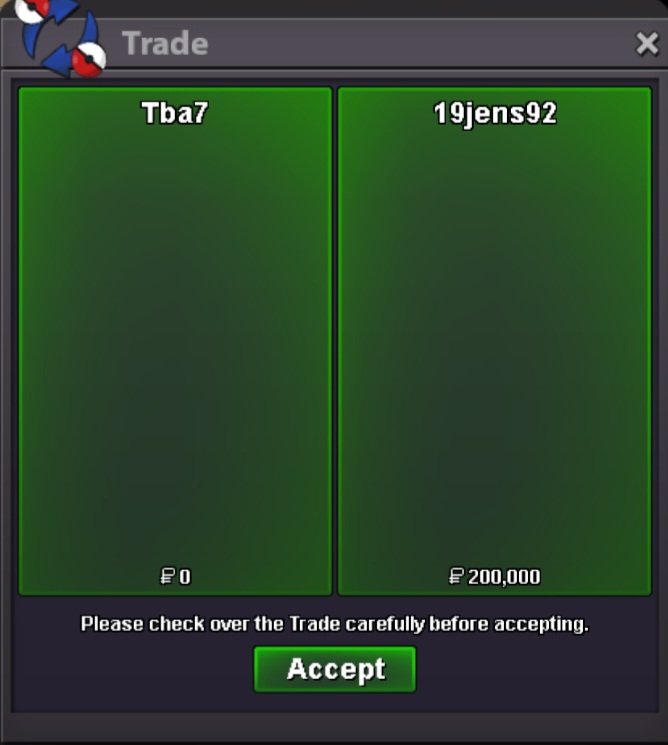 New PvP mons added to the shop! More are on the way after they get EV trained...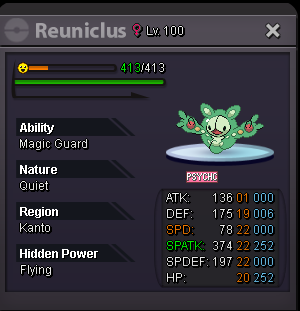
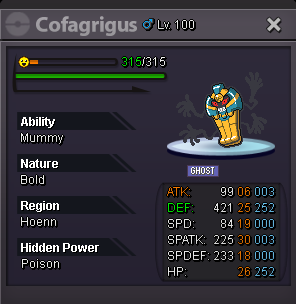
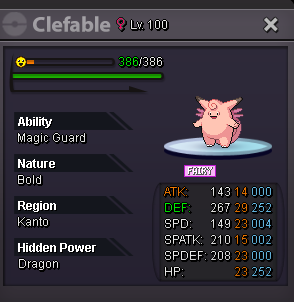
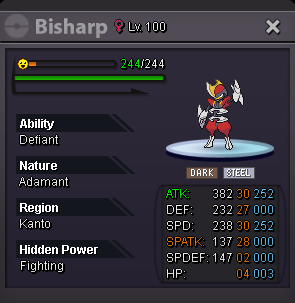
 Xmas Dungeon Service. Customer got the Light Stone on the 1st run and scored over 1500 points, earning them a free IV reroll.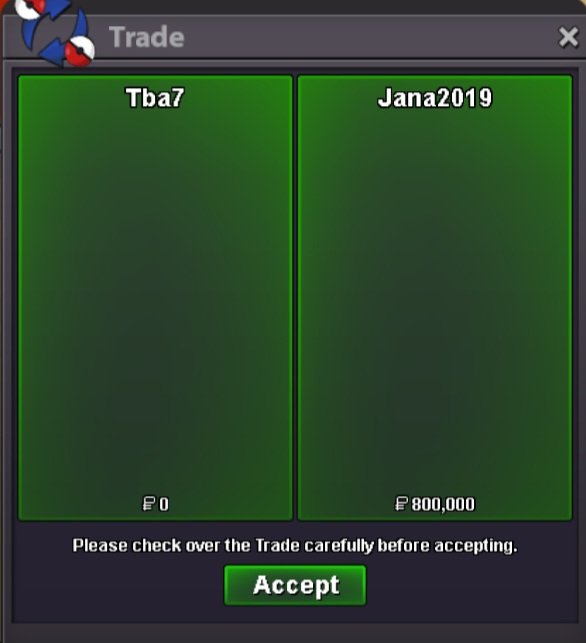


Account
Navigation
Search
Configure browser push notifications
Chrome (Android)
- Tap the lock icon next to the address bar.
- Tap Permissions → Notifications.
- Adjust your preference.
Chrome (Desktop)
- Click the padlock icon in the address bar.
- Select Site settings.
- Find Notifications and adjust your preference.
Safari (iOS 16.4+)
- Ensure the site is installed via Add to Home Screen.
- Open Settings App → Notifications.
- Find your app name and adjust your preference.
Safari (macOS)
- Go to Safari → Preferences.
- Click the Websites tab.
- Select Notifications in the sidebar.
- Find this website and adjust your preference.
Edge (Android)
- Tap the lock icon next to the address bar.
- Tap Permissions.
- Find Notifications and adjust your preference.
Edge (Desktop)
- Click the padlock icon in the address bar.
- Click Permissions for this site.
- Find Notifications and adjust your preference.
Firefox (Android)
- Go to Settings → Site permissions.
- Tap Notifications.
- Find this site in the list and adjust your preference.
Firefox (Desktop)
- Open Firefox Settings.
- Search for Notifications.
- Find this site in the list and adjust your preference.