




New Trade Zone
Trade Zone is now live
Use the new Trade Zone for auctions and instant-price trades so Pokemon and item offers are easy to find.


Tba7
Registered User
-
Joined
-
Last visited
-
Currently
Viewing Topic: PokeLink - All PRO Services - All in One Place
Everything posted by Tba7
-
Bump
-
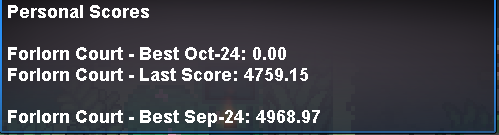
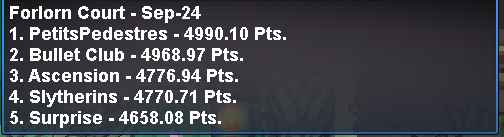
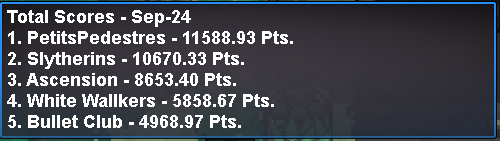
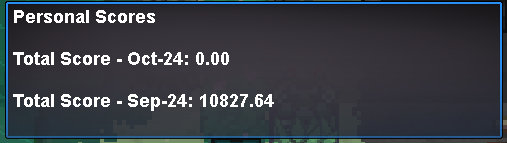
We can trade now. I'm online.I'm not entirely sure who leaves and joins guild, as I can't see that. Maybe @Vangogsan have some insight into that. But I know for certain that none of us, that made the aforementioned score, have left the guild. The dungeon players are as Vango mentioned above and we never left the guild. As far as I know, we never did any run with former/current Bullet Club members in dungeon.BumpBumpI can add some context. Our score in Forlorn Dungeon for September 2024 was not added to the score board. The score I'm referring to is the following: Yesterday I checked and we were top 2 in Forlorn as well as top 2 in total score. But when looking today, the above score completely vanished from the Forlorn score board and the score from Forlorn got substracted from our total score, pushing us down to top 4... White Walkers are completely removed from Forlorn score board for some reason... This resulted that we lost our top 2 placement in Total Score and got down to top 4: Also I wanna note, that it seems our Forlorn score went to Bullet Club's total score, as they have exact same Total Score as our Forlorn score.
 Another successful Meloetta Dungeon Service! GG WP!
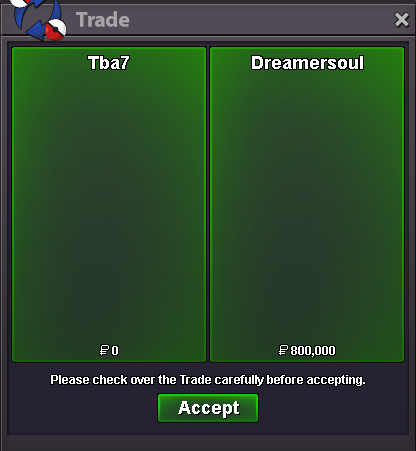 Another successful Meloetta Dungeon Service! GG WP!
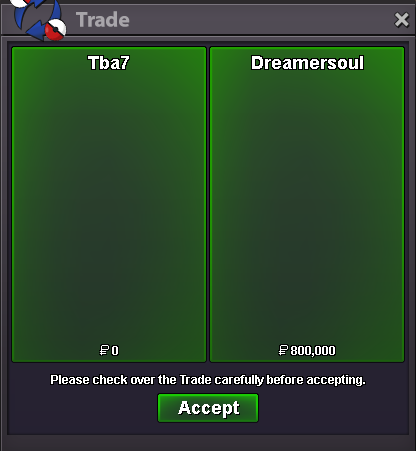 2 Boss Teams are available for lending. 2 Boss Teams are available for purchase. More complete Boss Teams and Pokémon for Bosses coming tomorrow.Another successful Victini Dungeon Service! GG WP!
 Another successful Victini Dungeon Service! GG WP!
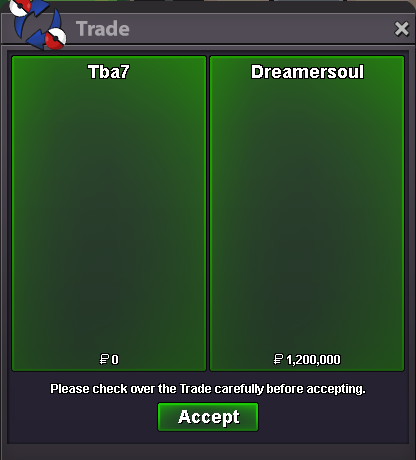 Victini Dungeon Service.
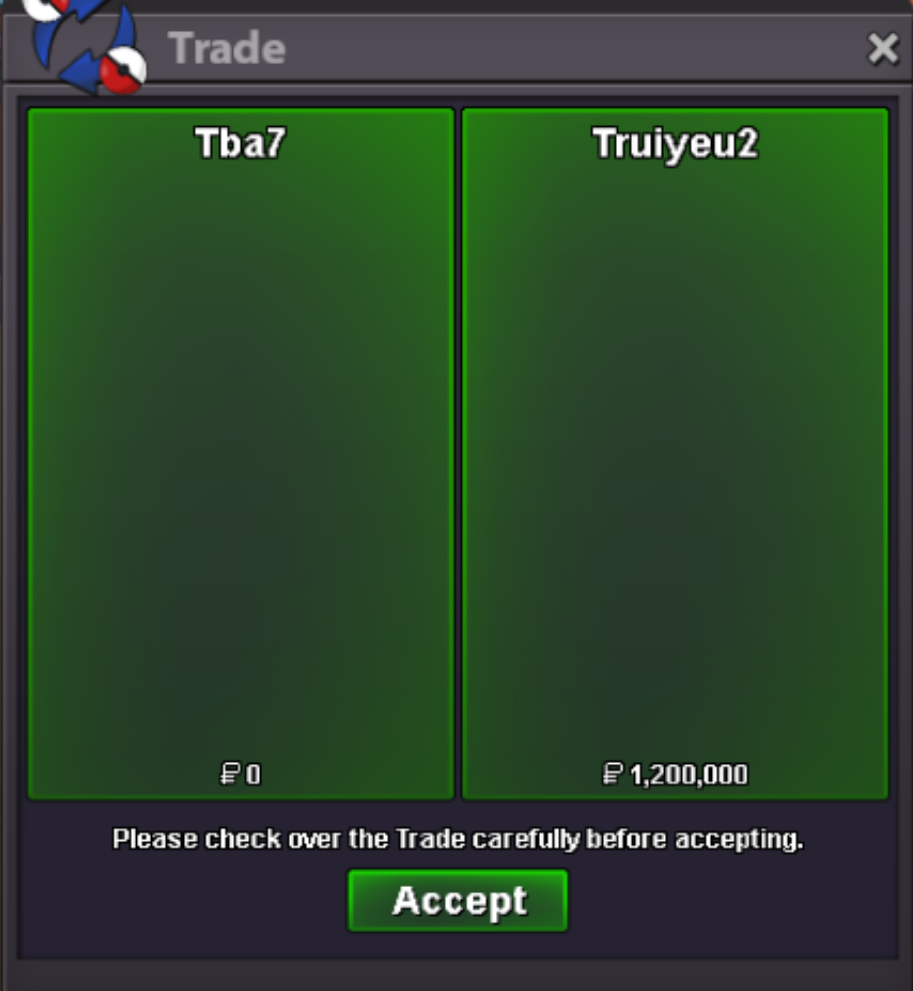 Victini Dungeon Service.
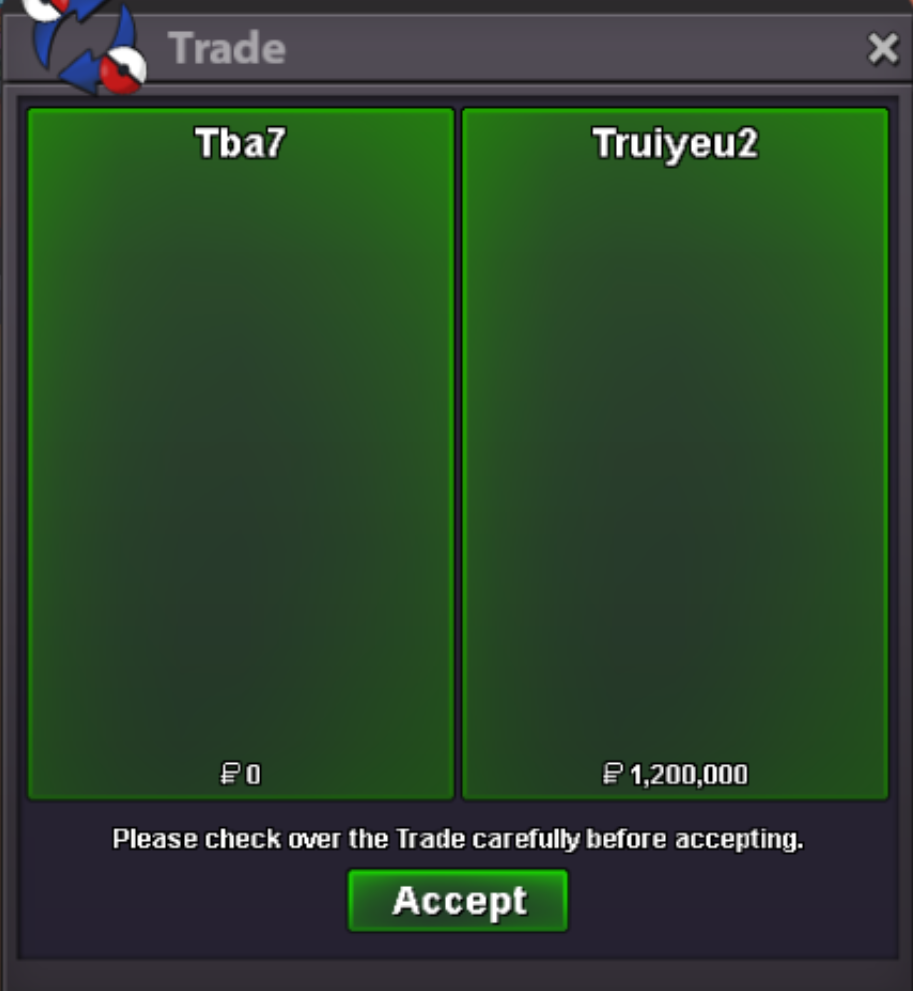 Meloetta Dungeon Service.
 Meloetta Dungeon Service.
 Good luck on your Sinnoh journey friend! Have Fun!
 Yeah of course. Which Boss Team are you interested buying?Yet another successful Meloetta Dungeon Service! GG WP!
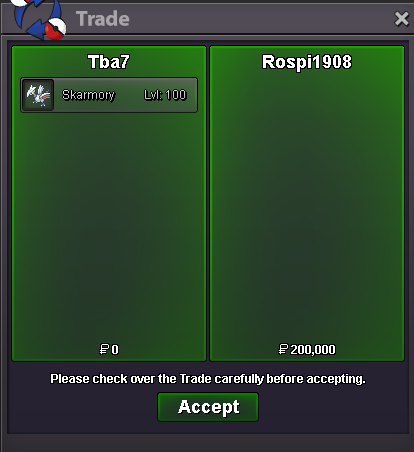


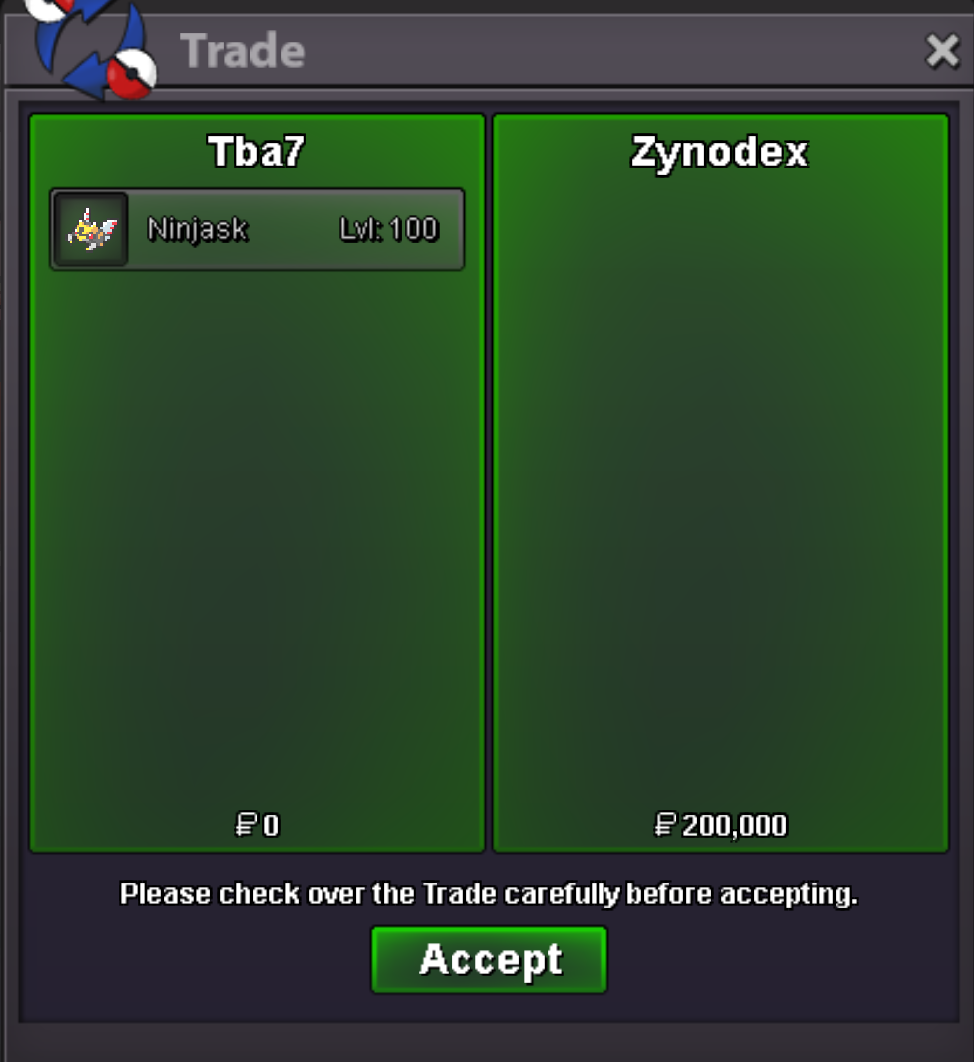

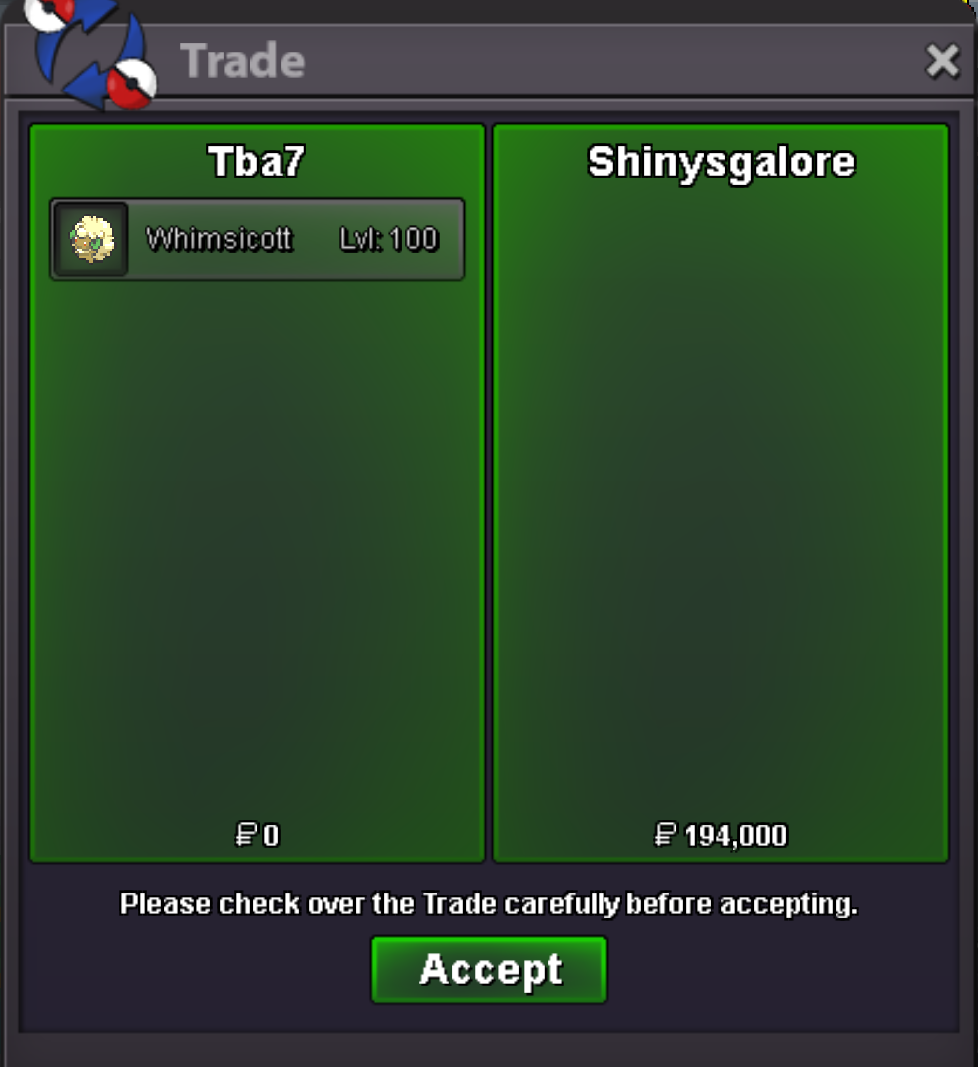

Account
Navigation
Search
Configure browser push notifications
Chrome (Android)
- Tap the lock icon next to the address bar.
- Tap Permissions → Notifications.
- Adjust your preference.
Chrome (Desktop)
- Click the padlock icon in the address bar.
- Select Site settings.
- Find Notifications and adjust your preference.
Safari (iOS 16.4+)
- Ensure the site is installed via Add to Home Screen.
- Open Settings App → Notifications.
- Find your app name and adjust your preference.
Safari (macOS)
- Go to Safari → Preferences.
- Click the Websites tab.
- Select Notifications in the sidebar.
- Find this website and adjust your preference.
Edge (Android)
- Tap the lock icon next to the address bar.
- Tap Permissions.
- Find Notifications and adjust your preference.
Edge (Desktop)
- Click the padlock icon in the address bar.
- Click Permissions for this site.
- Find Notifications and adjust your preference.
Firefox (Android)
- Go to Settings → Site permissions.
- Tap Notifications.
- Find this site in the list and adjust your preference.
Firefox (Desktop)
- Open Firefox Settings.
- Search for Notifications.
- Find this site in the list and adjust your preference.