




New Trade Zone
Trade Zone is now live
Use the new Trade Zone for auctions and instant-price trades so Pokemon and item offers are easy to find.


Tba7
Registered User
-
Joined
-
Last visited
-
Currently
Viewing Topic: PokeLink - All PRO Services - All in One Place
Everything posted by Tba7
-
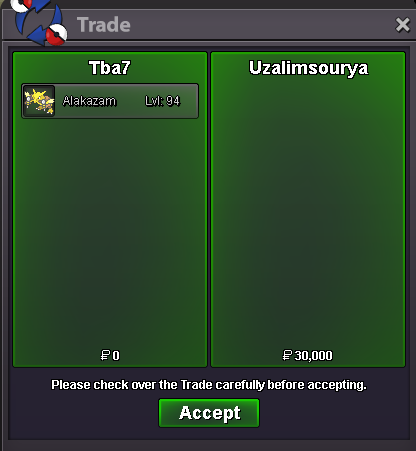
Enjoy the story mon and good luck on your adventure!
-
Successful Victini Dungeon Service! GG WP!
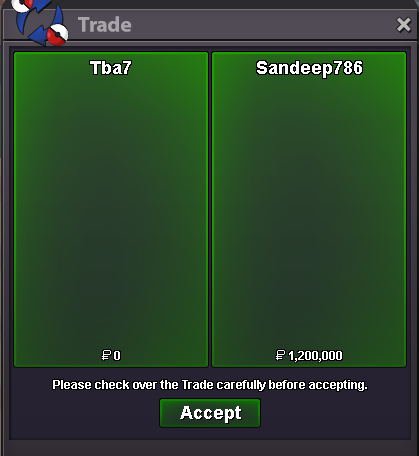 Successful Victini Dungeon Service! GG WP!
Boss Team lend and Egg-Move service!
Successful Victini Dungeon Service! GG WP!
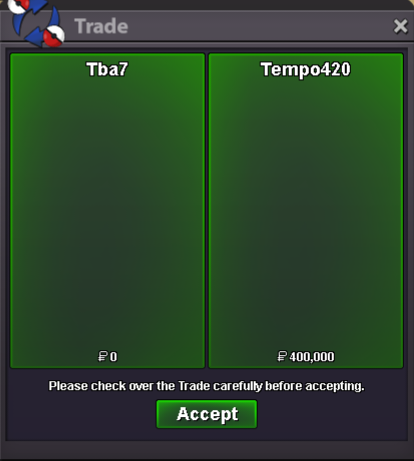
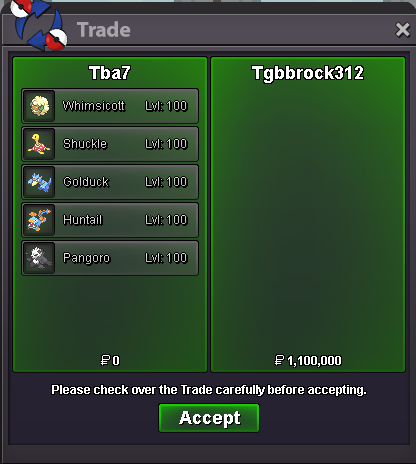
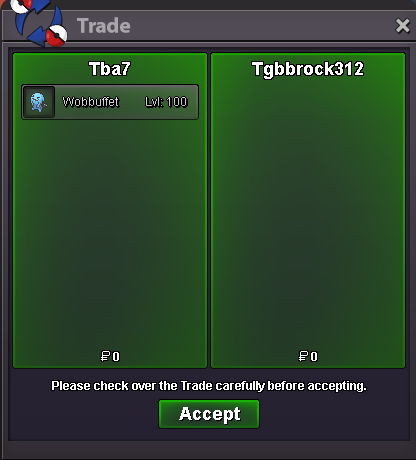
Boss Team lend and Egg-Move service!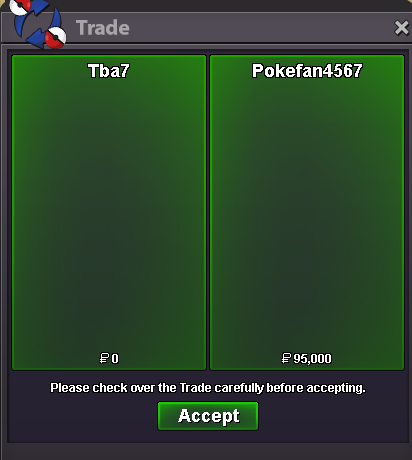 Price is stated in the shop; 1.2m for Victini. Sorry for replying so late, but it's not always I get notifications and I didn't see you wrote here...Sure. You can also contact me on Discord @Tba7 for much faster replyMany forms and shinies added to the shop! Have a look! - PeaceWobbuffet was also traded.
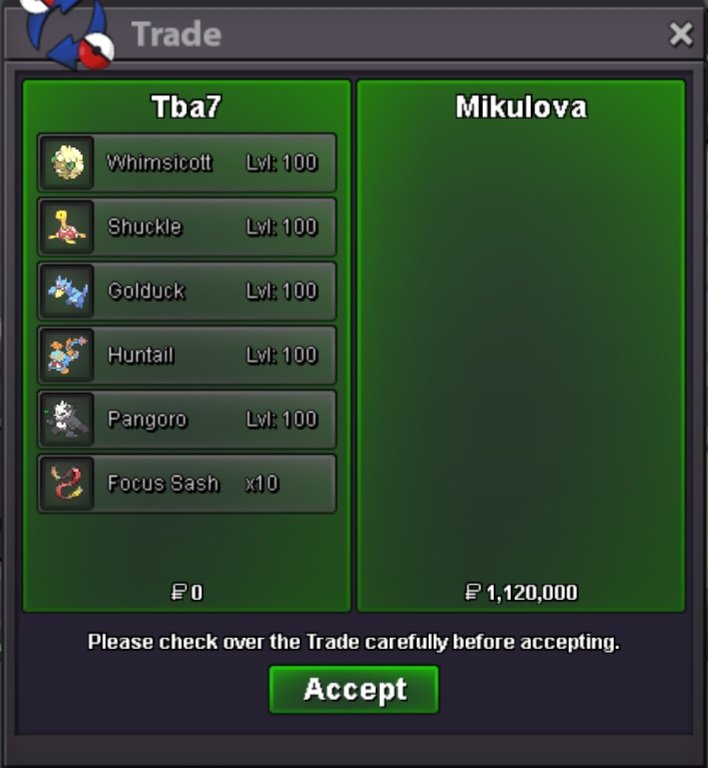 bumpTwo successful Victini Dungeon services! Customer got both Victini and Time Flute! GG WP!
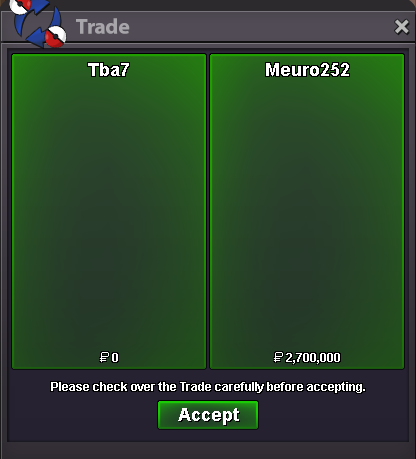 Two successful Victini Dungeon services! Customer got both Victini and Time Flute! GG WP!
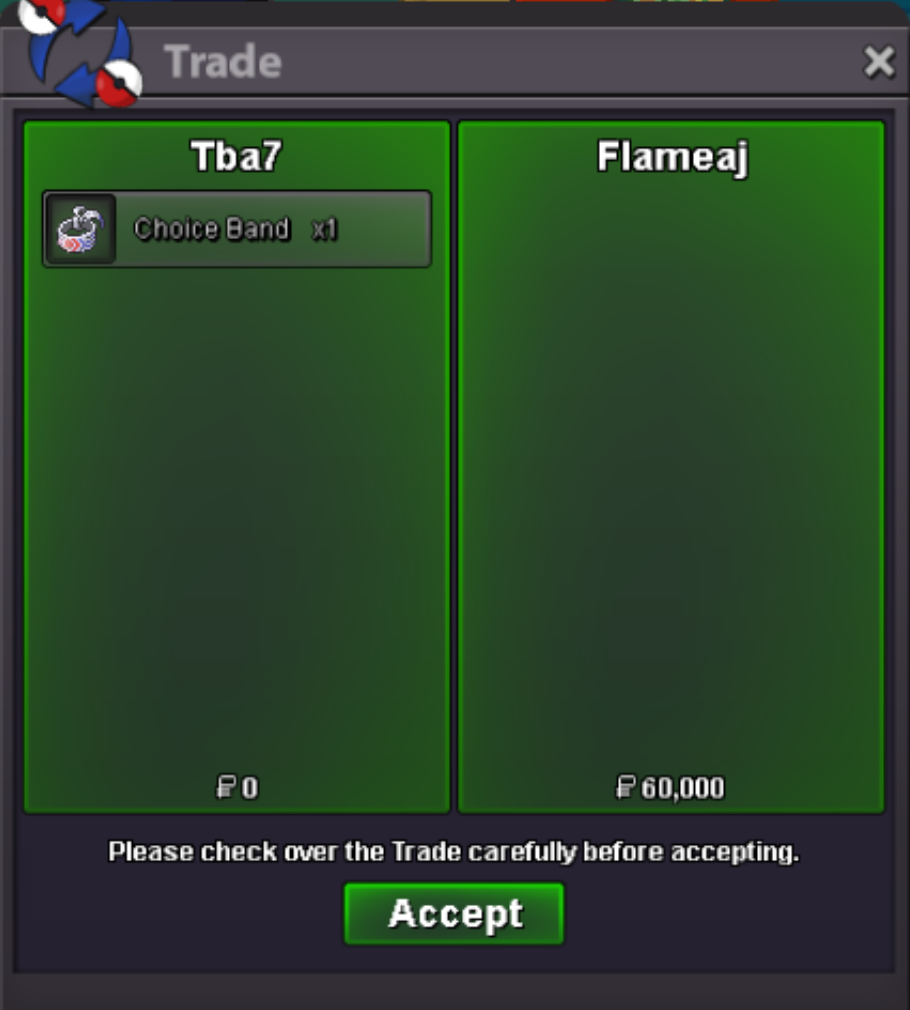
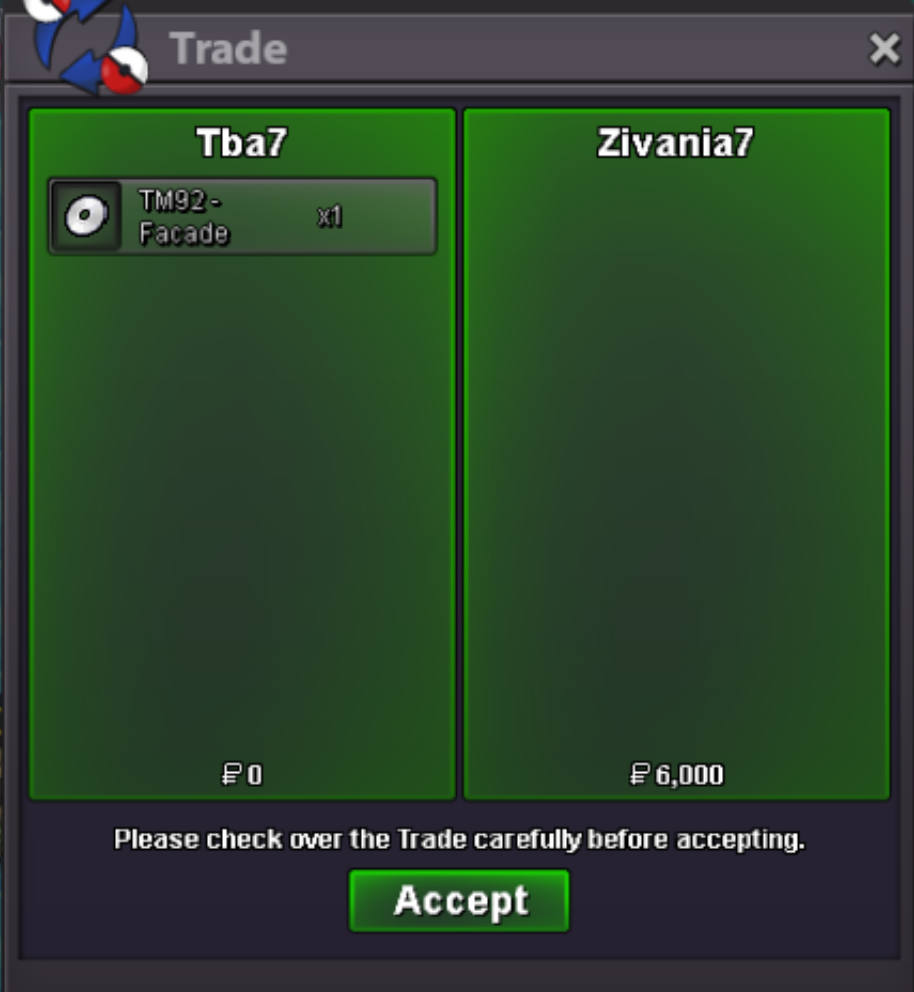
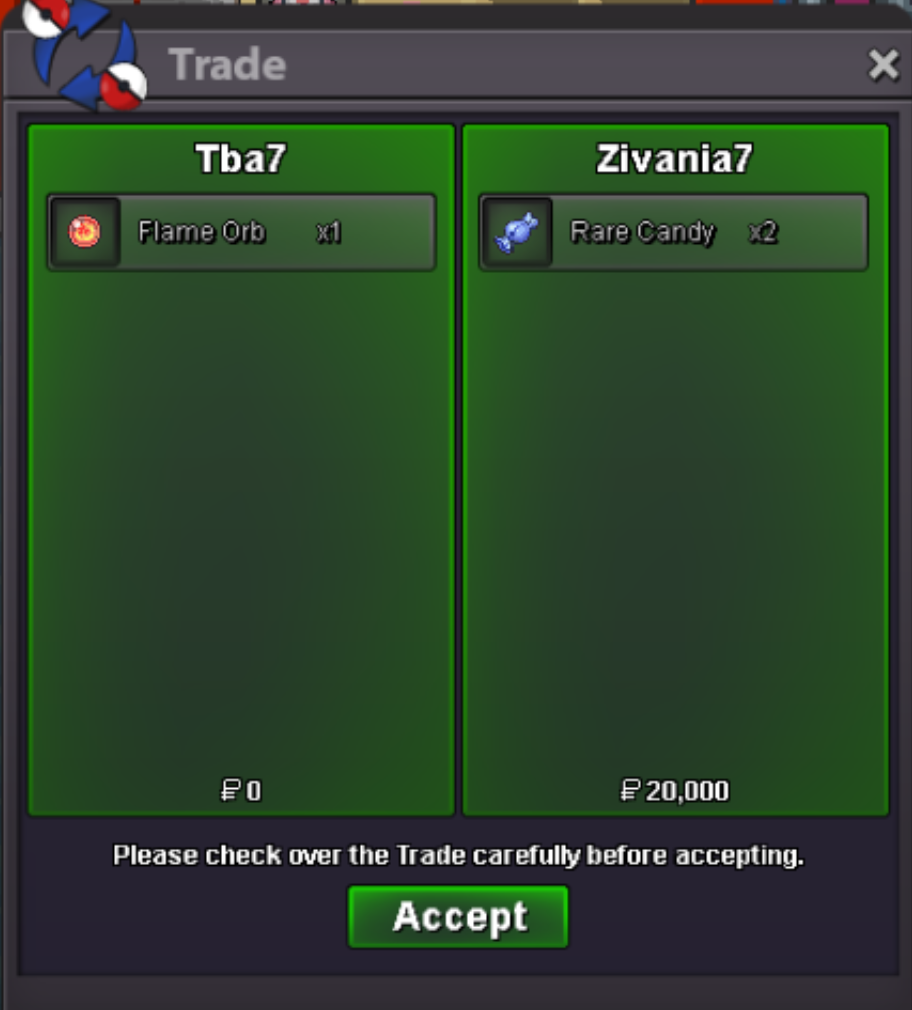
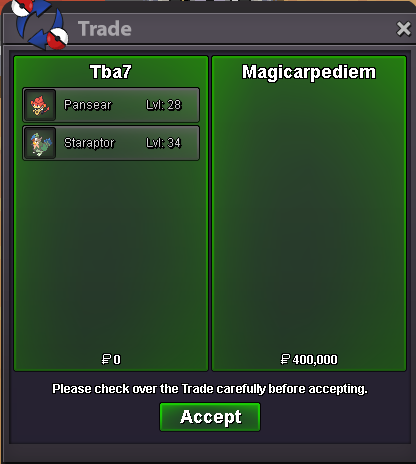
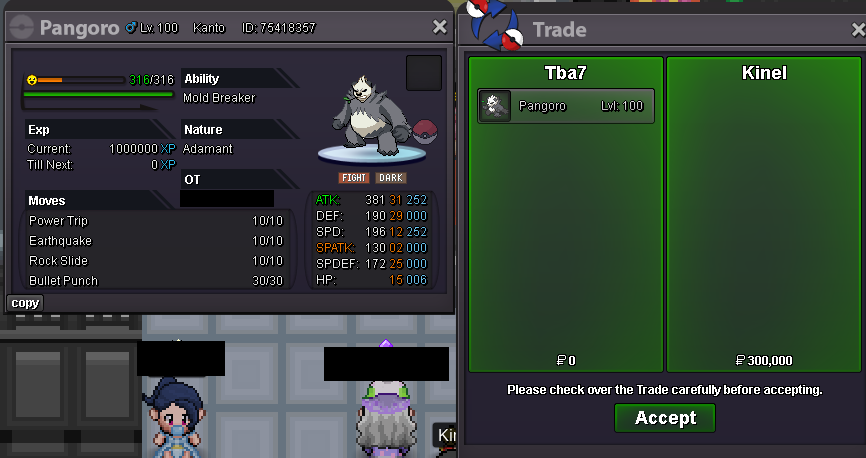
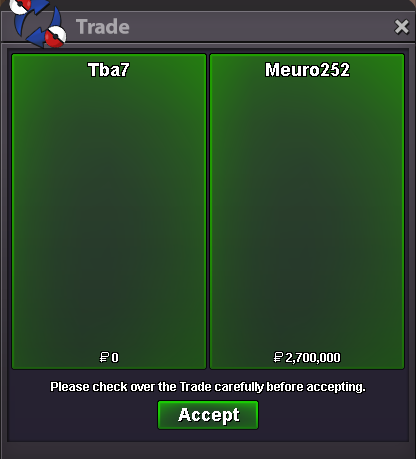 Baton Passer Ninjask for Bosses sold for 200k! Forgot to screenshot..2 Dungeon Services arranged for this week; 1 Victini service and 1 Time Flute service! I'm still available to take more orders for Dungeon Services! Don't hesitate to ask any questions!Enjoy and good luck on your journey!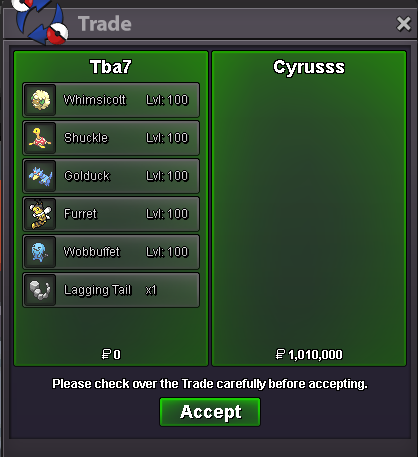

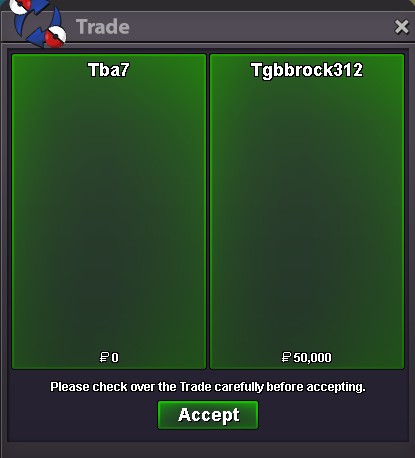
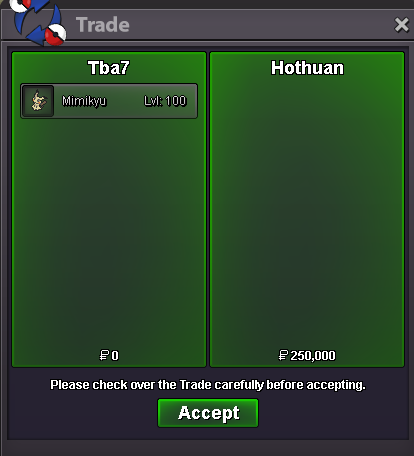
Account
Navigation
Search
Configure browser push notifications
Chrome (Android)
- Tap the lock icon next to the address bar.
- Tap Permissions → Notifications.
- Adjust your preference.
Chrome (Desktop)
- Click the padlock icon in the address bar.
- Select Site settings.
- Find Notifications and adjust your preference.
Safari (iOS 16.4+)
- Ensure the site is installed via Add to Home Screen.
- Open Settings App → Notifications.
- Find your app name and adjust your preference.
Safari (macOS)
- Go to Safari → Preferences.
- Click the Websites tab.
- Select Notifications in the sidebar.
- Find this website and adjust your preference.
Edge (Android)
- Tap the lock icon next to the address bar.
- Tap Permissions.
- Find Notifications and adjust your preference.
Edge (Desktop)
- Click the padlock icon in the address bar.
- Click Permissions for this site.
- Find Notifications and adjust your preference.
Firefox (Android)
- Go to Settings → Site permissions.
- Tap Notifications.
- Find this site in the list and adjust your preference.
Firefox (Desktop)
- Open Firefox Settings.
- Search for Notifications.
- Find this site in the list and adjust your preference.