




New Trade Zone
Trade Zone is now live
Use the new Trade Zone for auctions and instant-price trades so Pokemon and item offers are easy to find.

Grabarz23
Registered User
-
Joined
-
Last visited
Everything posted by Grabarz23
-
let me know what you want to buy and i will log in to the game
-
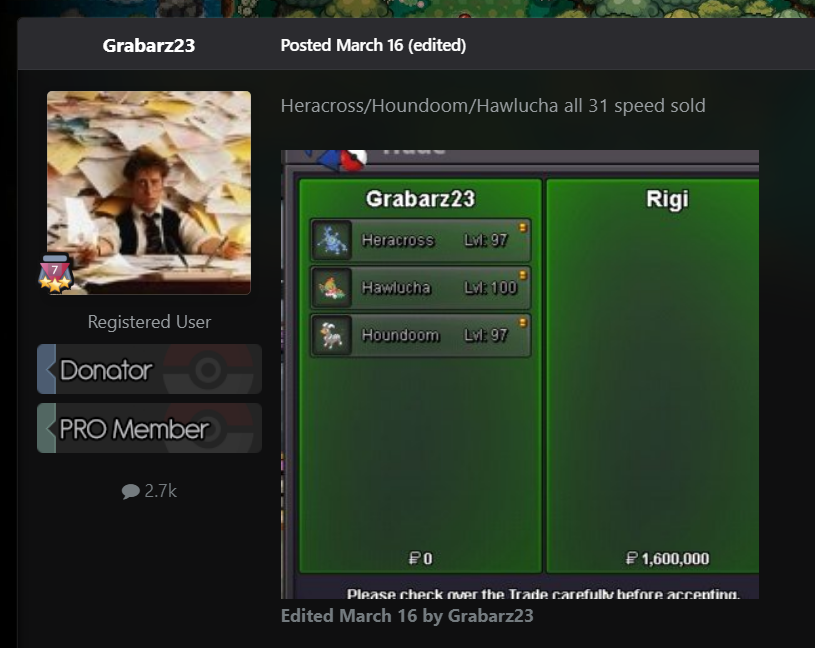
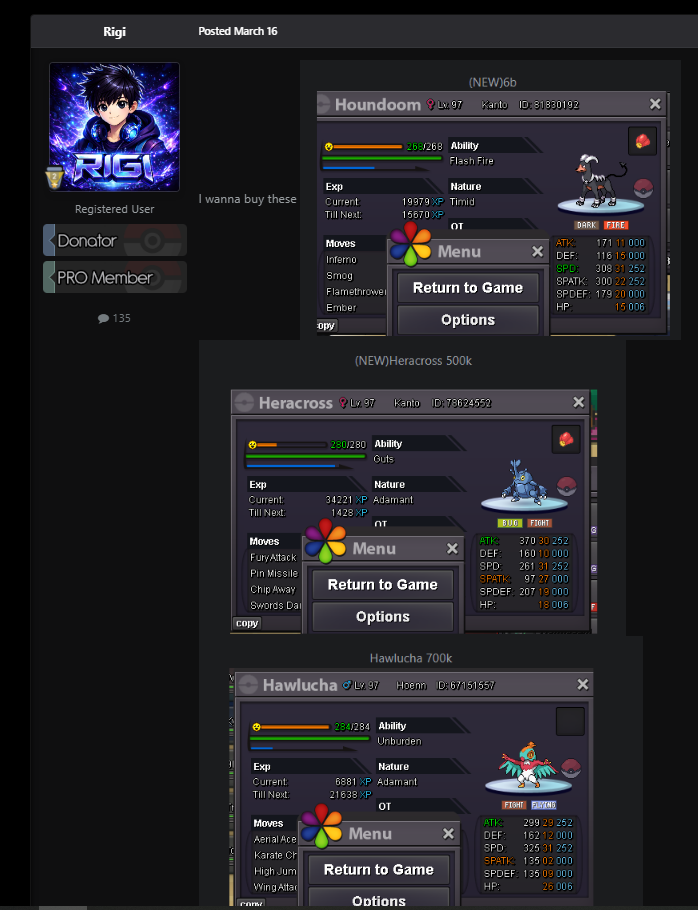
it seems ive forgotten to edit my shop and take down the hawlucha as it was sold on march 16th i apologise for the inconvenience ive created by not deleting the poke from the shop
-
bump
-
bump
-
bump
-
bump
-
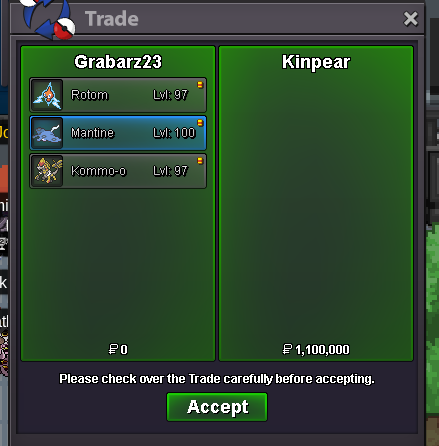
Kommo-o/ Mantine/ Rotom sold
-
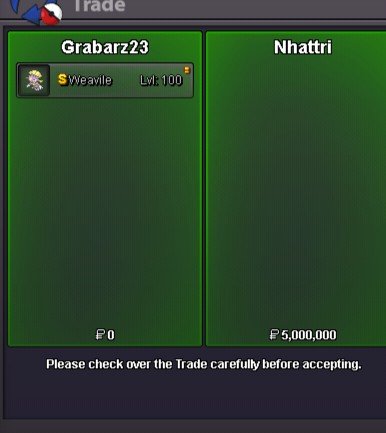
Shiny Weavile sold
-
bump
-
bump
-
bump
-
bump
-
Clefable sold
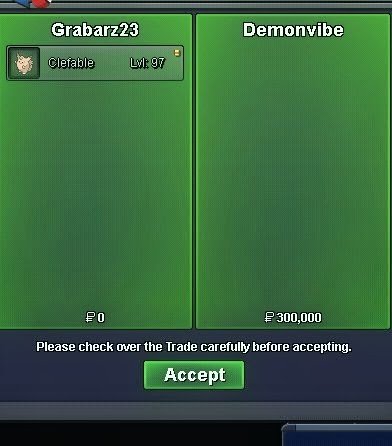
-
Houndoom 24+ sold with discount as it was untrained

-
Charizard jolly 31 spd 20+/ Charizard timid 31spd 20+ and Rotom Hp fire 30 spd 21+ sold
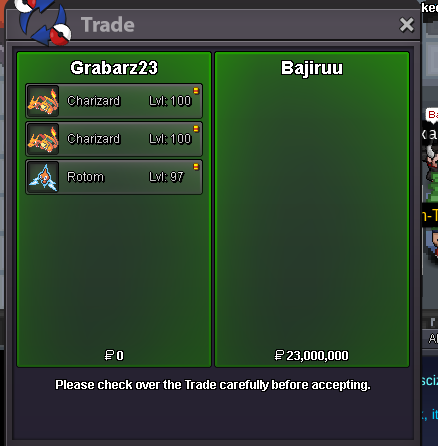
-
bump
-
bump
-
bump
-
bump
-
Alomomola 20+ sold
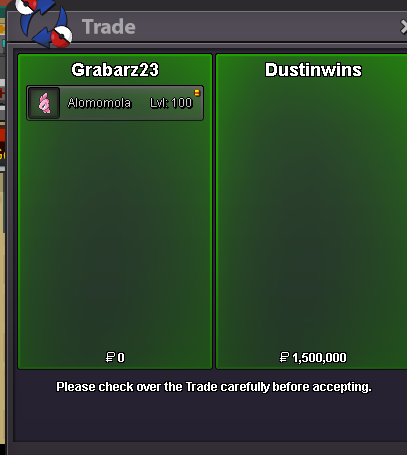
-
Brave alo Marowak 20+ sold
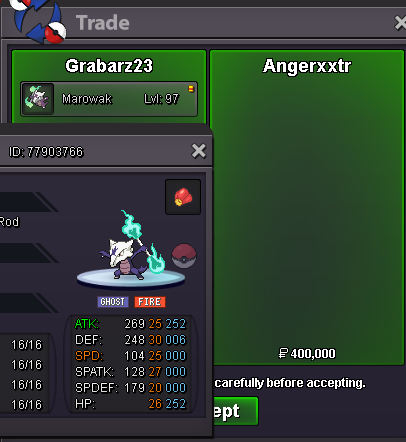
-
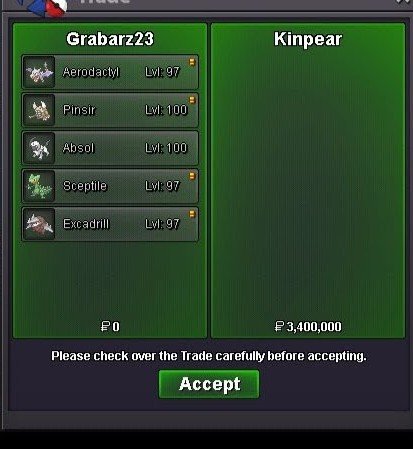
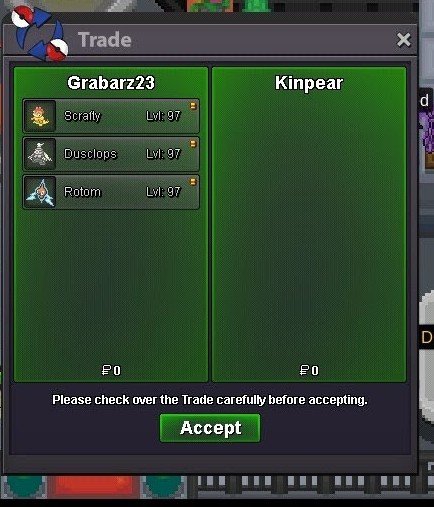
Aerodactyl/ Sceptile/ rotom/ Scrafty/ Excadrill/ Absol/ Pinsir/ Dusclops sold
-
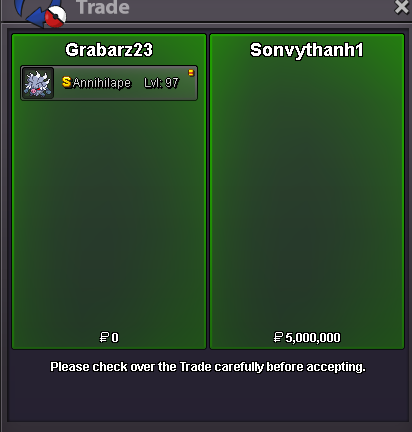
Sold shiny Jolly max speed Defiant Annihilape
-
bump
-
bump