New Trade Zone
Trade Zone is now live
Use the new Trade Zone for auctions and instant-price trades so Pokemon and item offers are easy to find.

Platingsquare
Registered User
-
Joined
-
Last visited
-
S - Solrock
-
T -> Treecko
-
Re: ♦ PokeShop ♦ 35+ PVP ready Poke/ 30+ untrained ♦ [50% DISCOUNT ON EVERYTHING - 6/20/17] <t>Why have you blocked out OT on the Pokés</t>
-
Im sorry Im still Fresh of learning i personly think Its a hazel to just post a topic
-
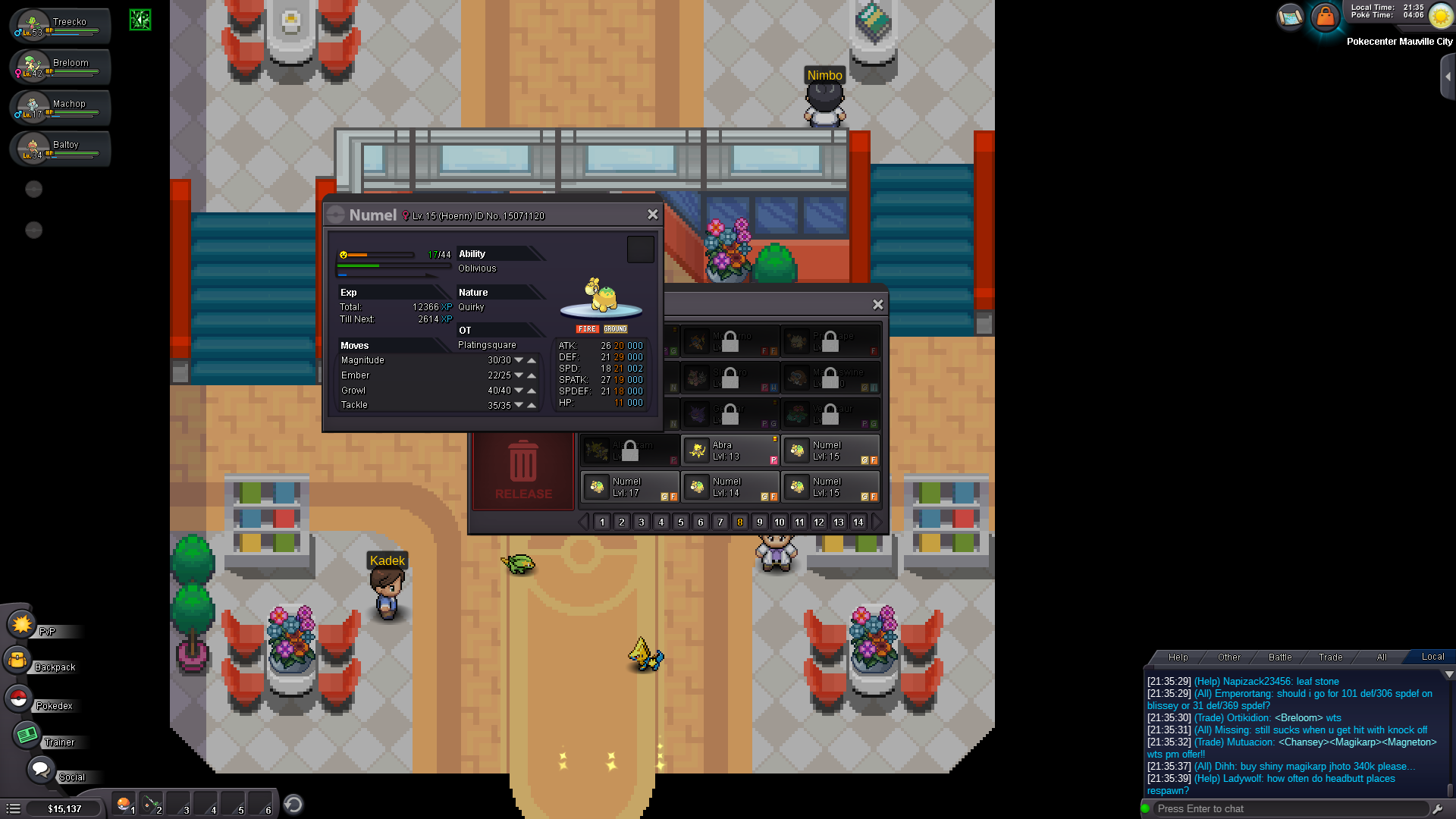
im just wondering what about the quirky nature
-
Thx i have been asking in help chat but just been ignored this is going to be a awsome help!
-
Hi i have question whats the best ability and nature for Numel ? Im going to evolve it later to a Camerupt and i would rather have a pritty bulky and special attacker becuase i assume thats whats supposed to be good at, Well thx in advance ?
-
C- Camerupt
-
Omanyte -> Eevee
-
T -> Tyranitar
-
Hi! is it possible that someone could help train one of my rattatas so that i can get to hoenn quicker ? ATM im training on Blue server please leave a answer below :thanks:
-
Re: some nub trying to introduce himself :x <t>Hi! Welcome to Pokemon Revolution online forums. You can always ask for help. There is a social listing with support,rules,live chat and much more! To (almost) every question there is a answer :)</t>
-
-
-