New Trade Zone
Trade Zone is now live
Use the new Trade Zone for auctions and instant-price trades so Pokemon and item offers are easy to find.

Mukrow
Registered User
-
Joined
-
Last visited
-
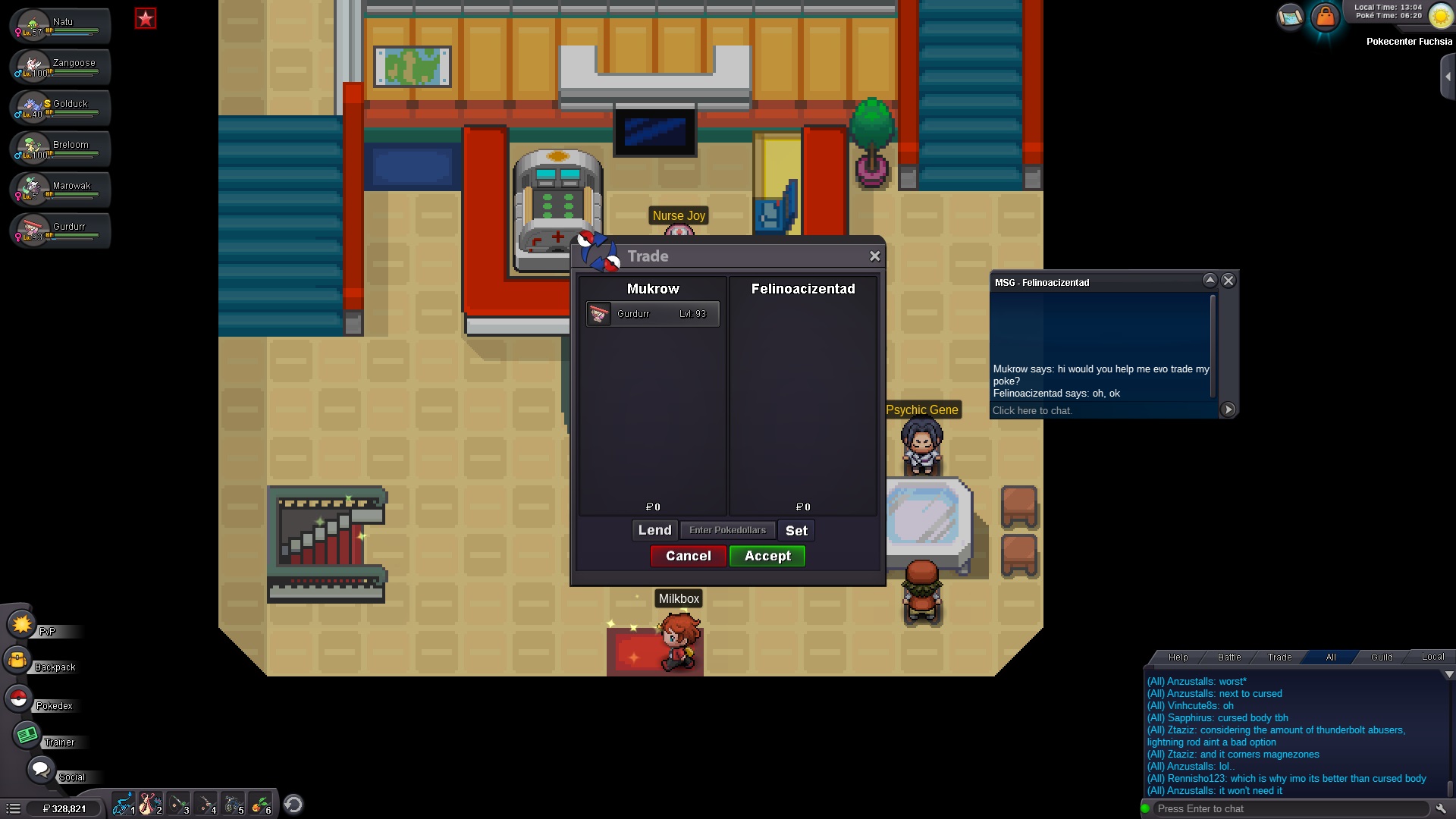
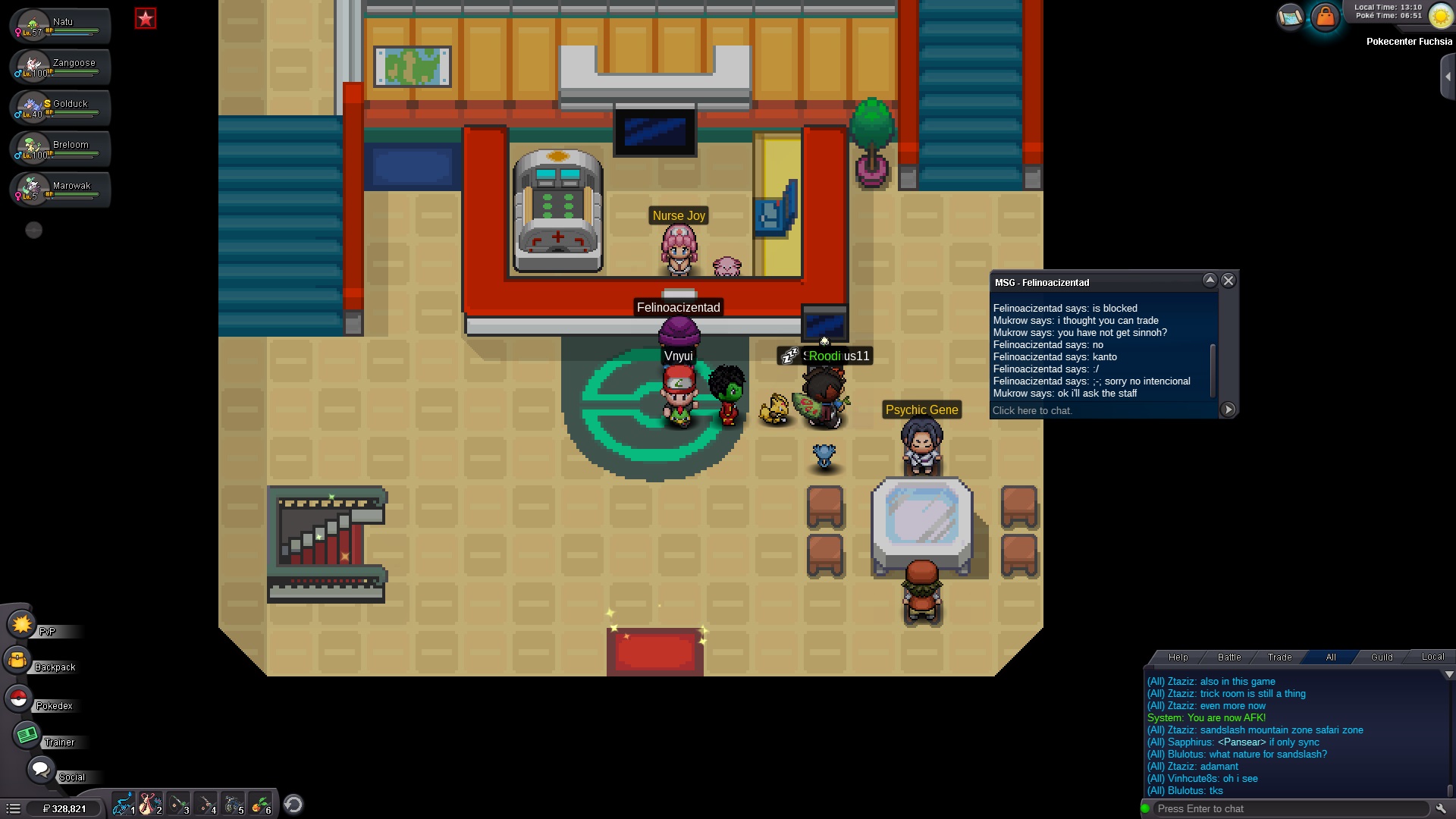
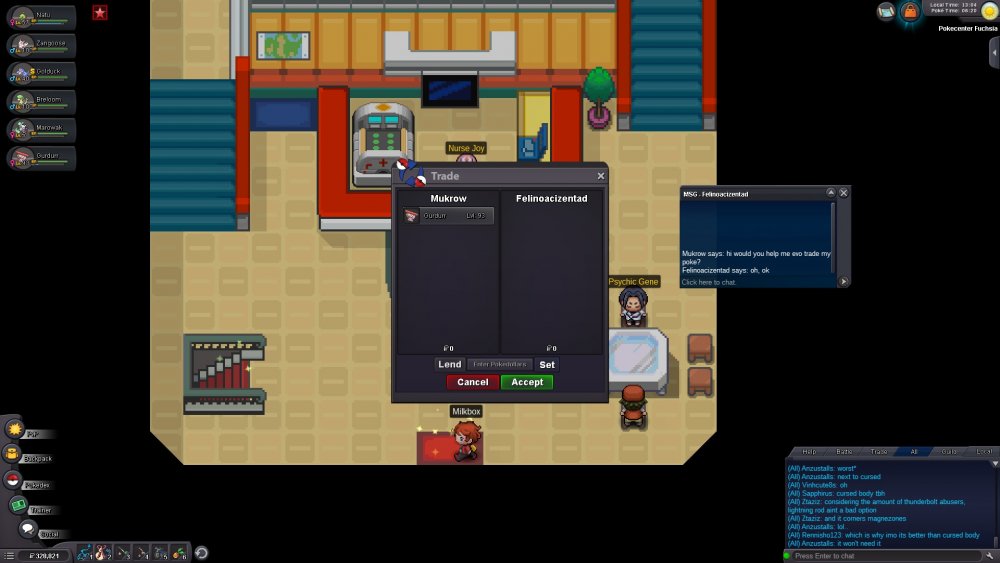
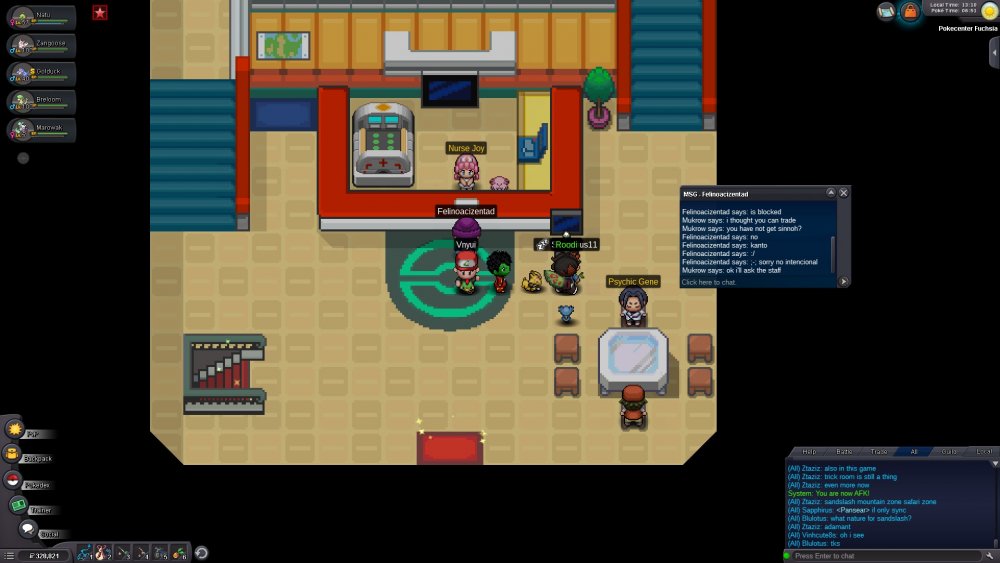
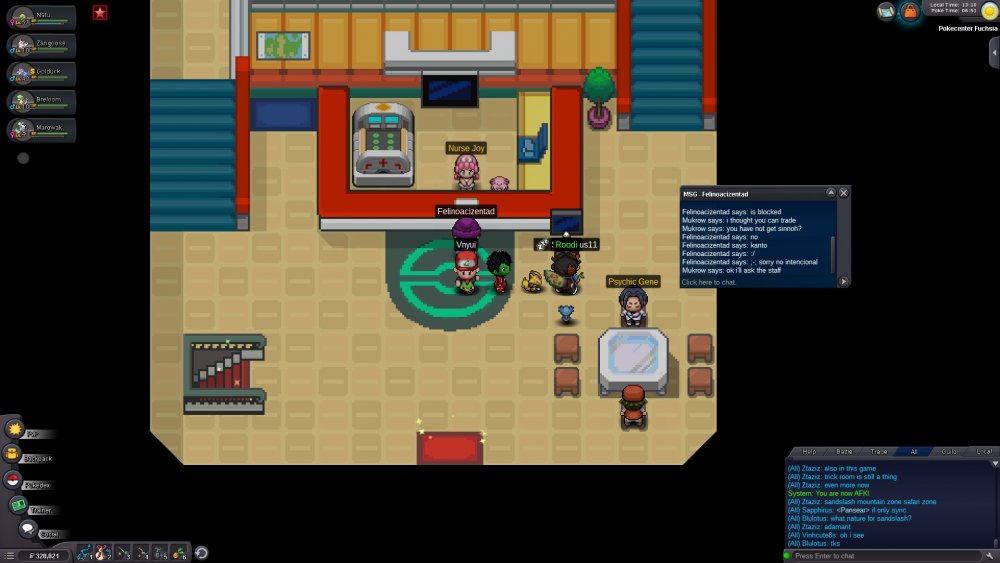
Dear PRO Staff, I am Mukrow from Gold Server. I just Ask trainer Felinoacizentad to trade evo my sinnoh poke. I was not aware that he is not sinnoh champion now my poke is locked in his pc. If it's possible please return back my pokemon to me Here is the SS before trade After Trade Best regards, Mukrow
-
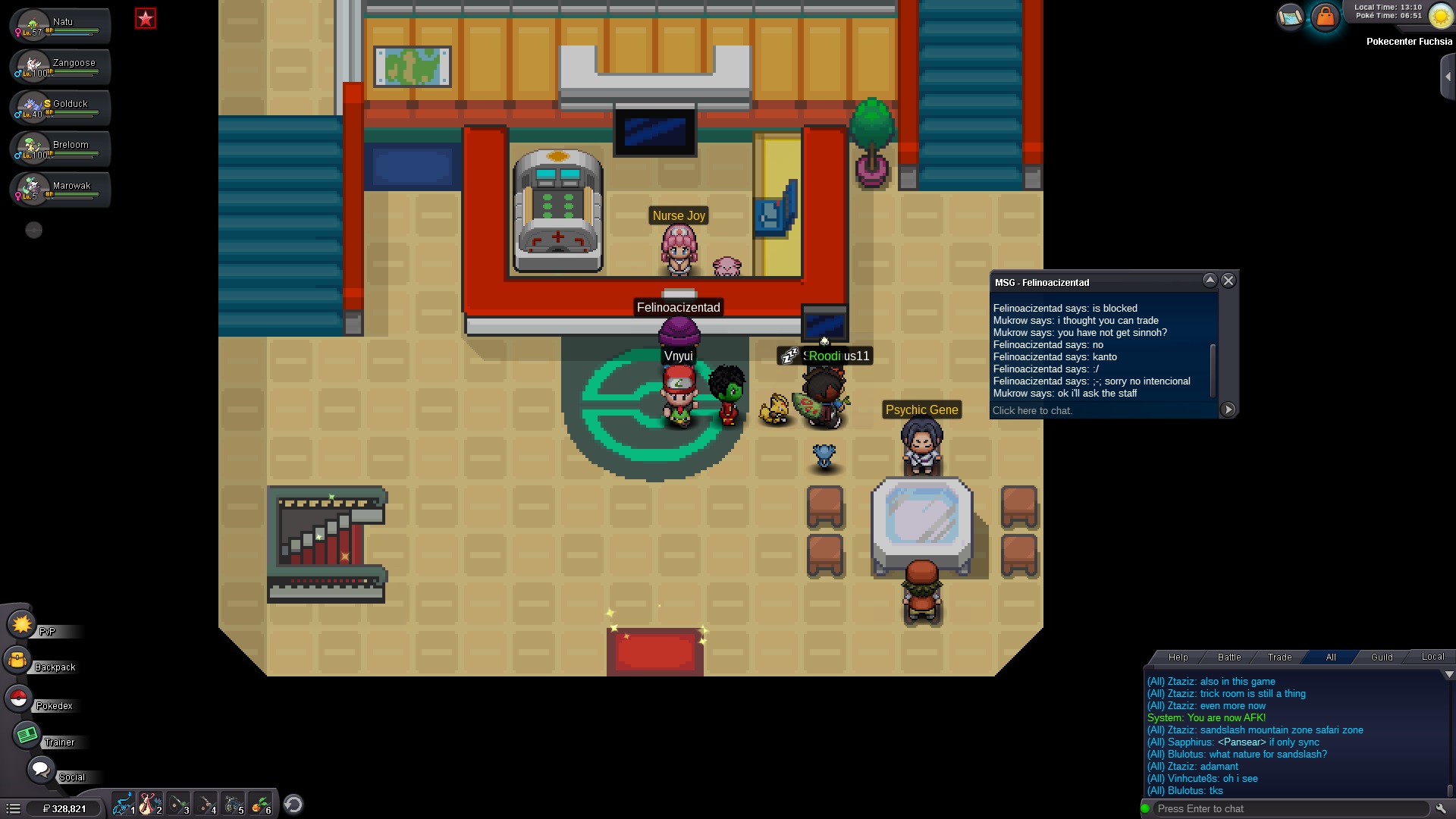
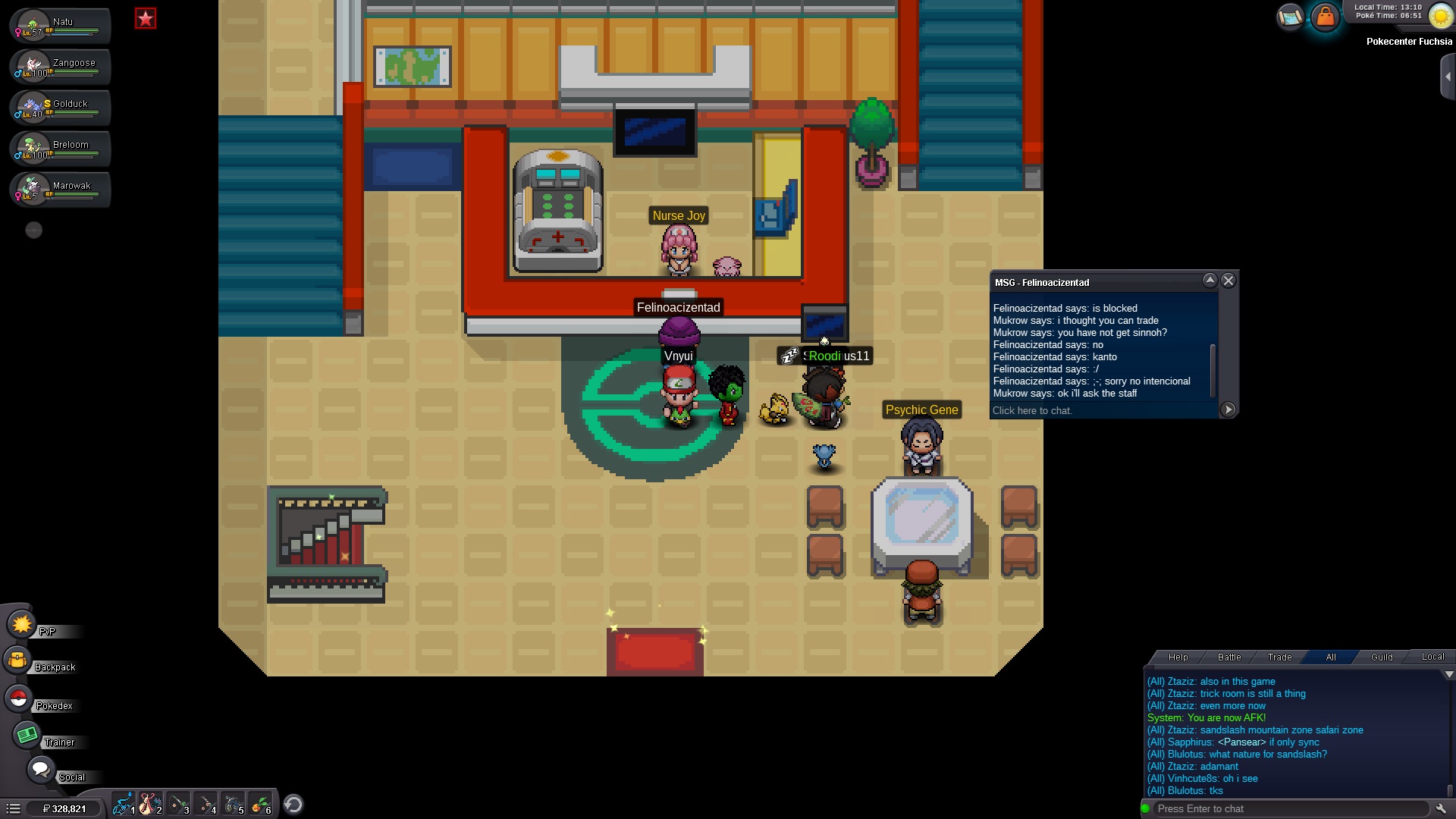
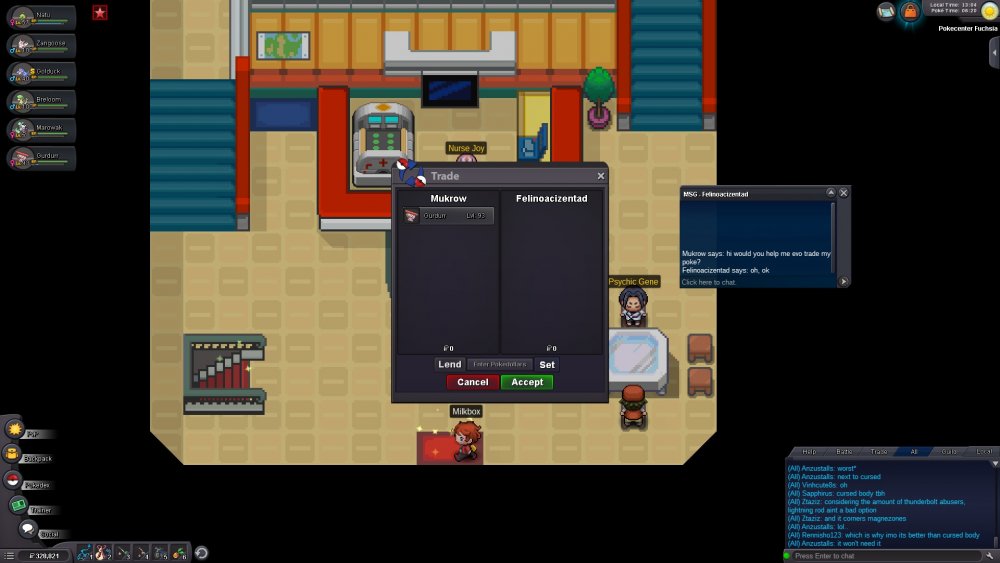
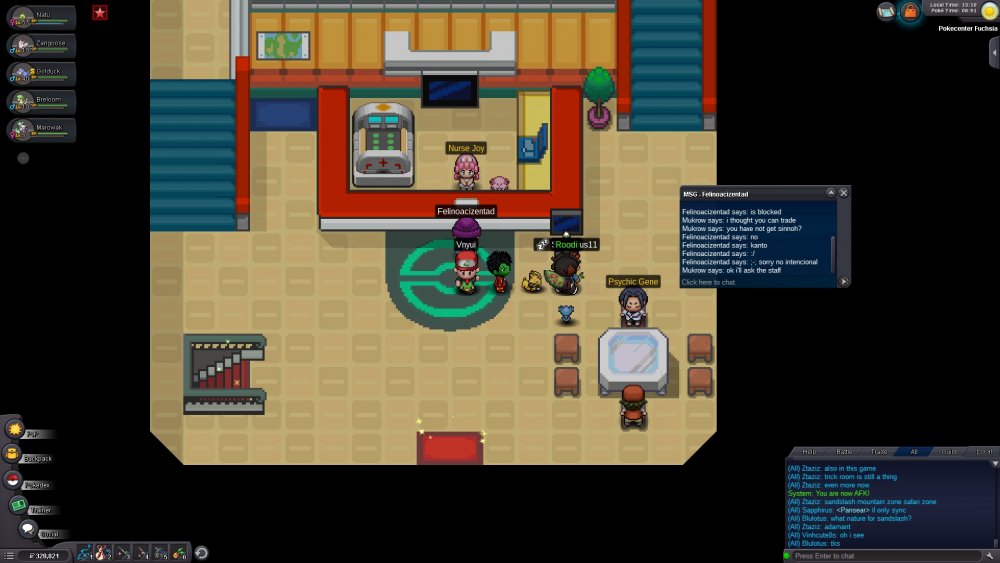
Dear PRO Staff, I just Ask trainer Felinoacizentad to trade evo my sinnoh poke. I was not aware that he is not sinnoh champion now my poke is locked in his pc. If it's possible please return back my pokemon to me Here is the SS before trade And this is the after trade Best Regards Mukrow
-
Hi, how much leveling service for pineco from 61 to 95?
-
Hi, how much leveling service for pineco from 61 to 95?
-
How much leveling service for pineco from 61 to 95?