New Trade Zone
Trade Zone is now live
Use the new Trade Zone for auctions and instant-price trades so Pokemon and item offers are easy to find.

Ghwe24ww
Registered User
-
Joined
-
Last visited
-
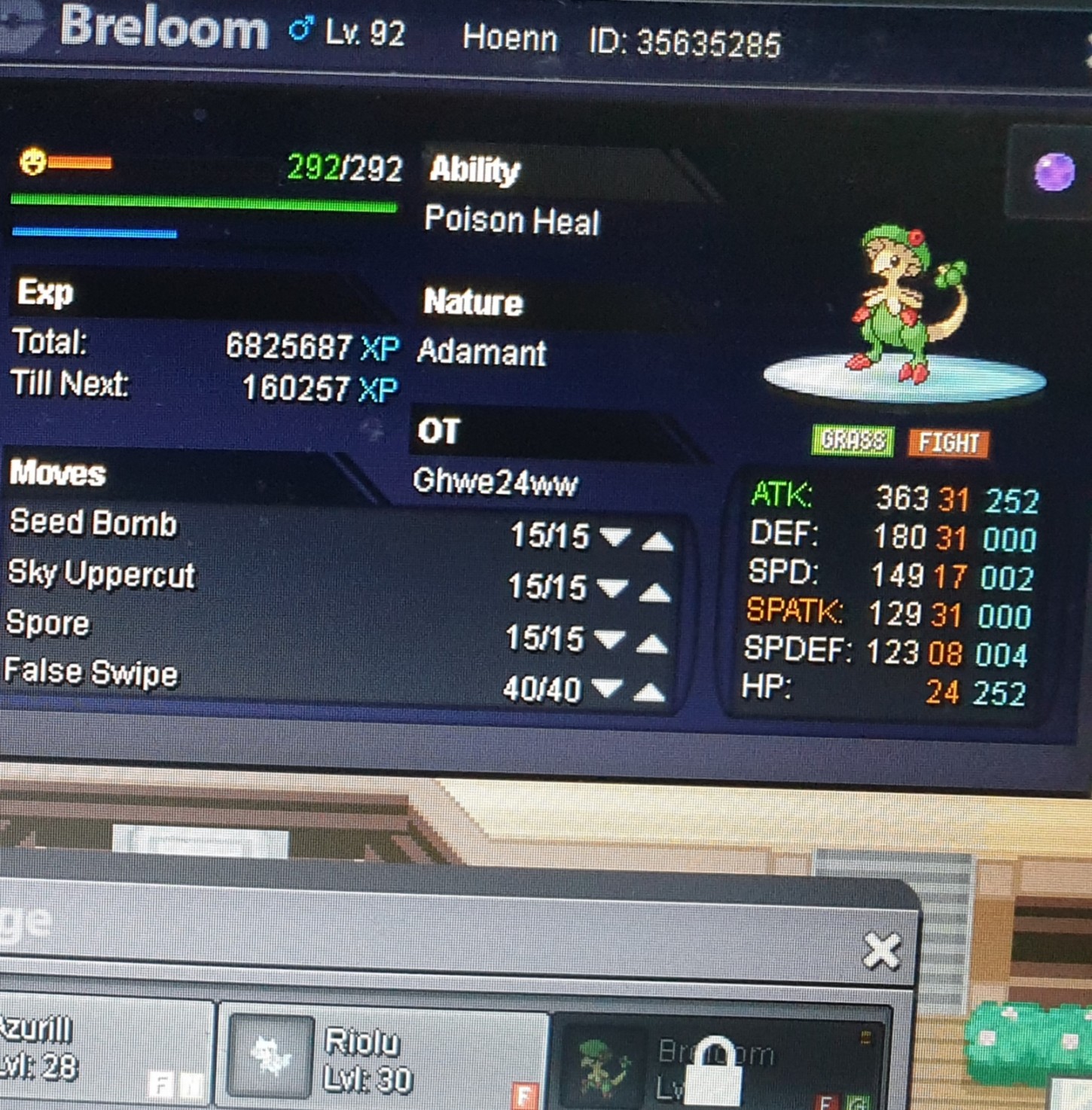
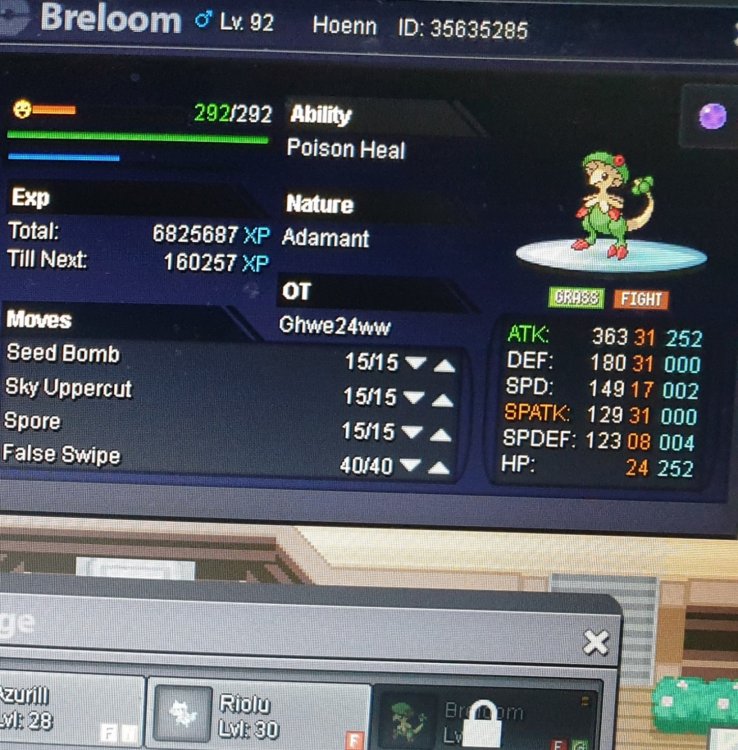
Hello, (Silver Server) So I lent a Hoenn Breloom to my friend Santikarate, but i had forgotten he had not completed that region, so now my pokemon is trapped in his pc and I do not have another falseswiper... Unfortunately, we were in the same room phisically when playing so we do not have written evidence, though maybe i could tell him to talk through here or to confirm in the game chat the fidelity of my words. Nonetheless, I guess it would be better if you decided what we should do so I will let you do so. I would be grateful if you could help me soon because of the event. Thanks in advance for your help and sorry for that inconvenience.
-
Username: Ghwe24ww Server: Silver
-
To be frank, i do not really want that nintendo switch for myself. However, there is someone really important for me that would really like one... btw i am tryig to introduce her to the world of pro, well... just trying :Cry: And about my account progress, just check my triple competitive eeveelutions, my fivefold competitive flock of ampharos and my epic offensive gardevoir :3