New Trade Zone
Trade Zone is now live
Use the new Trade Zone for auctions and instant-price trades so Pokemon and item offers are easy to find.

Napolion22n
Registered User
-
Joined
-
Last visited
Everything posted by Napolion22n
-
2.8m
-
2.6
-
2.1m
-
1.9m
-
1.6m
-
900k for drago if it's not over yet
-
Thank you very much I can indeed confirm that it has been restored thank you for your immediate response, sorry if I goes there any inconvenience by creating a new thread it's just that I have been inactive for like 2 years so I wasn't sure how these things work
-
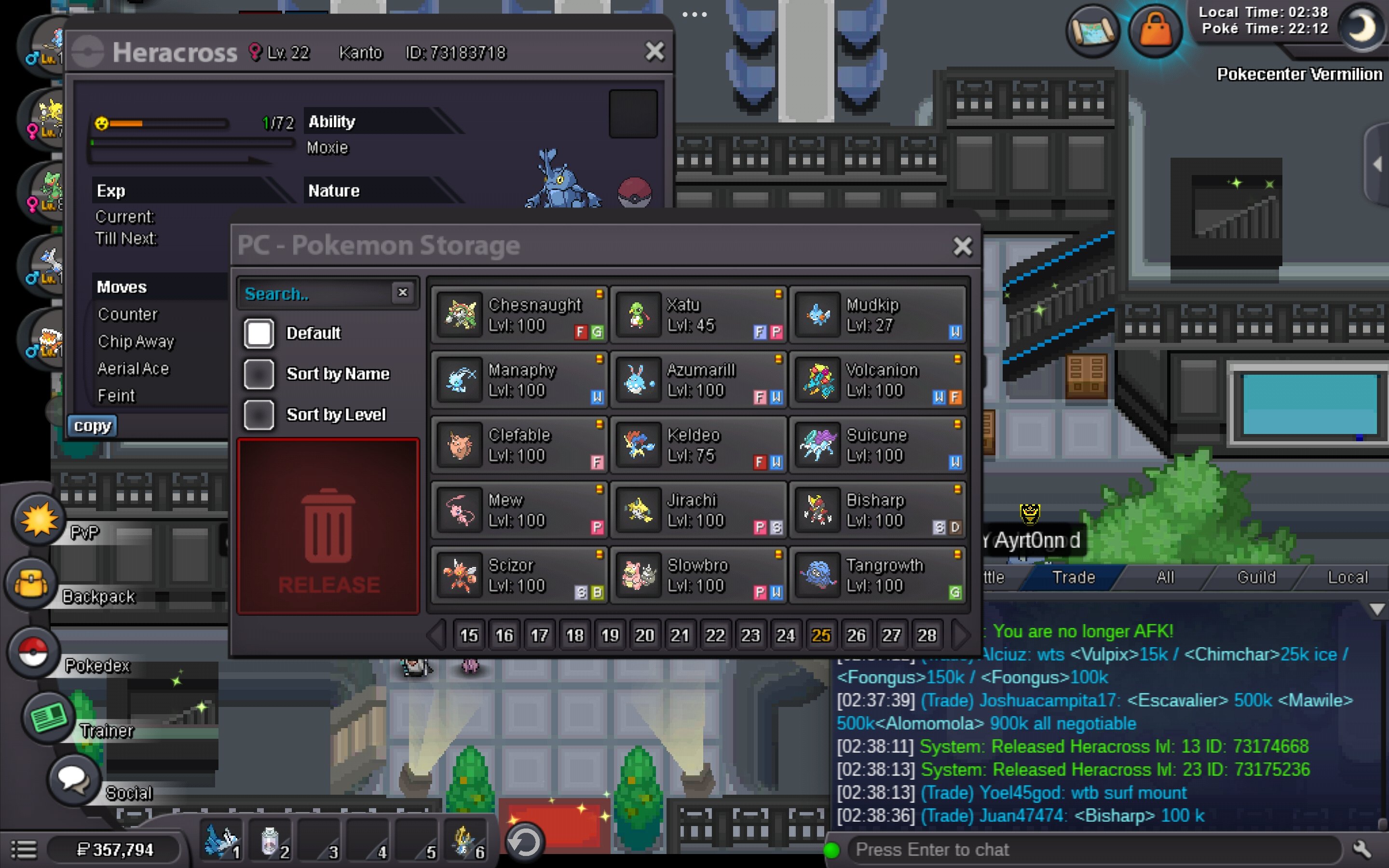
Pls help me restore my heracross, I released it accidentally it's the level 13 with id 73174668 gold server

-
I accidentally released my heracross level 13 could you please restore it for me? The id is 73174668 thnx in advance.
-
-
1m4
-
600k
-
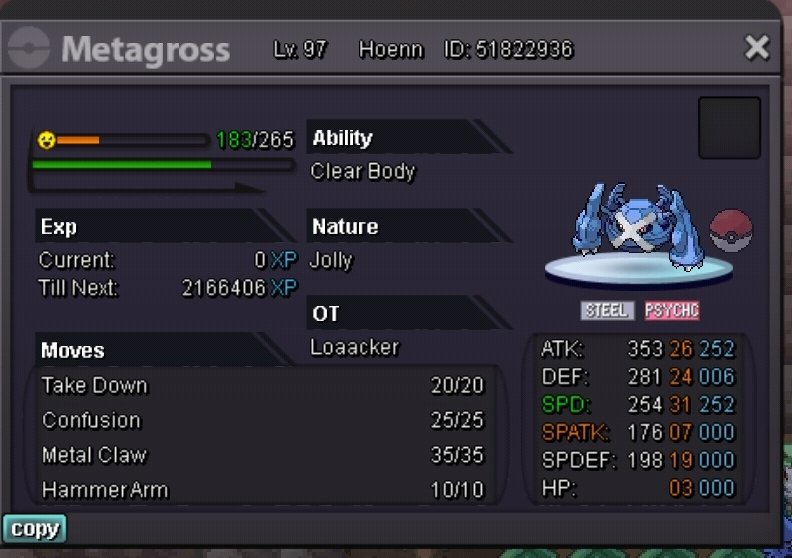
I will buy it
-
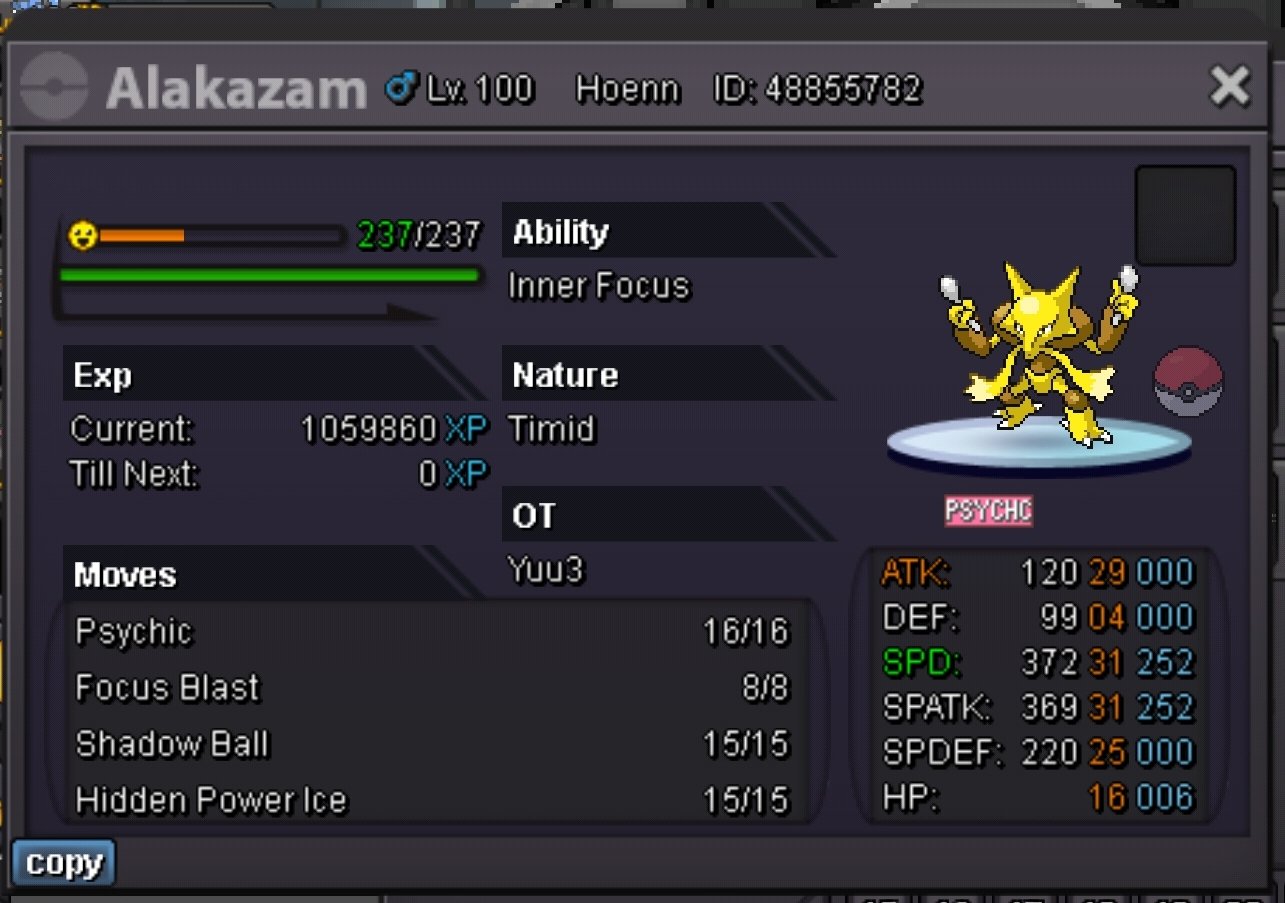
Gold serverI will start kazam with 4 cc and 100k, Btw why does it have hustle abillity in mega form? it must be a glitch right?+1 totally agree to whats mentioned aboveusername : napolion22n server : gold country/timezone : Greece/ GMT +2a strange think happened to me just minutes before, after i entered the battle que and i found a battle, the battle got cancelled and the message "battle cancelled because the user is already in battle" came out. I find it even more suspicious because i just beat the same guy in the previous battle and we got in a battle again and then this happened, I dont know if the player has something to do with it, but i think you should search it out.
 6.5mIf its not over yet i bid 1m