




New Trade Zone
Trade Zone is now live
Use the new Trade Zone for auctions and instant-price trades so Pokemon and item offers are easy to find.

Thedude
Registered User
-
Joined
-
Last visited
Everything posted by Thedude
-
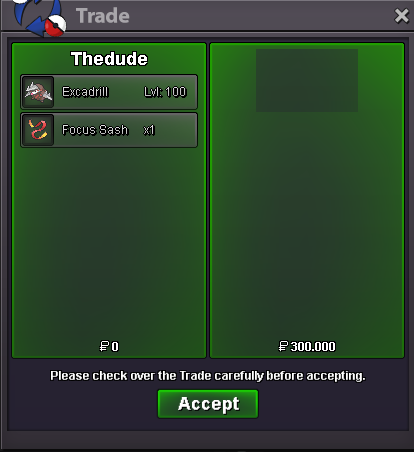
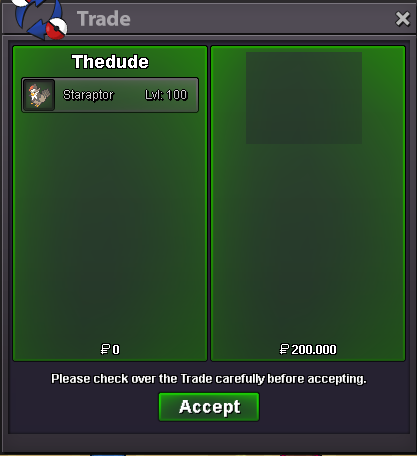
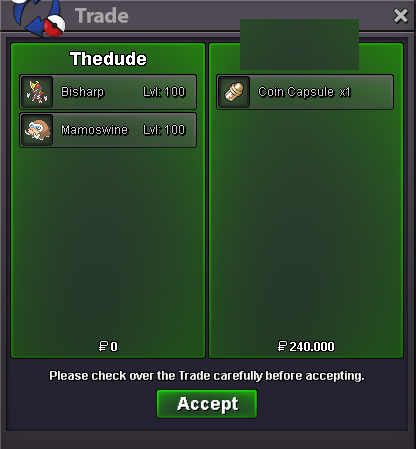
This Pokemon was sold yesterday in game i guess the seller forgot to remove
-
If you have one of these Pokemons please send me pm here or on discord with SS and price TheDude#9335 Looking for: Modest H.P fire Chlorophyll exeggcute Timid H.P fire magnet pull magnezone Timid or Bold H.P ground/Ice/water larvesta Timid prefer H.P Ice but can also be another one Joltik Can be any evo of these Pokemons
-
very nice guide :)
-
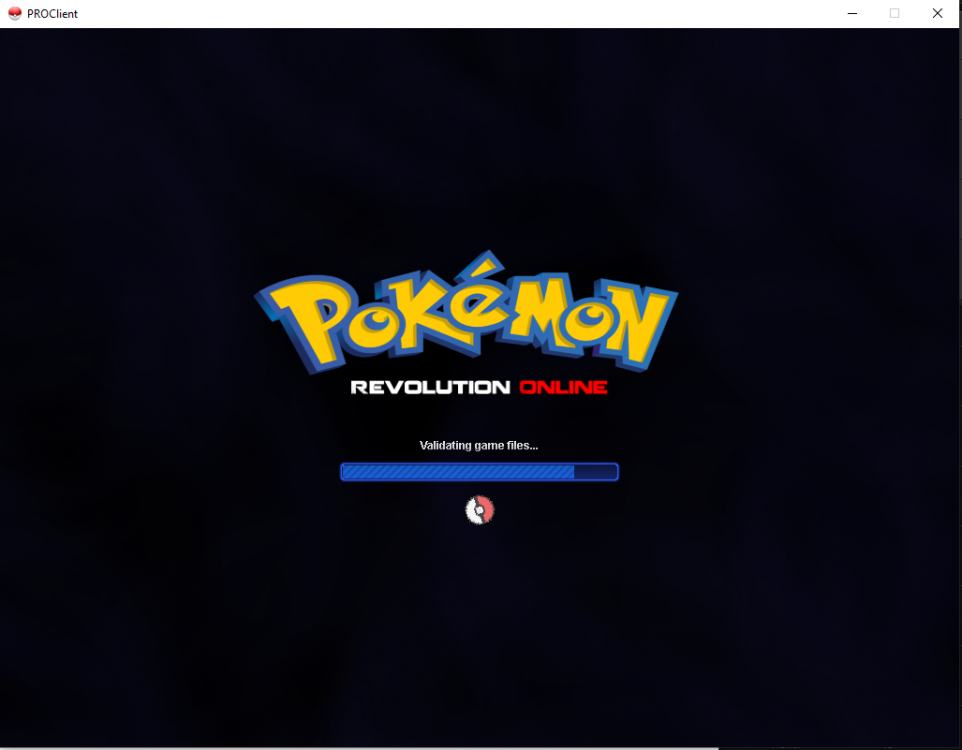
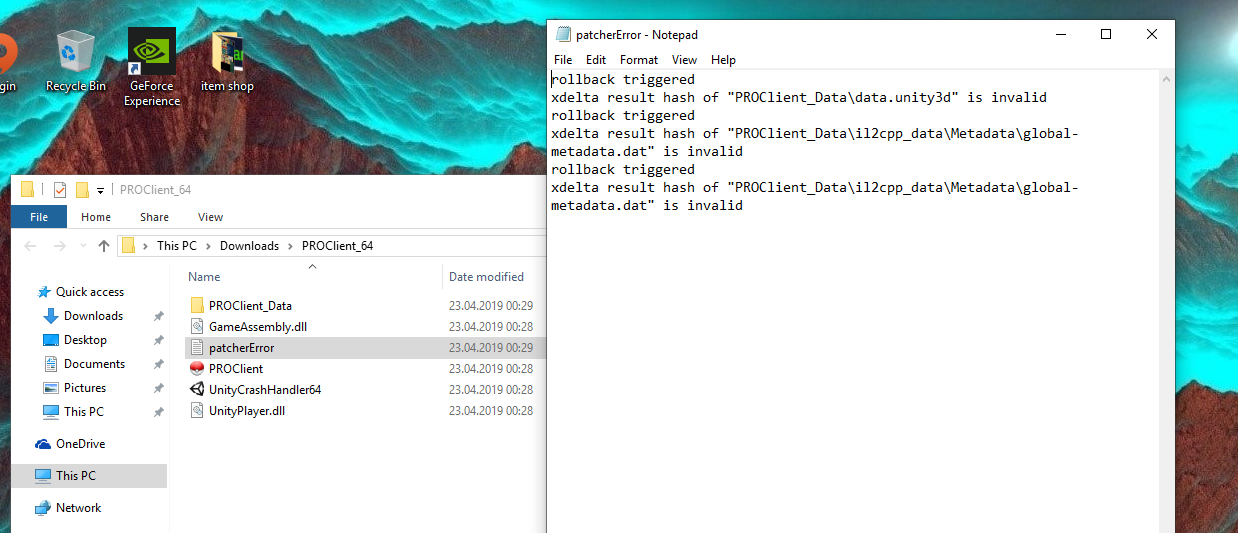
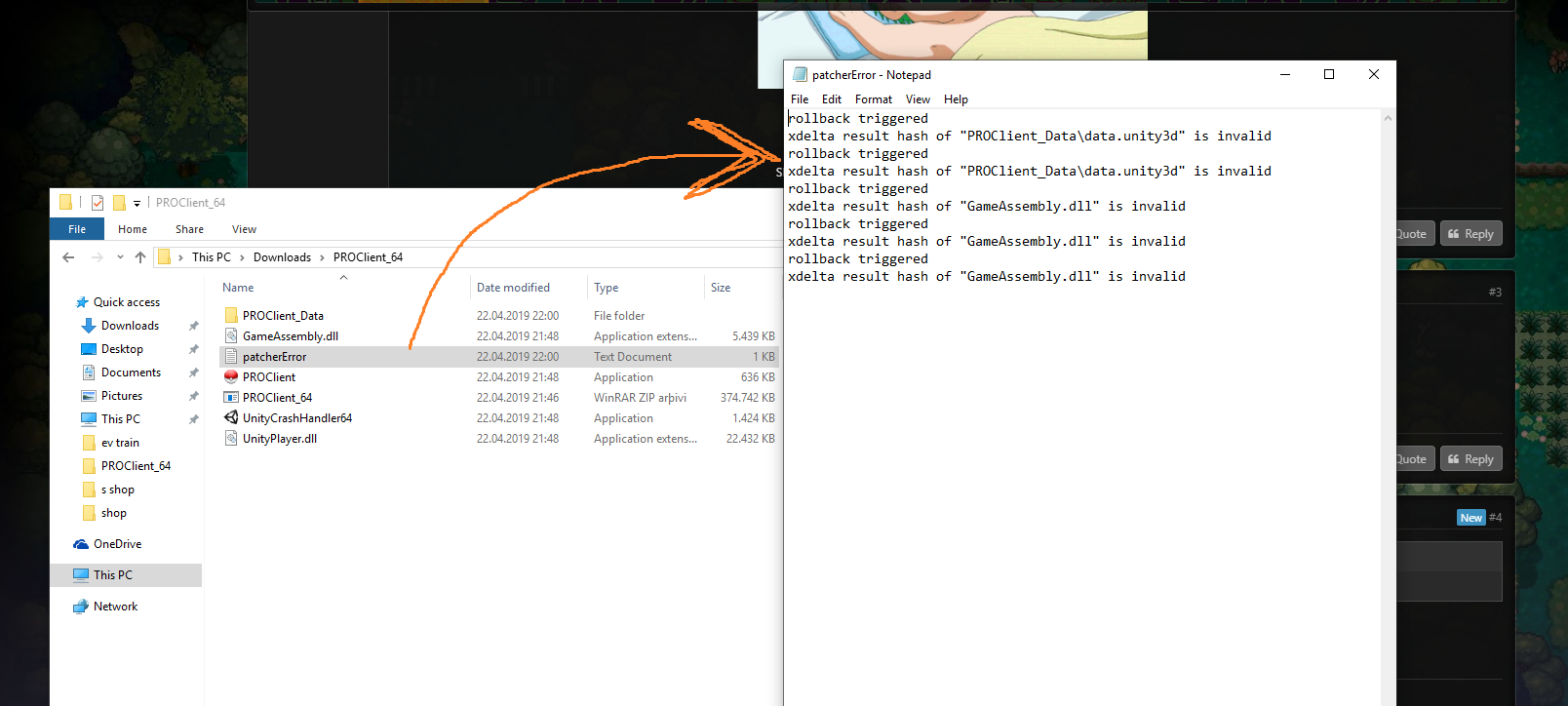
updated of some lvl 100 pokes and added 8 new pokemonscan be closed i fixed it :) i just extracted the files to another place than downloads and it worked :)2.6mgratz on the toge :) I start it :)So this is funny game doesnt work on my pc but on my laptop it does:D i got the idea to try the game on my laptop and it worked :) but i still need help to run the game on pc since my laptop isnt in good shape :(i deleted again everything but now it says this
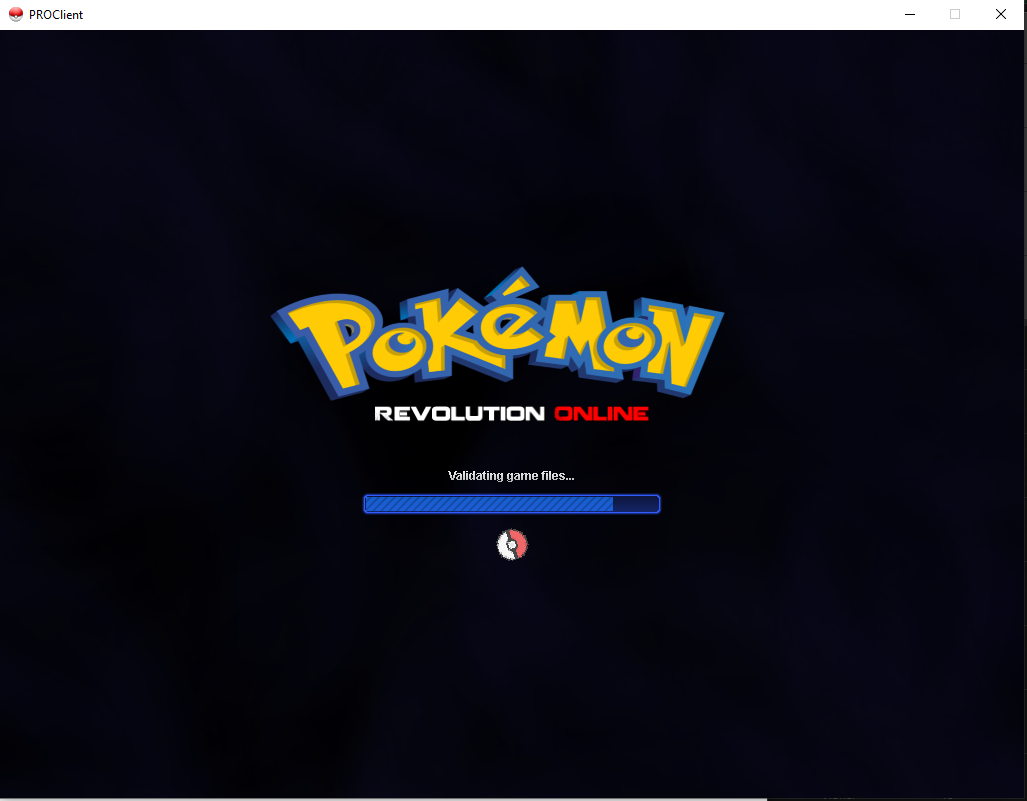
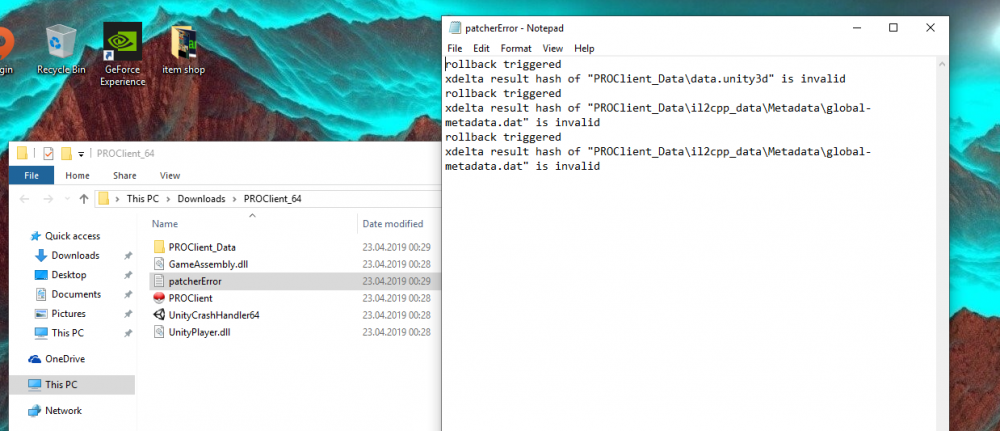 please help me :Dupdated lvl 100 pokemon priceswhen i click yes i get the first ss if i click no i get the second ss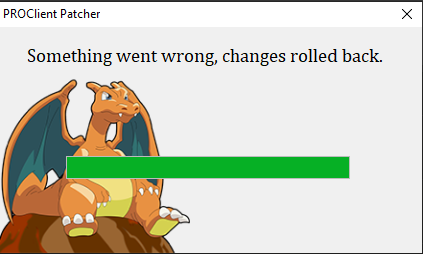
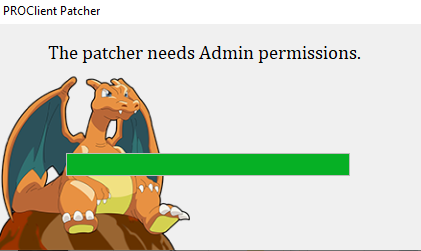 i also get this screen
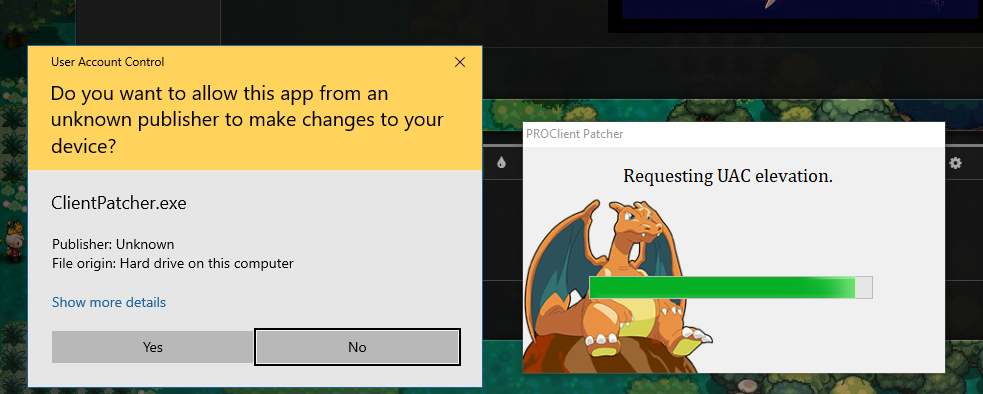 I wanted to start the game but it said need to update the game so i deleted everything and reinstalled the game and tried again and it gave me this problem. i deleted the game again and downloaded it again but got the same problem again Please help me about it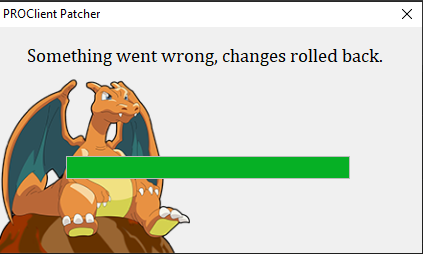
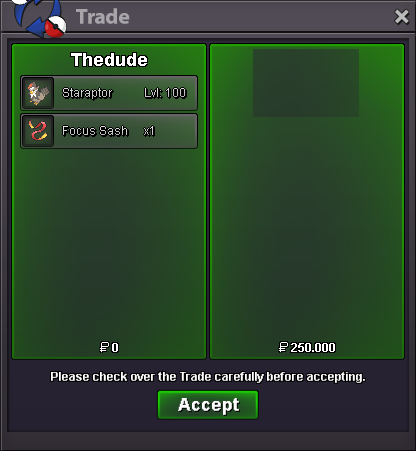
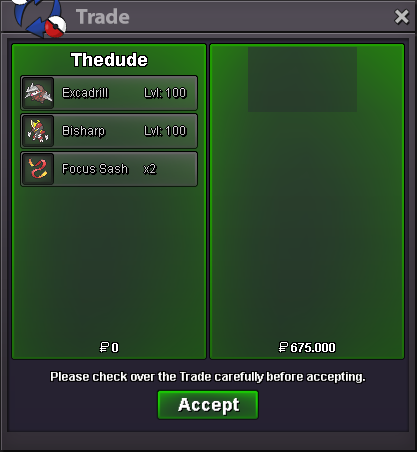
 Added new pokemons and added Easter Discount Happy Easter :)Updated shop (21.04.2019)'' added pokemons''thx im online now and also added u in case cant find u online1.5m


Account
Navigation
Search
Configure browser push notifications
Chrome (Android)
- Tap the lock icon next to the address bar.
- Tap Permissions → Notifications.
- Adjust your preference.
Chrome (Desktop)
- Click the padlock icon in the address bar.
- Select Site settings.
- Find Notifications and adjust your preference.
Safari (iOS 16.4+)
- Ensure the site is installed via Add to Home Screen.
- Open Settings App → Notifications.
- Find your app name and adjust your preference.
Safari (macOS)
- Go to Safari → Preferences.
- Click the Websites tab.
- Select Notifications in the sidebar.
- Find this website and adjust your preference.
Edge (Android)
- Tap the lock icon next to the address bar.
- Tap Permissions.
- Find Notifications and adjust your preference.
Edge (Desktop)
- Click the padlock icon in the address bar.
- Click Permissions for this site.
- Find Notifications and adjust your preference.
Firefox (Android)
- Go to Settings → Site permissions.
- Tap Notifications.
- Find this site in the list and adjust your preference.
Firefox (Desktop)
- Open Firefox Settings.
- Search for Notifications.
- Find this site in the list and adjust your preference.