




New Trade Zone
Trade Zone is now live
Use the new Trade Zone for auctions and instant-price trades so Pokemon and item offers are easy to find.

Prodex
Suspended
-
Joined
-
Last visited
Everything posted by Prodex
-
hm.. english please !
-
i think snivy .
-
-
-
magnezone is the best counter for skar ^^
-
-
always bring a pokemon know haze in your team, snor is nothing ^^
-
push.
-
No guard makes all moves 100% accuracy for both you and the opponent. hm, maybe u didnt see lum berry?
-
Yes, battle nikola .
-
-
Accuray : 75% not 100% ^^ 100% is spore
-
-
Alright 210k for farfetch'd
-
Come shiny pokemon
-
Re: Prodex's personal shop, welcome ! <r><QUOTE author="Exclusivez" post_id="461289" time="1509405113" user_id="1723760"><s> </e></QUOTE> tks xd</r>
-
Can i use masterball ?
-
Well, can i use master ball? Btw dread town is near spawn phantump right?
-
Re: Prodex's personal shop, welcome ! <t>Push .</t>
-
Re: Prodex's personal shop, welcome ! <r><QUOTE author="wawow" post_id="460942" time="1509361890" user_id="1315612"><s> </e></QUOTE> r u kidding me ? <E>:Cry:</E></r>
-
Re: God ( maybe best in server xd ) sand team for sale ! <t>can be locked .</t>
-
Re: Prodex's personal shop, welcome ! <r>bump <E>:Shy:</E></r>
-
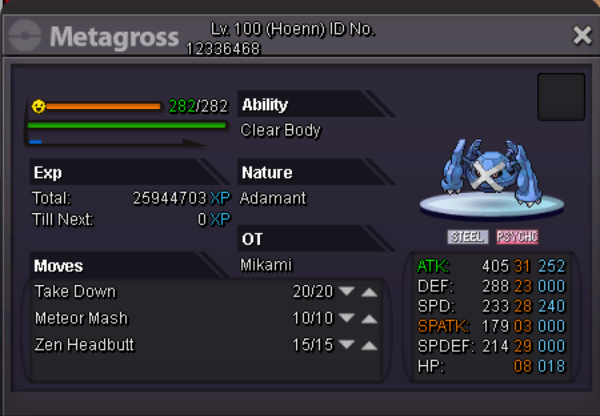
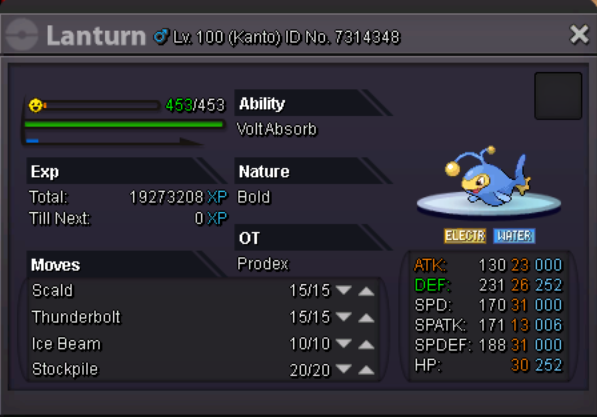
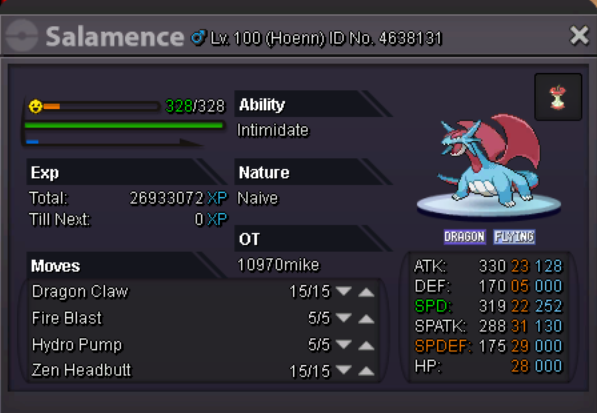
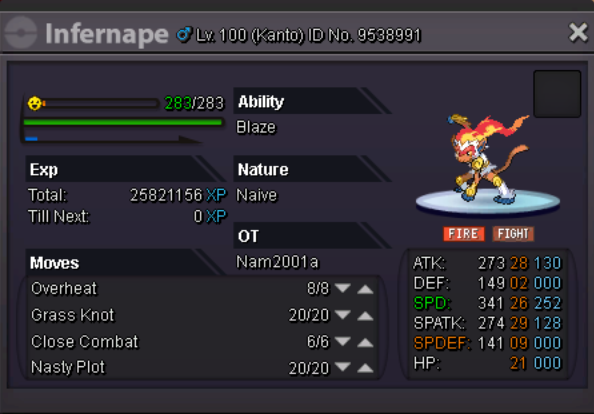
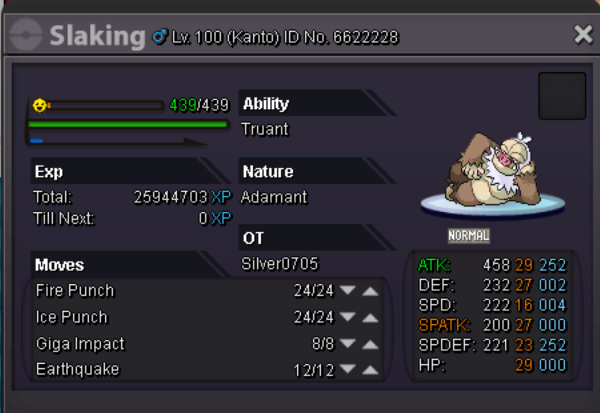
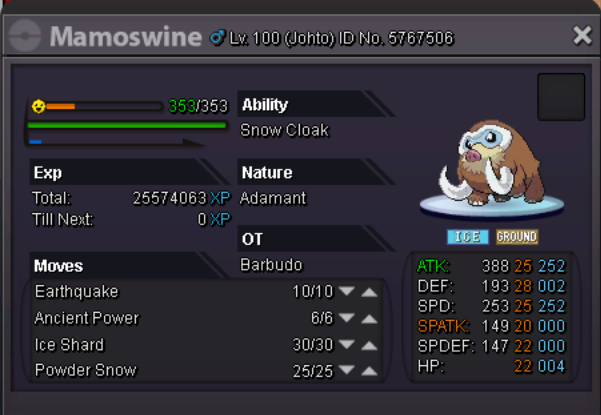
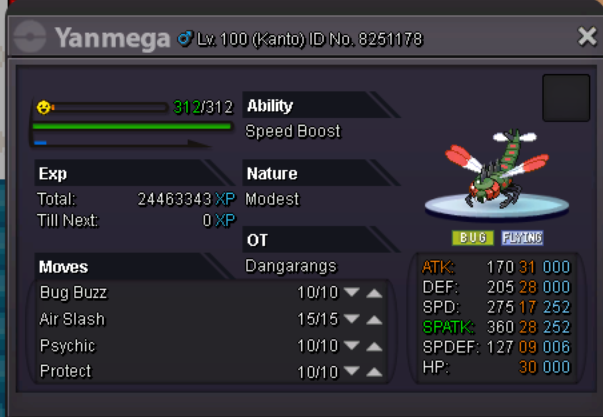
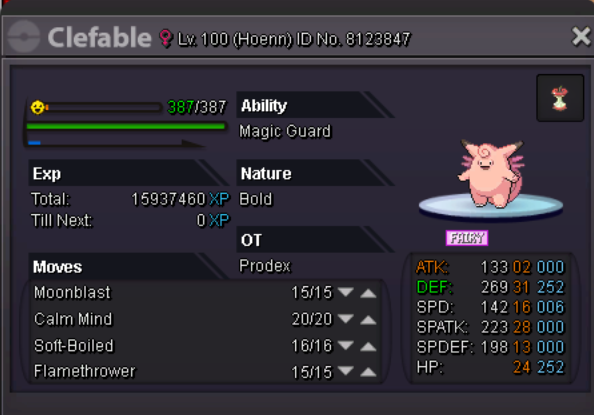
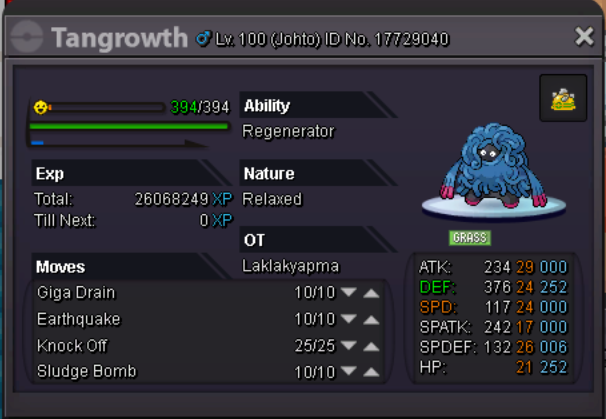
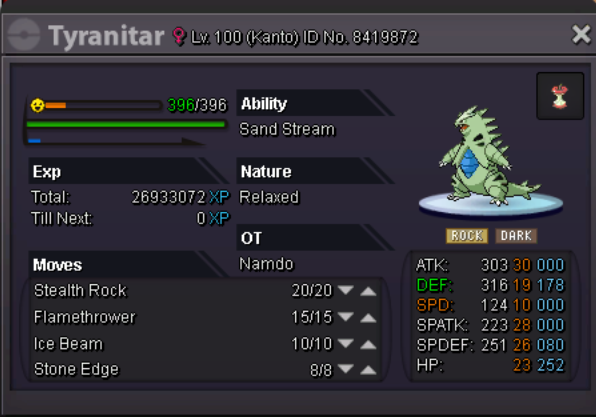
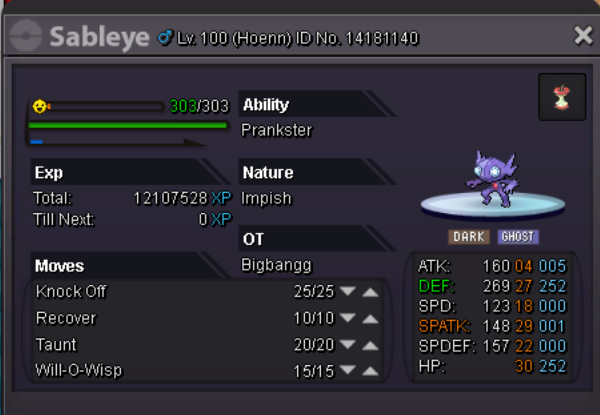
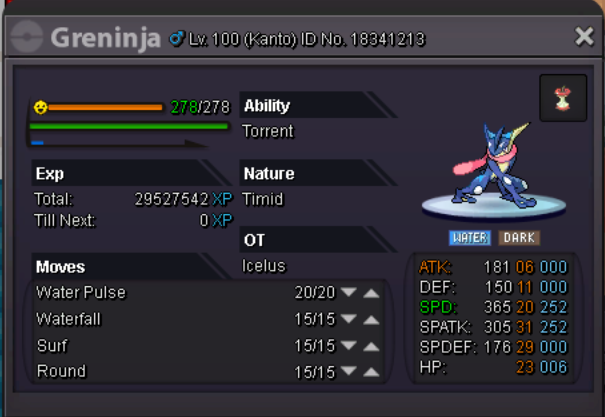
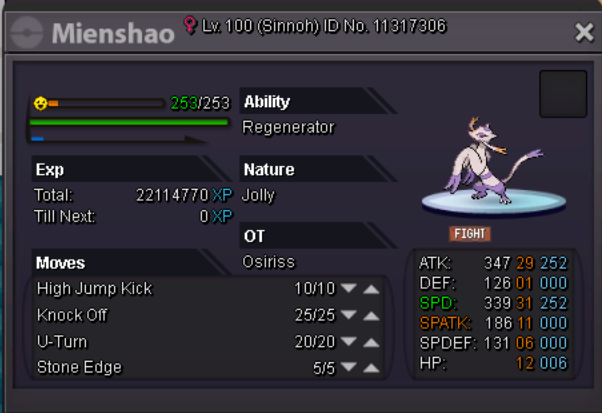
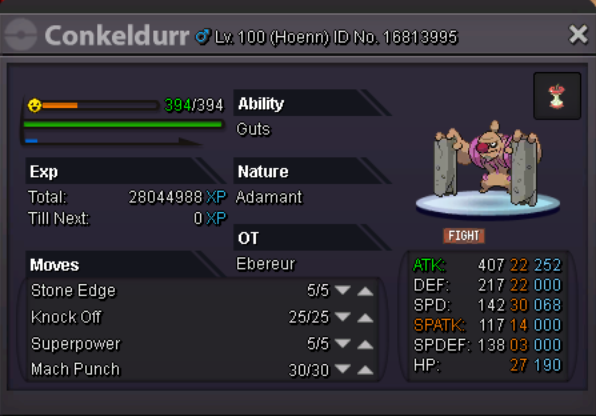
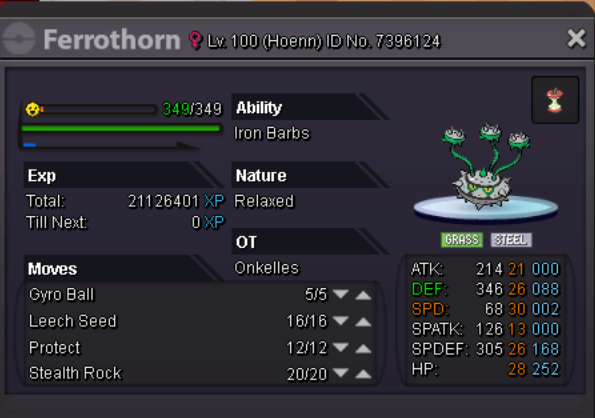
Hi guys, welcome to my personal shop ! Rules : - Prices are under the pokemon . - Pls read the rules carefully before comment . - I accept : pokedollas, coin capsule = 220k, ms 15d = 110k, 30d = 220k, 60d = 400k, black ms =90k, trades but only pokes in my wishlist - Prices are UNDER the pokemon. - Rules are rules, remember it . - You can contact me ingame, discord : Callmeduy#9603 or Facebook : Facebook Be respectful and happy shopping ^^ Trained pokes :
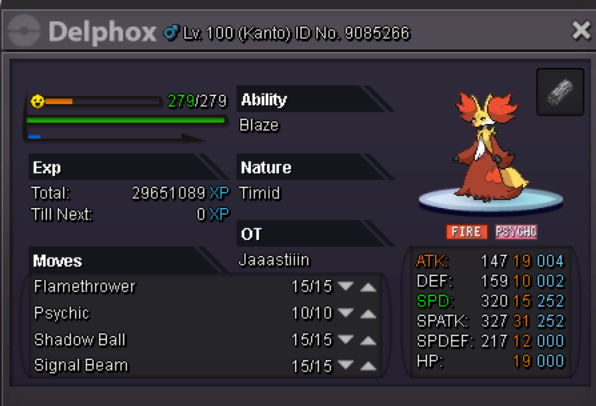
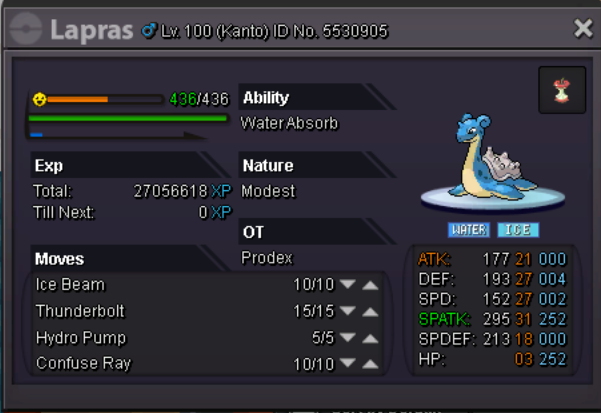
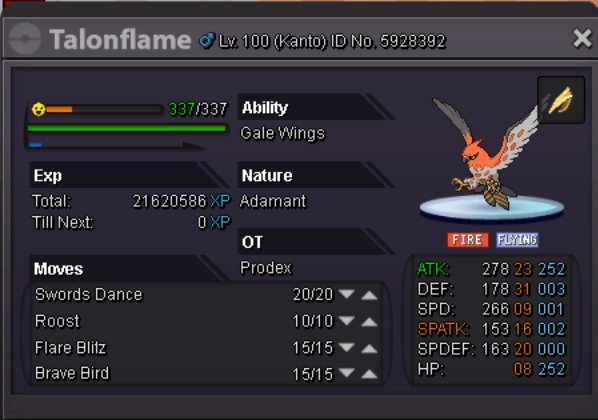
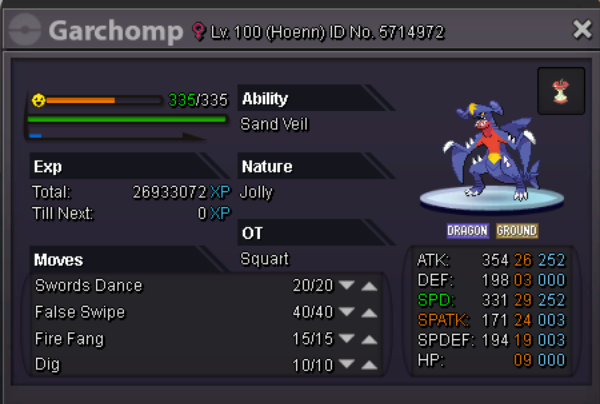

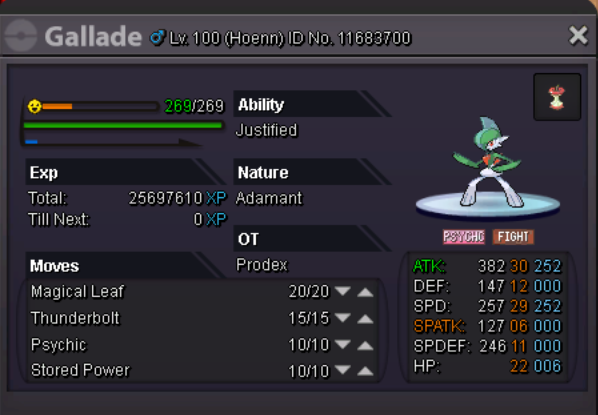
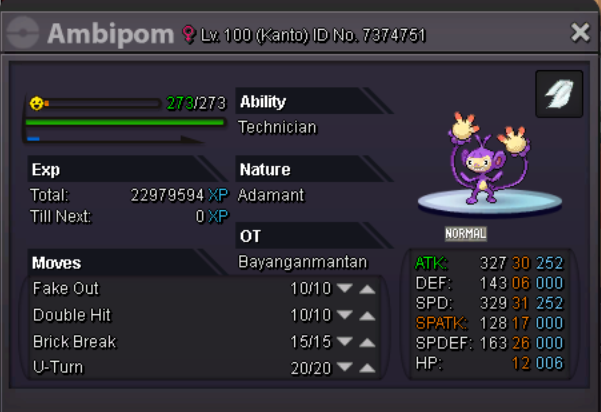
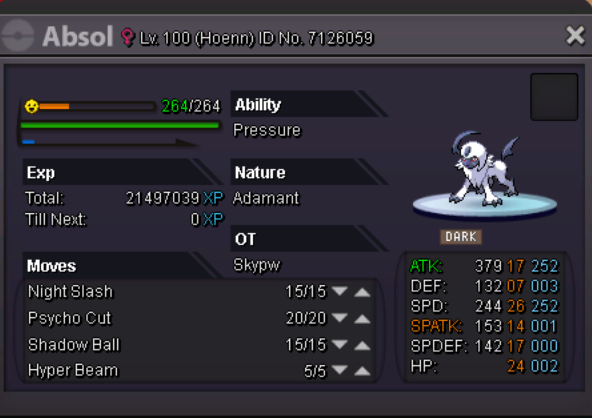
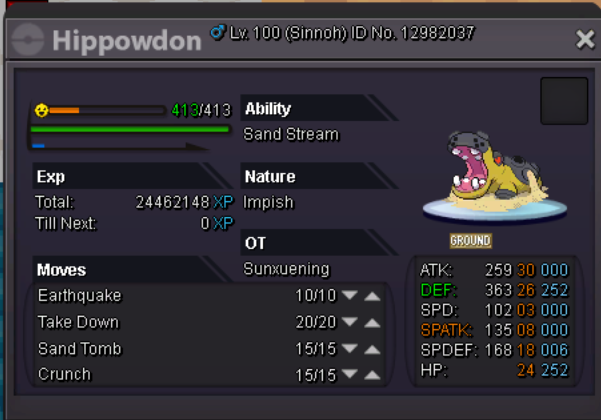
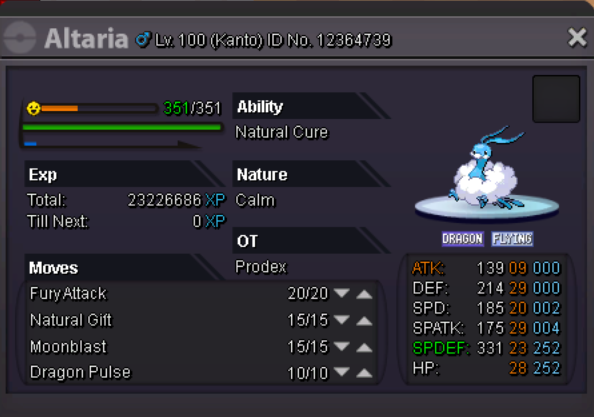
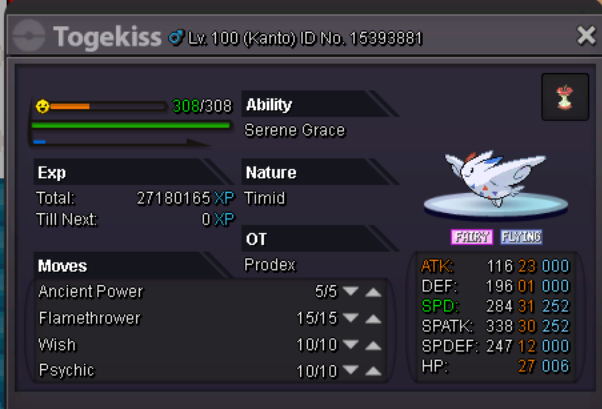
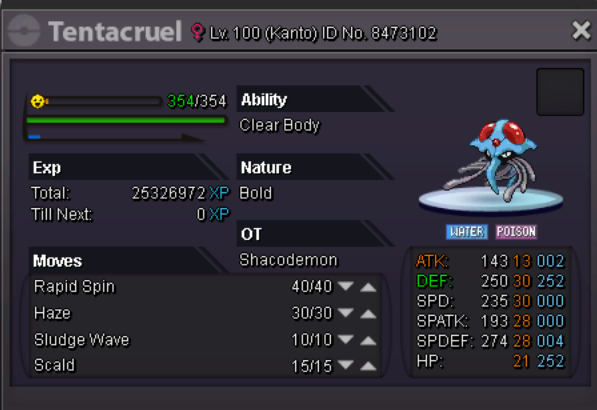
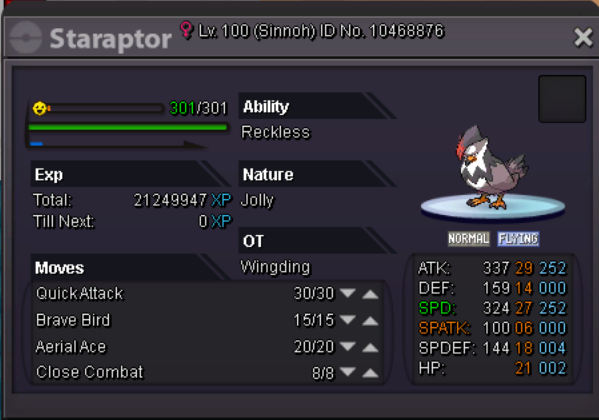
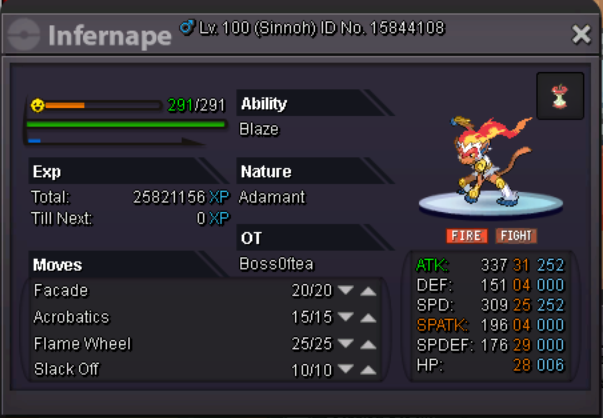
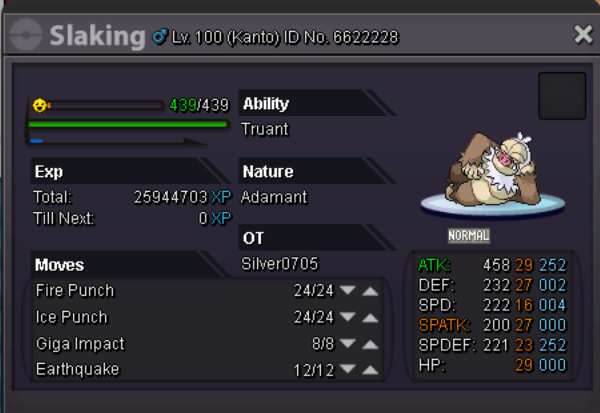
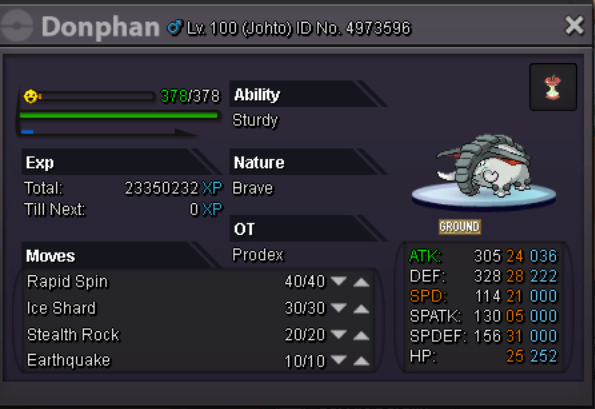

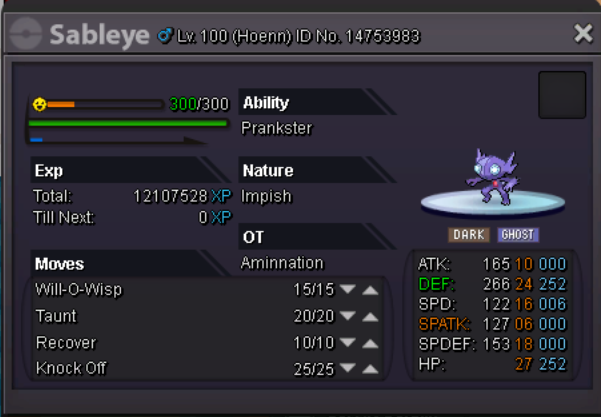
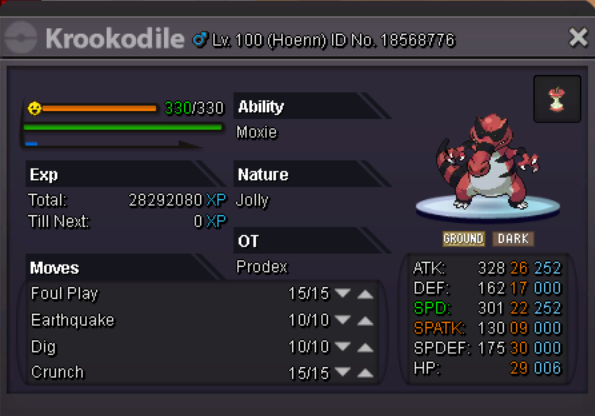
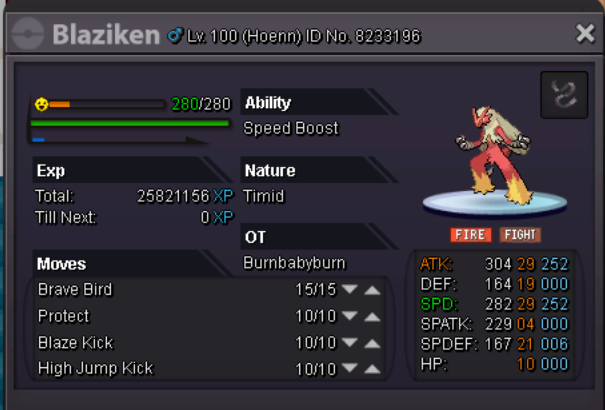
-
say good bye quân lê :v take care .
-
Re: God ( maybe best in server xd ) sand team for sale ! <r><QUOTE author="mangkitw" post_id="460713" time="1509309644" user_id="1198260"><s> </e></QUOTE> i am on now, but I don't see you atm <e> </e></QUOTE> contact me now</r>