New Trade Zone
Trade Zone is now live
Use the new Trade Zone for auctions and instant-price trades so Pokemon and item offers are easy to find.


Laron
Registered User
-
Joined
-
Last visited
-
Laron changed their profile photo
-
Resolved!!! Appreciate it
-
I tried running it as administrator but still shows this.
.png.f14963331253e7457885dc5a201fba40.png)
-
I don't know what happened but the game opens another window called client patcher and tells me post this text on the forum. Could you please resolve it. text: System.NullReferenceException: Object reference not set to an instance of an object. at ClientPatcher.Form1.Stage1() at ClientPatcher.Form1.ExceptionWrapper() Object reference not set to an instance of an object. ClientPatcher Void Stage1() at ClientPatcher.Form1.Stage1() at ClientPatcher.Form1.ExceptionWrapper()
-
NAME CHANGE Username: laron New Username: TK001 Server to charge the money from: Silver
-
Hello Livana, Thank you for your service. It helped me alot and glad to be in your pro game. If any problem happens again, hope your team helps quickly. Regards, Laron
-
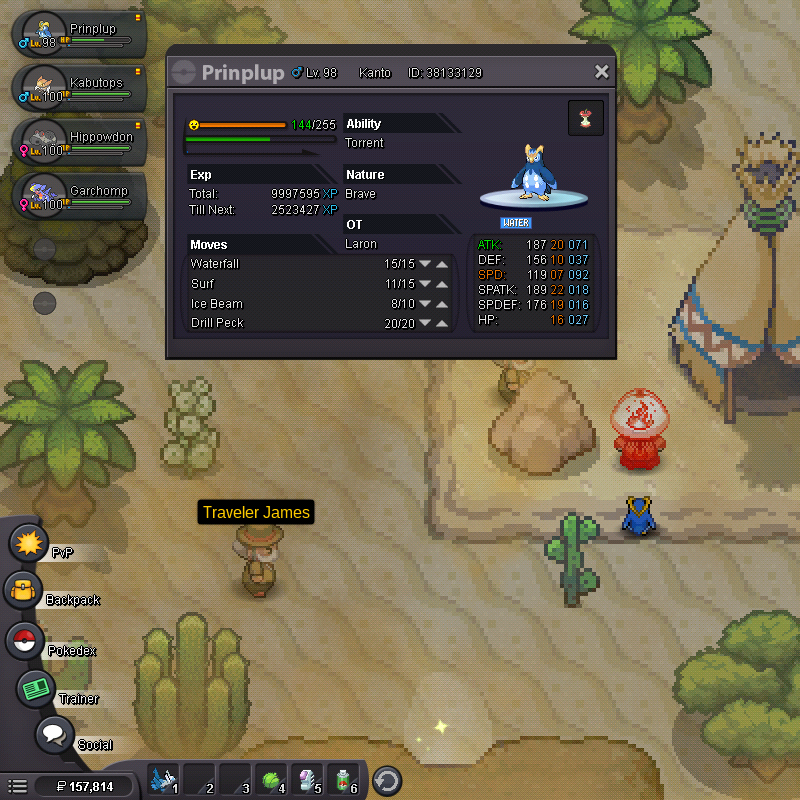
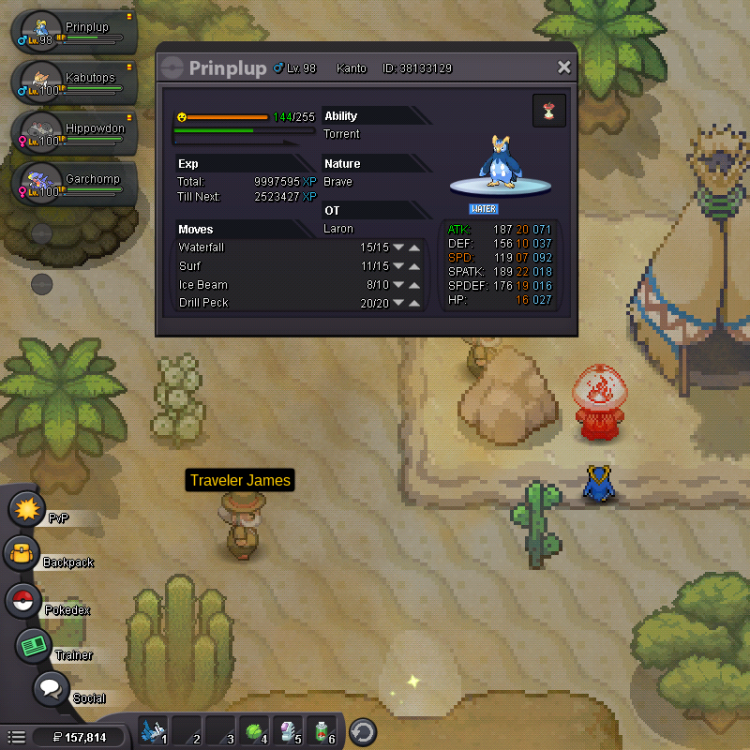
Dear Pro Team, This is a serious issue of the bug on evolution. I had a Prinlup of level 97 and leveling it. When it reached level 98, it didn't show me for evolving the pokemon. I guess there is a bug on that. I want it to be fixed so that I can evolve it peacefully and hope so there would be no more bugs in the game. I like this game a lot. Anyways it is Silver server. Thanking You, Laron
-
Name Change Username: Laron New Username: TheKingslayer Server to charge the money from: Silver
-
By Mistake
-
:Frown: How to get my traded pokemon back I need that pokemon back because its lvl 87. help me