New Trade Zone
Trade Zone is now live
Use the new Trade Zone for auctions and instant-price trades so Pokemon and item offers are easy to find.

Zaustt
Registered User
-
Joined
-
Last visited
Everything posted by Zaustt
-
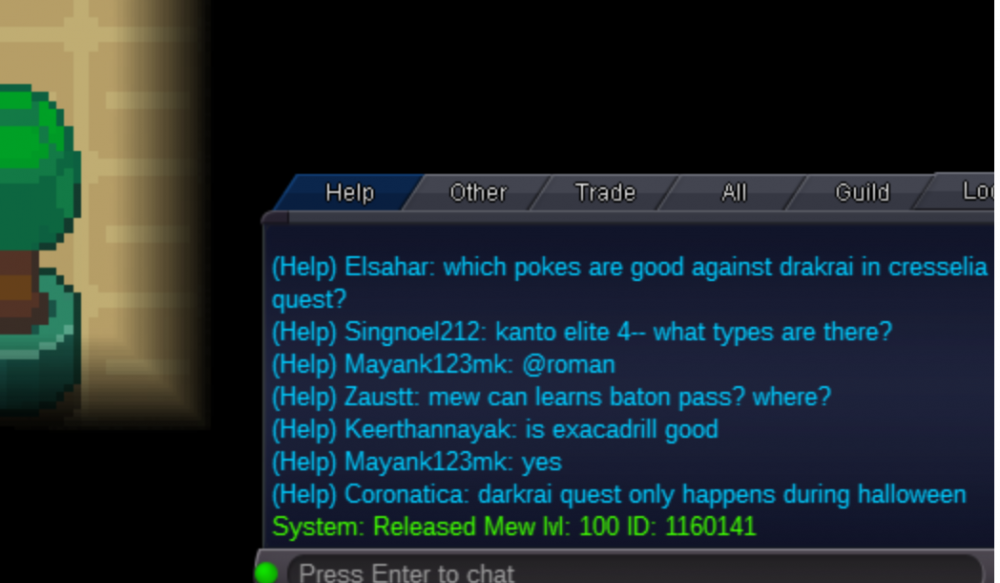
IGN: ZausTT Server: Silver Released accidentaly a mew. ID of mew : 1160141
-
Username: zaustt Server: Silver
-
4.5
-
4.2
-
1.3m for abra
-
U need to do the Merce, be careful choosing your Server, i hope to understand something. Here the link https://pokemonrevolution.net/forum/topic/88616-url
-
700
-
Start
-
The first thing to be grateful for the work that they realize with the updates,But this time the spawns have seemed to me to be very bad.
-
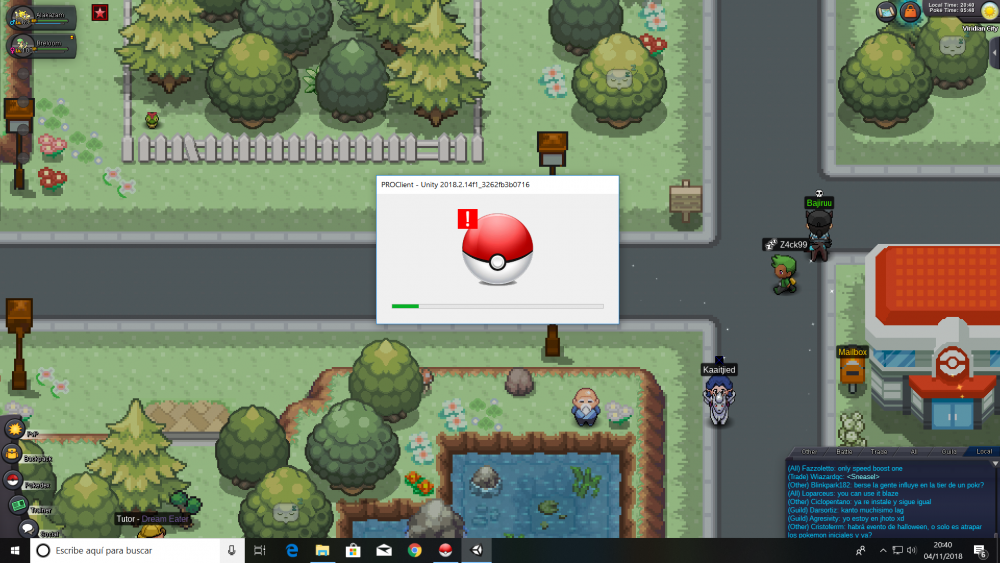
I have the same problem few days ago, use slimdriver for example yo update the drivers.
-
-
i have got the same problem in the pc, can someone help me?
-
Be patient pls, they are working.ty
-
400
-
Insta buy, u are online?
-
+1 a like the idea!
-
2m
-
-
-
-
-
6k to this Pokémons ... But i apreciate the work Ty!
-
-
-
how much can be worth? ty