New Trade Zone
Trade Zone is now live
Use the new Trade Zone for auctions and instant-price trades so Pokemon and item offers are easy to find.

Yakuzah
Registered User
-
Joined
-
Last visited
Everything posted by Yakuzah
-
500K
-
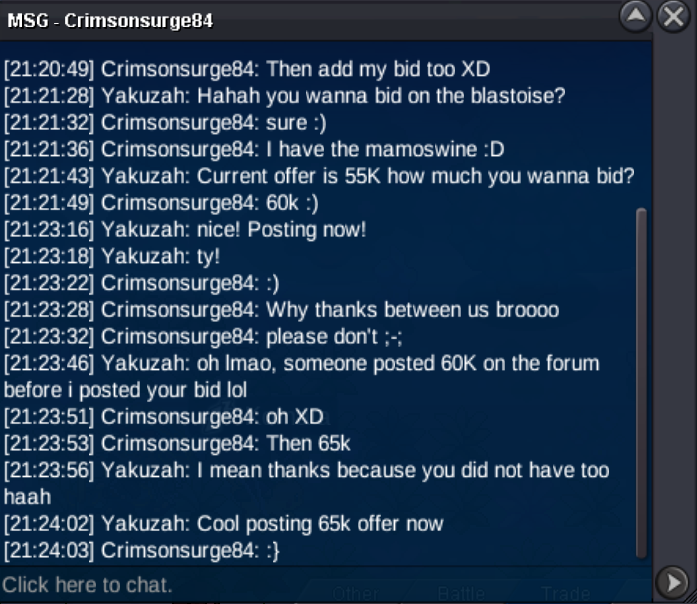
65k offer now
-
55K offer now

-
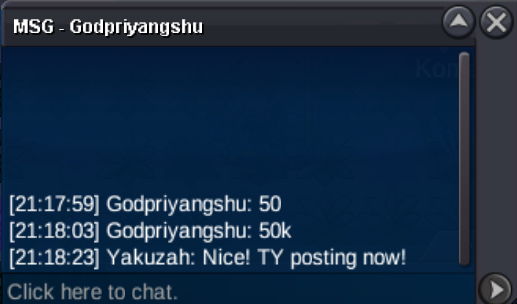
50k offer now!
-
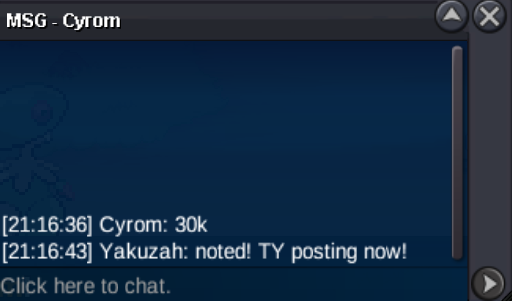
30k offer now!
-
10k offer now

-
300K
-
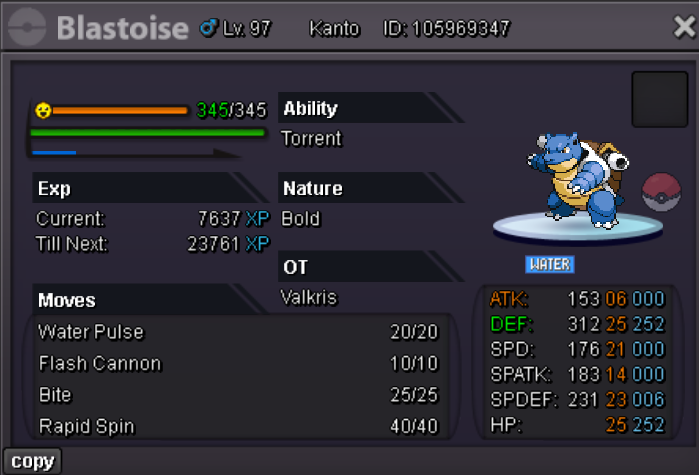
Hello, let's quick sell this Toise! S.o 1K Min bid 5K End point 30 minutes after 1st bid
-
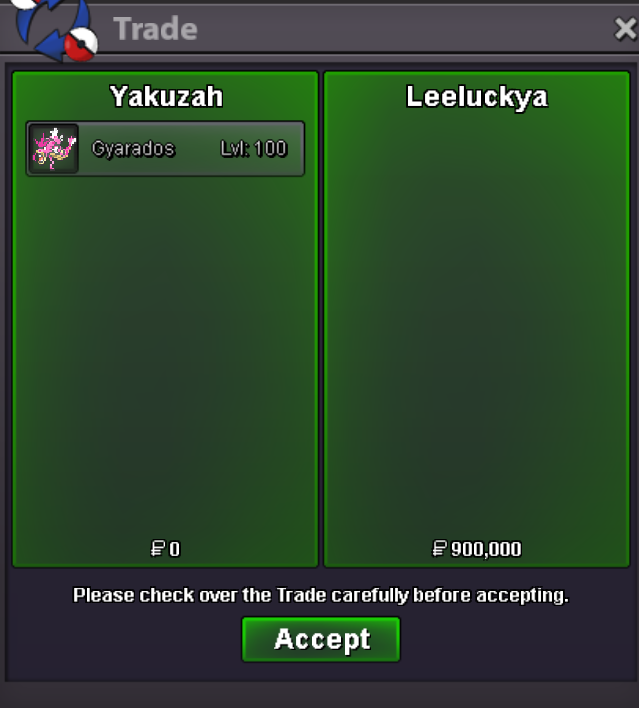
Traded can be closed
-
GZ mate, you won, contact me on discord. (my discord is Yakuzah) In like 1 hours I will bea round for the rest of the day
-
-
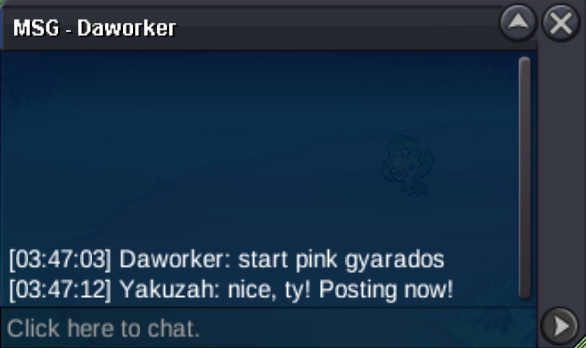
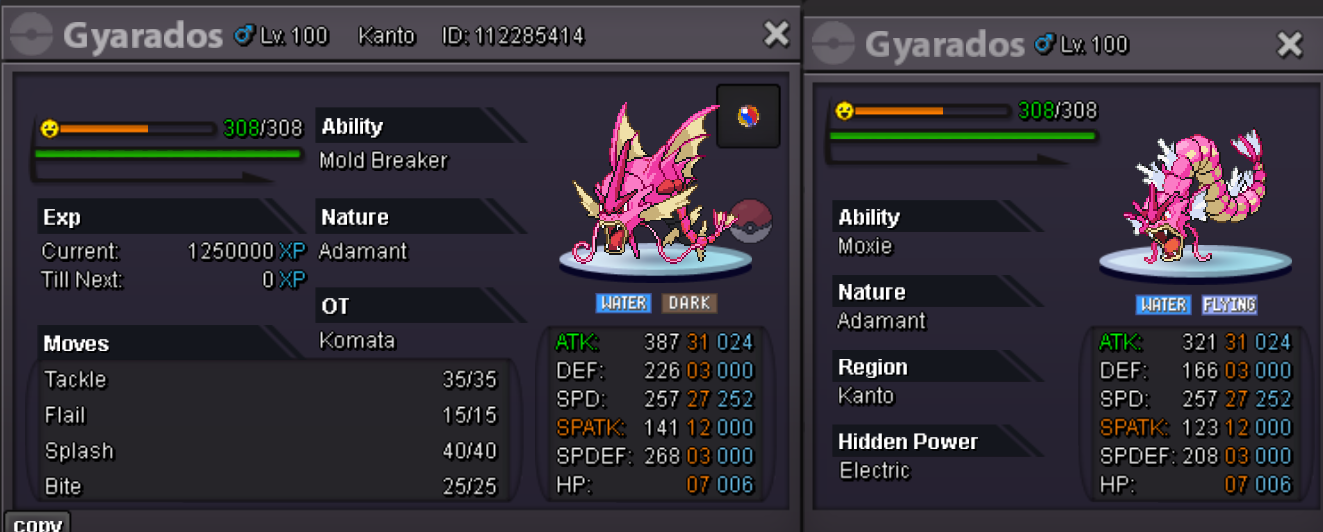
Hello! Time to sell my pink Gyarados S.o ---> 250K min bid 50K Insta ---> NONE Duration ---> 24 hours after the first bid!
-
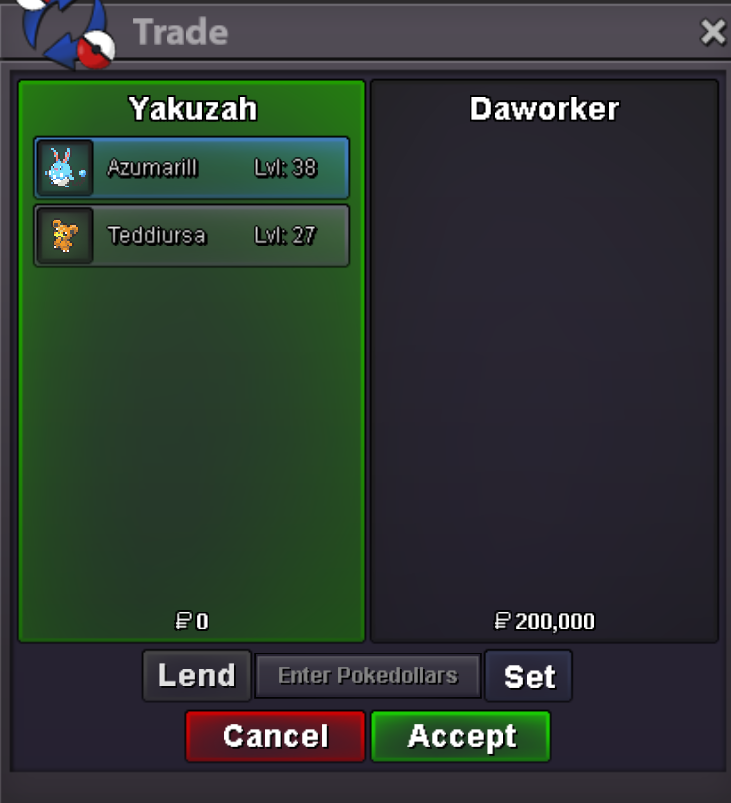
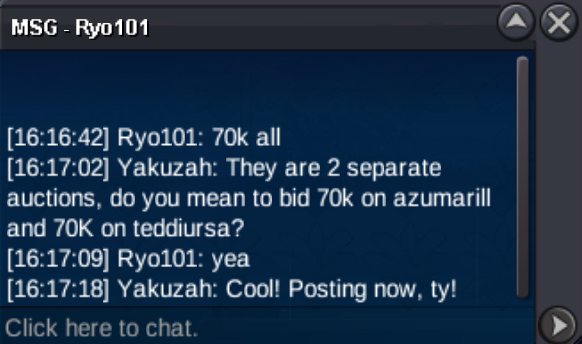
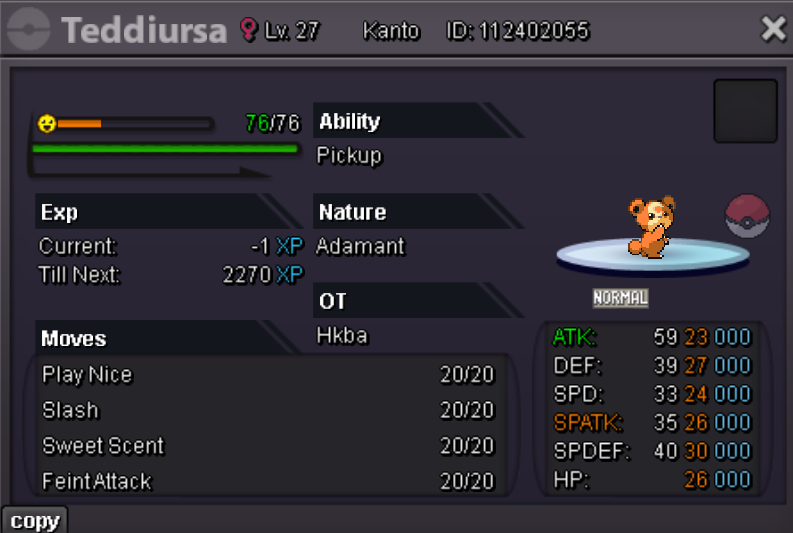
New B.o on Azumarill ---> 70K New b.o on teddiursa ---> 70K
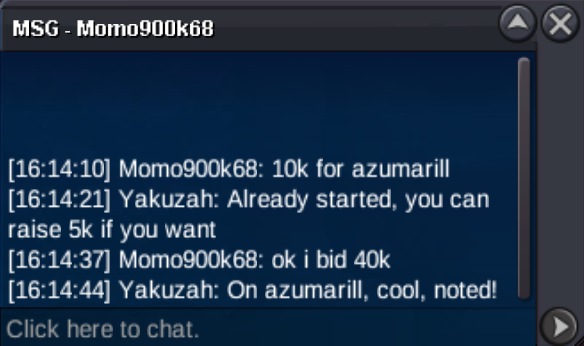
 40K bid on Azumarill Teddiursa c.o stills 10K
 Auction started on both, 4 hours from this post!
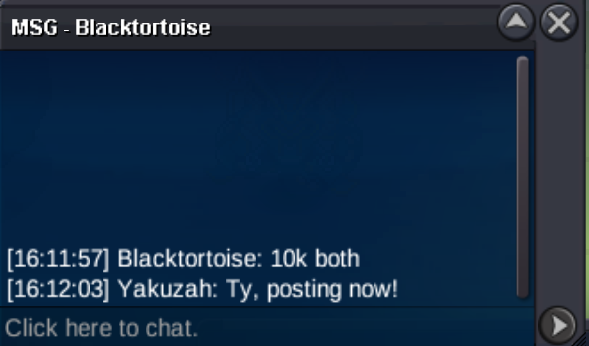 Hello! Time to quick sell my Epics mons! THIS IS NOT A BUNDLE! Start offer for each one is 10K Min bid for each one is 5K No insta on none of them. Duration: 4 hours after the first bid on each one!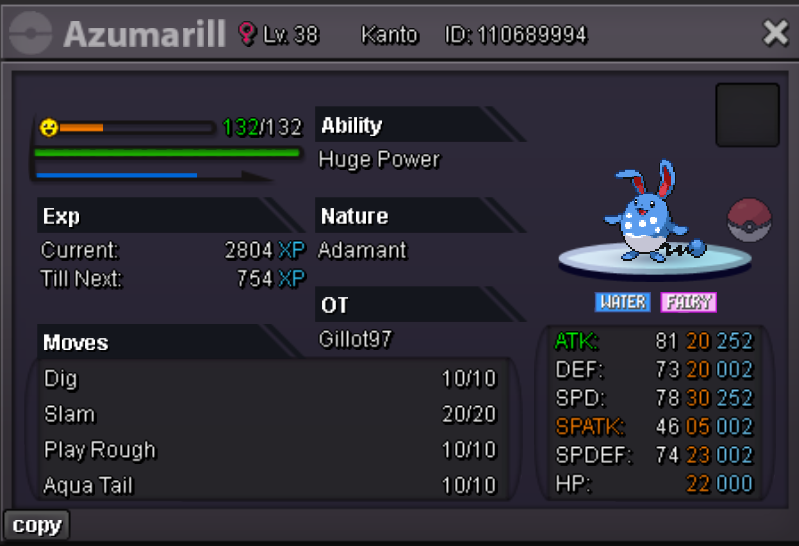
 Trade done
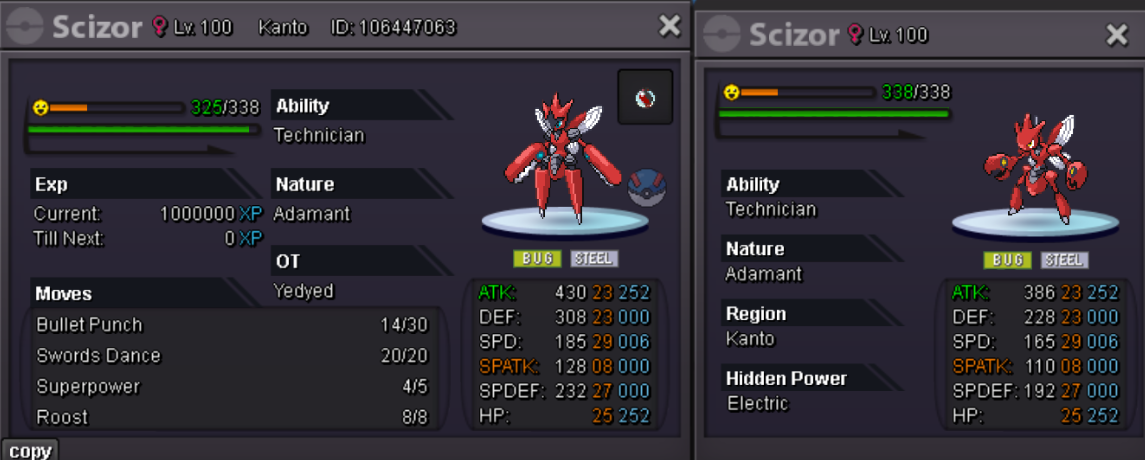
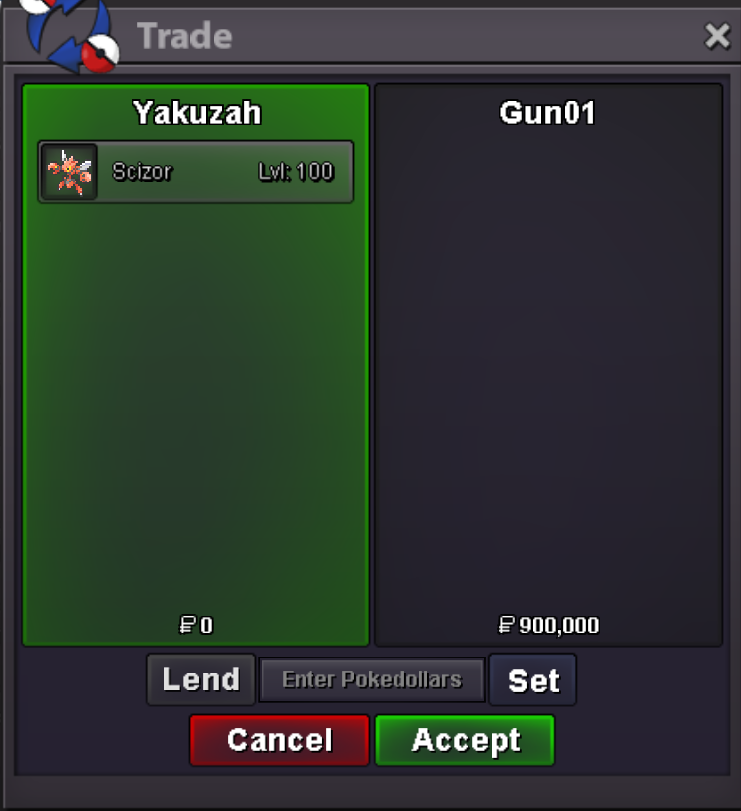 Hey, congratz, im online now100K turtwig30KHello everyone, time to asell my epic mega Scizor s.o 300K Min bid 50K Insta 2M Duration 24 hours after first bid
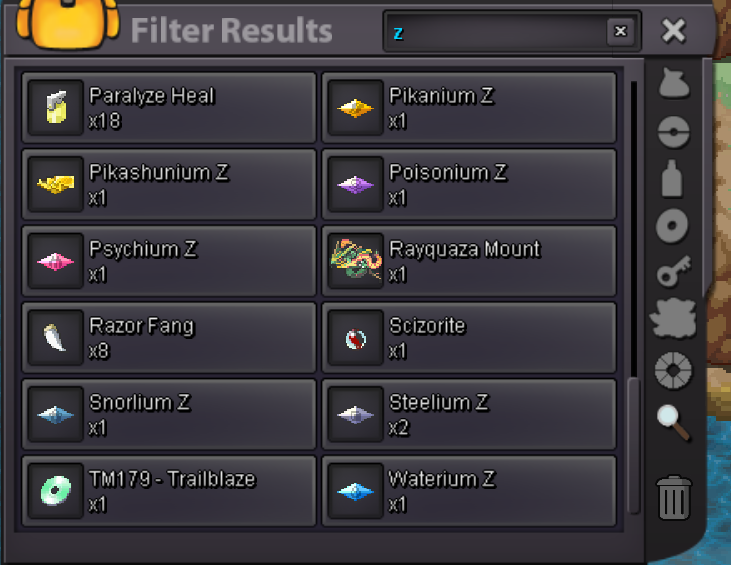
 Hello! I have purchase twich a Steelium Z crystal by mistake. I do not remember if I used PVE or PVP coins. Is it possible to refund and remove one for my crystals? Thanks In advance!