New Trade Zone
Trade Zone is now live
Use the new Trade Zone for auctions and instant-price trades so Pokemon and item offers are easy to find.

Levu
Registered User
-
Joined
-
Last visited
Everything posted by Levu
-
Praise the memegod ,Comrader
-
Nice shop
-
up we go
-
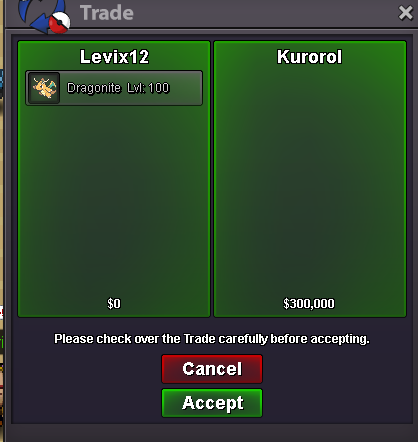
one of the dragos sold
-
one of the excas sold,forgot to take ss
-
bump,new pokes added ^^
-
nope,tang sold already iirc,will upadte soon
-
Clefa sold,shop will be updated soon
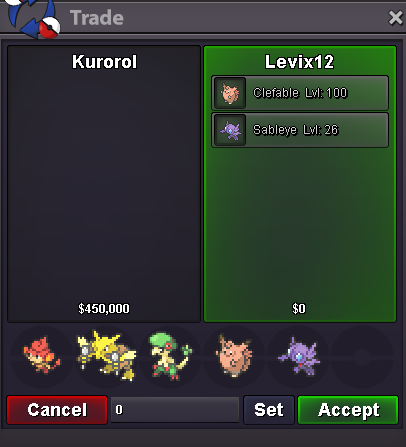
-
up we go
-
push
-
Tangrowth sold

-
One of the ferros sold,the buyer asked to hide his name ^^
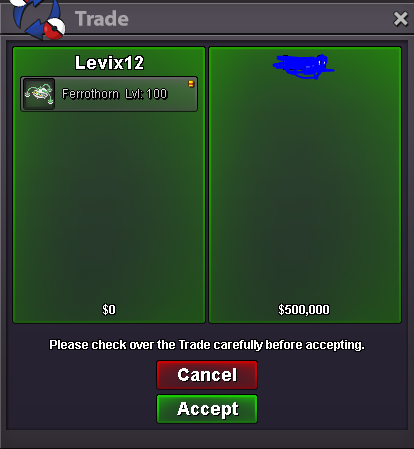
-
Medicham sold ^^
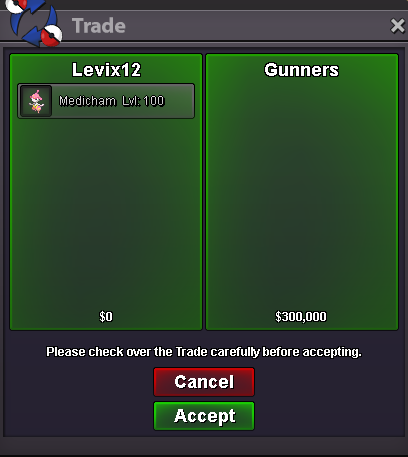
-
Clefable sold,new pokes added soon
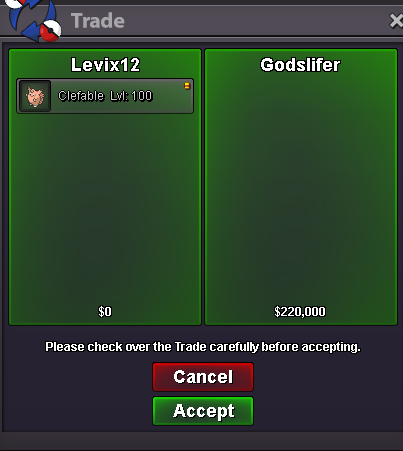
-
bumpp
-
-
I want to buy h.a drillbur ^^
-
Close,instad in pms by Meiji
-
-
-
+1.. Agreed in everything you said.. However as i saw ,they rejected it.. This can be solved by adding an online status where only can friends pm you,that would block help a littlebit,however advertising would be completly ruined while in this "status",but still u dont have to appear offline and you can still chat with friends.. Thats the only idea i had now :c
-
I released most of the untrained ones or trained them,pm me with a specific untrained poke and i check if i have it or not ^^
-
Haxorus sold

-
bump,new shop
-
Looking for offers first.. I have the right to DECLINE your offer. I want to sell both at the time,but with both side ok with your offer im capable of selling them by-one. Have a nice day