New Trade Zone
Trade Zone is now live
Use the new Trade Zone for auctions and instant-price trades so Pokemon and item offers are easy to find.

Aniketjain2
Registered User
-
Joined
-
Last visited
Everything posted by Aniketjain2
-
Please dm me on discord Noob_Aniket#4487
-
i dont think editing is allowed brother
-
payment in nature rerolls allowed right?
-
650k
-
start
-
Congrats!! Ign: Aniketjain2
-
-
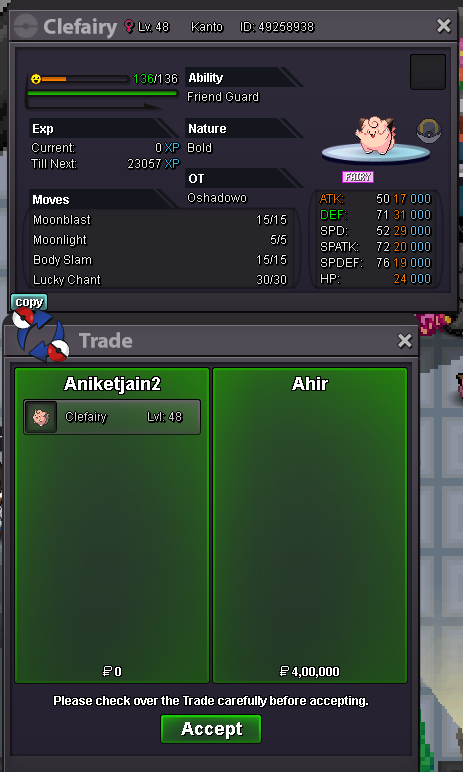
Auction ended won by ahir3 hours 42min to gobumpbump 48 hours leftAuction ends on 17 March 3:13 pm GMT +5:30 . If you guys want to know in how many hours the auction will get over feel free to ask me.Let me know if you want to join GalaxyRacers. We are constantly in top 10 from past few seasons. Also last time we missed top 3 by 40 points so your rating would be precious to us :DStart price reducedStart: 400k min raise: 50k C.o: 400k by Ahir Auction ends:- 17 March, 3:13 pm GMT + 5:30 Accepted Payments :- cc - 400k iv rr - 700k nature rr - 300kAuction won by @g3n3r4l. Please contact me on discord once u come online, Id :- Noob_Aniket#4487Last 15min of Auction. Also please keep this rule in mind.
 2 hours leftbump around 24 hours left!+1Around 48 hours leftNotedStart Price: 400k Insta: 2m Min. Raise: 50k Accepted Payment(s): Coin Capsule -> 420k, Iv reroll -> 720k, Rature reroll -> 360k Ends 72 hours after 1st bid Auction Started by g3n3r4l Current offer :- 420k Auctions ends at 6th January, 6:10 am GMT +0