




New Trade Zone
Trade Zone is now live
Use the new Trade Zone for auctions and instant-price trades so Pokemon and item offers are easy to find.

Neroli
Former Staff
-
Joined
-
Last visited
Everything posted by Neroli
-
Welcome :Sing:
-
Welcome :Sing:
-
Welcome to PRO, enjoy your stay :Sing:
-
Welcome to PRO :Sing:
-
Welcome to PRO :Sing:
-
Welcome :Sing:
-
Welcome to PRO :Sing:
-
Welcome to the forums :Sing:
-
Welcome French mate :Sing:
-
Welcome to PRO :Sing:
-
Welcome :Sing:
-
Welcome to PRO :Sing:
-
Welcome
-
Welcome to the forums :Sing:
-
Mmh so you should maybe have a check on this and this too. Seems like there's a corrupted permission on your Mac that prevents you to use the command I advised you. I'm also using a Mac but I've never get this kind of inconvenience. Hope these both links will help you
-
You should have put your Mac password here in order to authorize the process. 1. Copy/paste the command : [glow=grey]sudo spctl --master-disable[/glow] 2. Enter tab 3. Put your [glow=grey]password[/glow] (it will be invisible when you write it in the Terminal but still here) 4. Enter tab If it still doesn't work, just restart your computer, and try again.
-
Hello Duskky In order to avoid this long verification each time you have to download the game, just open your Terminal application, copy/paste this command : [glow=grey]sudo spctl --master-disable[/glow] and your password if asked, then run PRO as usually :Sing:
-
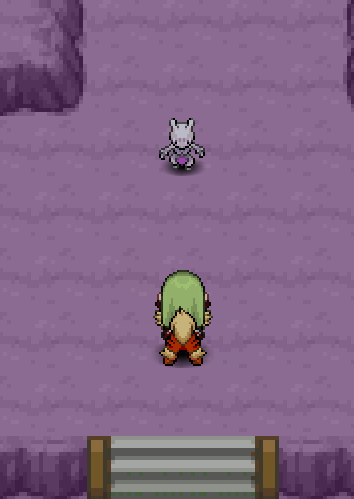
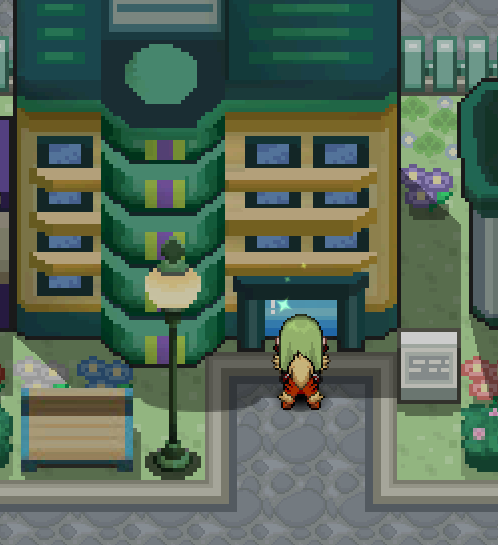
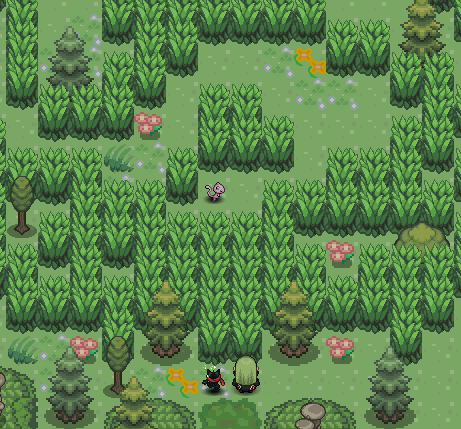
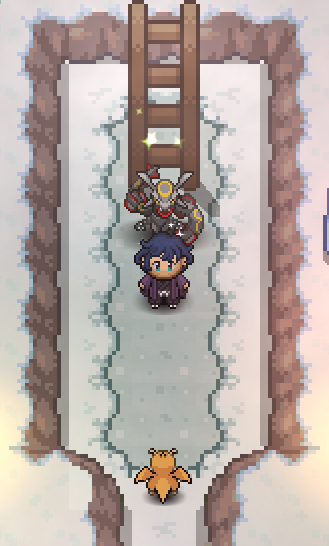
⋯⋯⋯⋯⋯⋯⋯⋯⋯⋯⋯⋯⋯⋯⋯⋯⋯⋯⋯⋯⋯⋯⋯⋯⋯⋯⋯⋯⋯⋯⋯⋯⋯⋯⋯⋯ I really hope this guide helped you! Good luck for getting your Mew!
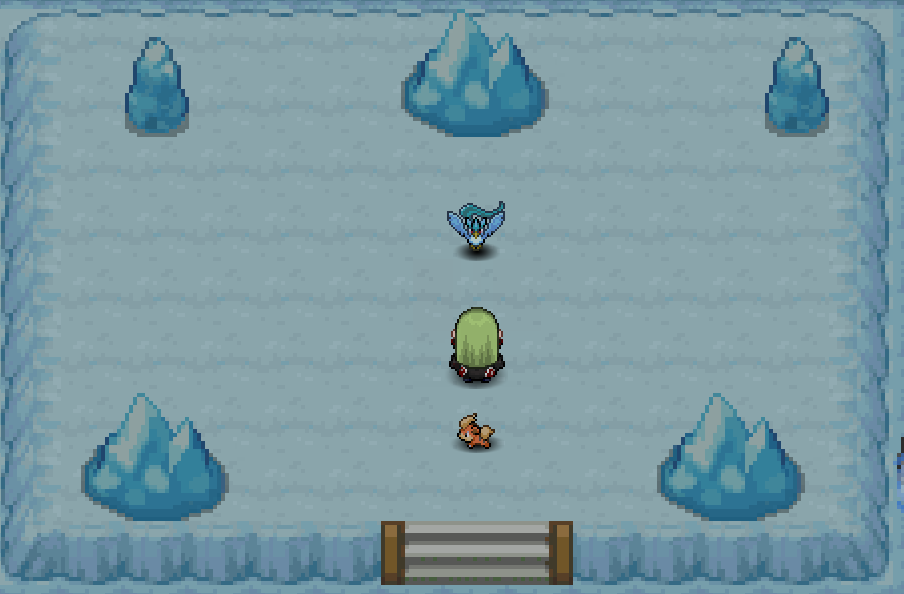
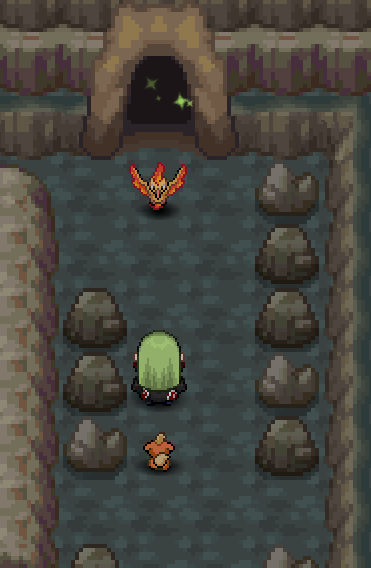
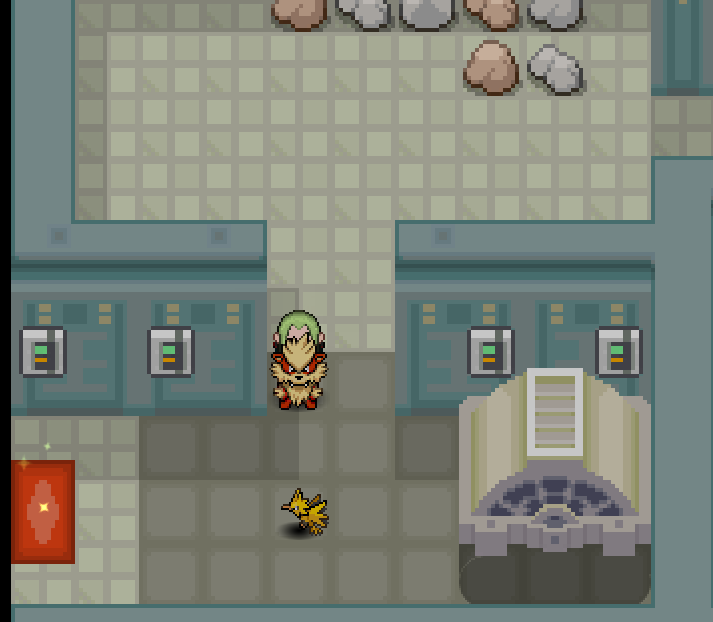
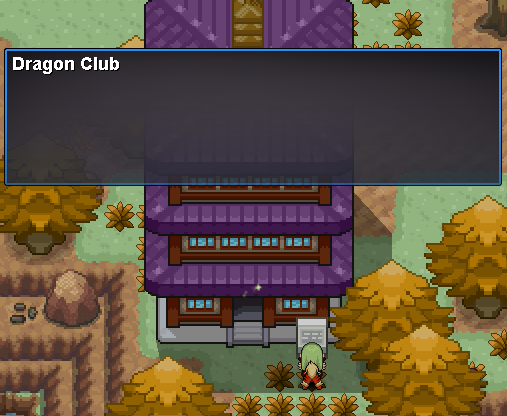


-
Goodbye Quanle ! I hope to see you back here one day. Good luck with everything and take care :Heart: :Sing:
-
Solved enjoy ! :Sing:
-
As your issue is solved, I'm going to lock this topic now. I wish you a nice day, and a good game ! :Sing: - Locked as solved -
-
Just go on Vermilion's dock, and talk to the guard as showed on this screenshot :
-
Solved :Sing:
-
Hello Wilsio I'm sorry if this confused you, but actually when you get the Ticket to get access to SS. Anne in Vermilion, this item doesn't appear in your Bag, it's a variable related to your account. Once you helped Bill to find his book, consider that you've done with this quest and you can continue up to Vermilion. If you need further assistance with anything else, feel free to ask :Sing:
-
0, try again :Sing:
