




Skip to content
View in the app

A better way to browse. Learn more.

Pokemon Revolution Online

A full-screen app on your home screen with push notifications, badges and more.

To install this app on iOS and iPadOS
  1. Tap the Share icon in Safari
  2. Scroll the menu and tap Add to Home Screen.
  3. Tap Add in the top-right corner.
To install this app on Android
  1. Tap the 3-dot menu (⋮) in the top-right corner of the browser.
  2. Tap Add to Home screen or Install app.
  3. Confirm by tapping Install.
New Trade Zone
Trade Zone is now live
Use the new Trade Zone for auctions and instant-price trades so Pokemon and item offers are easy to find.
Open Trade Zone

Darkmister

Registered User
  • Joined

  • Last visited

  1. Username: Darkmister Server: silver
  2. I lost all my items doing the darkrai quest
  3. your designs are excellent you do a great job as a collector I would like to know when you will take out new designs
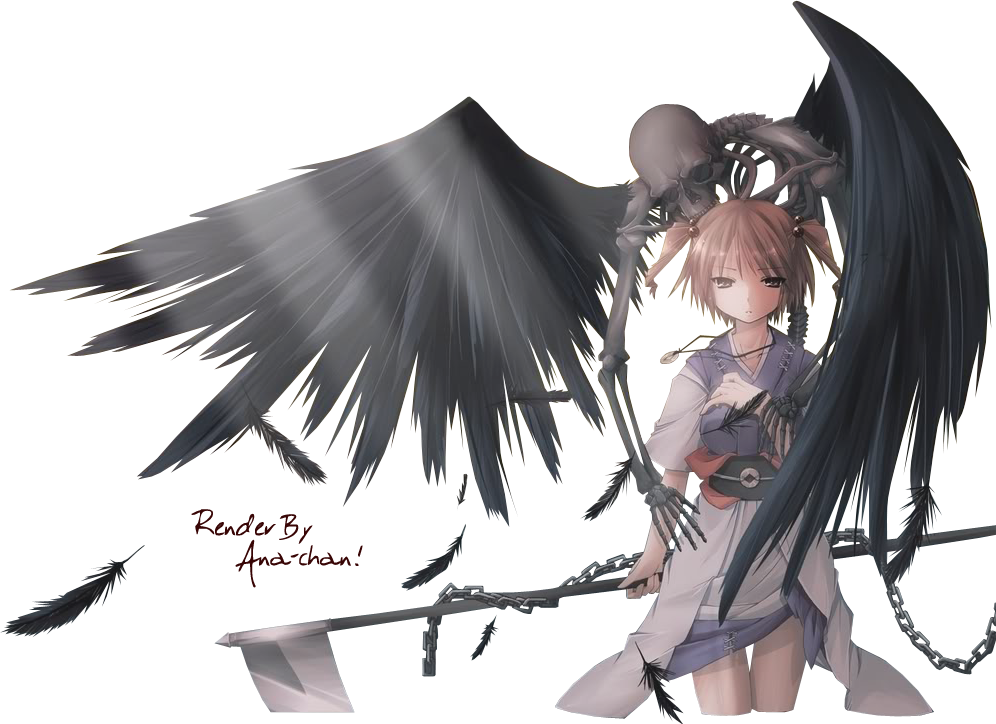
  4. the problem is not so much the one that syncable/shiny reward but it did not appear the pokes that it gave me in the pc
  5. The boss ash did not give me the 3 reward did not appear anything on the pc or the chespin he chose
  6. wow thank you very much I congratulate you for your work with the costumes you are the best
  7. where can I get these costumes I like to collect them all
  8. impresionantes diseños ya quiero probarmelos que gran trabajo haces diseñando trajes

Account

Navigation

Search

Search

Configure browser push notifications

Chrome (Android)
  1. Tap the lock icon next to the address bar.
  2. Tap Permissions → Notifications.
  3. Adjust your preference.
Chrome (Desktop)
  1. Click the padlock icon in the address bar.
  2. Select Site settings.
  3. Find Notifications and adjust your preference.