New Trade Zone
Trade Zone is now live
Use the new Trade Zone for auctions and instant-price trades so Pokemon and item offers are easy to find.

Sbyz
Registered User
-
Joined
-
Last visited
Everything posted by Sbyz
-
-
-
-
Bump ! And Update !
-
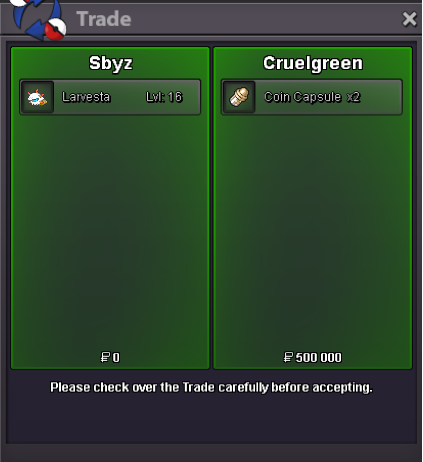
Sold insta to Cruelgreen
-
Start price : 500k Insta Price : 1m3 Min Bid : 100k Duration : 24hours from first bid Accepted paiement : - Pokedollar - Capsule coins : 400k

-
Thank you for the guide, it helps a lot ! Roserade did quite the Job against Gigalith I feel myself a bit lucky for Diancie, at least it is not a total trash ^^'

-
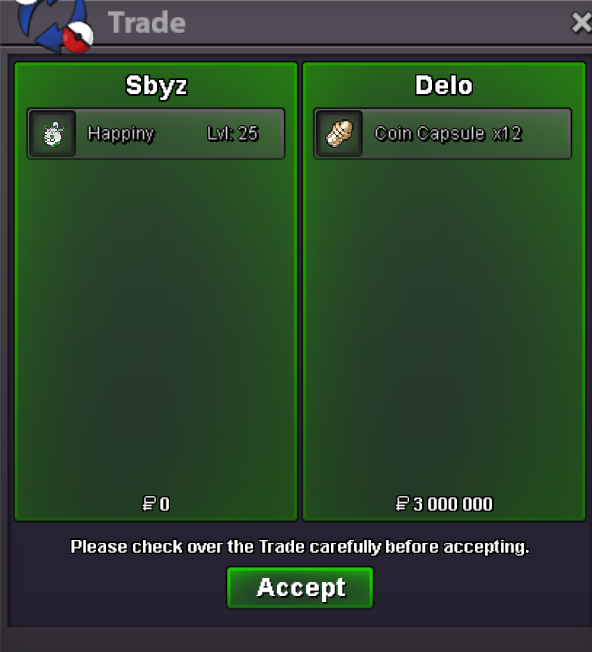
Auction ended, Delo won with an offer of 7m8 Thank you all !
-
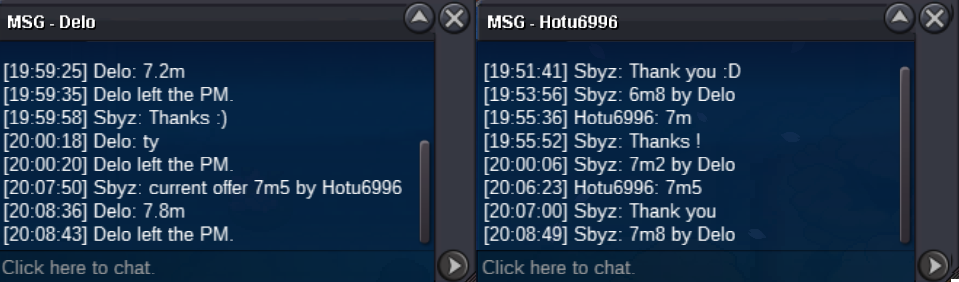
Current offer : 7m2 by Delo

-
Current offer : 6m4 by Delo, 15min left from his offer
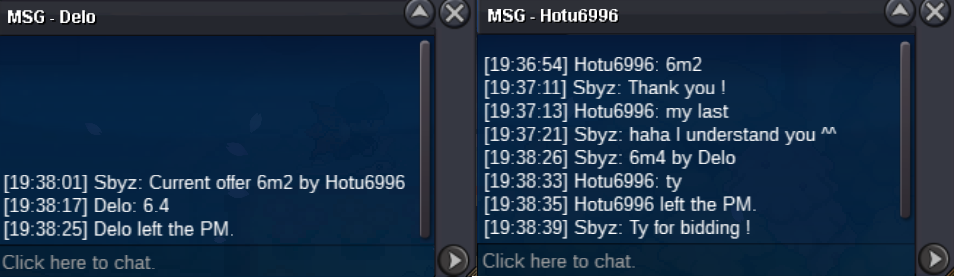
-
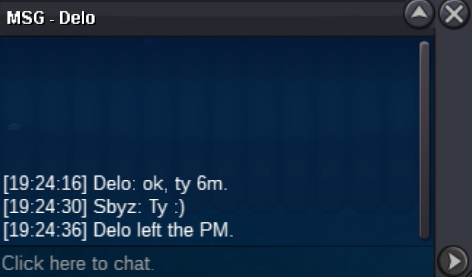
6m by Delo
-
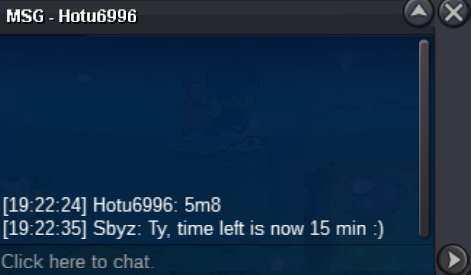
New offer : 5m8 by Hotu6996
-
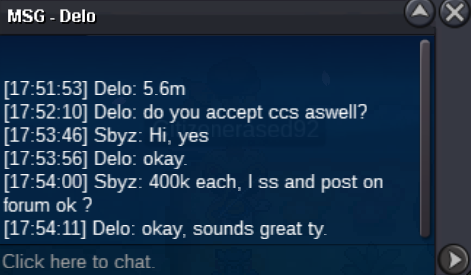
Ty TrollPlayz but someone just bid 5.6m :
-
8hours left 🙂
-
Bump !
-
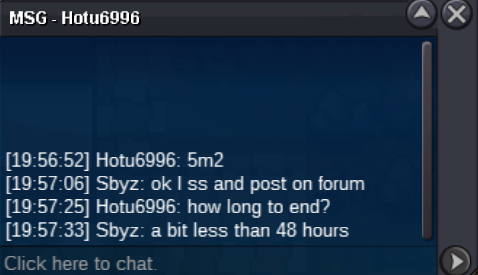
Current offer : 5.2m by Hotu6996
-
+1, the eggs tab will never be used But I think a Favorites Tab with the item we use often will be more useful than an only 'MegaStones Tab'
-
Thank you. Auction ends the 21/04 at 7h34 pm GMT +2
-
Bump !
-
Noted, I PM you I change the image too, if someone else have some trouble to see, let me know please
-
Final offer : 7m8 by Delo Accepted paiement : - Pokedollar - Capsule coins : 400k Auction ends : 21/04 7h34 pm GMT +2 Pokemon actual server : SILVER I will transfer to Gold if the winner is from Gold Good luck !
-
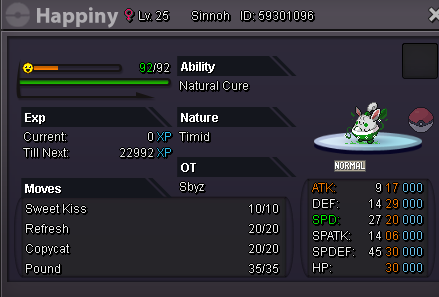
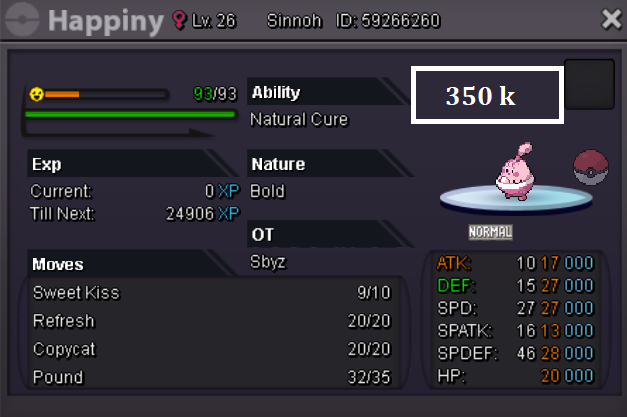
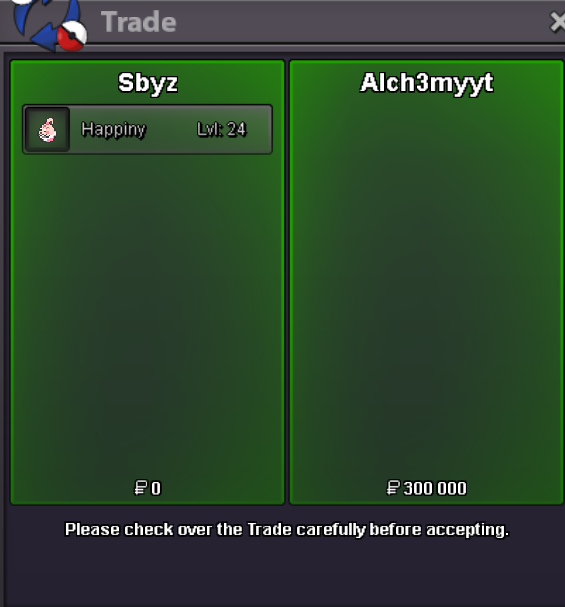
Happiny sold to Alch3mytt, final price : 300k Happiny sold to Argy1, final price : 350k
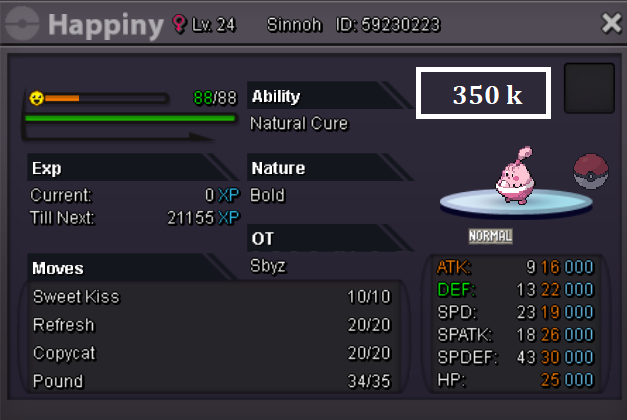
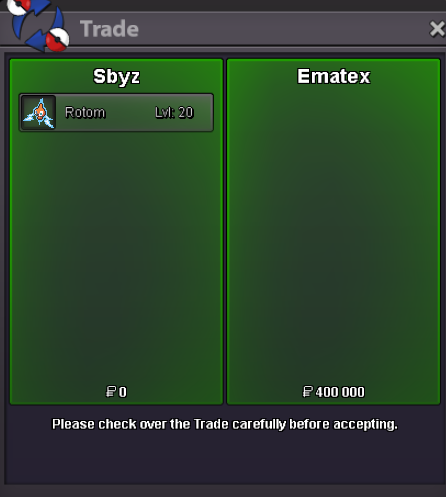
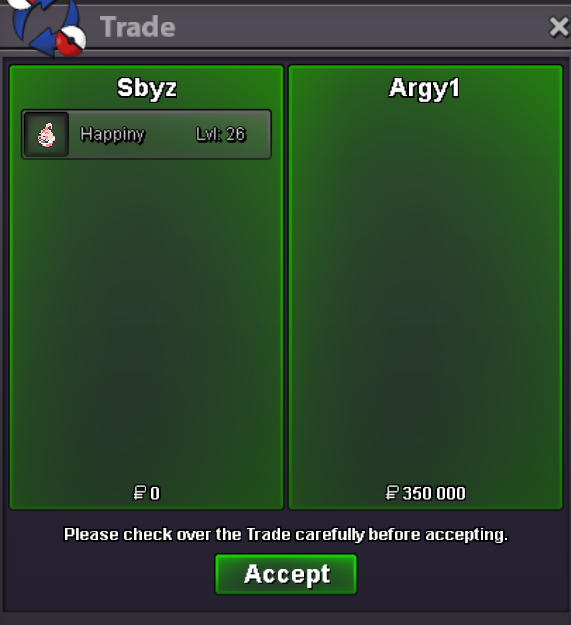 Rotom sold to Ematex, final price : 400k