New Trade Zone
Trade Zone is now live
Use the new Trade Zone for auctions and instant-price trades so Pokemon and item offers are easy to find.

Zz0ggy
Registered User
-
Joined
-
Last visited
Everything posted by Zz0ggy
-
650k
-
-
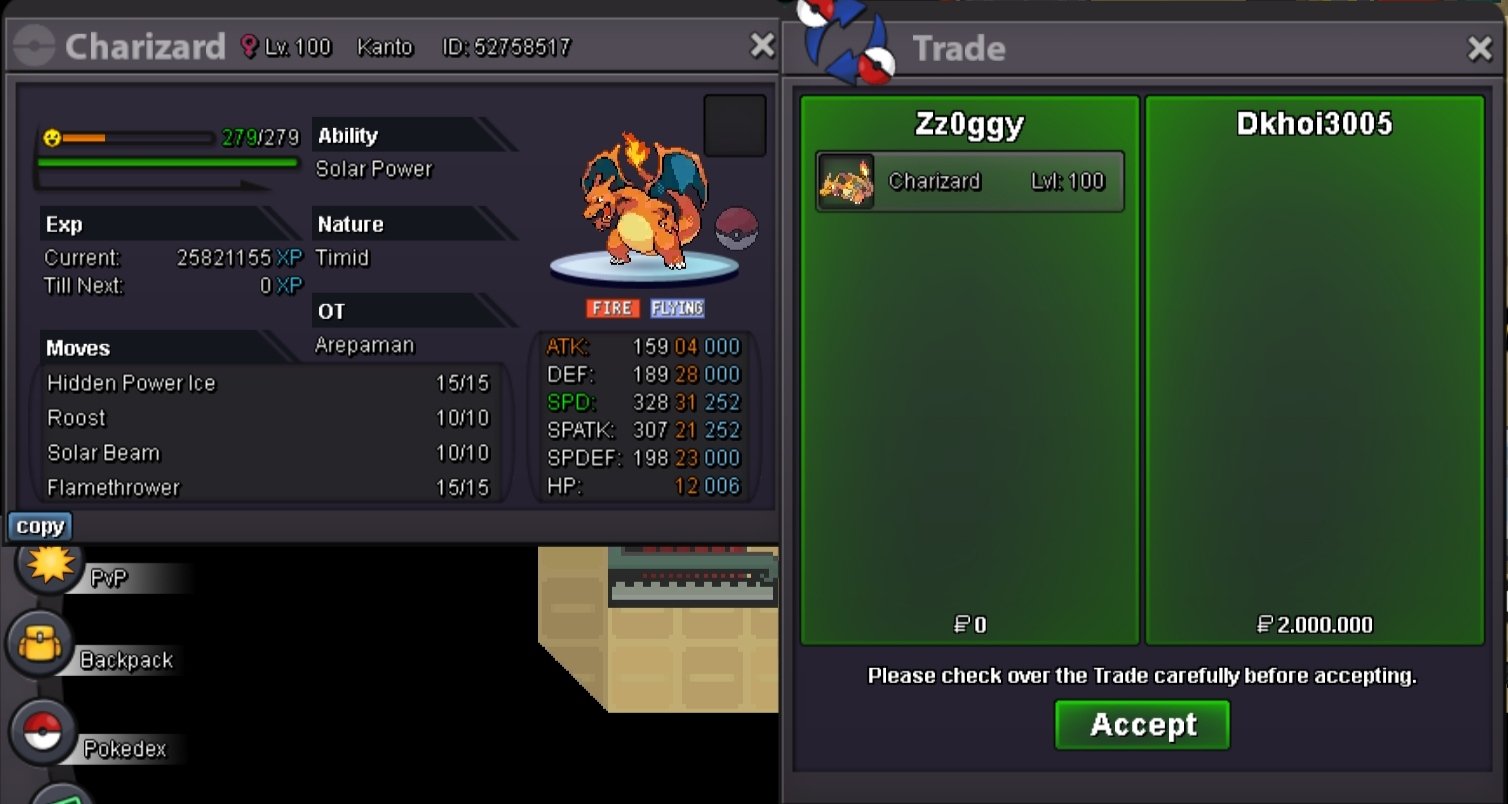
Auction ended and won By @Dkhoi3005
-
-
-
S.o by zeravolt . 48h left

-
S.O: 500k MIN BID: 100k INSTA: 2m 48h auction after first bid. Accept : rr iv 500k / cc 350k

-
Dear Staff Team, First of all, i would like to applogize about my mistakes during this pvp season. This month, i've used my 3 own accounts to perform PvP ranked, but the rules said that i could only play maximum 2 accounts in PvP ranked. I don't know about this rules until the last week of this season. This is my fault in playing without reading the rules carefully. So there is my 3 own accounts i've played in this season: zz0ggy with (norma: 242, random: 238)/ dragontalon with (norma: 224, random: 188)/ anhxln1 with (norma: 92 ,random: 103) . Can you help me with this (Remove the rating of the lowest account or something else)? or give some solutions/advises for me to self-solve this problem? Again, I'm so sorry about what i have made. I promise i won't break it again. Hope to get your reply soon, thankyou for reading and wish you a great day/night. Sincerely, <zz0ggy>
-
I online. I can trade now
-
@SupraaLooks like I won. I'm on server silver.
-
3.450.060
-
3.350.000
-
3.2m
-
3m
-
2.7m
-
2.5m
-
1.9m
-
1.2m
-
800k
-
S.o all
-
2.7m gligar
-
700k
-
111.111
-
+1
-