New Trade Zone
Trade Zone is now live
Use the new Trade Zone for auctions and instant-price trades so Pokemon and item offers are easy to find.

King1234
Suspended
-
Joined
-
Last visited
Everything posted by King1234
-
I will be ingame in 30 mins. My ign is Rayondx
-
Can you also post a screenshot confirming it’s hidden power fire please.
-
I bid 300k on magnemite
-
@Hawluchaa I think this post needs moderation. kind regards.
-
I offer 900k
-
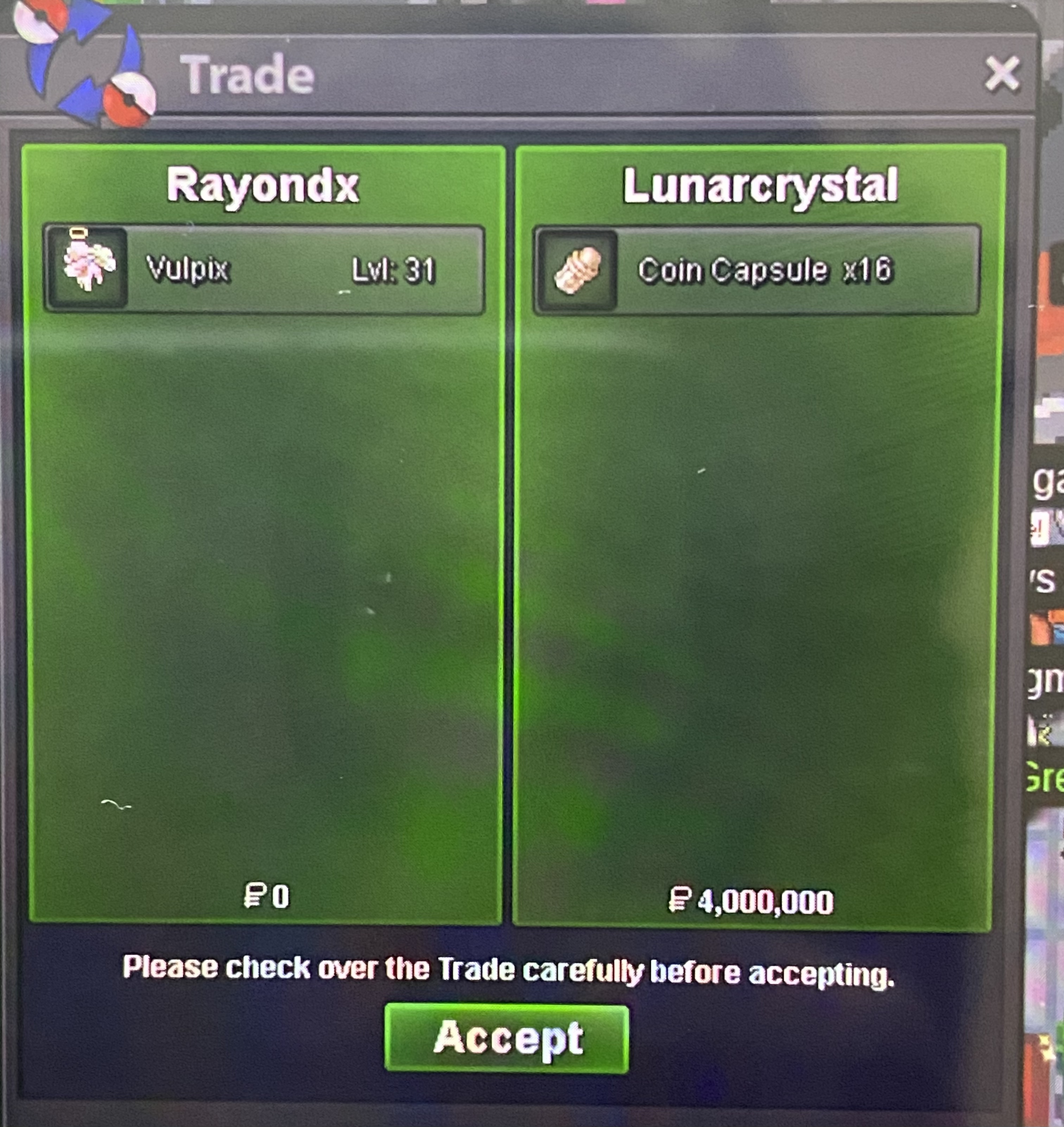
Auction ended earlier than expected due to buyer reaching instant. Trade complete. Attach is proof.
-
This bid equals 10mill if math is applies. based on my rate for cc multiplied by 16 coin capsules and plus 4 mill is equals to 10mill. So the instant price has been acheived. Congrats on placing this final offer. Meet ingame for pokemon
-
I accept your bid as is. No need to covert anything. You have highest bid.
-
Noted. The timer starts
-
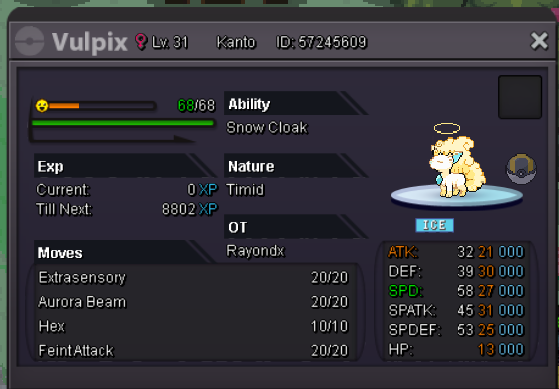
S.O. 1M Insta 10M - by LunarCrystal Minimum bid 200k Auction ended I am currently playing in Silver, so you have to transfer here or pay me 1 CC additional to the amount of your bid if you want me to transfer. Other form of payments: CC: 380k Iv Reroll: 700k Nature Reroll: 350k Post bids here and DM me on Discord: King^_^#3547 for more info. 💖 Meow 💖
-
720k 🙂
-
660.1k
-
620k 🙂
-
Is cc’s acceptable payment method? Or just cash only?
-
My apologies. 2cc and 100k
-
1 cc and 200k
-
I offer 1 cc.
-
-
I will meet you ingame later. Ill message you soon. Im at work currently.
-
I guess i won?
-
I bid 1.5m
-
You take cc?
-
I bud 1.2m
-
I bid 900k.
-