




New Trade Zone
Trade Zone is now live
Use the new Trade Zone for auctions and instant-price trades so Pokemon and item offers are easy to find.

Lillyxd
Registered User
-
Joined
-
Last visited
Everything posted by Lillyxd
-
So the allow controll option only allows for really mixed keybinds for example arrow up is down and b is down and you can't inteeract wich is dissapointed aftering spending 100€ on a android controller only to play pro on i will try remapping my buttons for now but id be really happy and i'm sure allot of people would be if pro would allow controller to work properly its not enjoyable to play on a touch screen esepcially when ur walking allot pvp is fine tho controller is still far more comfy
-
start 350k
-
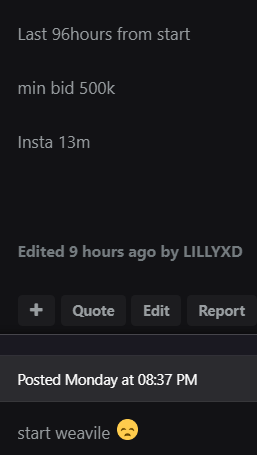
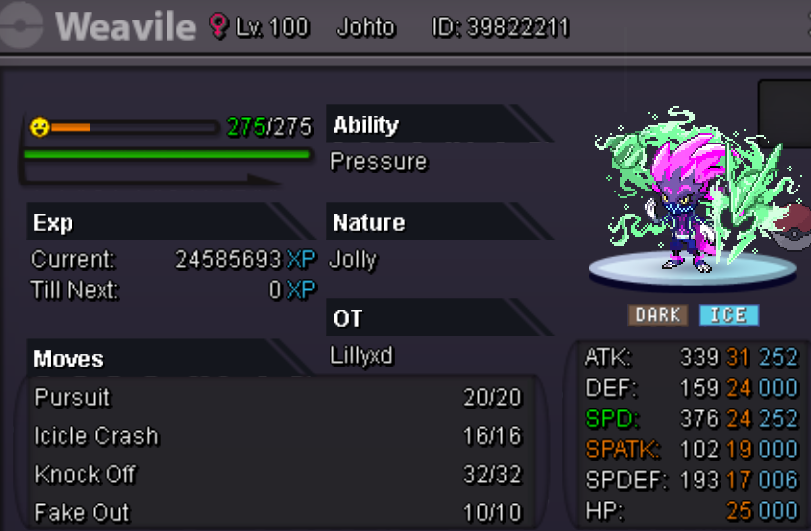
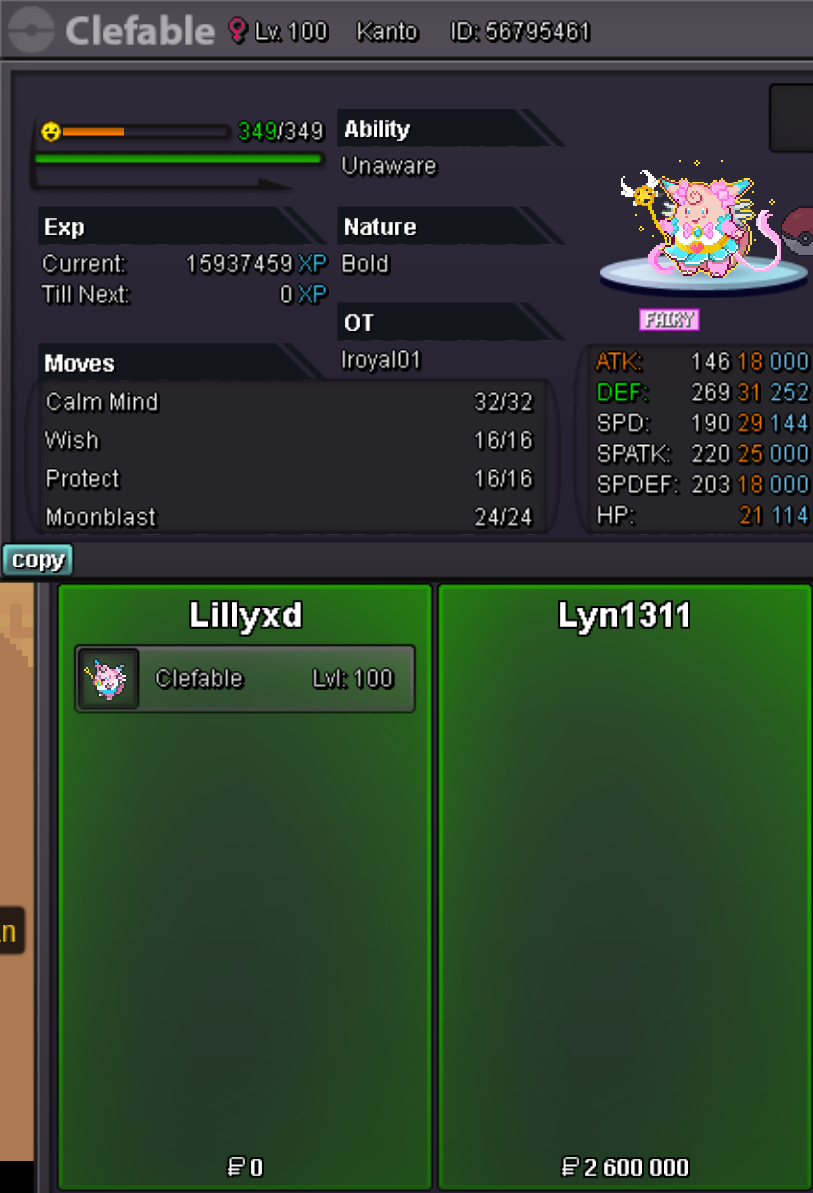
have cranidosIt ends tomorrow at 08:37PM Weavile been 96h from start since the beggining whilest clefable and volcarona were both 72 hours and the tyranitar wich i removed since noone started it was on 96h aswell. I removed the pokes that where sold left weavile on the original terms, if there is some room for confusion pls mod clarify.
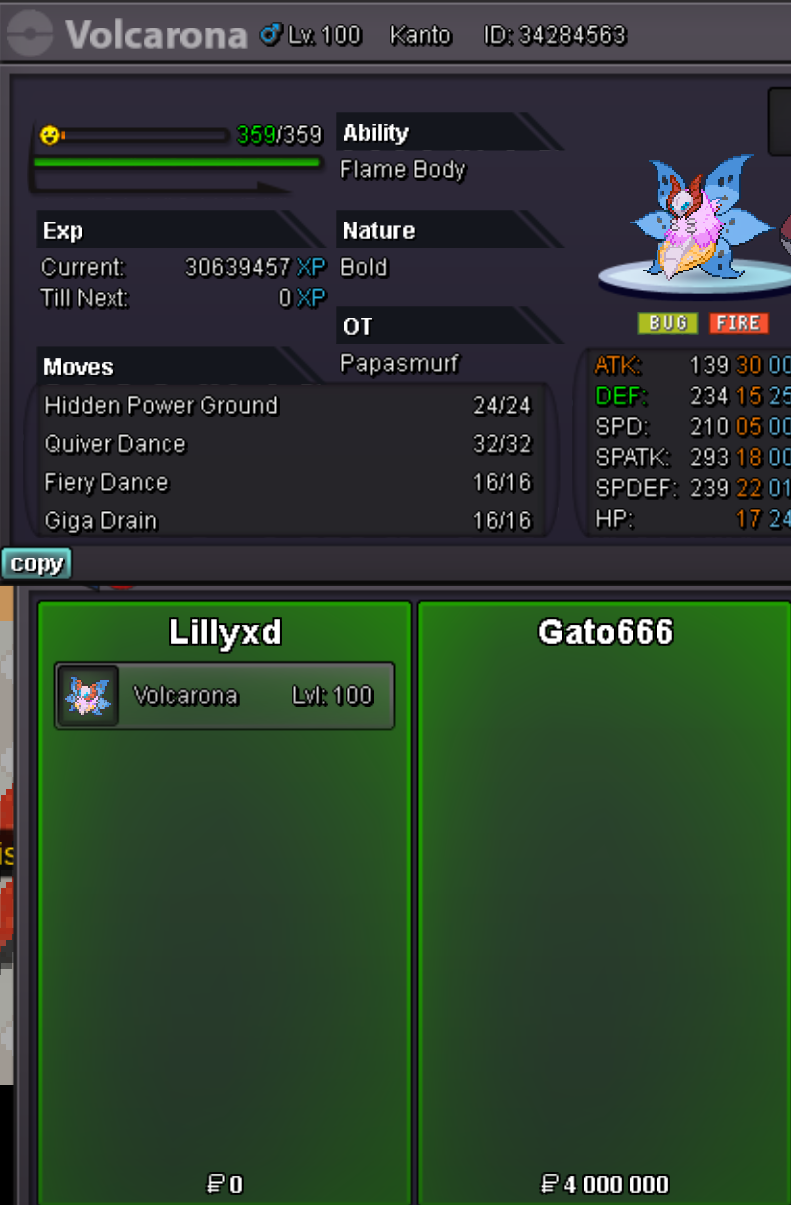
 11mUsername: LILLYXD Server: Silver Country/Timezone: Sweden/GMT +2 ( CEST )You wonVolca sold insta
 *https://www.tickcounter.com/countdown/3312680/weavile Weavile started 9m by Alexii Last 96hours from start min bid 500k Insta 13m
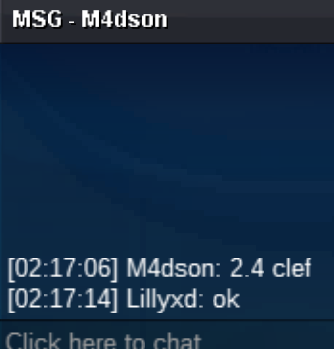
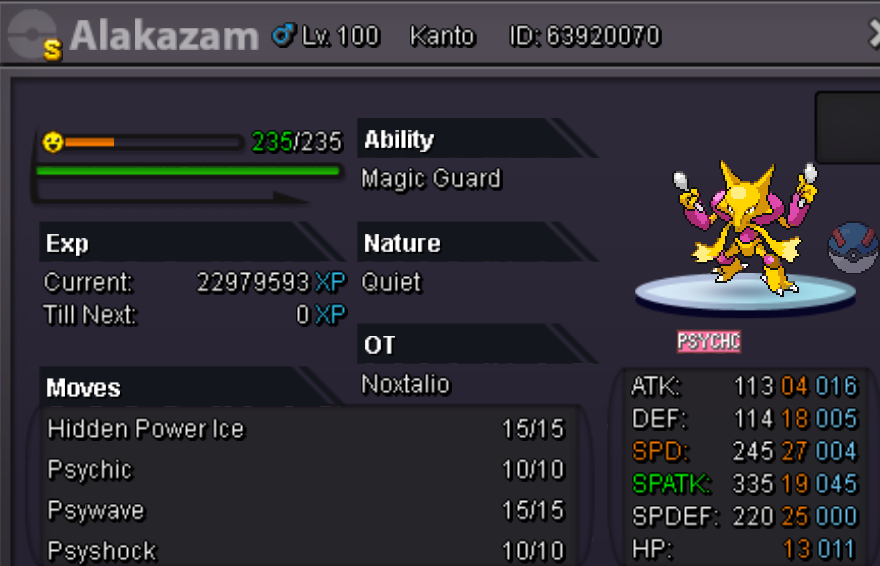
 Winner is sideeffect at 400kStart2.5 goodra******20m


Account
Navigation
Search
Configure browser push notifications
Chrome (Android)
- Tap the lock icon next to the address bar.
- Tap Permissions → Notifications.
- Adjust your preference.
Chrome (Desktop)
- Click the padlock icon in the address bar.
- Select Site settings.
- Find Notifications and adjust your preference.
Safari (iOS 16.4+)
- Ensure the site is installed via Add to Home Screen.
- Open Settings App → Notifications.
- Find your app name and adjust your preference.
Safari (macOS)
- Go to Safari → Preferences.
- Click the Websites tab.
- Select Notifications in the sidebar.
- Find this website and adjust your preference.
Edge (Android)
- Tap the lock icon next to the address bar.
- Tap Permissions.
- Find Notifications and adjust your preference.
Edge (Desktop)
- Click the padlock icon in the address bar.
- Click Permissions for this site.
- Find Notifications and adjust your preference.
Firefox (Android)
- Go to Settings → Site permissions.
- Tap Notifications.
- Find this site in the list and adjust your preference.
Firefox (Desktop)
- Open Firefox Settings.
- Search for Notifications.
- Find this site in the list and adjust your preference.