




New Trade Zone
Trade Zone is now live
Use the new Trade Zone for auctions and instant-price trades so Pokemon and item offers are easy to find.


Dorade
Registered User
-
Joined
-
Last visited
Everything posted by Dorade
-
Thank you Tifus. (Coin capsule - 225k = 175k)


-
Bump
-
Added Alolan Ninetales (x2)
-
Added Meditite (x4) and Durant
-
Bump
-
Updated shop. Reduced all prices.
-
To be deleted please
-
Added Nidoran M (x2), Golbat (x2), Zubat, Joltik (x2), Duskull (x4), Emolga, Shuppet
-
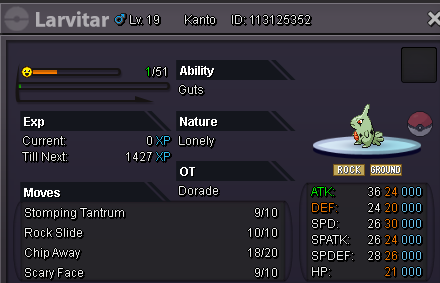
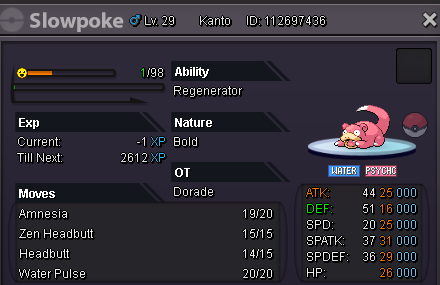
Added Tepig & Slowpoke (x2)
-
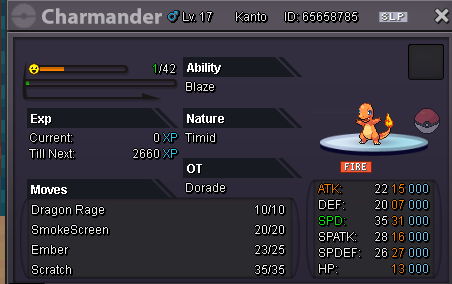
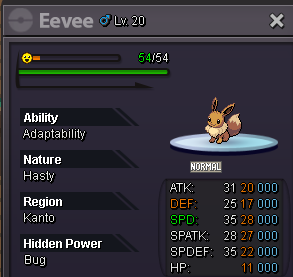
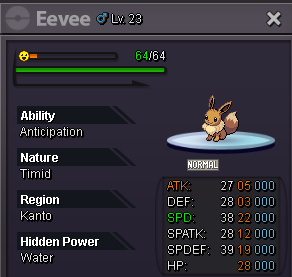
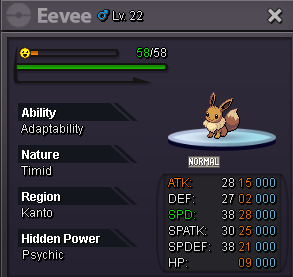
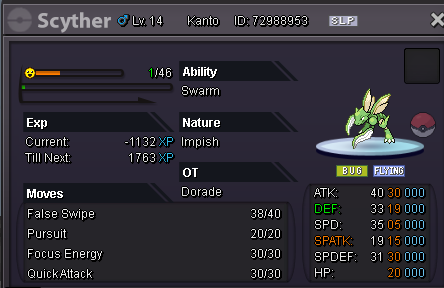
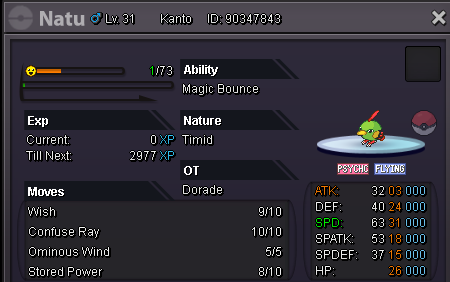
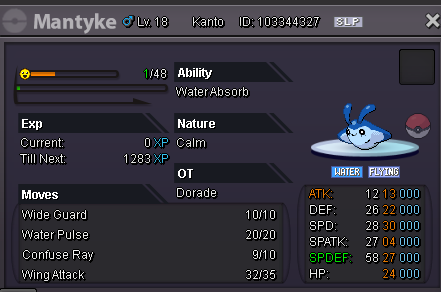
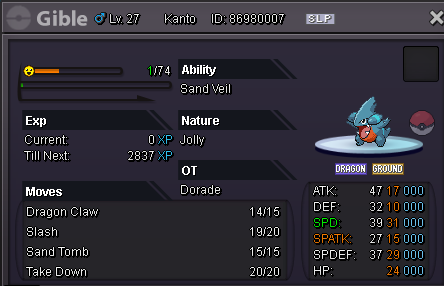
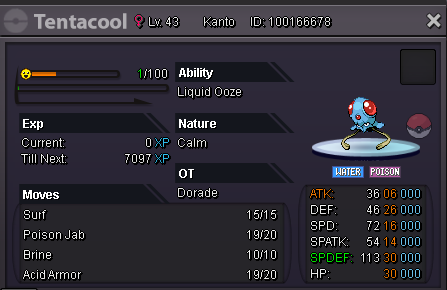
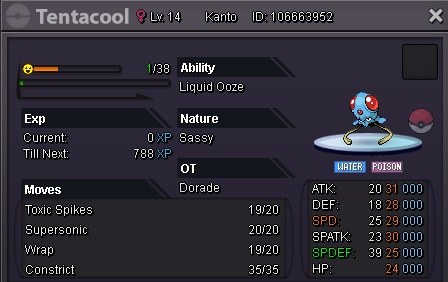
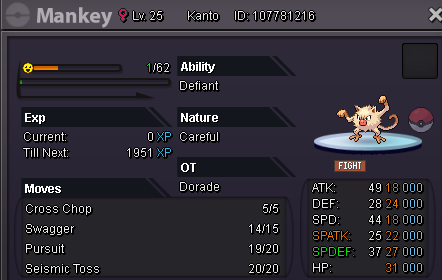
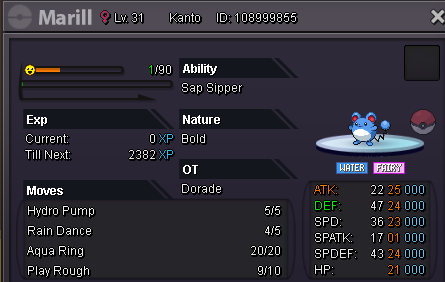
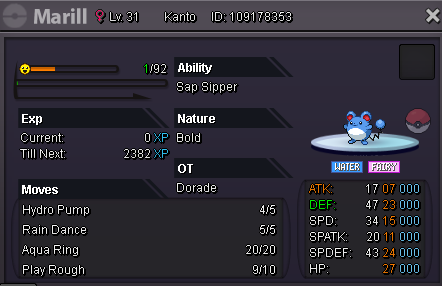
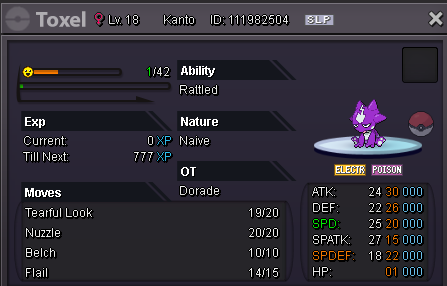
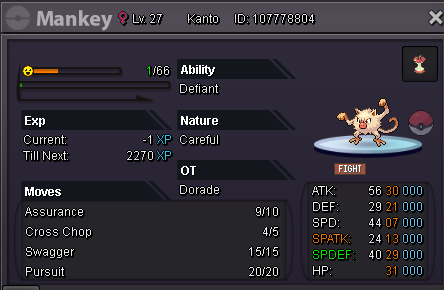
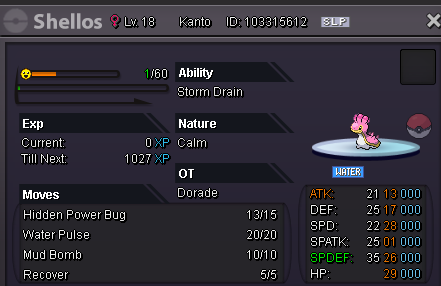
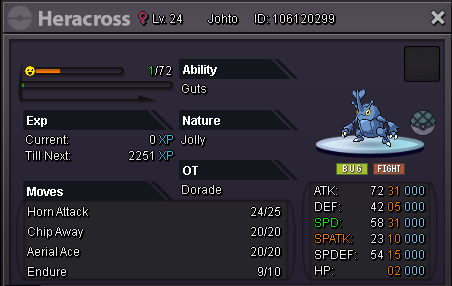
Welcome in my Shop ! Shop rules: All trade rules must be followed ! Prices can be negotiable, message me on the thread, via my discord or ingame. I try to give hints as to how you can use the pokemon in PvP, do not hesitate to ask questions 😉 Payment methods: Pokedollars. Coin Capsule. (475k) IV Re-roll Ticket. (785k) Nat Re-roll Ticket. (350k) PvP items (on demand) Rare candy. (6k) If any questions you can post or message me in game. ------ All PvP ready pokemons were moved to the new Trade Zone ! A-B-C Spoiler D-E-F Spoiler G-H-I Spoiler J-K-L Spoiler M-N-O Spoiler P-Q-R-S Spoiler T-U-V Spoiler W-X-Y-Z (empty... for now) Spoiler Many other pokemons will be added very soon. Contacts : In game : Dorade Discord : .dorade








-
