New Trade Zone
Trade Zone is now live
Use the new Trade Zone for auctions and instant-price trades so Pokemon and item offers are easy to find.

Dorade
Registered User
-
Joined
-
Last visited
Everything posted by Dorade
-
Hey ! Sure ! Can you contact me on discord so we decide the place and time for the trade ?
-
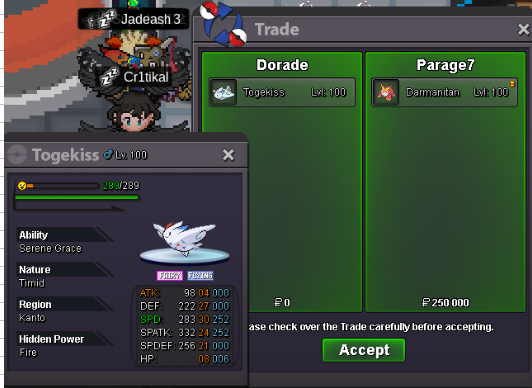
Ty Parage 😉
-
Fire: Cyndaquil Water: Totodile Grass: Bulbasaur
-
Added PVP ready Ada sand rush Stoutland 31 speed
-
Added 2 Eevees (Timid + bold)
-
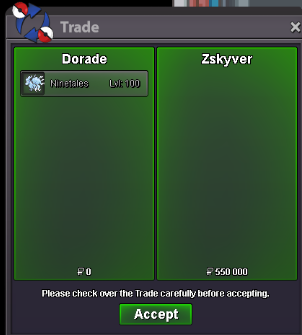
Ty Zskyver
-
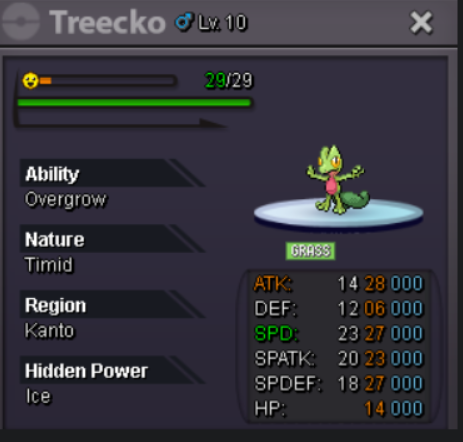
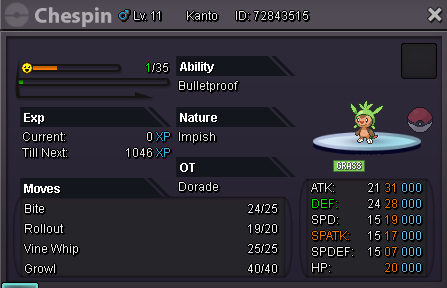
Thanks a lot ! Treecko pic here for the record :
-
Bump
-
Hello ! Sure ! Can we meet tonight or tomorrow ? If not as I will be in vacation for most of next week do not hesitate to enforce the trade through a moderator. Sorry for the delay of my answer, it's vacation time mostly these days and i am not as active as i use to be.
-
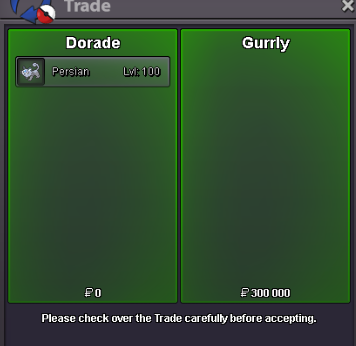
Ty Gurrly
-
Added Timid 31 speed salamence.
-
225k
-
-
Added Alolan Persian
-
BumpBumpBumpI changed the overall shop appearance to make it better for you 😉BumpMimikyu Tropius Arcaninetyty Zeithh
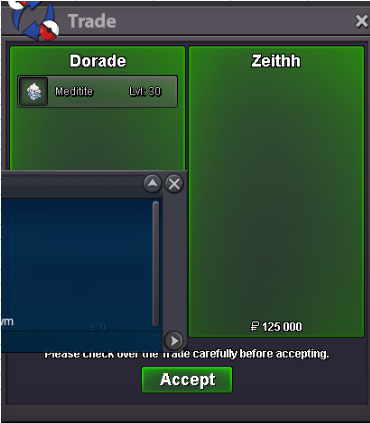 Hello Zeithh, sure. When can we meet. I am online right now and sent you an email in your forum box.Added some treeko (1 hp fire and 1 hp ice + 4 others)Ty mate