New Trade Zone
Trade Zone is now live
Use the new Trade Zone for auctions and instant-price trades so Pokemon and item offers are easy to find.

Sathish1234
Registered User
-
Joined
-
Last visited
-
Being struck with the NPC(Cole)n unable to move from that NPC(Cole) and I don't have escape rope in my bag plzz help me

-
Tq I made a mistake and I completed the quest ,and I accidentally released a Dragonite 100lvl which is not my ot plz try to find and idk wen I released it silver server
-
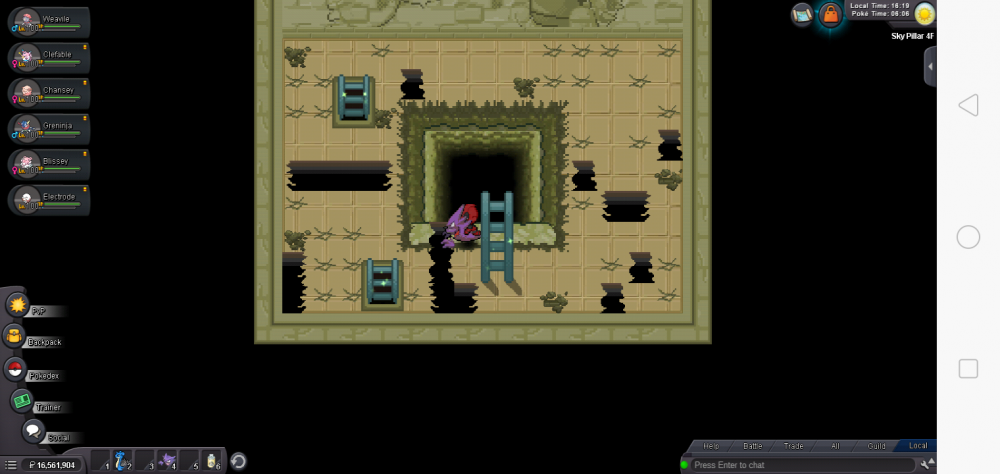
I have posted all 10 screen shots of latios location I couldn find it plzz help me or tell me correct location so that I could search der
-
I started the quest and defeated red lati in the truck and unable to find blue lati in all 10 locations plzz help me (silver server)
-
Thank you, I received my bunnelby, as I assured il return him the macho brace when his ban period is over
-
4/29/ 2020 silver server timing
-
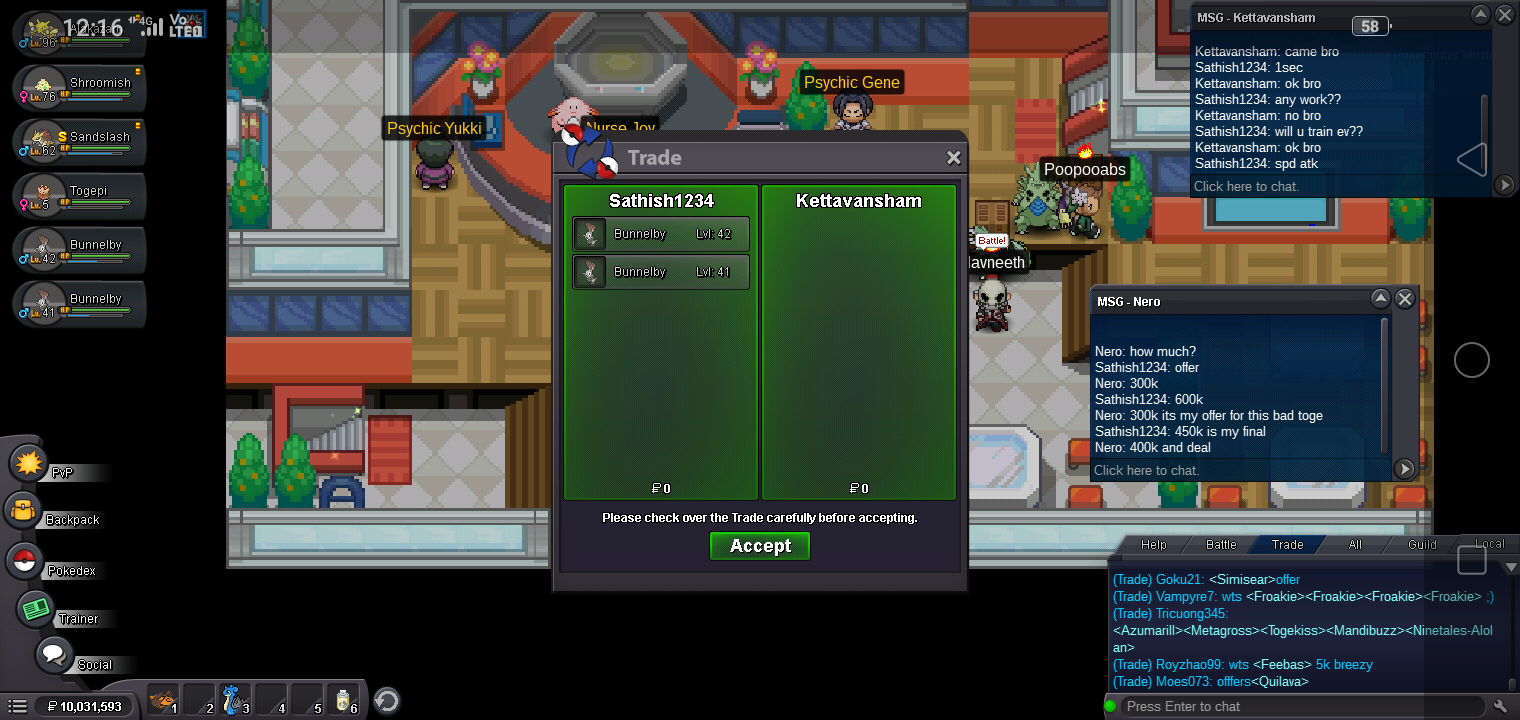
Hi one of my friend kettavansham has been trade banned, I gave him 2 bunellby in same trade for ev training can u plzz get me back that poke.
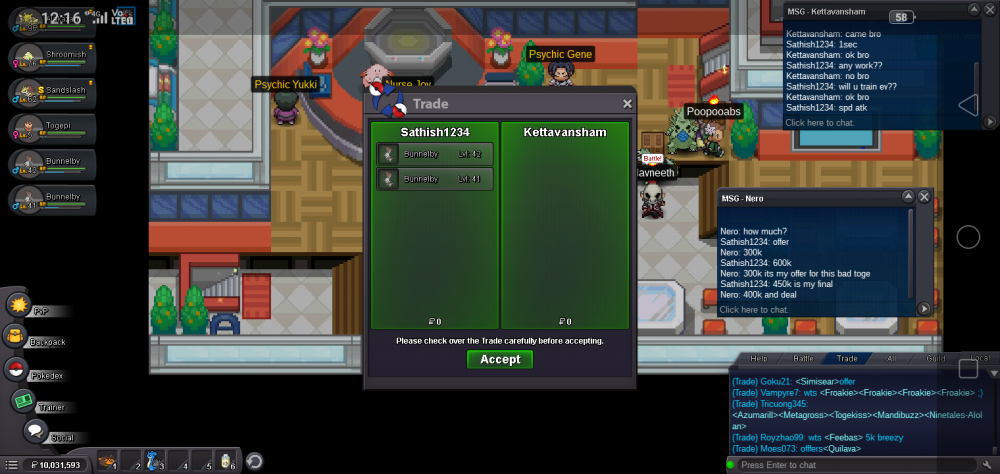
-
Hi I accidentally released my infernape a month before plzz help to find it
-
I play this game in Mobile phone, while doing bosses if some1 calls to phone , I cut d call while battling(NPC) ,I get kicked out of battle plzz rectify n solve this issue,
-
I frequently gets kicked out of the game why is that plzz rectify asap
-
India 28 600
-
App gets hanged when ever we throw a pokeball, please rectify and update ASAP