




New Trade Zone
Trade Zone is now live
Use the new Trade Zone for auctions and instant-price trades so Pokemon and item offers are easy to find.

Katzui
Registered User
-
Joined
-
Last visited
Everything posted by Katzui
-
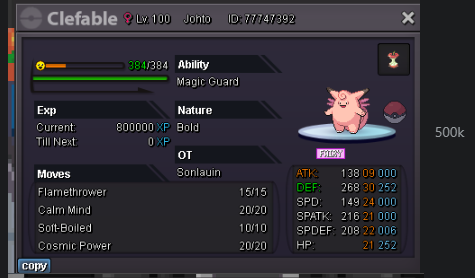
hi wtb IGN: Katzui
-
.
-
hi is this now level 100 with full evs? if so i wtb IGN: Katzui
-
right now im on pm Katzui
-
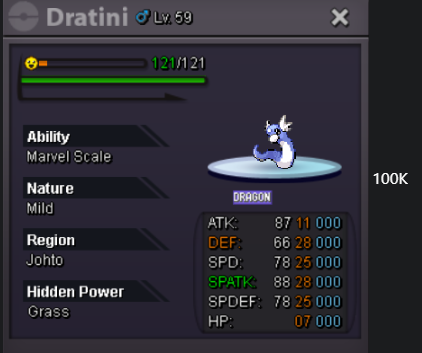
wtb
-
-
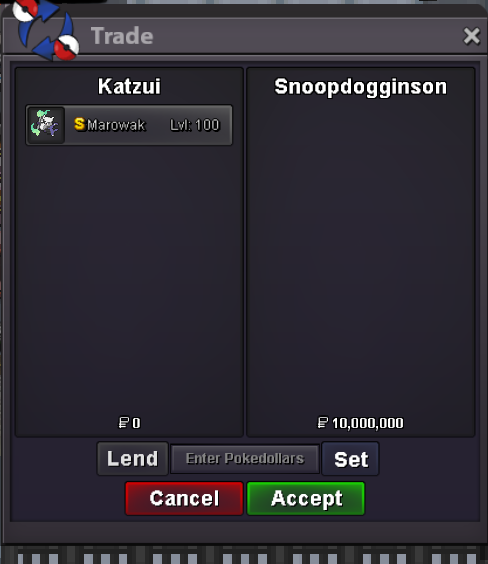
Starting Offer: 1m Min Bid: 100k Auction Duration: 24hrs after start ONLY ACCEPTING POKEDOLLARS IGN: Katzui It's easier if you reply under to bid.
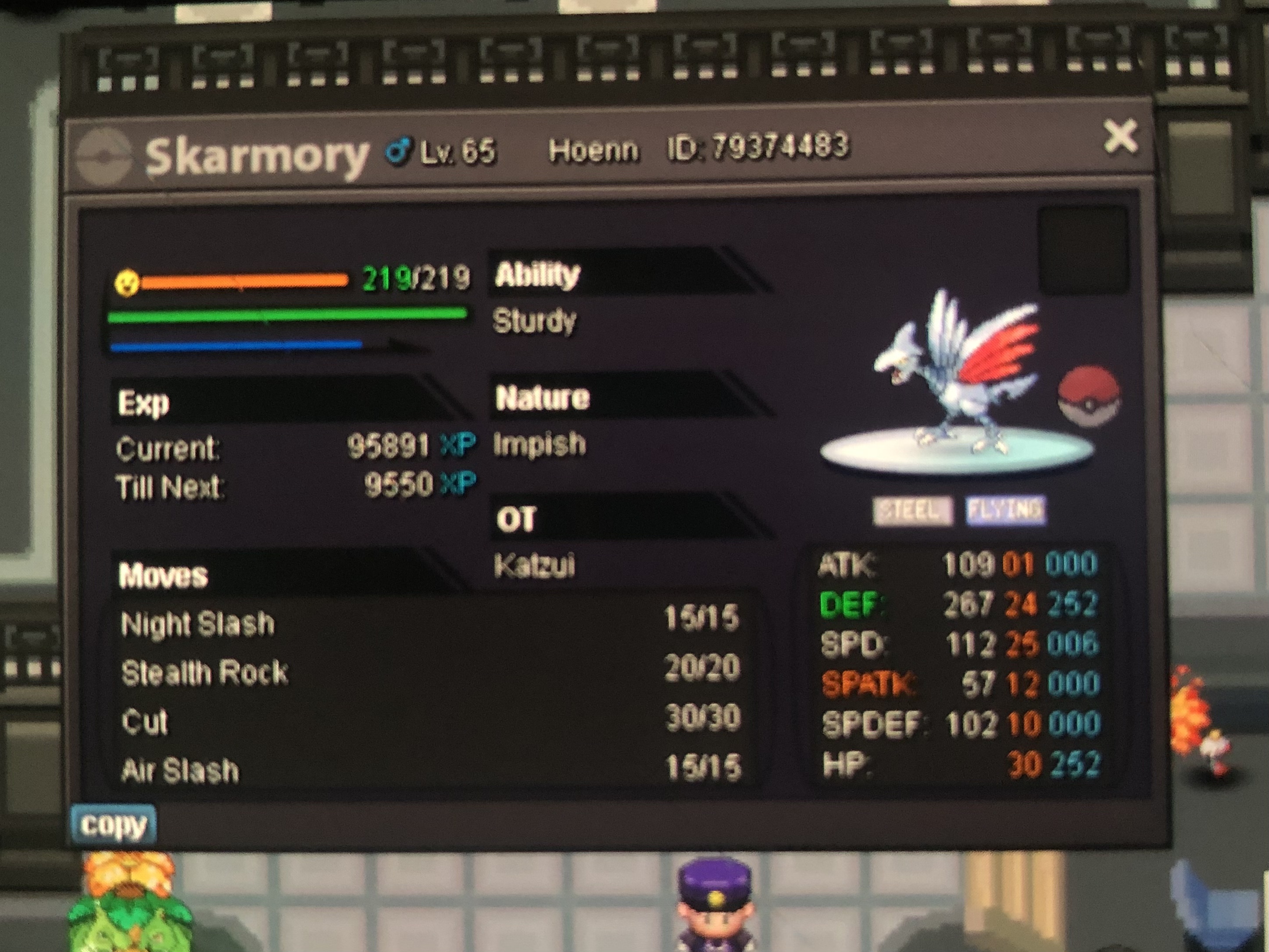
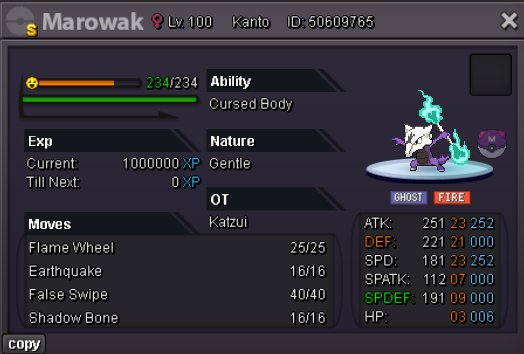 Server: Silver Bulbasaur ID: 50373360 Accidental Release.
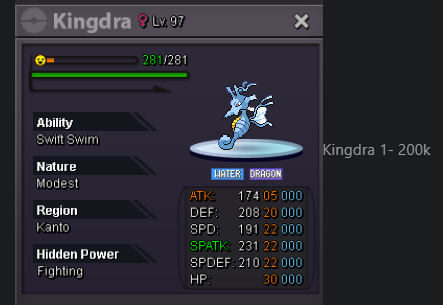
 What are the best Boss Sweepers in the game? NOT Including Dragons like Haxorus Or Mega Gyarados.What do you need for an offensive/balanced PvP Team? What are the best Pokes to use and what does a good PvP team usually need?when i try to enter the silver or the gold server it says server is locked? please help. is this an update thing or?


Account
Navigation
Search
Configure browser push notifications
Chrome (Android)
- Tap the lock icon next to the address bar.
- Tap Permissions → Notifications.
- Adjust your preference.
Chrome (Desktop)
- Click the padlock icon in the address bar.
- Select Site settings.
- Find Notifications and adjust your preference.
Safari (iOS 16.4+)
- Ensure the site is installed via Add to Home Screen.
- Open Settings App → Notifications.
- Find your app name and adjust your preference.
Safari (macOS)
- Go to Safari → Preferences.
- Click the Websites tab.
- Select Notifications in the sidebar.
- Find this website and adjust your preference.
Edge (Android)
- Tap the lock icon next to the address bar.
- Tap Permissions.
- Find Notifications and adjust your preference.
Edge (Desktop)
- Click the padlock icon in the address bar.
- Click Permissions for this site.
- Find Notifications and adjust your preference.
Firefox (Android)
- Go to Settings → Site permissions.
- Tap Notifications.
- Find this site in the list and adjust your preference.
Firefox (Desktop)
- Open Firefox Settings.
- Search for Notifications.
- Find this site in the list and adjust your preference.