




New Trade Zone
Trade Zone is now live
Use the new Trade Zone for auctions and instant-price trades so Pokemon and item offers are easy to find.

Ichigozer
Registered User
-
Joined
-
Last visited
Everything posted by Ichigozer
-
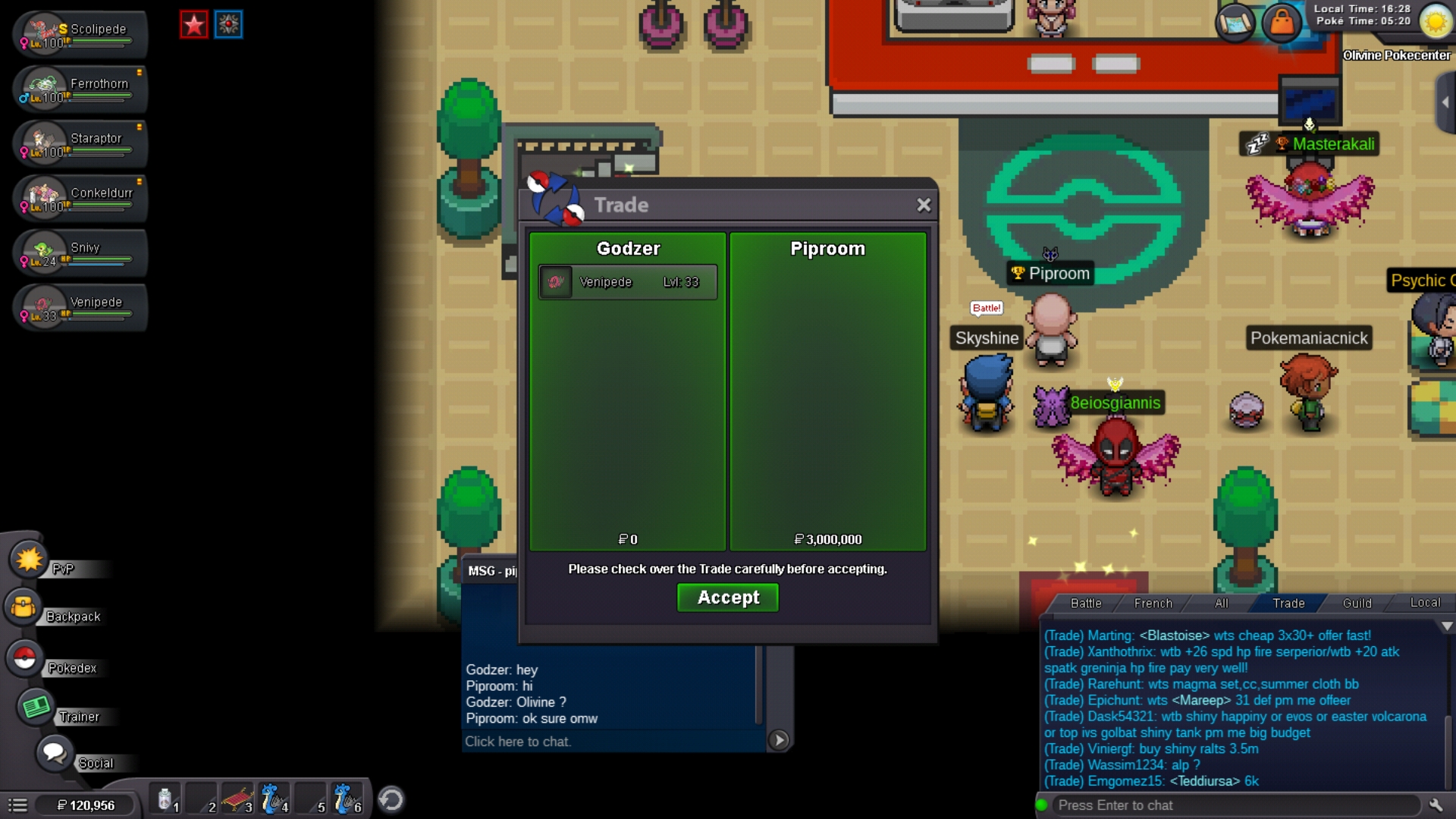
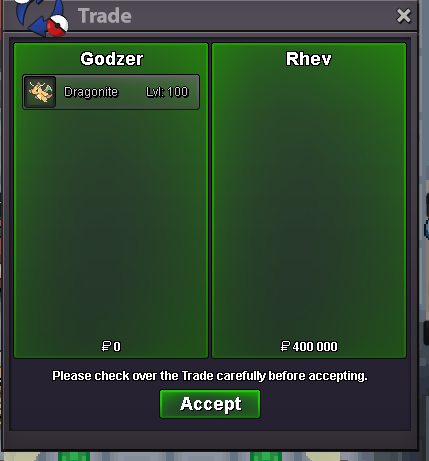
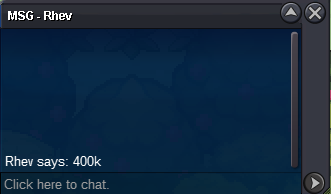
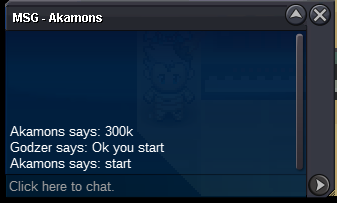
Start : 800k Min bid : 100k Insta : 3m5 End : 3 days after 1st bid Accept cc 400k, RC 5k.
 Add me Gozer#4507Insta addedInsta will be added tomorrowHey Start 500k min bid 100k Insta 3m end : 4 days after 1st bid I accept cc as 400k ans RC 5K
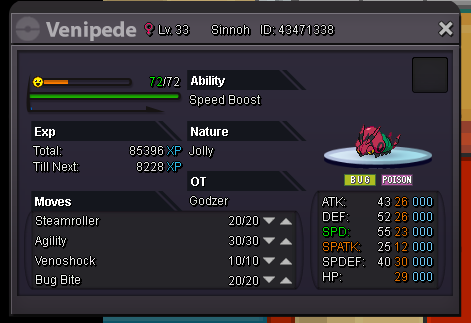 Rule : I don't negociate."Ici c'est Paris" PSG. Rules : Comment if you want I don't negociate I accept cc = 380k and rc = 5k [spoiler=Pokemons] [spoiler=<400k] Cloyster 120k Conkeldurr 320k Conkeldurr 300k Garchomp 320k Salamence 350k Salamence 120k Toxicroak 250k Tyrantrum 399k [spoiler=401k-800k] Conkeldurr 500k Diggersby 600k Excadrill 700k Garchomp 500k Garchomp 600k Garchomp 450k Garchomp 550k Garchomp 700k Lucario 800k HP ICE Roserade HP ICE 500k Salamence 420k Salamence 500k Scyther 600k Starmie 500k Tyranitar 600k Tyranitar 450k Tyranitar 500k Tyranitar 620k [spoiler=>800k] Clefable 1m Dragonite 10m Hydreigon 1m4 Sylveon 1m2 HP FIRE Tyranitar 900k Ursaring 2m Venusaur 3m5 Volcarona 12m

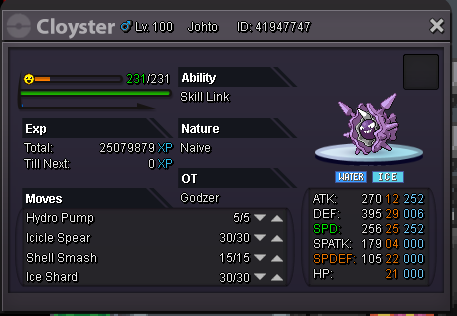


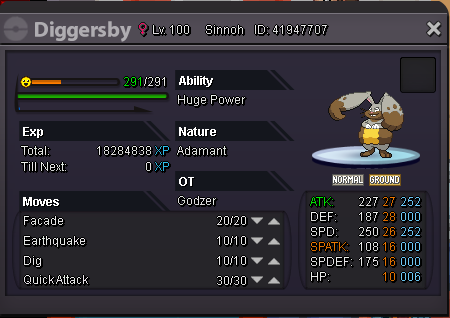


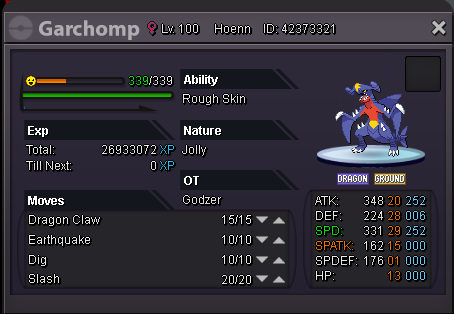
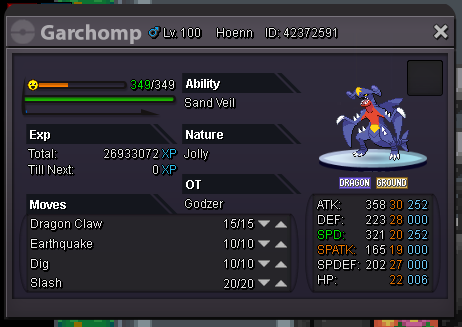


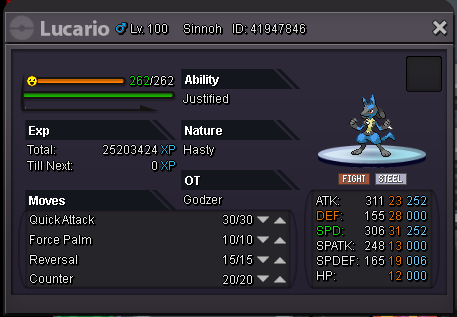


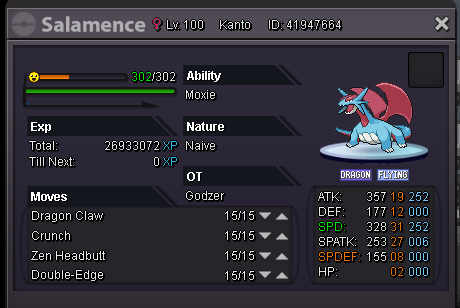


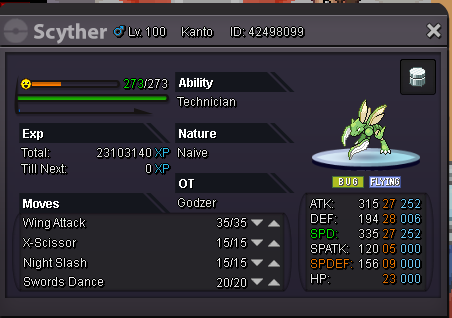


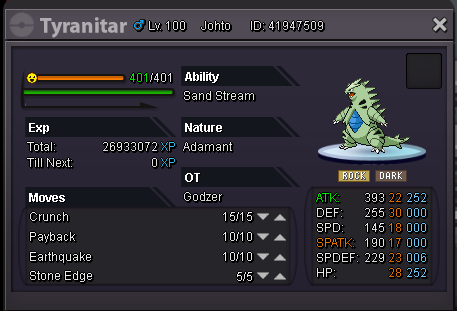

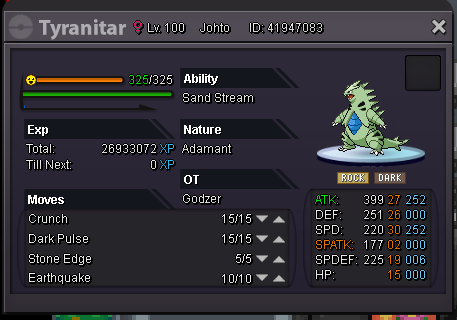
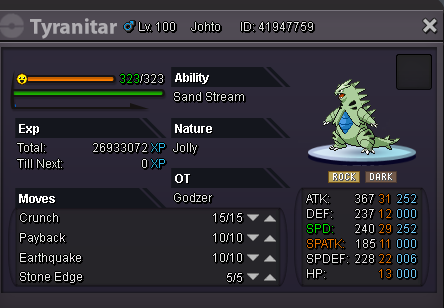


 Bump 42 min leftHola ! Hey ! Wsh ! Start 300k Min bid 100k Insta 1m5 End Wednesday 29th January 9 p.m GMT +1 cc = 375k Rc = 5k
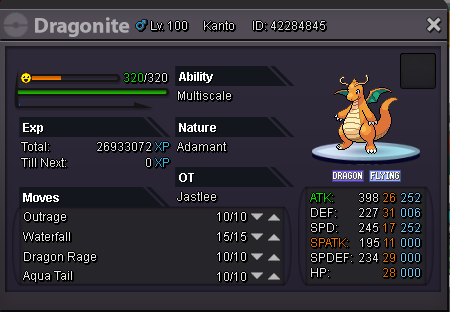 Ok, insta 6m to 5m. 12h17 leftc.o 2m8 by Baltoo
 Added insta 6m :)Hey :) START : 2m Min bid 200k CC = 375k RC = 5k RR = 580k End : 3 days after first bid Insta : 5m Vive la France.
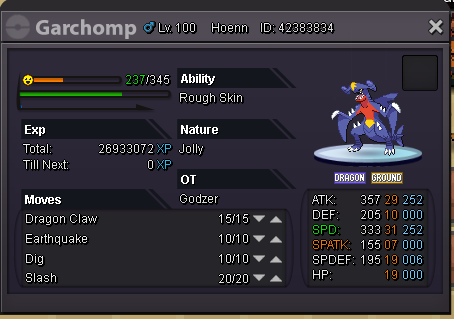 sold
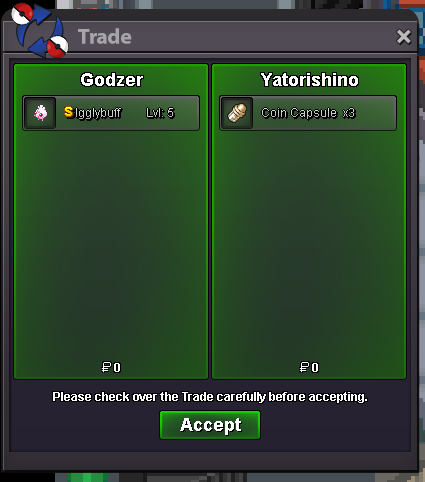 c.o 3cc : 1m140k by Yatorishino 2hrs09 left
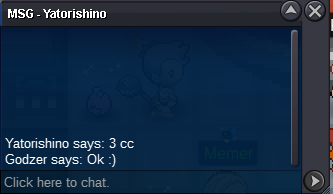 So c.o 760k (2cc) by Balmungc.o 300k by itachiuchiha20

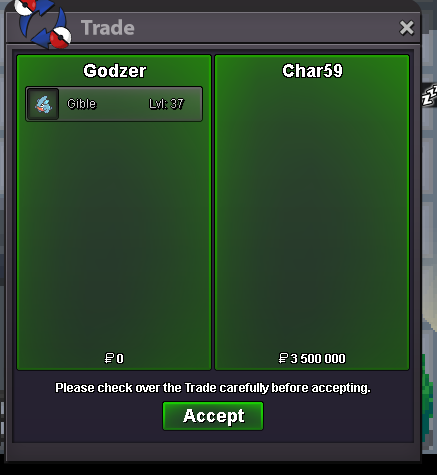

Account
Navigation
Search
Configure browser push notifications
Chrome (Android)
- Tap the lock icon next to the address bar.
- Tap Permissions → Notifications.
- Adjust your preference.
Chrome (Desktop)
- Click the padlock icon in the address bar.
- Select Site settings.
- Find Notifications and adjust your preference.
Safari (iOS 16.4+)
- Ensure the site is installed via Add to Home Screen.
- Open Settings App → Notifications.
- Find your app name and adjust your preference.
Safari (macOS)
- Go to Safari → Preferences.
- Click the Websites tab.
- Select Notifications in the sidebar.
- Find this website and adjust your preference.
Edge (Android)
- Tap the lock icon next to the address bar.
- Tap Permissions.
- Find Notifications and adjust your preference.
Edge (Desktop)
- Click the padlock icon in the address bar.
- Click Permissions for this site.
- Find Notifications and adjust your preference.
Firefox (Android)
- Go to Settings → Site permissions.
- Tap Notifications.
- Find this site in the list and adjust your preference.
Firefox (Desktop)
- Open Firefox Settings.
- Search for Notifications.
- Find this site in the list and adjust your preference.