New Trade Zone
Trade Zone is now live
Use the new Trade Zone for auctions and instant-price trades so Pokemon and item offers are easy to find.

Dubllex
Registered User
-
Joined
-
Last visited
Everything posted by Dubllex
-
I think a good idea but not to break the economy should be something difficult for example exchange 2 mysterious tickets for reroll iv
-
Hi! https://pokemonrevolution.net/forum/index.php?threads/any-tech-savvy-people-that-can-help-with-installing-and-running-the-client-with-wine.131802/post-719804
-
In-game name: Dubllex Server: Gold Pokemon ID and/or screenshot: 30454621

-
-
@Larfleeze or other tmod could do the trade?

-
2,3m
-
It worked?! I'm glad to have helped :) Just a few warnings, like the game is not running natively on the system can ocorror some bugs, like the keyboard stop working in the game while giving the alt + tab but it is not something that interferes so much in the fun. Just a warning, disable the auto-updater within the game, whenever you have any updates on the client you should download again on the site.
-
Try copying and pasting the command in the terminal, if you have already done just ignore and go to the next step
-
Hello Sir, you are using Ubuntu 16.04 right? Please follow steps running the commands below in the terminal If your system is 64 bit, enable 32 bit architecture (if you haven't already): [TABLE] [TR] [TD]sudo dpkg --add-architecture i386 [/TD] [/TR] [/TABLE] Download and add the repository key: [TABLE] [TR] [TD]wget -nc https://dl.winehq.org/wine-builds/winehq.key[/TD] [/TR] [TR] [TD]sudo apt-key add winehq.key[/TD] [/TR] [/TABLE] Add the repository for future updates [TABLE] [TR] [TD]sudo apt-add-repository 'deb https://dl.winehq.org/wine-builds/ubuntu/ xenial main'[/TD] [/TR] [/TABLE] Update packages: [TABLE] [TR] [TD]sudo apt update[/TD] [/TR] [/TABLE] Then install: [TABLE] [TR] [TD]sudo apt install --install-recommends winehq-stable[/TD] [/TR] [/TABLE] After this download and unzip PRO files 32x bits. If a dialog box appears asking which application to open the executable, select A Wine application.
-
I'm glad to know that it worke Have a good time!
-
Hello Evotis If your system is 64 bit, enable 32 bit architecture, open terminal and execcute following commands [TABLE] [TR] [TD]sudo dpkg --add-architecture i386[/TD] [/TR] [/TABLE] Download and add the repository key [TABLE] [TR] [TD][TABLE] [TR] [TD]wget -nc https://dl.winehq.org/wine-builds/winehq.key sudo apt-key add winehq.key[/TD] [/TR] [/TABLE][/TD] [/TR] [/TABLE] Add the repository: [TABLE] [TR] [TH]For this version:[/TH] [TH]Use this command:[/TH] [/TR] [TR] [TD]Ubuntu 19.04[/TD] [TD]sudo apt-add-repository 'deb https://dl.winehq.org/wine-builds/ubuntu/ disco main'[/TD] [/TR] [TR] [TD]Ubuntu 18.10[/TD] [TD]sudo apt-add-repository 'deb https://dl.winehq.org/wine-builds/ubuntu/ cosmic main'[/TD] [/TR] [TR] [TD]Ubuntu 18.04 Linux Mint 19.x[/TD] [TD]sudo apt-add-repository 'deb https://dl.winehq.org/wine-builds/ubuntu/ bionic main'[/TD] [/TR] [TR] [TD]Ubuntu 16.04 Linux Mint 18.x[/TD] [TD]sudo apt-add-repository 'deb https://dl.winehq.org/wine-builds/ubuntu/ xenial main'[/TD] [/TR] [/TABLE] Update packages: [TABLE] [TR] [TD]sudo apt update[/TD] [/TR] [/TABLE] Install: [TABLE] [TR] [TD]sudo apt install --install-recommends winehq-stable[/TD] [/TR] [/TABLE] After install Wine you have to download PRO version 32x bit and disable auto update.
-
insta 7m :)
-
Hello, is there any plans to re-launch the game client for the Linux system? It's horrible to use Wine to play.
-
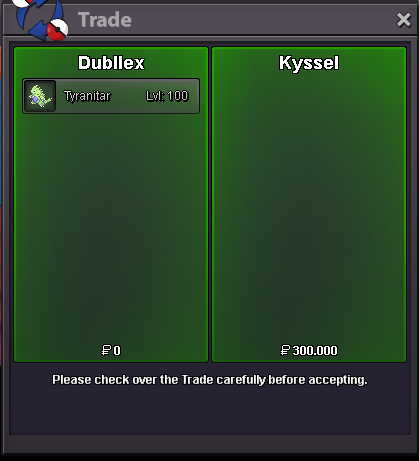
Sassy tyranitar sold
-
Meganium, Toxicroak and Tangrowth sold in game
-
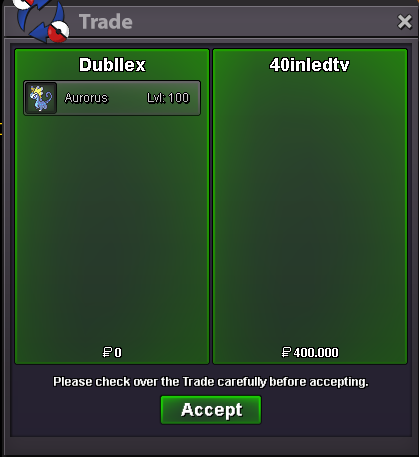
modest aurorus sold
-
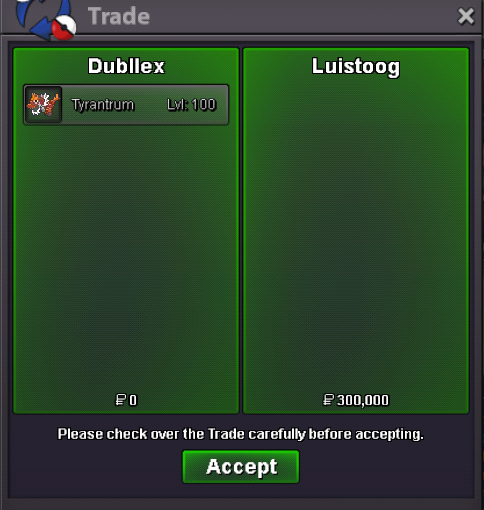
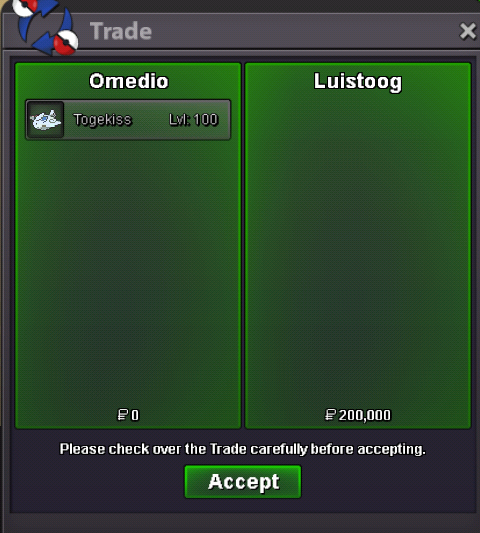
Tyrantrum and bold Togekiss sold
-
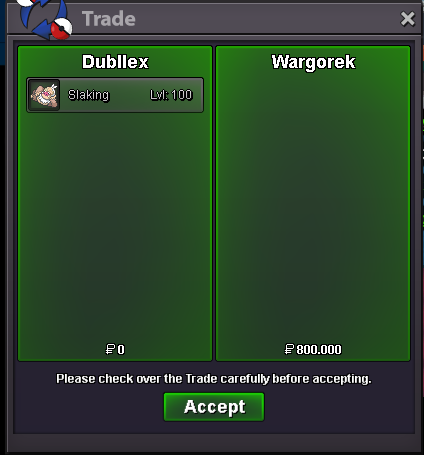
Slaking sold
-
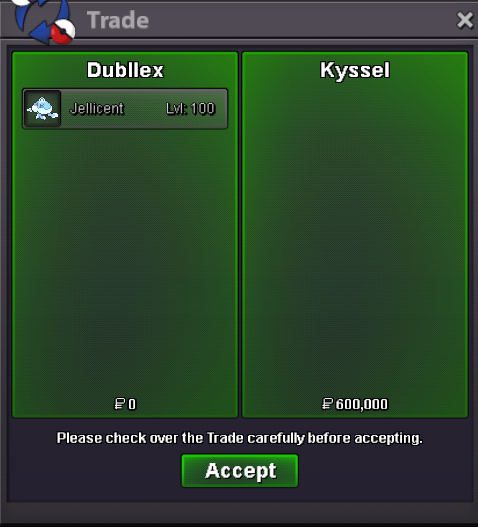
Male Jellicent sold
-
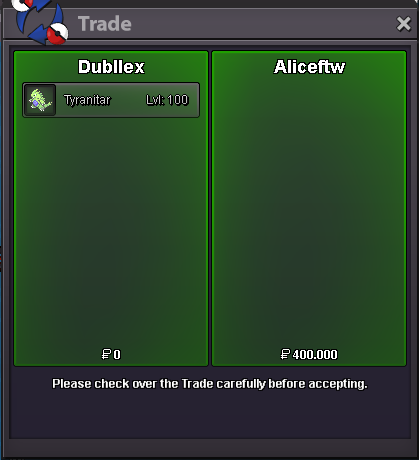
ada tyranitar sold
-
Clefable sold to Zetapkm
-
Sylveon sold

-
Dubllex
-
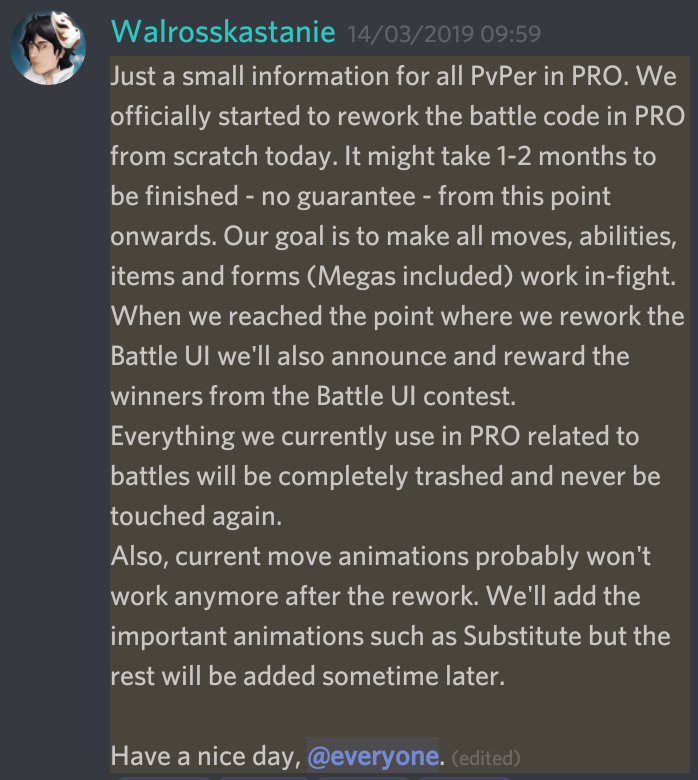
Hello, you are misinformed about all being focused on events, the team of PRO is formed by teams where each one has its functions and regarding PvP is exaggerated to say that they are 80% of the server lol And it has already been announced that developers are reworking all PvP-related code from scratch.
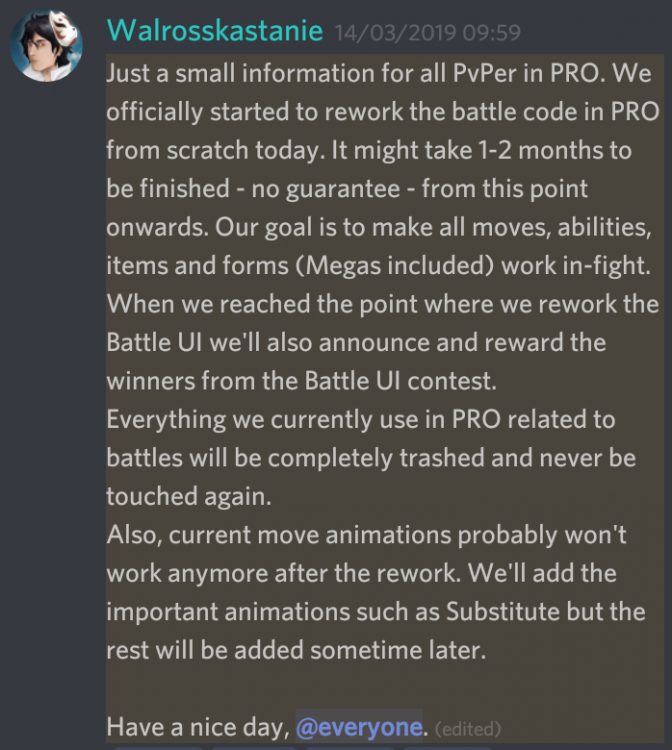
-
Doublade sold in game