New Trade Zone
Trade Zone is now live
Use the new Trade Zone for auctions and instant-price trades so Pokemon and item offers are easy to find.

Thatkid
Registered User
-
Joined
-
Last visited
Everything posted by Thatkid
-
Hi. I will update the post tonight before I start with the free EV training. I had a little party time last night, lol. So, just keep an eye out for tonight and follow this thread to get a notification when I update it later.
-
First post has been update slightly.
-
I'm keeping this thread open. -------------------------------------------------------------- Hello PRO Community. The purpose of this thread is not a service shop but rather a personal space to help others in a small way. This is just an update. Tonight I will list everything I want to do by tomorrow evening but for now I will list some examples below to give you guys an idea. Examples: • Do some free EV training for anybody. ( Preferrably make sure your pokemon is atleast level 40 and above so that the process can go a little faster ) • Ask me to help you with a trade evolution • New players that have financial difficulty will get 10k if needed ( Need to be able to trade ) • Will make some held items available And more. I will update everything tonight.
-
I'm looking for 1.5m - 2m. Other offers are welcome.
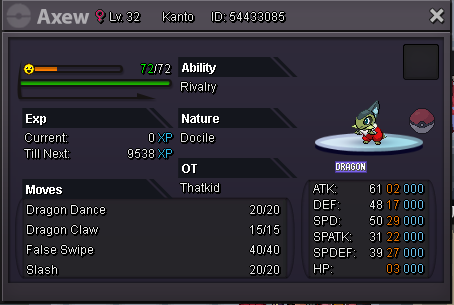
-
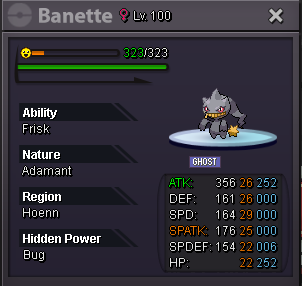
Hello there. I'm selling the queen of darkness for 2m only.
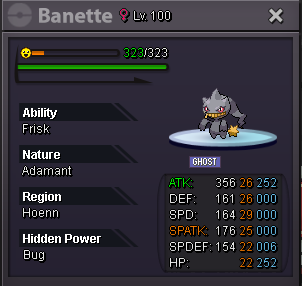 Screenshot of the trade has been posted. This can now be closed. Thanks. Regards, ThatKidI'm online.Yeah I know but I just needed some money. I only had 150k+, so the previous auction profits were enough for me.Noted.This mudkip is a spare I have left. The insta is 1m. I think 1m is a fair and reasonable price. Whoever posts first to buy it at the insta price, will get it. ------------------------------------------------------------ The insta of 1m has been met by Alfatrion. The screenshot of the trade will be posted here.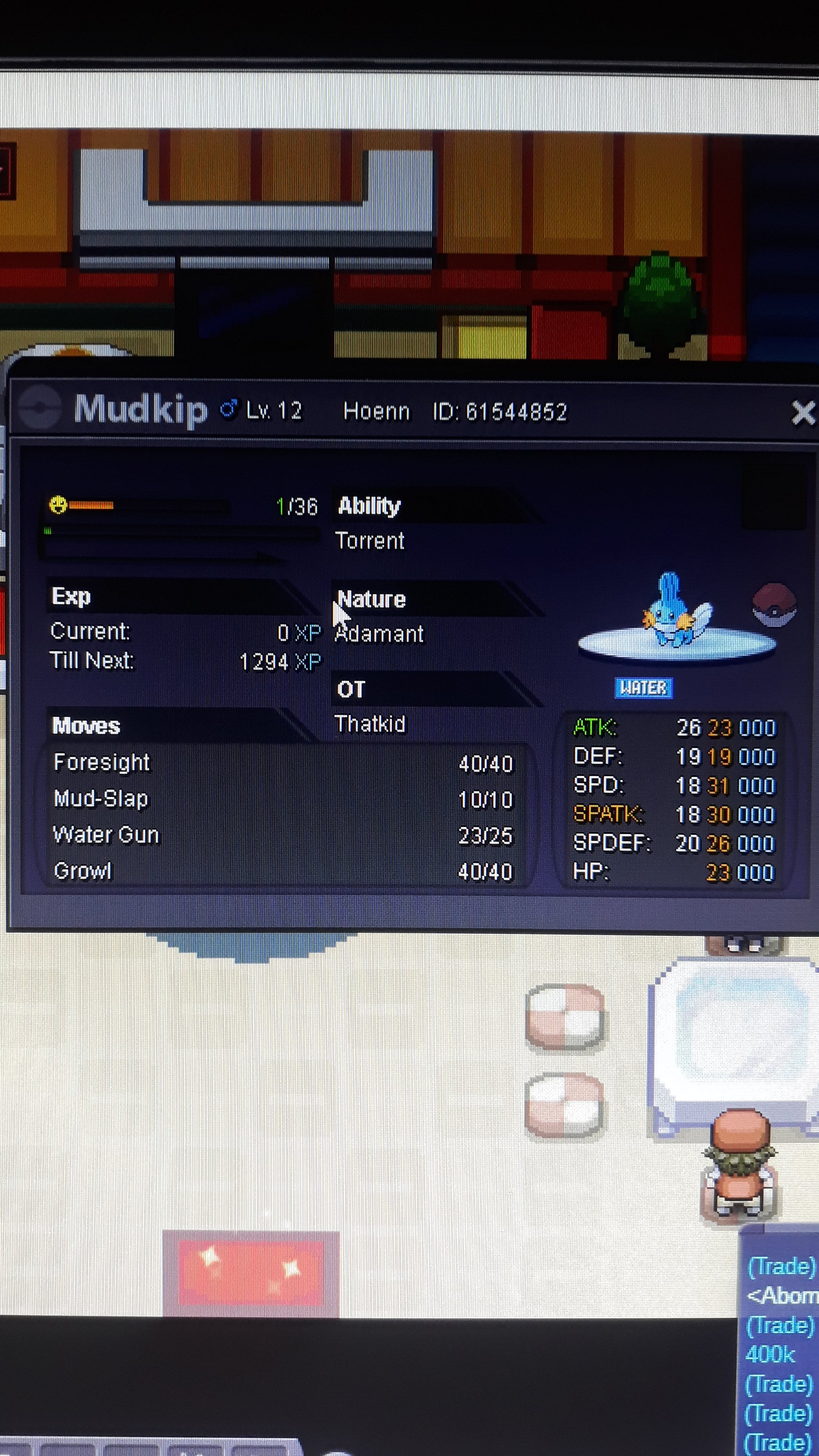
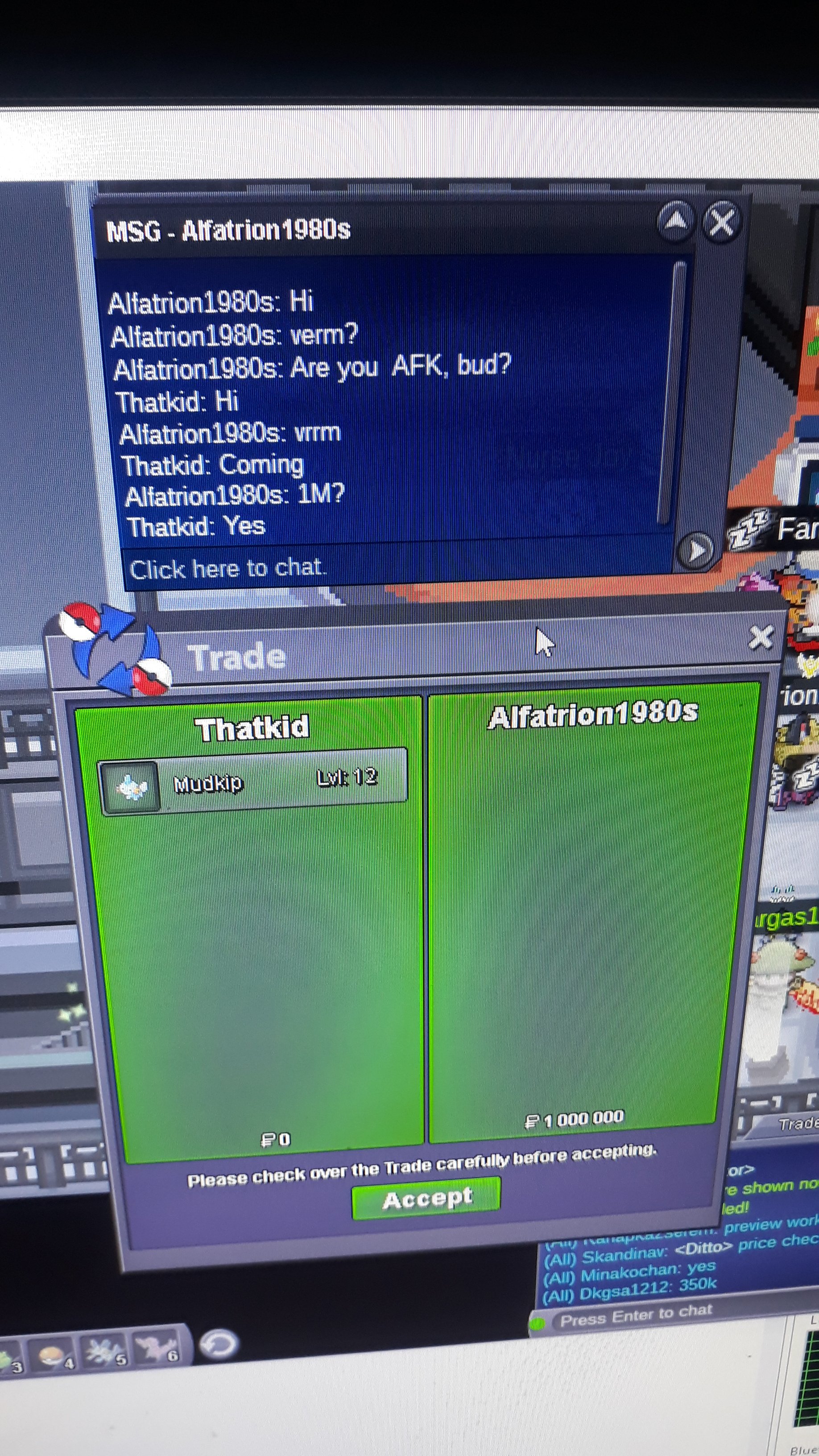 Screenshot of the trade has been posted on the first page as evidence of the trade and insta being met. Thanks again. Good day. Regards, ThatKidThe screenshot of the trade will be posted shortly.Noted. As the insta has been met, this auction has come to an end. Thankyou to everyone that participated. Regards.Noted.NotedNoted.Noted.Noted bumblebeeStarting offer = 500k min raise = 100k Insta = 3m Auction end in 24 hours from 1st bid or when the insta is met. ---‐------------------------------------------------------------- The insta of 3m has been met by khaihoan2662004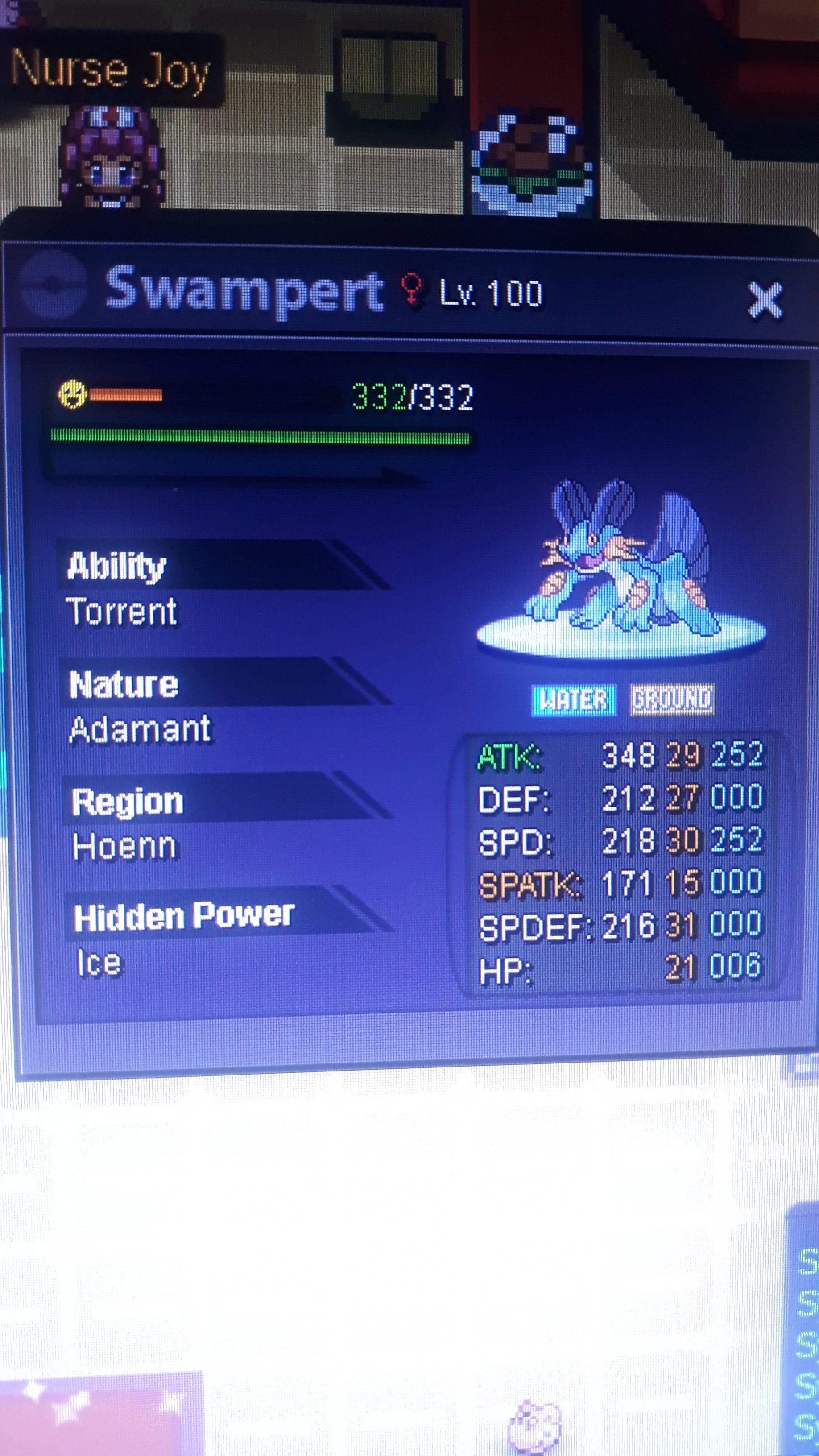
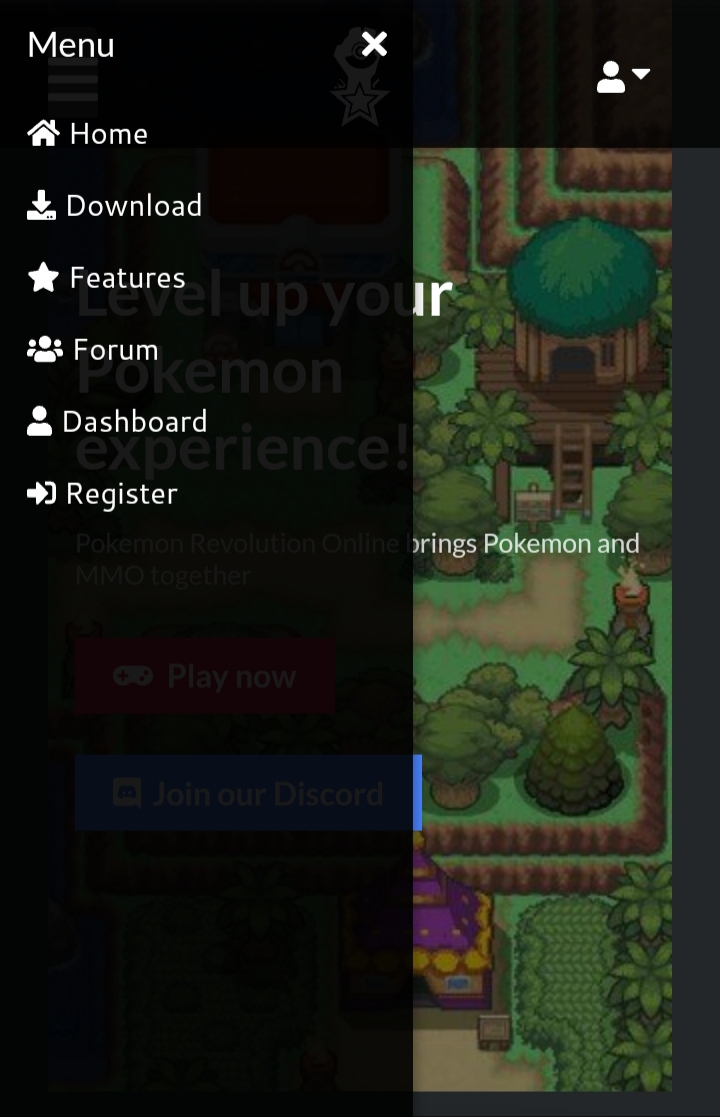
 I have a Choice Specs on my horsea. I used up surf and hydro pump and when I try to use dragon pulse it says I can only use one move because of the choice item. But when i clicked on bubblebeam, I could use that attack. Just thought i'd mention this strange occurence.I feel like the PRO Wiki should be listed under Menu in the HomePage. Right now it's sitting riiiiiiight below at the bottom and I think it should be one of the main links on the Menu too. Not sure how you guys feel about it. Let me know. Thanks, ThatKid
 Price is 5m. Lowest I can go is 4.5m.
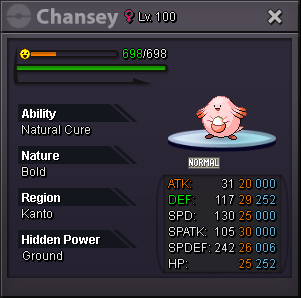 Hi. I would like to make the suggestion to add a command to check the WQ remaining IV's without having to go to the Mysterious Cultist or asking in All Chat.