




New Trade Zone
Trade Zone is now live
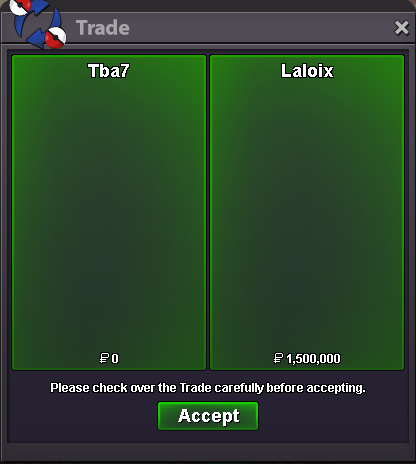
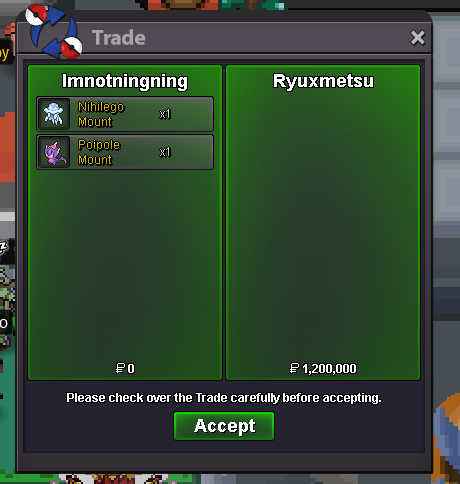
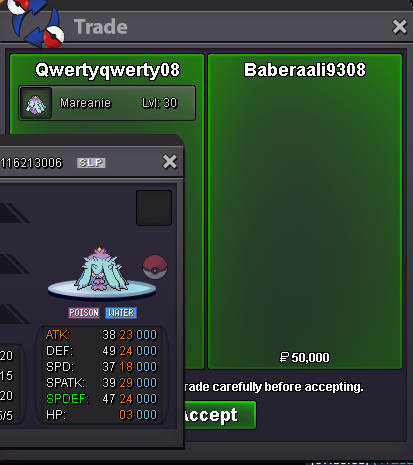
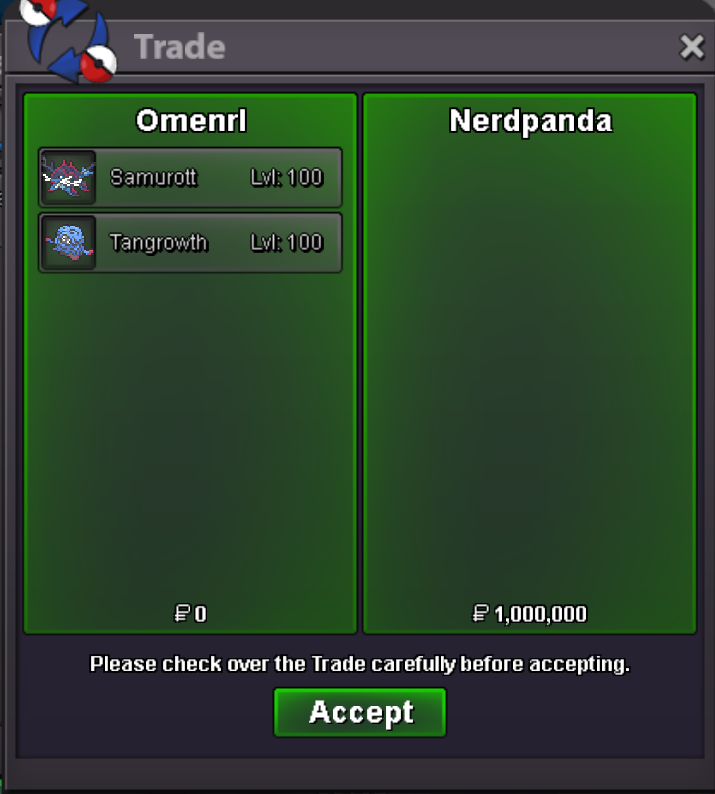
Use the new Trade Zone for auctions and instant-price trades so Pokemon and item offers are easy to find.
All Activity
Past hour
-
Kennethsm joined the community
-
+1
-
Shilo7 joined the community
-
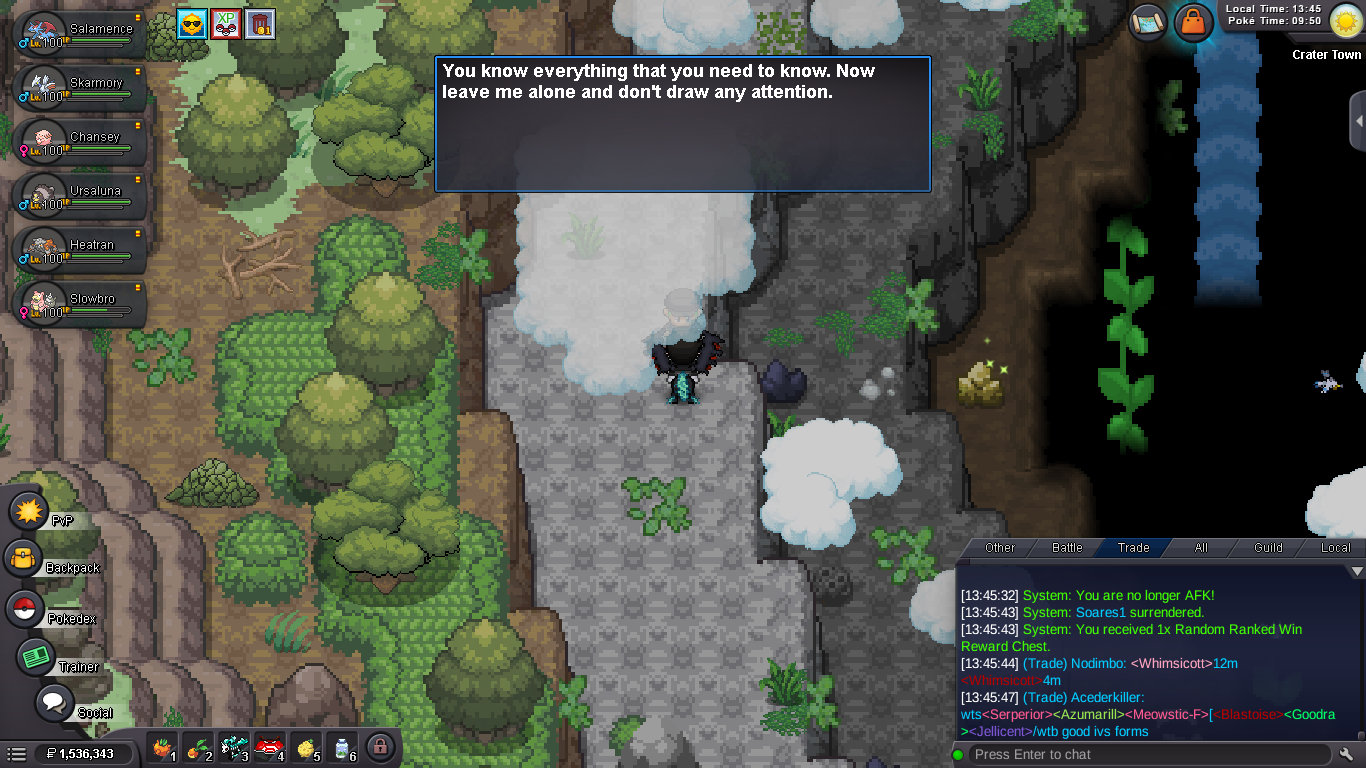
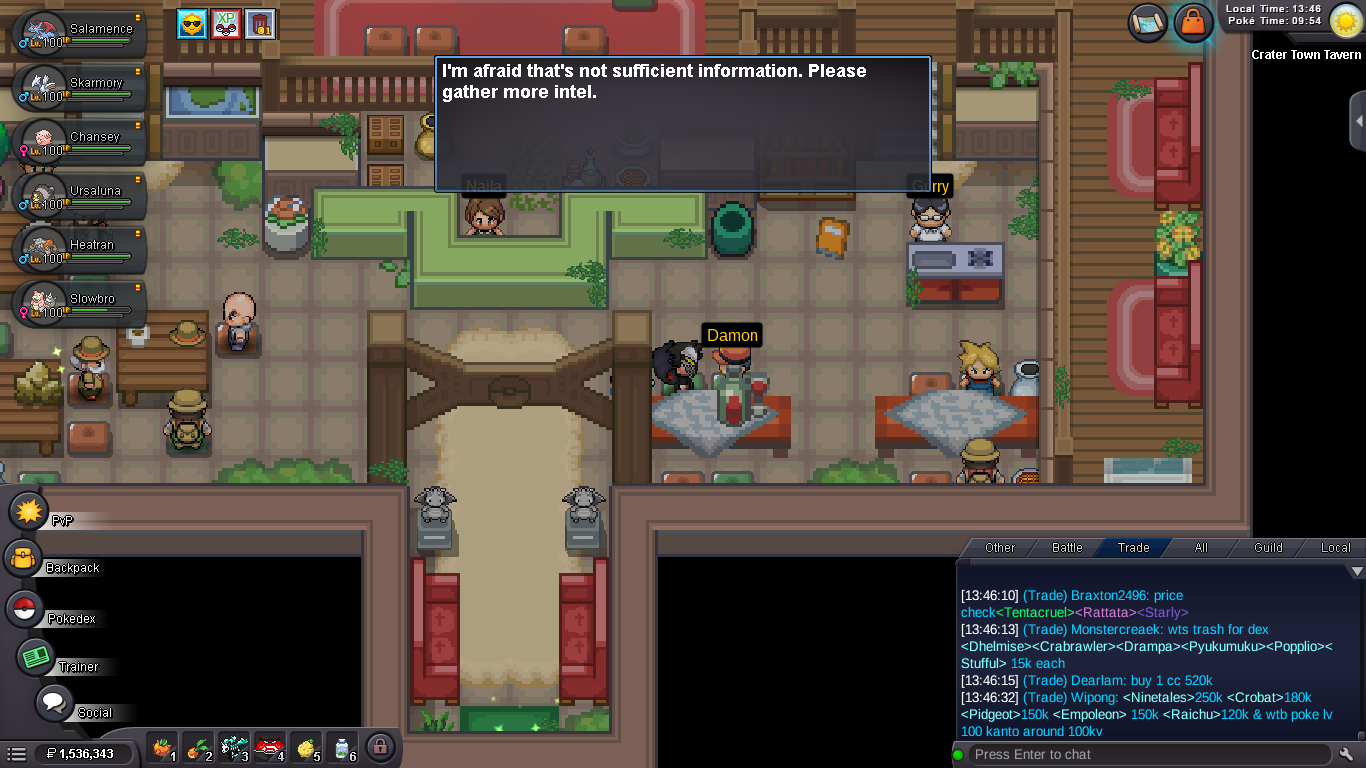
Xbekahx joined the communityNexus266 joined the communityI am doing Victini quest atm, after the part of 10 evesdrop and answer the clue question i got stucked and dont know how to continue process or reset the quest. Any help will be much appriciated Thank you
 +1Tesqingame joined the communityFinnderboss990 joined the communityQueenflowers joined the community
Today
Fgroyalty5117 joined the communityXuanan905 joined the communityItezau joined the community+1 surely+1+1+1+1. I couldn’t agree more with you, I’ve been hunting for like 3 weeks straight since the Sinnoh Spawns rework and I’ve only activated BMS twice in the meantime, even now that I'm on vacation, I think I have used like 16 of the 72 hours available at best.Yesterday
Currently the way it works is 72 hours from the start of when you activate it. if it was shorter like 24 hours BUT only is activated when you are logged into the game i think alot more people would start buying them. the problem now is people have work and IRL responsibilities so sometimes they activate it then wont be able to log on for the few days to actually get to use it all. i think the only people this would effect are BOTS, :) much loveHi, I'm having an issue with the game; I'm using Arch Linux and have a bug where the game has no sound.Hola juego en linux arch y el juego no tiene sonido, aunque modifique las cofiguraciones en el juego y mi computadora, alguna solución?BUMPMaybe you will found safari zone kanto.gyaradosite quest I got stuck somewhere while doing the quest; the "Trial Master Wisdom Route 22-3-9-10" isn't listed anywhere.So after trying to fully uninstall and remove the client and reinstalling from scratch the client i still have the same log in issue , well luckily i can still log in properly in gold. I cant rly make out what the issue is since its specific things when it doesnt work like literaly silver server or sometimes mobile on some accounts it does some doesnt , after trying to play with VPN it properly works but with the issue of Having lagg and possible crash on location switch (especially on fast travelsl like Map Ship) . Thanks for investigating the issue and hope u get to find a smooth solution without trouble about it :) Arbnoriiiadded to shop more to come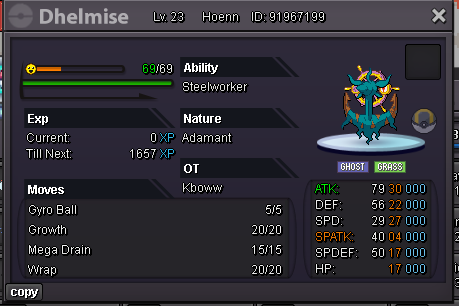 Victini + Time Flute Dungeon Service
 Victini + Time Flute Dungeon Service
Quest service bird trio, kyurem and zekrom. Thnx much, GLhf! <<<Shop is closed now! Time to enjoy the summer xD! See you all again in halloween!!! GLHF!>>>
Victini + Time Flute Dungeon Service
Quest service bird trio, kyurem and zekrom. Thnx much, GLhf! <<<Shop is closed now! Time to enjoy the summer xD! See you all again in halloween!!! GLHF!>>> Hello! I can see that you have already submitted your report in the appropriate section. For this reason, I will proceed to close this thread. If you need any further assistance in the future, please don't hesitate to contact us. Kind regards. Hallowglow.Hello! Since your issue is unrelated to the topic of this thread, please create a separate thread in General Support so we can look into your case individually. Thank you for understanding. Kind regards. Hallowglow.Hello! Since you have already tried the usual steps, I'd recommend trying one more clean installation on your PC. Please completely remove the game from your PC, including the old downloaded ZIP file, and make sure to clear any remaining game files or cache before downloading and installing the client again from scratch. You can also try using a VPN directly on your PC. If you don't have one, there are some free options available that you can try. If the issue still persists after trying these steps, please contact us again and let us know how it went. We'll see what else we can do to help. Kind regards. Hallowglow.






















Account
Navigation
Search
Configure browser push notifications
Chrome (Android)
- Tap the lock icon next to the address bar.
- Tap Permissions → Notifications.
- Adjust your preference.
Chrome (Desktop)
- Click the padlock icon in the address bar.
- Select Site settings.
- Find Notifications and adjust your preference.
Safari (iOS 16.4+)
- Ensure the site is installed via Add to Home Screen.
- Open Settings App → Notifications.
- Find your app name and adjust your preference.
Safari (macOS)
- Go to Safari → Preferences.
- Click the Websites tab.
- Select Notifications in the sidebar.
- Find this website and adjust your preference.
Edge (Android)
- Tap the lock icon next to the address bar.
- Tap Permissions.
- Find Notifications and adjust your preference.
Edge (Desktop)
- Click the padlock icon in the address bar.
- Click Permissions for this site.
- Find Notifications and adjust your preference.
Firefox (Android)
- Go to Settings → Site permissions.
- Tap Notifications.
- Find this site in the list and adjust your preference.
Firefox (Desktop)
- Open Firefox Settings.
- Search for Notifications.
- Find this site in the list and adjust your preference.