




All Activity
- Past hour
-
bump
-
-
Starting price lowered to 13m
-
Vioforpeace joined the community
-
IGN: Hakunahydroo Timezone: GMT+2
-
Yes im online, pm me ingame
-
thanks for shopping! <3
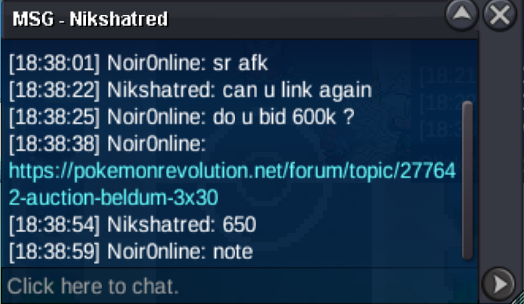
.png.a0109163a256fe85895576d683bda6a5.png) Bean888 joined the communityHello. Can we trade now?600kBumpTrade completed. Thank you for bidding.
Bean888 joined the communityHello. Can we trade now?600kBumpTrade completed. Thank you for bidding.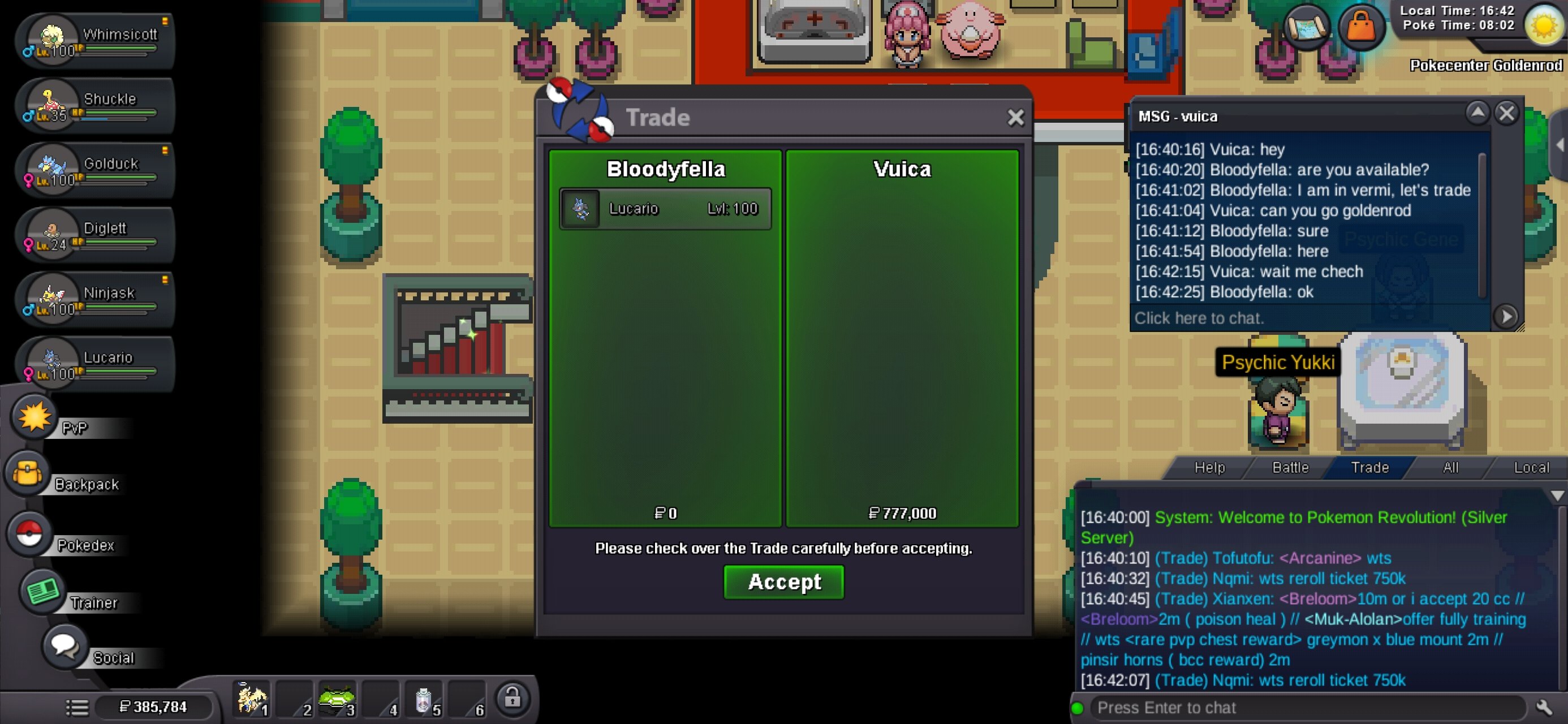
- Today
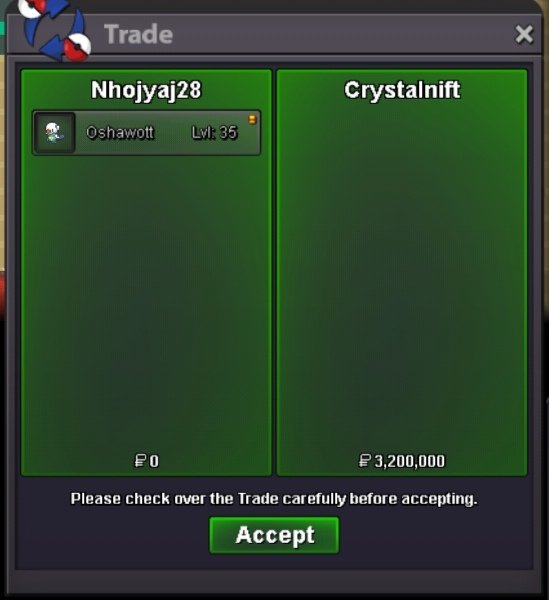
Kkkppp joined the communityLucasku637 joined the communitySaud112233 joined the communityVarrtaa changed their profile photoUtopia291 joined the communityJtrx10 joined the community16mcan i start it at 10m?Tyranitar started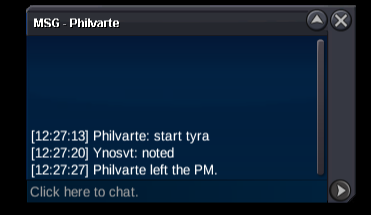









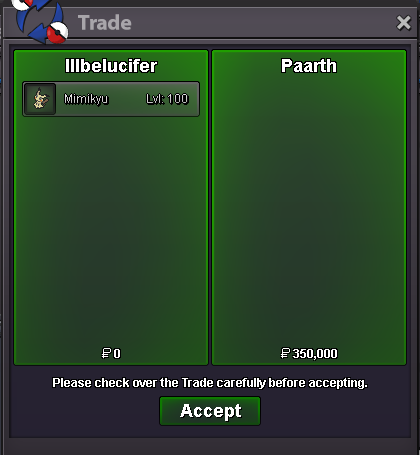


.thumb.png.8639013211f9819a42fbe3b947cb606d.png)
.thumb.gif.5ca2bb8ab27bad84c457676cd94efcb7.gif)









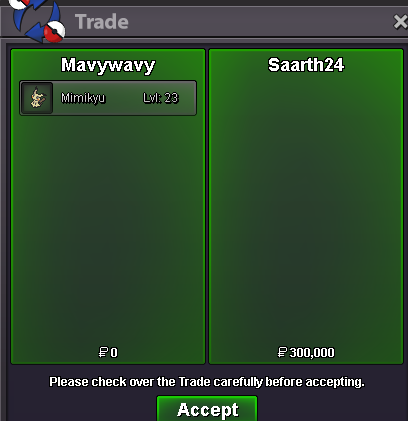







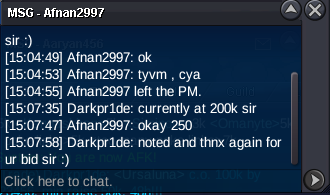
Account
Navigation
Search
Configure browser push notifications
Chrome (Android)
- Tap the lock icon next to the address bar.
- Tap Permissions → Notifications.
- Adjust your preference.
Chrome (Desktop)
- Click the padlock icon in the address bar.
- Select Site settings.
- Find Notifications and adjust your preference.
Safari (iOS 16.4+)
- Ensure the site is installed via Add to Home Screen.
- Open Settings App → Notifications.
- Find your app name and adjust your preference.
Safari (macOS)
- Go to Safari → Preferences.
- Click the Websites tab.
- Select Notifications in the sidebar.
- Find this website and adjust your preference.
Edge (Android)
- Tap the lock icon next to the address bar.
- Tap Permissions.
- Find Notifications and adjust your preference.
Edge (Desktop)
- Click the padlock icon in the address bar.
- Click Permissions for this site.
- Find Notifications and adjust your preference.
Firefox (Android)
- Go to Settings → Site permissions.
- Tap Notifications.
- Find this site in the list and adjust your preference.
Firefox (Desktop)
- Open Firefox Settings.
- Search for Notifications.
- Find this site in the list and adjust your preference.