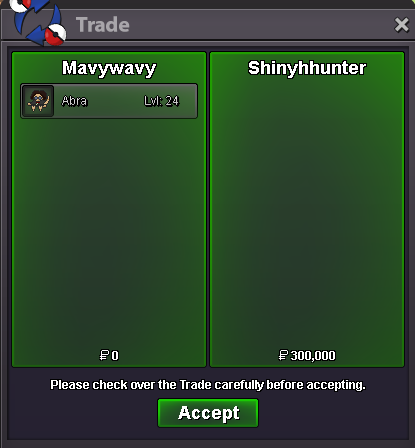
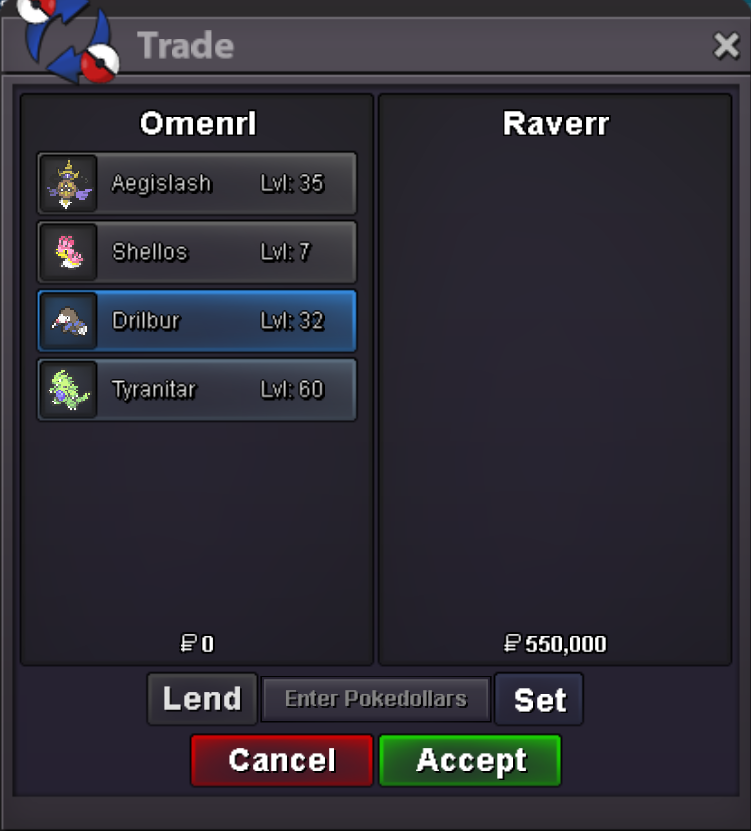
New Trade Zone
Trade Zone is now live
Use the new Trade Zone for auctions and instant-price trades so Pokemon and item offers are easy to find.
All Activity
Past hour
-
Iicuteii joined the community
-
Creepypasta000 joined the community
-
Kurokiri joined the community
Today
-
Seysenpai joined the community
-
Airtonsera joined the communityOchossi joined the communityHello there, The Auction owner has 7 days to complete the trade, In this 7 Days try to contact the auction owner by all the ways you can Forum Pms, Discord if you have, In-game Pms.. if he shows no sign of completing the trade even after 7 days, you can use the "Report Thread" Option which is displayed in your auction thread and explain the issue. Hope it get sorted soon for you.. Goodluck!bumpbumpBumpB33ad joined the communityHello please contact me on discord: mavy411 to arrange the trade.Belahsds joined the communityCfrank123 joined the communityGreetings , I believe everyone that plays mobile and sometimes even on PC , u get this small to decent lagg every time a Friend comes online , first there is the small jump like lagg than there is the 1-2 seconds freeze till it shows friend log in. If possible it would be awesome to have an option to Turn off Friend Log in Display to avoid laggs from it , from what i've heard it plays quite an important role on dungeons since there are places and stuff where u gotta time it and the lagg might just ruin that . -Arbnoriii :)Gxlylara joined the communitybump
Yesterday
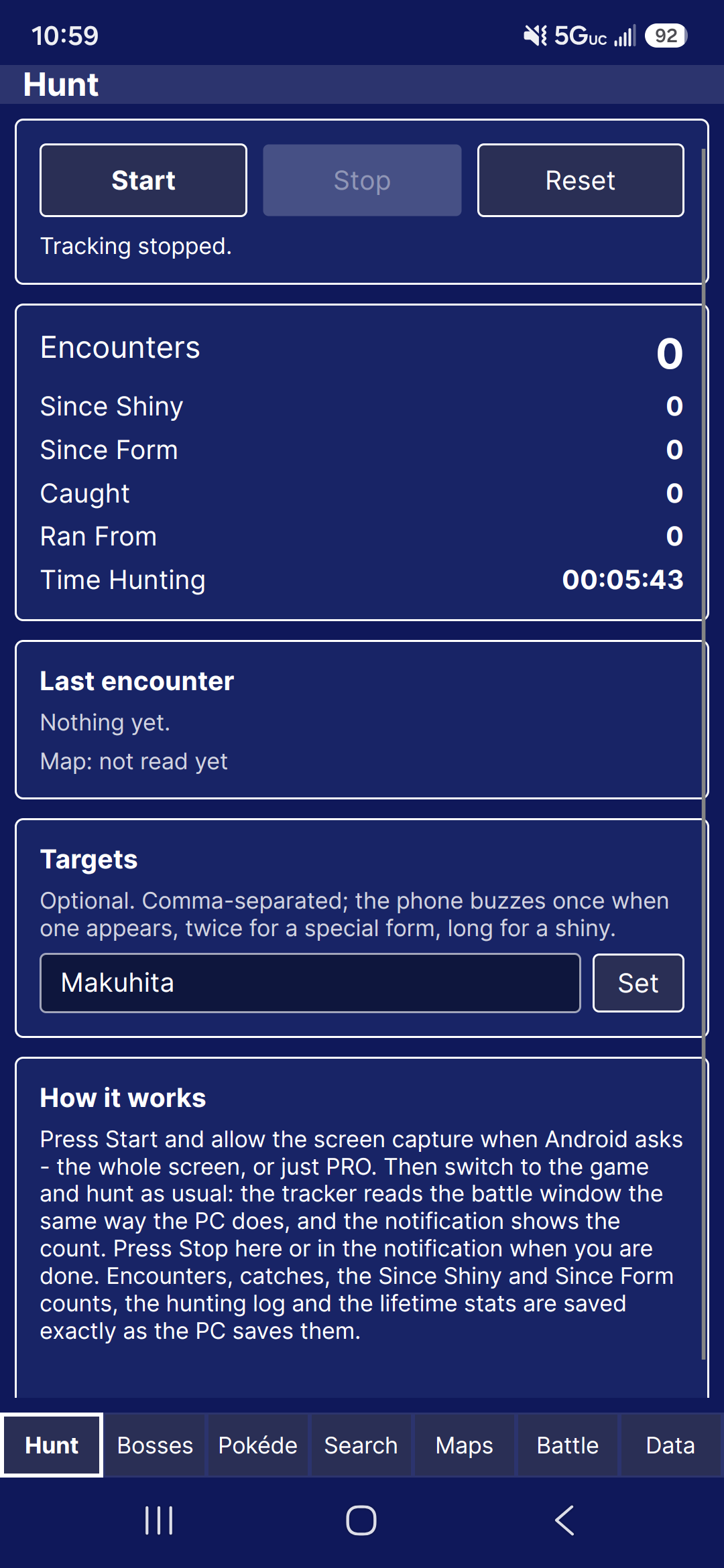
I am interested in buying this one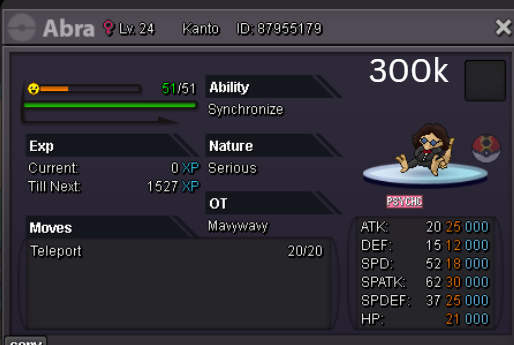 Hello, I am stuck on the Halloween Event quest in Ghoul Swamp. I have interacted with and collected every single blue Pokéball on the swamp map. However, only 1 of them gave me a Spirit, while all the other Pokéballs turned out to be Evil Spirits (battles). Now, there are absolutely no Pokéballs left on the map to interact with, but the NPC says I am still missing the other 2 spirits to pass. It seems my script/variable for the quest is bugged.10/27/2026All Halloween maps have been updated to the new spawns. Fixed several bugs Lugario and I found shortly after 1.1.3's release. Counterparts are still in the works, however they now update in real time instead of per client update. Added Showcase. Allowing for users to show off Pokémon finds. These last only 30 days. Added suggestions, found under File. This will allow you to submit a suggestion for the tracker, and be sent to the discord server. Began working more on the android tracking. This may be more complicated than I foresaw.
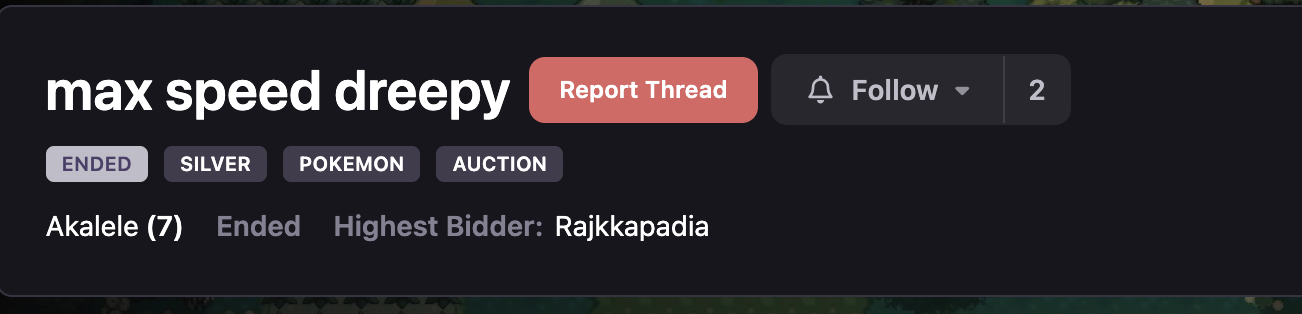
 Gracias a que he visto tu post me he dado cuenta de que en 2022 compre hacha y pico y no me aparecen en el inventario. He estado unos años sin jugar y me ha dado por volver y no aparecen estos items. He abierto tambien un tema nuevo a ver si es un fallo comun y si hay alguna solucionHola. Tras unos cuantos años he vuelto a jugar, Debido a un post reciente de un usuario que ha comprado un pico en la tienda y no le aparece el item en el inventario, recuerdo que cuando empece a jugar aqui compre pico, hacha, pala y alguna cosa mas que no recuerdo, pero el problema esta en que el pico y el hacha no aparecen en el inventario. ¿Hay alguna forma de revisar esto? Si sirve de ayuda la compra la hice entre el 11 y 16 de noviembre de 2022 Graciasi recently won the dreepy auction i am putting photo of the guy and the poke. hes not repleid to my messages. can you help make the transfer?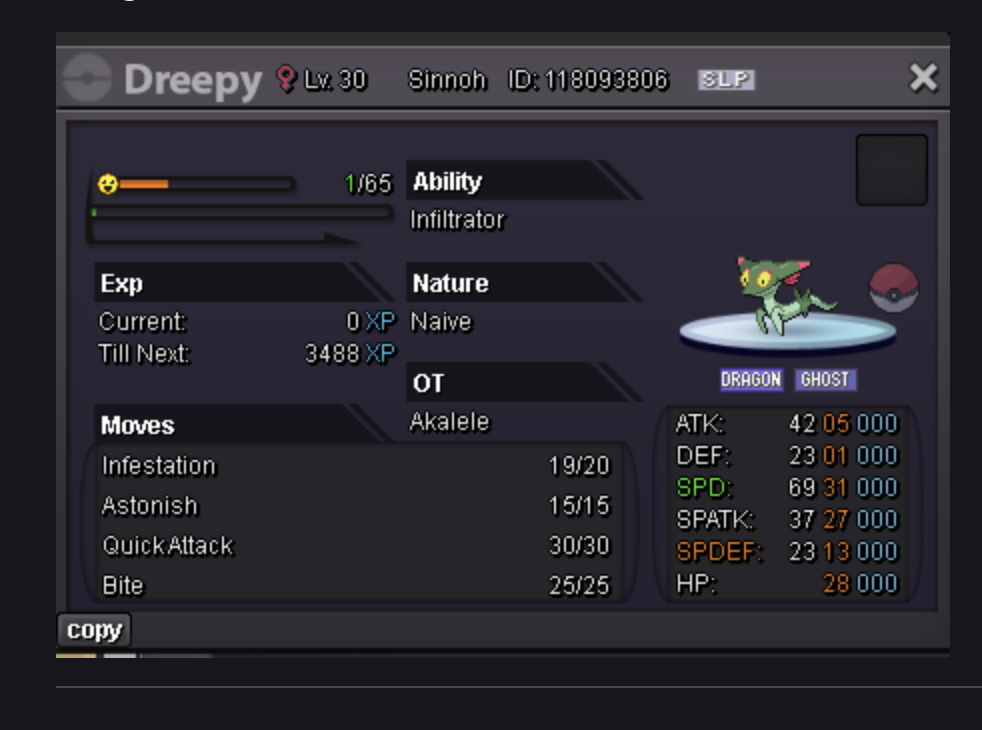
 Hello Support Team, I recently used my Coin Case to purchase a Pickaxe from the in-game Shop. The purchase appeared to be completed successfully, so I returned to my bag to equip and use the Pickaxe for my quest. However, I was unable to find the item anywhere in my inventory. I double-checked my bag, including the Key Items section, but the Pickaxe was nowhere to be found. I also tried logging out and back in several times, as well as completely closing and restarting the game, but the issue still persists. I'm concerned that my Coin Case was deducted without me receiving the item I purchased. Could you please investigate this issue and help restore the missing Pickaxe or refund the currency spent on the purchase? I would appreciate your assistance as soon as possible, as this issue is preventing me from progressing with my Ghoul Forest quest. Thank you for your time and support. I look forward to your response.Hello I am not getting the email to approve my android phone to play PRO. email is correct and i've hit resend and nothing to my email, spam or junk folderbump!Problem resolved, turns out quest reset when IW went back to the scared girlbumping for you guys, so cool to help beginners <3 , great event ;)+1 it would make my life so much easier for realHi. My game got stuck mid boss battle and I had to force quit for it to work again. Do I get a rematch please?🥲🥲
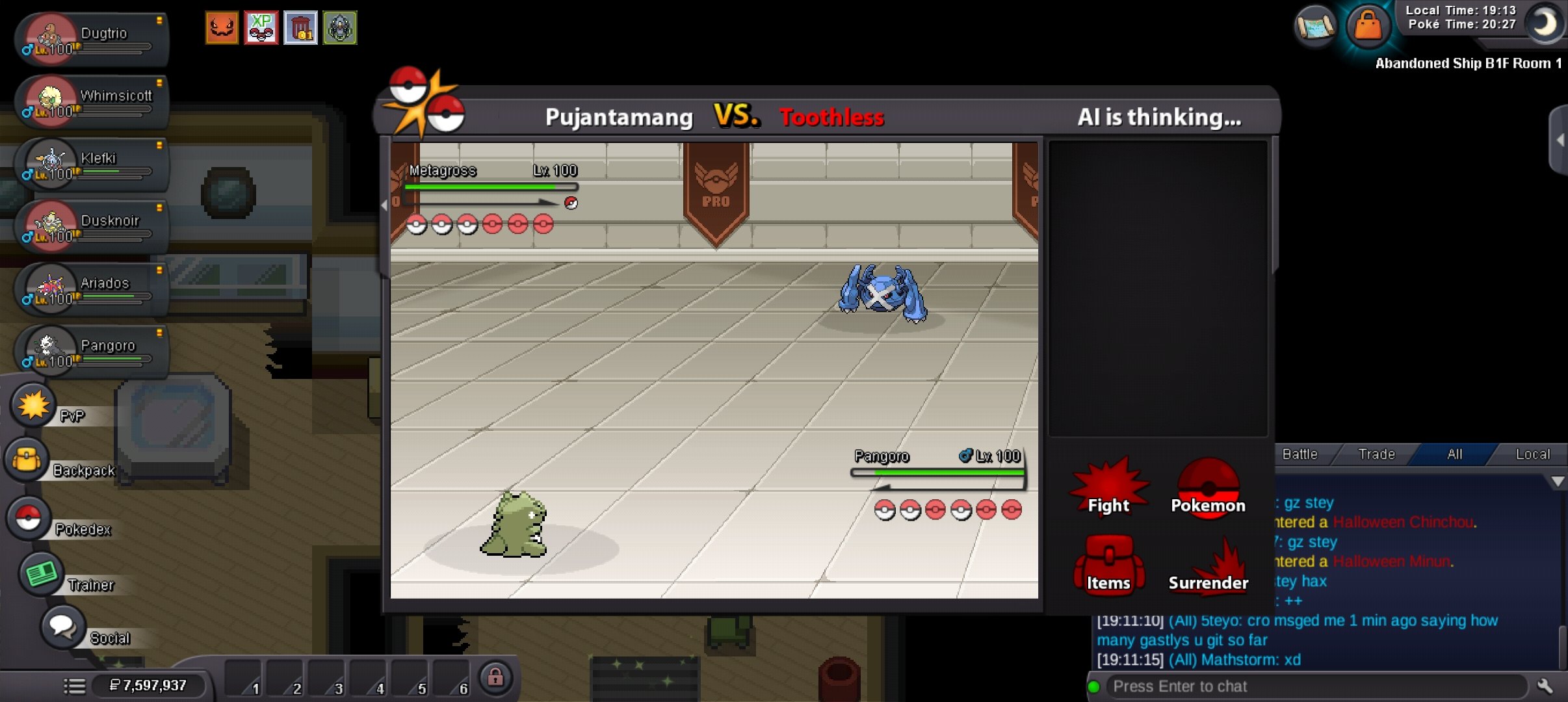 Hello there, For the moon encounter you require Membershipso i entered the entrance and spoke to the guy, and when i was walking around the plate sensors was working as i was getting the message, but i didnt know what i was doing at first. upon realising which way i am suppose to go after standing on the plates. now i dont get any sort off message so say ive stood on a plate or nothing, ive tried re logging, going away from that area and returning and nothing is happening, any help is much appreciated thanks