




New Trade Zone
Trade Zone is now live
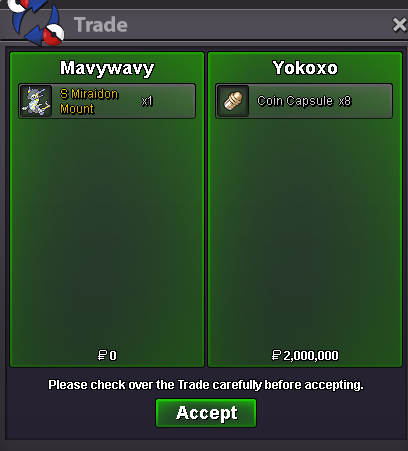
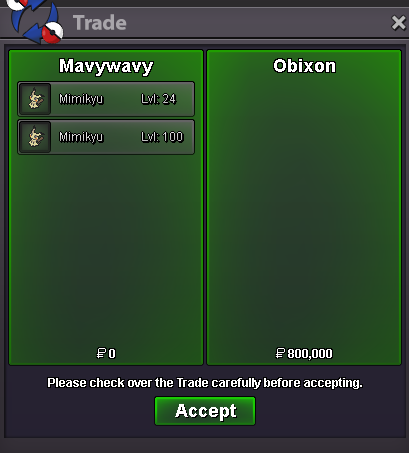
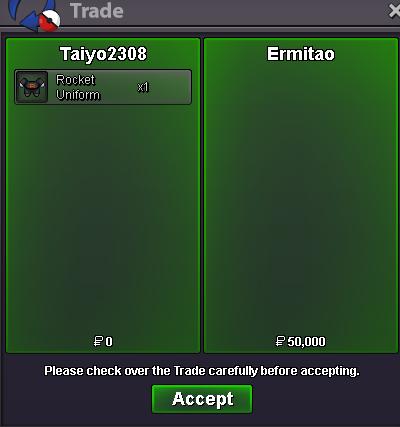
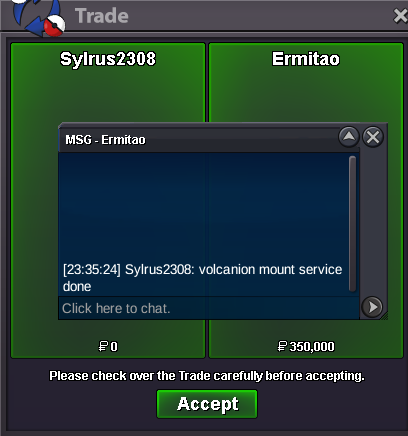
Use the new Trade Zone for auctions and instant-price trades so Pokemon and item offers are easy to find.
All Activity
Past hour
-
😎 Massive update posted.
-
Rizzmaker joined the community
-
Smoker99 joined the community
-
Today
Albinmunson joined the communityLordsaarth joined the communityBruddysbuddy joined the communityLanyangyang2 joined the communityGumacho joined the communityHello again, No problem, Goodluck!Zhuanghojin joined the communityHello @Vicrow The list showing there 'Who's Online' is for forum page online members not for client, Since your online on the forum page your username is displayed there.currently im not online in the game but here its shows im online bur idk how this is possible and here no one have approved devices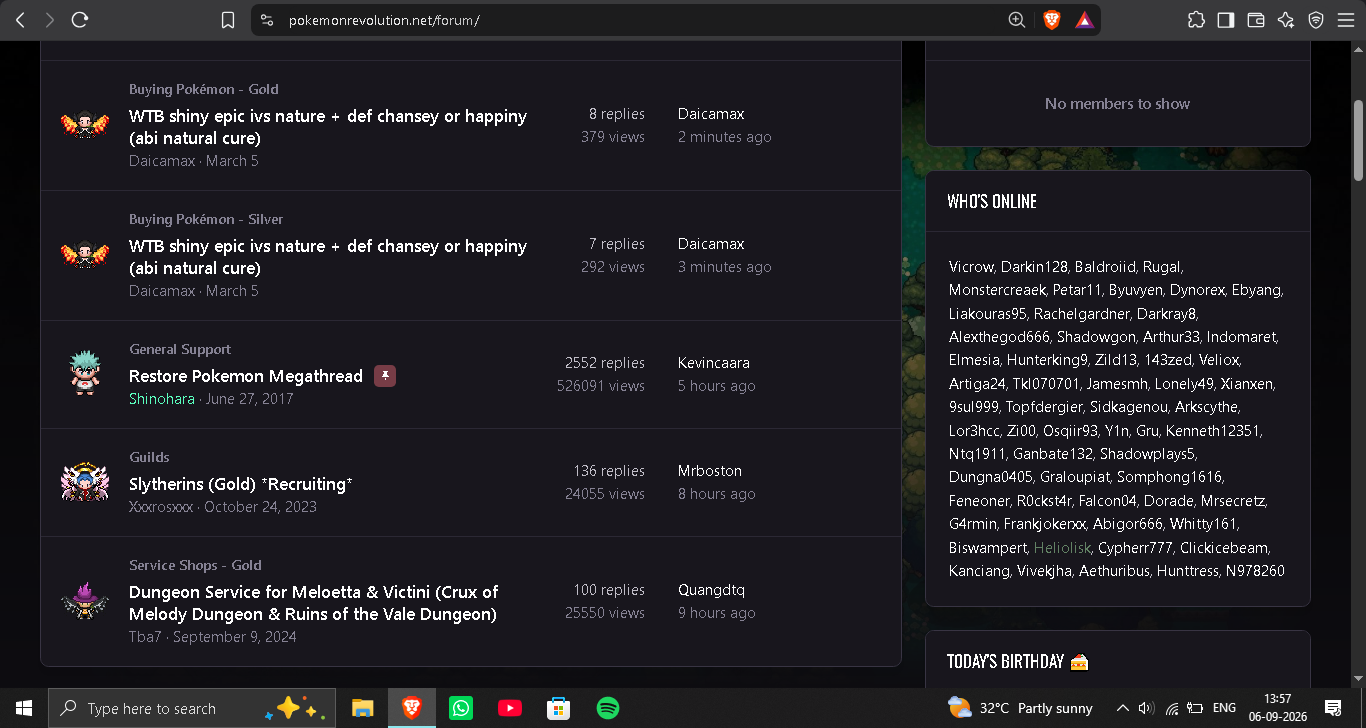
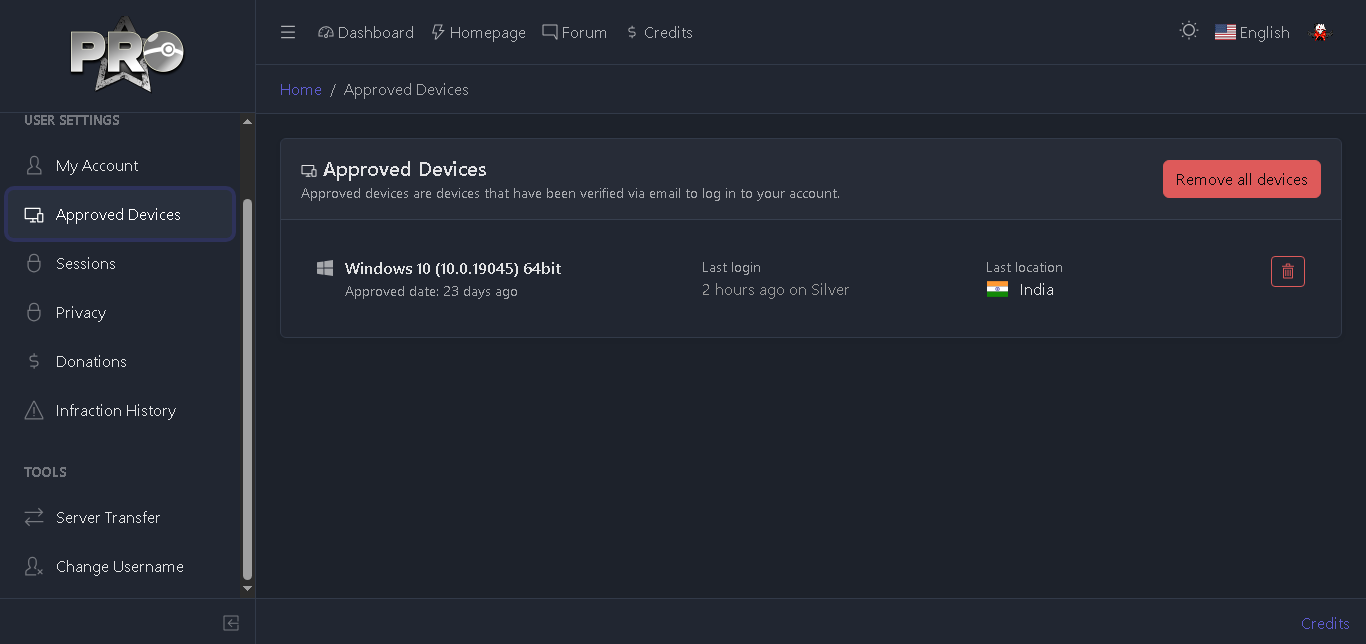 upupHunttress joined the communityWoopsy777 joined the communityI accidentally deleted my Pelipper. Could you please restore it for me?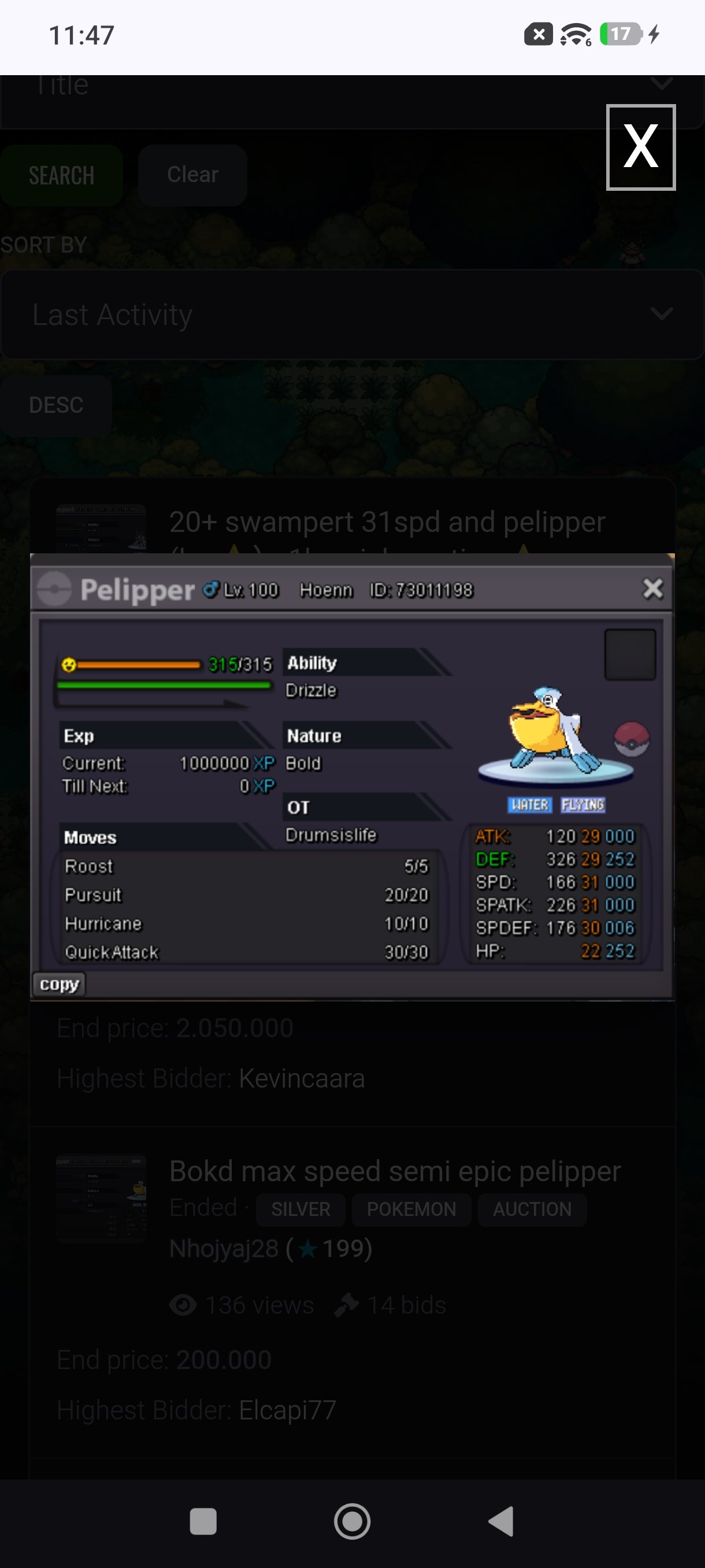
Yesterday
We are still recruiting. Could you answer these questions? 1. What is your in-game name (IGN)? 2. How many hours have you logged in PRO? 3. Do you know any existing members? 4. What is your previous guild, if any? 5. What is your favorite Pokémon? 6. Which event do you look forward to the most? 7. What are your main interests in PRO? (PvP, PvE, Hunting, etc.) 8. What is your highest PvP rating? 9. Do you have any dungeon experience? 10. Are you comfortable using voice chat in English for dungeon runs? (needed for anyone interested in running dungeons)Great service. Highly recommened to use. Thank you all guy!!!Taken 👉👈Great service!Il faut probablement allouer le client sur la page exception de ton antivirus/firewall.You sure download was done and your antivirus doesnt block the game ? It could be the case, you will have to make a exception sometimes.Quest service, carry victini dungeon. Thnx muc, Glhf! Quest service, Mega mawile. Thnx much, GLhf!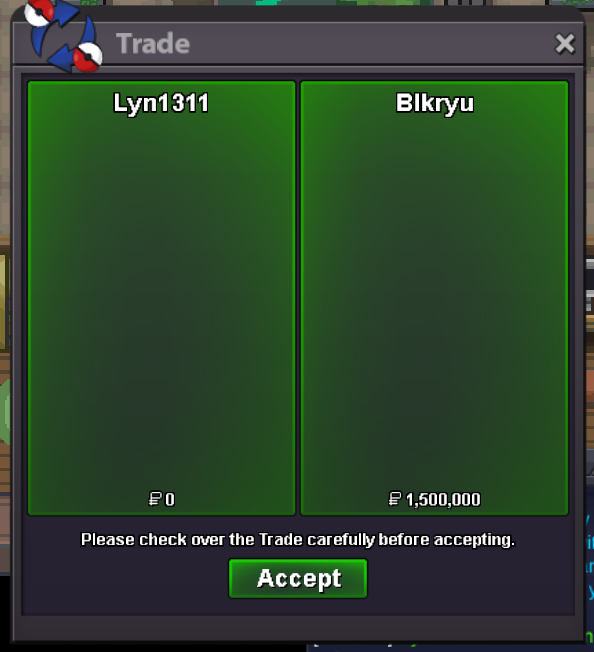
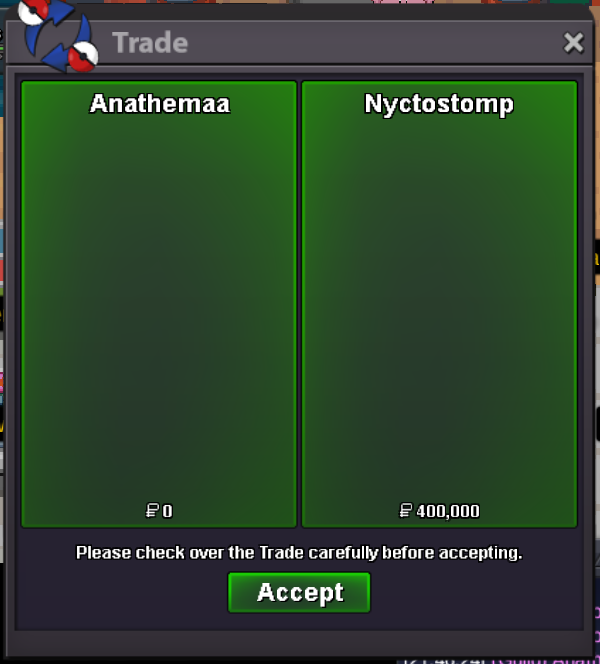 Bro I want to join the guildTy Doz1
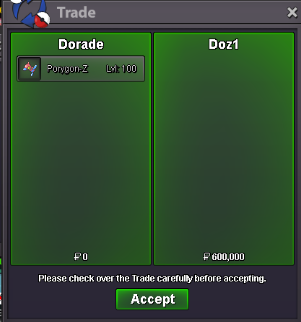 The npc only shows the ivs I got as an option to apply while rerolling, which I didn'tHi there @Phuprika! I'd like to extend an apology for the inconvenience you've faced so far, I know how unpleasant it feels to be unknowingly stuck in a quest with the feel you're unable to progress As aforementioned by Mysticwind, you do in fact need the caught data for every non-legendary Pokemon in Hoenn. The change that you are thinking of is actually the removal of Evolution data within most quest's requirements. Hopefully once you have the caught data of the remaining Pokemon, you'll be smooth sailing through the rest of the quest and the proud owner of either Latias or Latios. Hopefully this finds you well and your issue has been sorted, though if it hasn't and you're in need of further assistance, please don't hesitate to let me know! Warmest regards, AuroraveilVictini + Time Flute Dungeon Service
























Account
Navigation
Search
Configure browser push notifications
Chrome (Android)
- Tap the lock icon next to the address bar.
- Tap Permissions → Notifications.
- Adjust your preference.
Chrome (Desktop)
- Click the padlock icon in the address bar.
- Select Site settings.
- Find Notifications and adjust your preference.
Safari (iOS 16.4+)
- Ensure the site is installed via Add to Home Screen.
- Open Settings App → Notifications.
- Find your app name and adjust your preference.
Safari (macOS)
- Go to Safari → Preferences.
- Click the Websites tab.
- Select Notifications in the sidebar.
- Find this website and adjust your preference.
Edge (Android)
- Tap the lock icon next to the address bar.
- Tap Permissions.
- Find Notifications and adjust your preference.
Edge (Desktop)
- Click the padlock icon in the address bar.
- Click Permissions for this site.
- Find Notifications and adjust your preference.
Firefox (Android)
- Go to Settings → Site permissions.
- Tap Notifications.
- Find this site in the list and adjust your preference.
Firefox (Desktop)
- Open Firefox Settings.
- Search for Notifications.
- Find this site in the list and adjust your preference.