




New Trade Zone
Trade Zone is now live
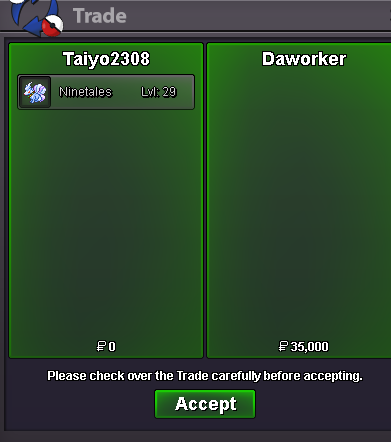
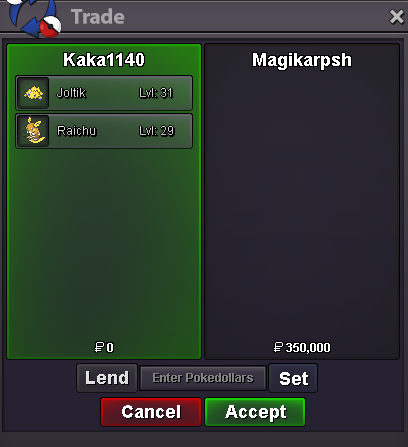
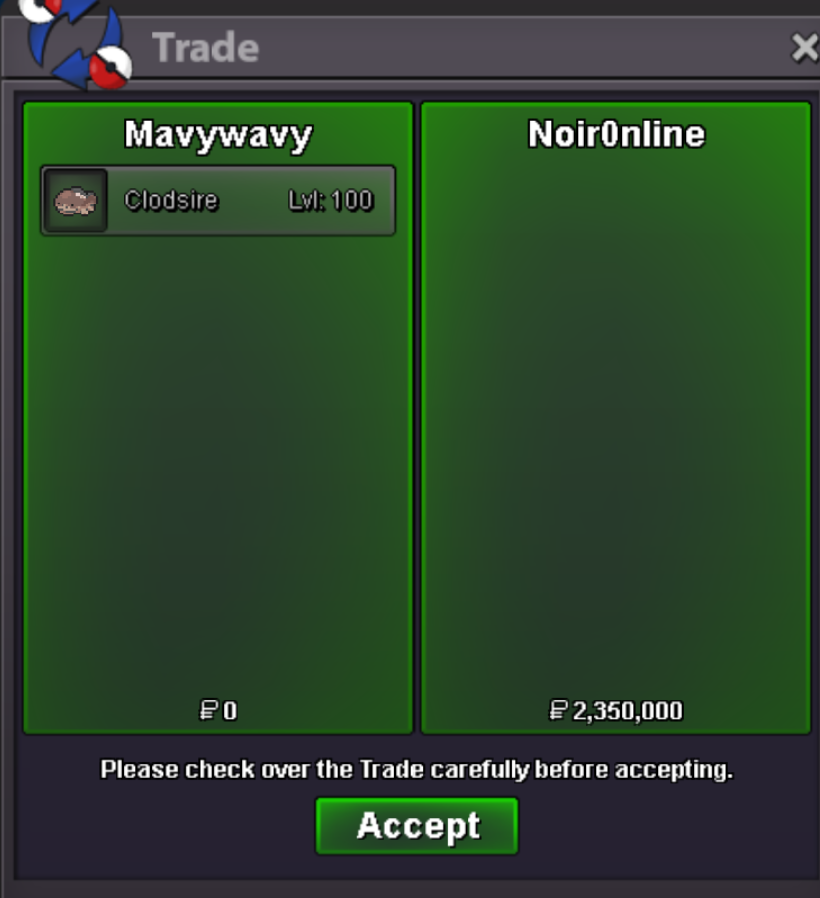
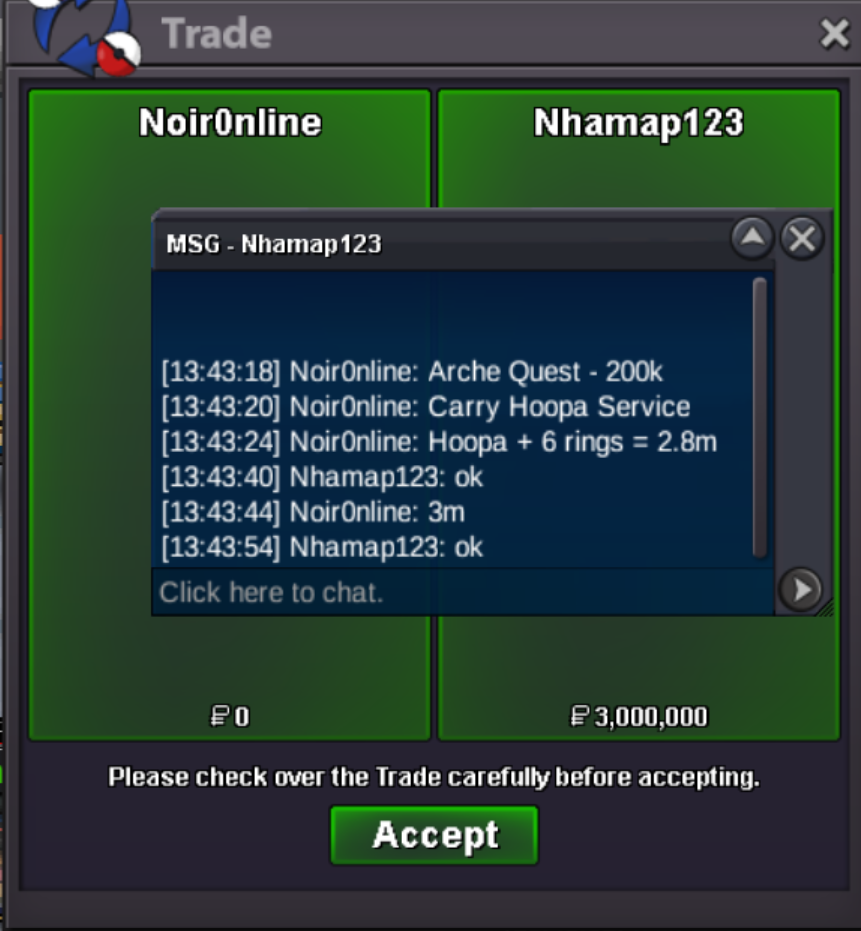
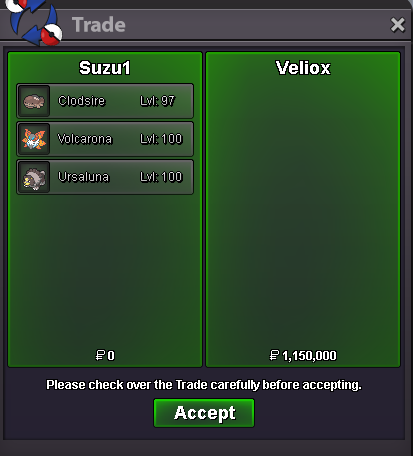
Use the new Trade Zone for auctions and instant-price trades so Pokemon and item offers are easy to find.
All Activity
Past hour
-
Skycatz joined the community
-
Cowboy123 joined the community
-
Hrbecek joined the communityZlp2 joined the community
Today
Huyvodeptrai0 joined the communityNatures cant be changed, only on legendary pokemons with a reroll ticketPinggui joined the communityShithouse joined the communityKeagsm joined the communityJaqenhgar joined the communityI have an SHINY GENGAR but CALM ( nature ) LVL 73 ... how i can change his nature ( if i can ) ? ... PS : How much his worth right now ? ... and worth if i change his nature ? Thank you 🤩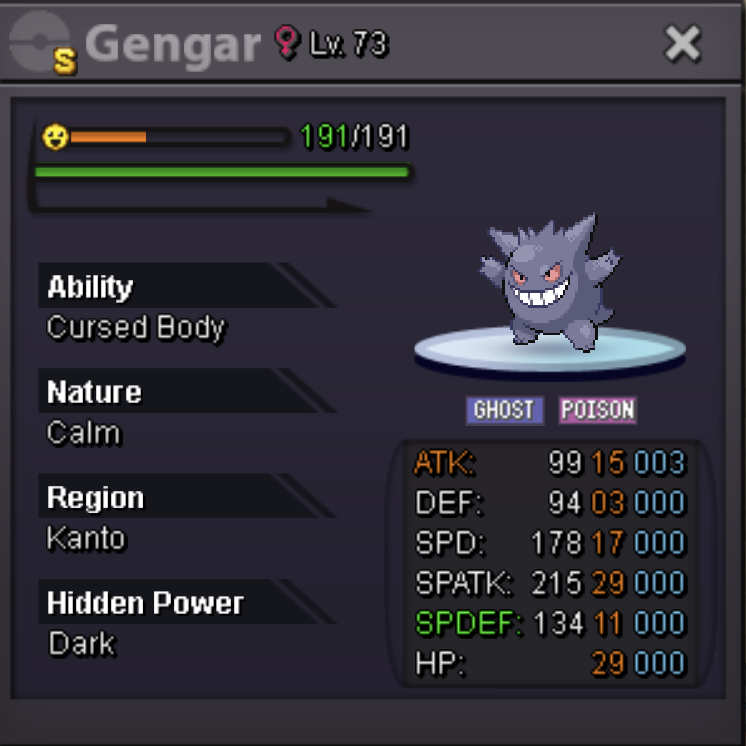 Sheokuvalkrum joined the communityHelloCan i get this to? It on free section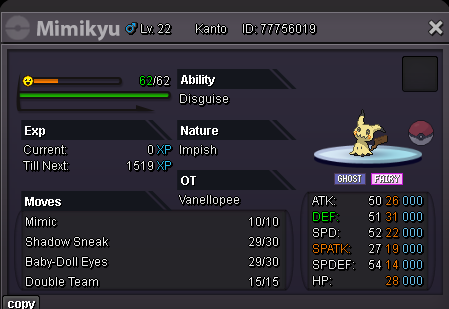
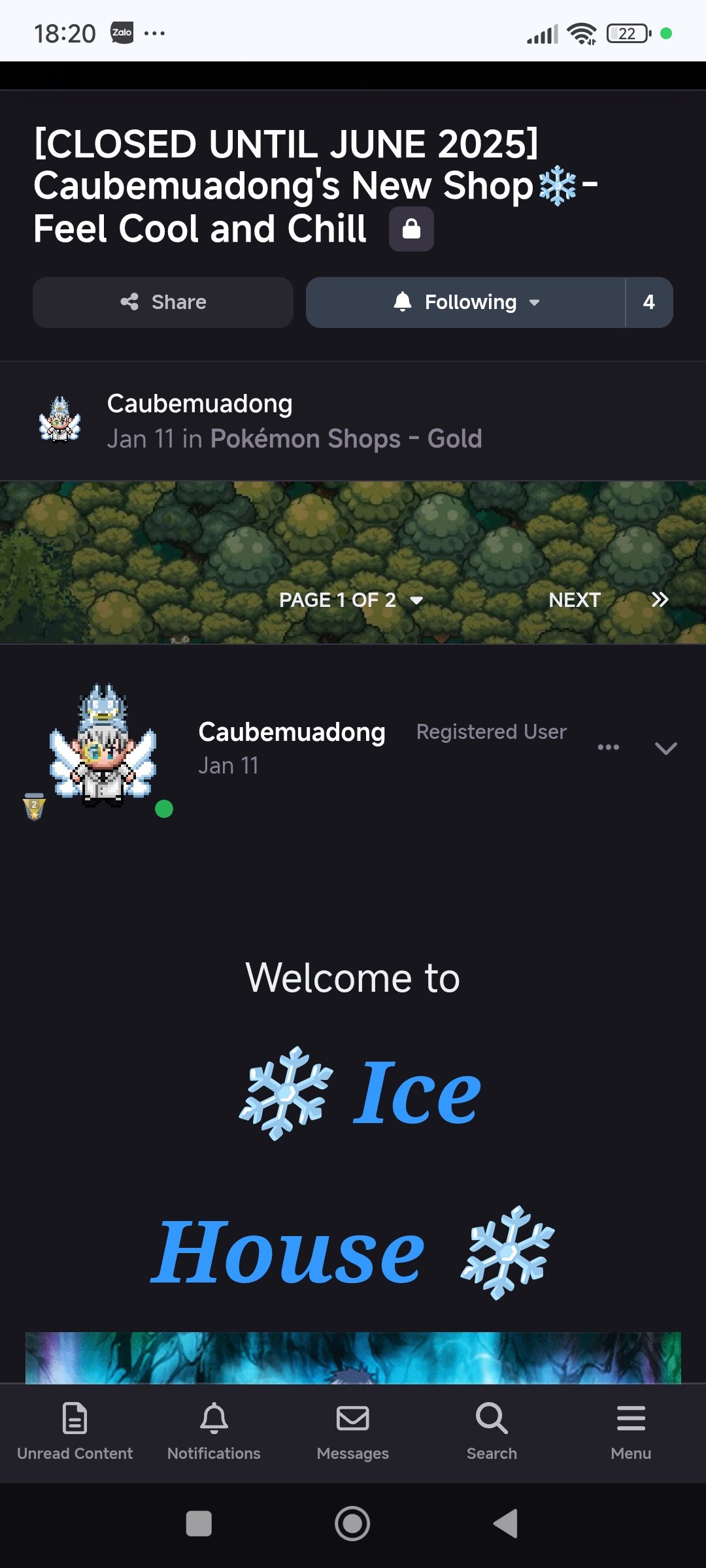
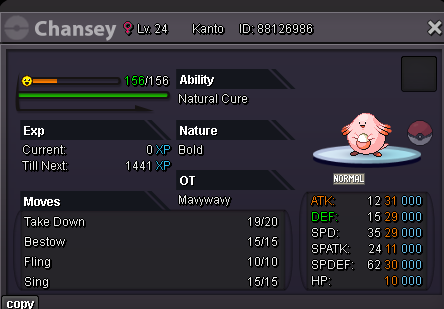 Hi, my shop was locked as my desire in few months ago (cause my work). Now i want to re-open it, and to update it to sell my pokemon.
 300K SOLD
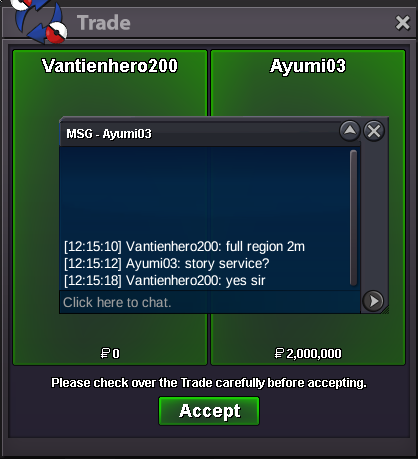
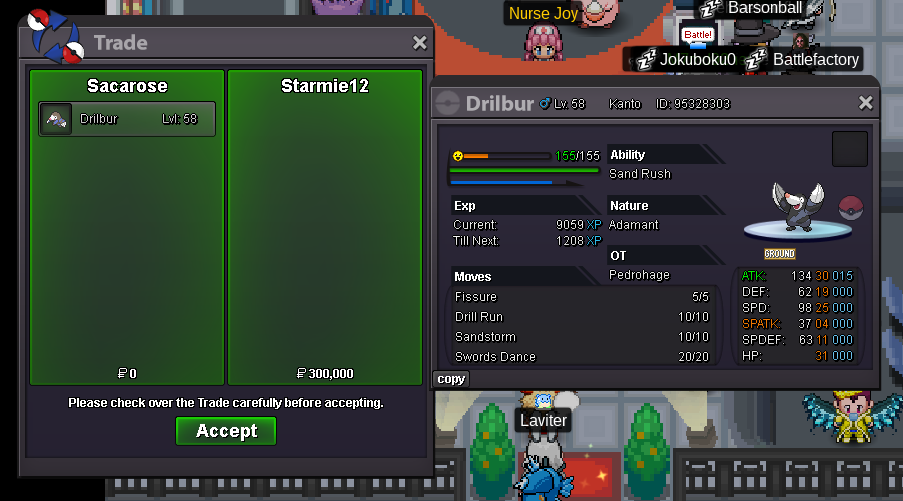 The issue I find with ticket zones is that while brainstorming in private sphere prevent team leaks and stufF, this would be more tailored for already experienced players - who probably got their own personal discord servers & groups to discuss those topics For new players & average, I think it’s better suited to have « public » and open suggestions to anybody who can help them. This would be mainly designed for overall feedback and general knowledge before they need to gatekeep their new strats ^*Role compendium is definitely a useful resource that needs to be updated with every content release indeed I do think a future rework of the PvP section just like we got trade zone cannot hurt ^^up@Adrianpogi hii bro, im doing only story service ^_^Hi, do you do legendary service? specifically Zekrom?thanks fast serviceHi, is the service still available? I'd like to avail Zekrom quest if possibleHi, is this service still available? I'd like to avail zekrom quest like asapHi i have this one, not fully complete the requirements but still has decent stats
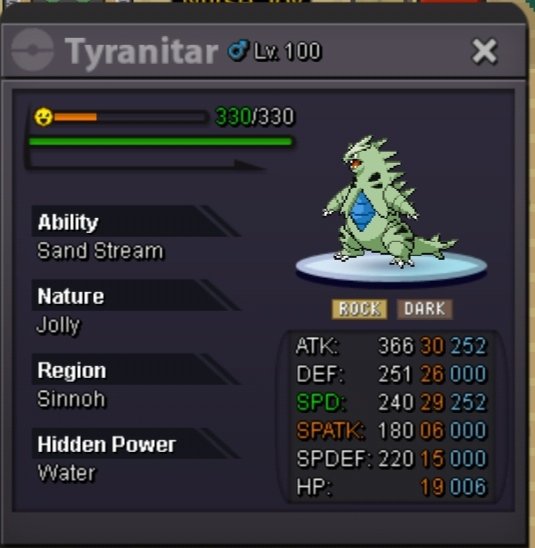 hi, do you interest with this one?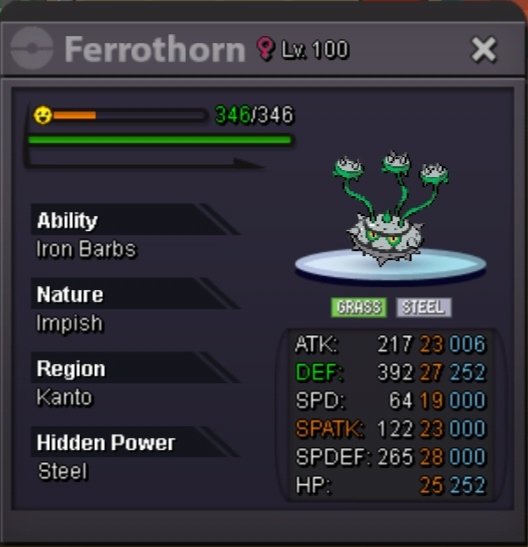
Yesterday
+1 great idea, and am sure many other players have such more interesting ideas to bring out aswell. Maybe if the staff likes it they can then implement it hehehello can you contact me in discord : verseey to discuss about trade























Account
Navigation
Search
Configure browser push notifications
Chrome (Android)
- Tap the lock icon next to the address bar.
- Tap Permissions → Notifications.
- Adjust your preference.
Chrome (Desktop)
- Click the padlock icon in the address bar.
- Select Site settings.
- Find Notifications and adjust your preference.
Safari (iOS 16.4+)
- Ensure the site is installed via Add to Home Screen.
- Open Settings App → Notifications.
- Find your app name and adjust your preference.
Safari (macOS)
- Go to Safari → Preferences.
- Click the Websites tab.
- Select Notifications in the sidebar.
- Find this website and adjust your preference.
Edge (Android)
- Tap the lock icon next to the address bar.
- Tap Permissions.
- Find Notifications and adjust your preference.
Edge (Desktop)
- Click the padlock icon in the address bar.
- Click Permissions for this site.
- Find Notifications and adjust your preference.
Firefox (Android)
- Go to Settings → Site permissions.
- Tap Notifications.
- Find this site in the list and adjust your preference.
Firefox (Desktop)
- Open Firefox Settings.
- Search for Notifications.
- Find this site in the list and adjust your preference.