




All Activity
- Past hour
-
Noted
-
start
-
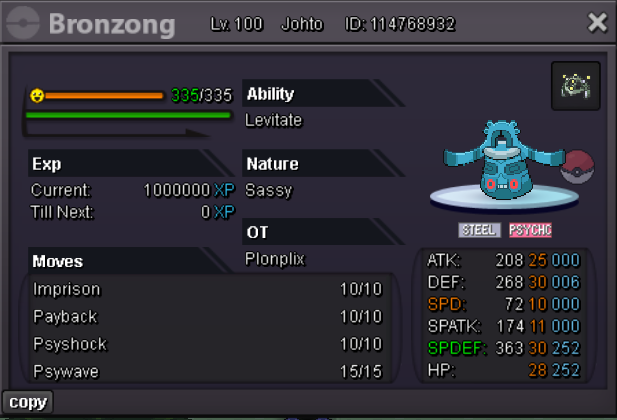
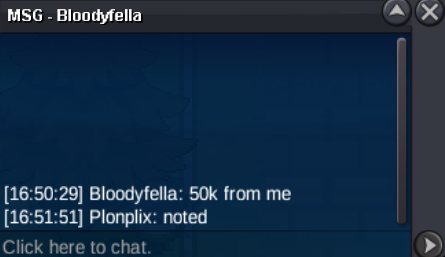
S.O - 50k Min bid 50k Auction ends 24 hrs after the 1st offer Important Reminders - This is a SILVER Server auction. You may bid from any server but you must transfer to SILVER Server upon winning the auction. - If you intend to purchase with an alternate account or from other server, please specify the account name and/or server name alongside your bid. - 15 minutes rule is applied. (If a bid is received in the final 15 minutes of the auction, the end point will be delayed by 15 minutes from that bid, and will be delayed by 15 minutes for each new bid thereafter, until the current offer has been held for a full 15 minutes) - Please check the Trade Rules and Auction Rules if you are new to trading in PRO. Again, thank you for all the support. To all bidders and viewers, Enjoy the Auction,
 My girlfriend cannot access her PRO account because she lost access to the registered email address; how can we resolve this? Her account name is Kkuroneko.IGN: Bluegames911 Timezone: GMT +244bora joined the communityupJohan3105 joined the community
- Today
Auction Details: Start Price: 200k End Point: 48 hours [ time starts when the bid is placed] Insta Price: N/A Minimum Raise: 100k Accepted Payments: Pokedollars, Coin Capsules (x1 Coin Capsule = 480k), IV Reroll Tickets (x1 IV Reroll Ticket = 700k) Important Reminders: If a bid is received in the final 15 minutes of the auction, the end point will be delayed by 15 minutes from that bid, and will be delayed by 15 minutes for each new bid thereafter, until the current offer has been held for a full 15 minutes. Happy Bidding!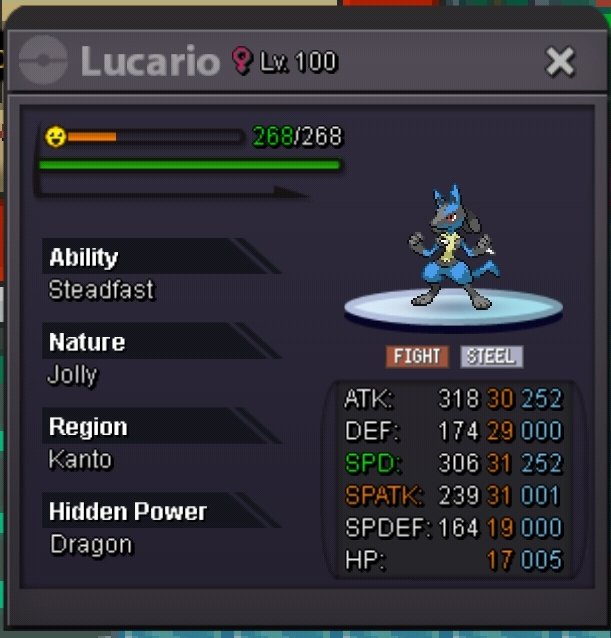 I’ll be online in about 8-9hrsfinal bumpBumpKkarnkubp joined the communityAlkepone joined the community@Goldenpheonix is the WINNER!!!
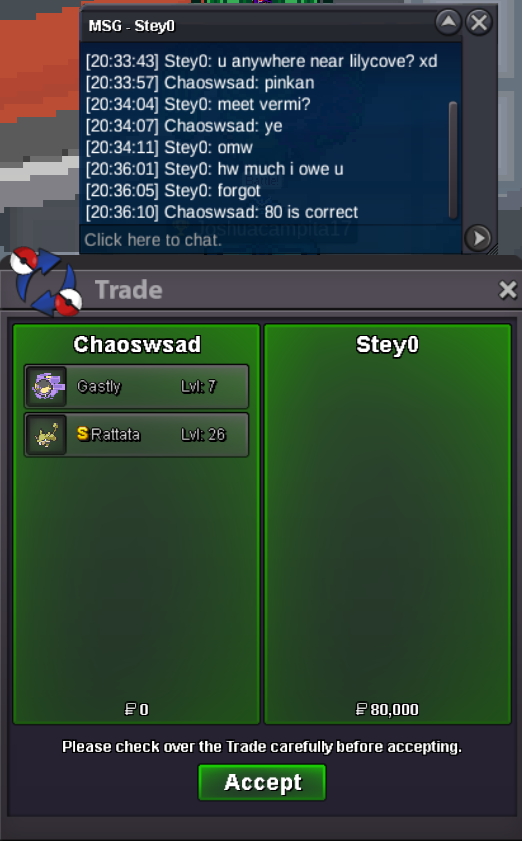
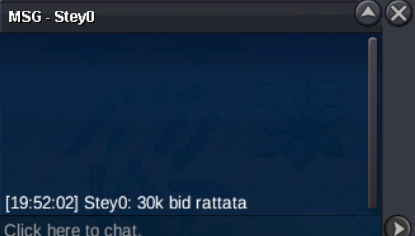
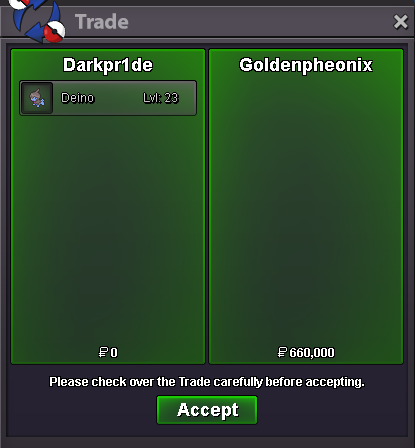 --- 31 hours left1.6m clodPietidamies joined the communityIf Pawn is still open, 550k for it ...400k blace and 200k cloyEsco29 joined the communityAktan27 joined the communityHhtoaya joined the communityPollitopio joined the communityWinners: @It4ch1 - 400k for Clone Venusaur @Ahmetemir - 100k for Pink Mankey @Stey0 - 50k for Halloween Gastly, 30k for Shiny RattataBumpDone trade
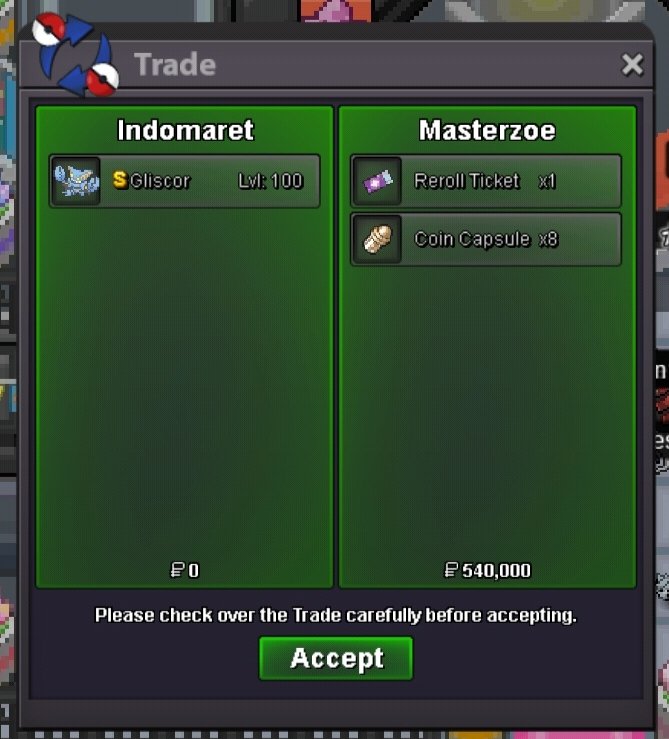 Insta gliscord sold to Masterzoe
.thumb.gif.5ca2bb8ab27bad84c457676cd94efcb7.gif)






















Account
Navigation
Search
Configure browser push notifications
Chrome (Android)
- Tap the lock icon next to the address bar.
- Tap Permissions → Notifications.
- Adjust your preference.
Chrome (Desktop)
- Click the padlock icon in the address bar.
- Select Site settings.
- Find Notifications and adjust your preference.
Safari (iOS 16.4+)
- Ensure the site is installed via Add to Home Screen.
- Open Settings App → Notifications.
- Find your app name and adjust your preference.
Safari (macOS)
- Go to Safari → Preferences.
- Click the Websites tab.
- Select Notifications in the sidebar.
- Find this website and adjust your preference.
Edge (Android)
- Tap the lock icon next to the address bar.
- Tap Permissions.
- Find Notifications and adjust your preference.
Edge (Desktop)
- Click the padlock icon in the address bar.
- Click Permissions for this site.
- Find Notifications and adjust your preference.
Firefox (Android)
- Go to Settings → Site permissions.
- Tap Notifications.
- Find this site in the list and adjust your preference.
Firefox (Desktop)
- Open Firefox Settings.
- Search for Notifications.
- Find this site in the list and adjust your preference.