New Trade Zone
Trade Zone is now live
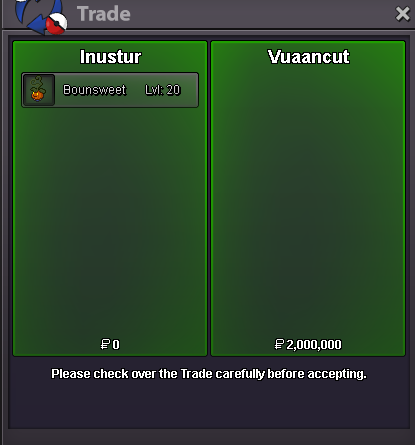
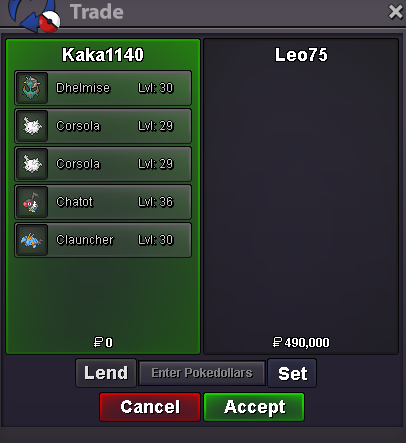
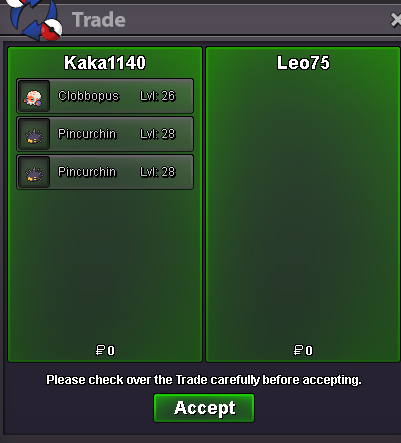
Use the new Trade Zone for auctions and instant-price trades so Pokemon and item offers are easy to find.
All Activity
Past hour
-
Iyzelreaar joined the community
-
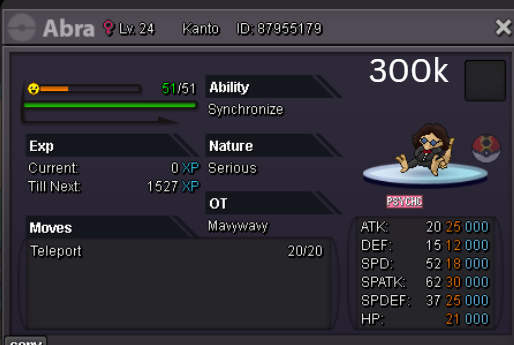
I am interested in buying this one
-
Hello, I am stuck on the Halloween Event quest in Ghoul Swamp. I have interacted with and collected every single blue Pokéball on the swamp map. However, only 1 of them gave me a Spirit, while all the other Pokéballs turned out to be Evil Spirits (battles). Now, there are absolutely no Pokéballs left on the map to interact with, but the NPC says I am still missing the other 2 spirits to pass. It seems my script/variable for the quest is bugged.
-
Naniss joined the community
-
Wtrongol joined the community
-
Dynomite42 joined the community
Today
-
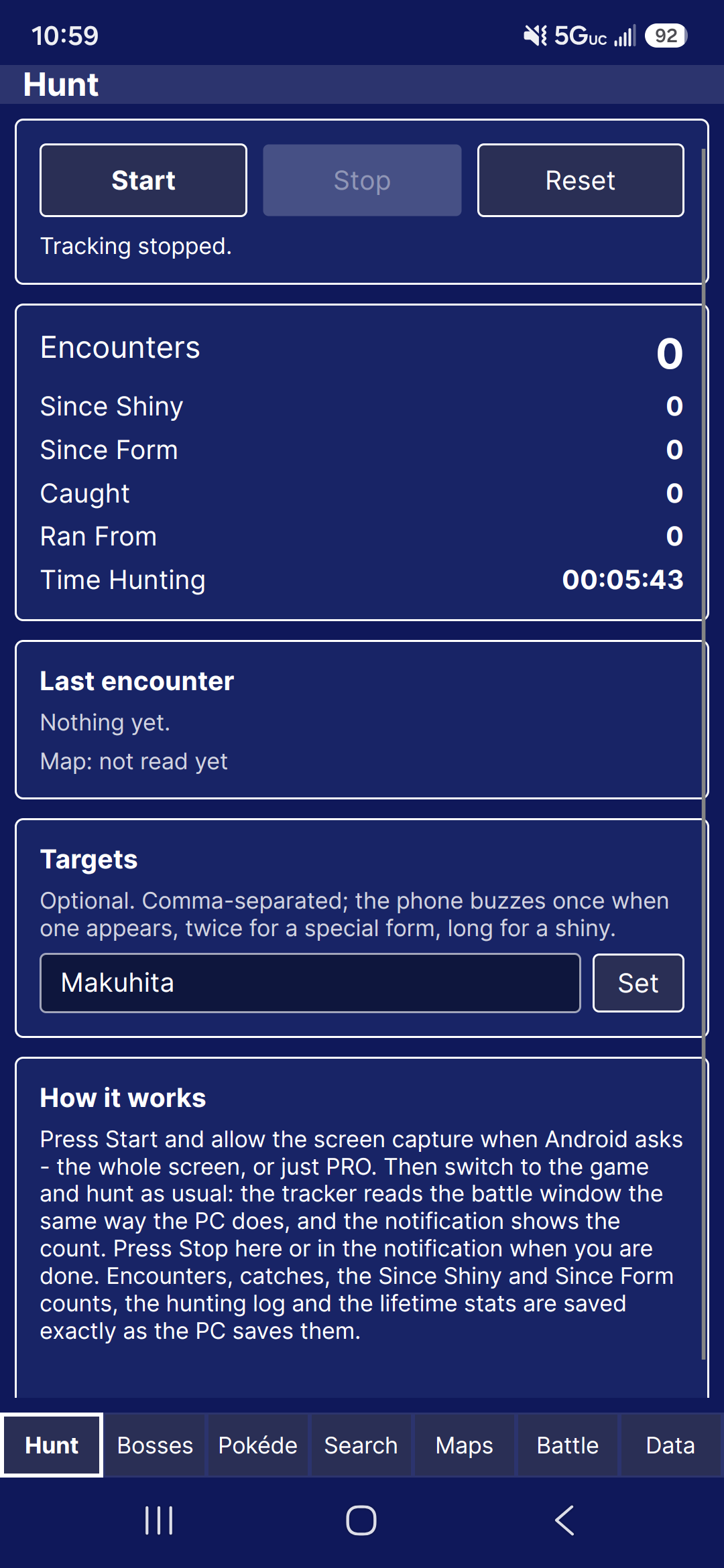
10/27/2026All Halloween maps have been updated to the new spawns. Fixed several bugs Lugario and I found shortly after 1.1.3's release. Counterparts are still in the works, however they now update in real time instead of per client update. Added Showcase. Allowing for users to show off Pokémon finds. These last only 30 days. Added suggestions, found under File. This will allow you to submit a suggestion for the tracker, and be sent to the discord server. Began working more on the android tracking. This may be more complicated than I foresaw.
-
Gracias a que he visto tu post me he dado cuenta de que en 2022 compre hacha y pico y no me aparecen en el inventario. He estado unos años sin jugar y me ha dado por volver y no aparecen estos items. He abierto tambien un tema nuevo a ver si es un fallo comun y si hay alguna solucion
-
Hola. Tras unos cuantos años he vuelto a jugar, Debido a un post reciente de un usuario que ha comprado un pico en la tienda y no le aparece el item en el inventario, recuerdo que cuando empece a jugar aqui compre pico, hacha, pala y alguna cosa mas que no recuerdo, pero el problema esta en que el pico y el hacha no aparecen en el inventario. ¿Hay alguna forma de revisar esto? Si sirve de ayuda la compra la hice entre el 11 y 16 de noviembre de 2022 Gracias
-
Pengu3 joined the community
-
Alessanyx7 joined the community
-
Annabolika04 joined the community
-
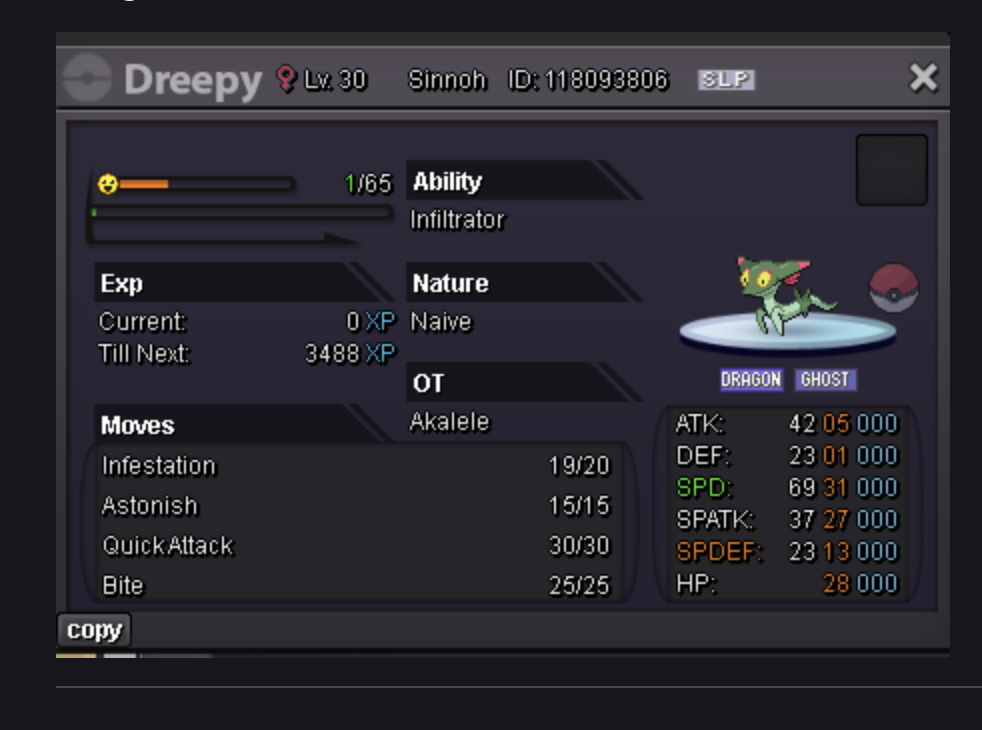
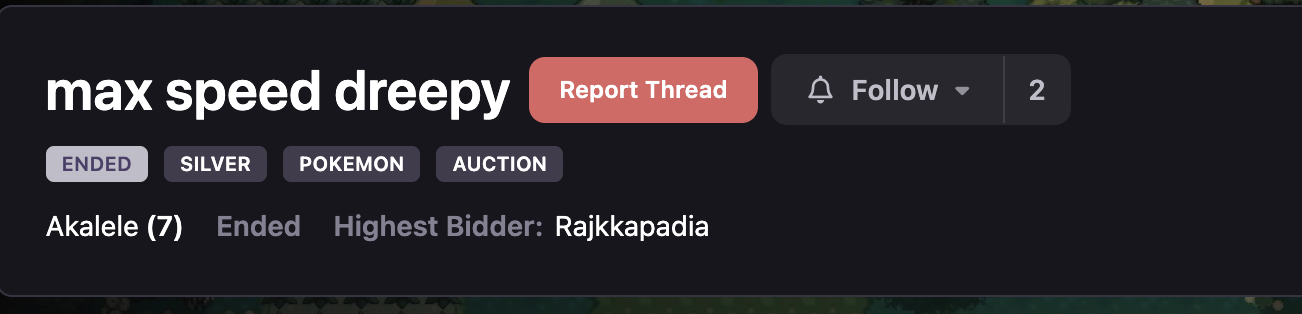
i recently won the dreepy auction i am putting photo of the guy and the poke. hes not repleid to my messages. can you help make the transfer?
-
Chrxsuwu joined the community
-
Eevan228 joined the community
-
Blckfyre joined the community
-
Hello Support Team, I recently used my Coin Case to purchase a Pickaxe from the in-game Shop. The purchase appeared to be completed successfully, so I returned to my bag to equip and use the Pickaxe for my quest. However, I was unable to find the item anywhere in my inventory. I double-checked my bag, including the Key Items section, but the Pickaxe was nowhere to be found. I also tried logging out and back in several times, as well as completely closing and restarting the game, but the issue still persists. I'm concerned that my Coin Case was deducted without me receiving the item I purchased. Could you please investigate this issue and help restore the missing Pickaxe or refund the currency spent on the purchase? I would appreciate your assistance as soon as possible, as this issue is preventing me from progressing with my Ghoul Forest quest. Thank you for your time and support. I look forward to your response.
-
Hello I am not getting the email to approve my android phone to play PRO. email is correct and i've hit resend and nothing to my email, spam or junk folder
-
bump!
-
Problem resolved, turns out quest reset when IW went back to the scared girl
-
bumping for you guys, so cool to help beginners <3 , great event ;)
-
+1 it would make my life so much easier for real
-
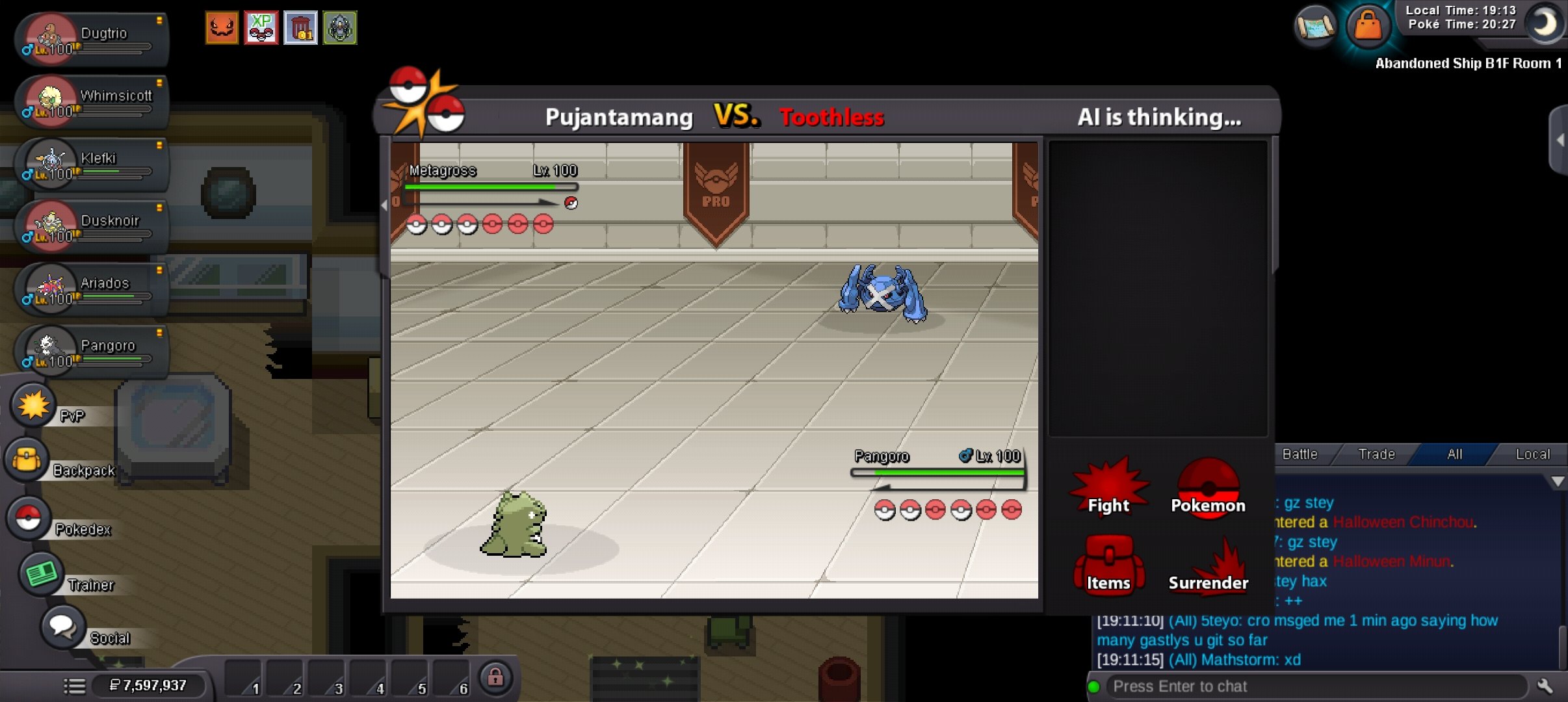
Hi. My game got stuck mid boss battle and I had to force quit for it to work again. Do I get a rematch please?🥲🥲
-
Hello there, For the moon encounter you require Membership
-
so i entered the entrance and spoke to the guy, and when i was walking around the plate sensors was working as i was getting the message, but i didnt know what i was doing at first. upon realising which way i am suppose to go after standing on the plates. now i dont get any sort off message so say ive stood on a plate or nothing, ive tried re logging, going away from that area and returning and nothing is happening, any help is much appreciated thanks
-
I wtb gengar quest 3 service.
-
I’ve spent 5 to 6 hours hunting for Gible in both the Moon area and the second floor of Mount Unison, but I still haven’t managed to catch one. Are there any tips, or would using a membership package make it any easier to catch a Gible?
-
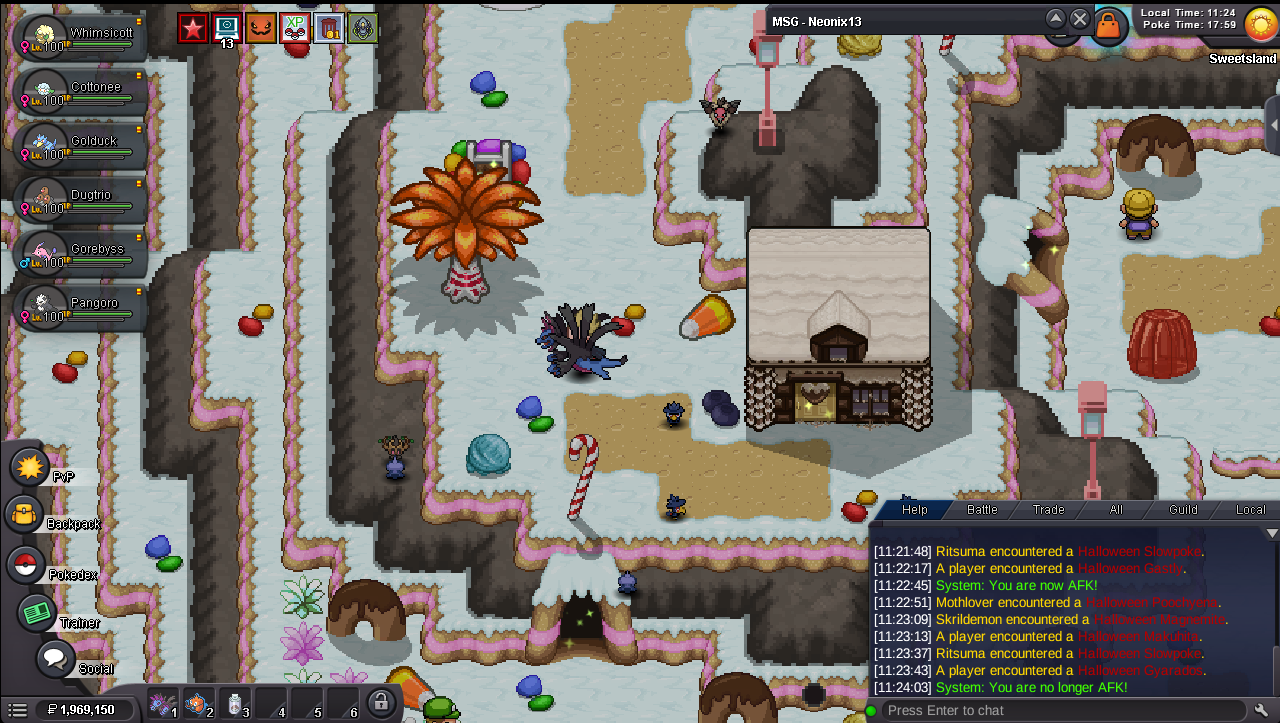
After I managed to solve the 3 meanlook minigames. I used escape rope to grab my boss team. Unable to see the witch that brings me back inside the house.
-
up
-
I confirm that the rename was successful, as last request before this topic to be closed,is it possible to get in guild section also tag for silver. Our guild will exist in both servers but atm we have only tag for gold.
-
Hi! As said above, the error was not on your end so please do not stress over it! I will be awaiting your confirmation that you received the Guild Name change, once i have i will close this thread! Thanks, Satellar ⭐ Please refrain from contacting staff members directly for private support
-
Hi! @Akinator10 As said above, you can use a mysterious candy to help with evolving a level 100 Pokémon! You can indeed find these candies in Department Stores in each region, And/Or through the PVE Coin shop! You can find the PVE Shops in: Celadon Mart 4 in Kanto Goldenrod Mart 5 In Johto Lilycove Department Store 2F In Hoenn Veilstone Department Store 4F / Battle Tower Entrance in the Fight Area In Sinnoh Please let me know if i can help further! Otherwise i will close this thread! Thanks, Satellar ⭐ Please refrain from contacting staff members directly for private support
-
Hello dear PRO Staff, I hope you are doing well. My previous account, Fabioklasen, was permanently banned for Macro Usage and Mass Account, and my ban appeal has been denied. First of all, I would like to sincerely apologize for my past mistakes and for any trouble I may have caused. I fully respect the staff’s decision, and I understand that my previous ban is final. I am not here to question that decision or request another appeal. I have created a new account, and I would kindly like to ask whether I am allowed to start over and continue playing PRO, considering my previous ban reasons. I genuinely enjoy this game and would be very grateful for the opportunity to make a fresh start while fully respecting all the rules. I completely understand if there are restrictions in my specific case. I simply wanted to ask for clarification before continuing. Thank you for your time.
-
I am currently stuck in the Sinnoh region due to a progression lock regarding HM07 Waterfall. I transitioned from Hoenn to Sinnoh without collecting the original HM from the Cave of Origin. Consequently, the backup item spawn in Sinnoh Safari Area Zone 4 is failing to render. Because I have not yet defeated the Sinnoh Elite Four, I am currently locked in sinnoh and couldn't return to hoenn to retrieve it. Could a staff member please inspect my account variables and manually credit HM07 Waterfall to my inventory? Thank you for your time and assistance. In-Game Name: Cord3lia Server: Gold
-