




New Trade Zone
Trade Zone is now live
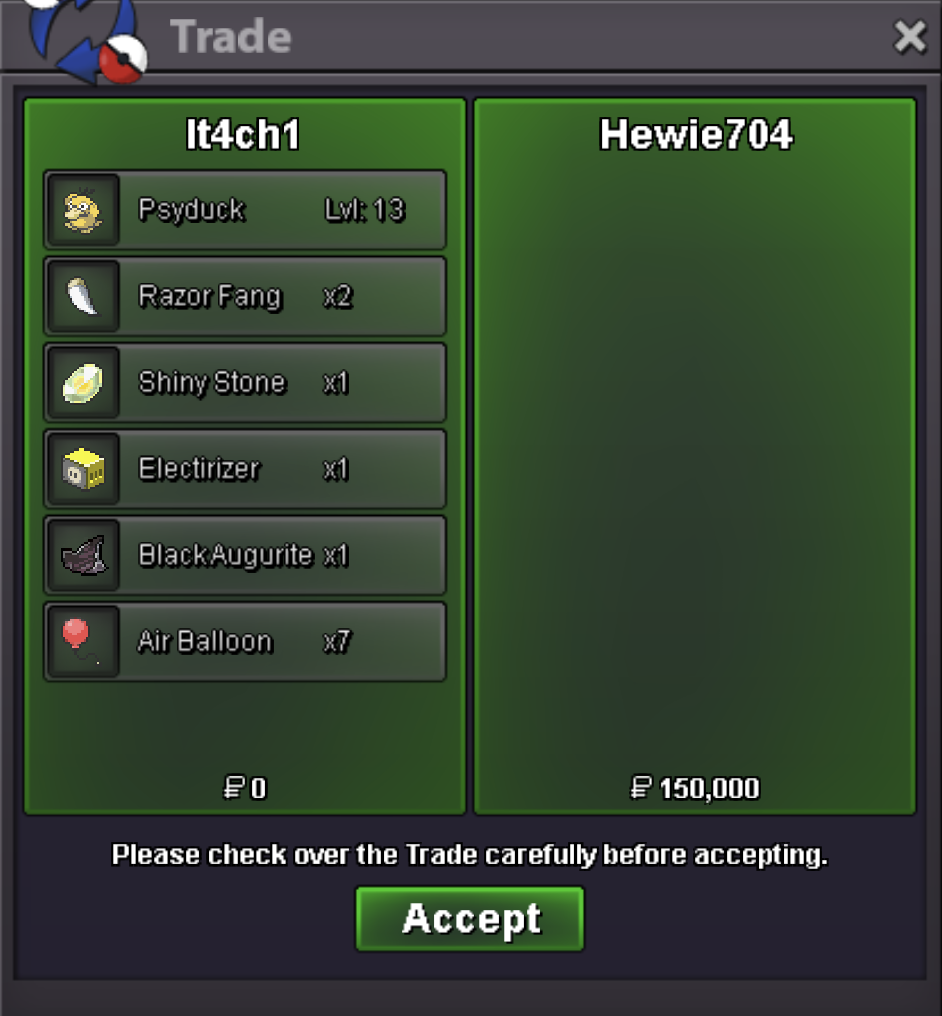
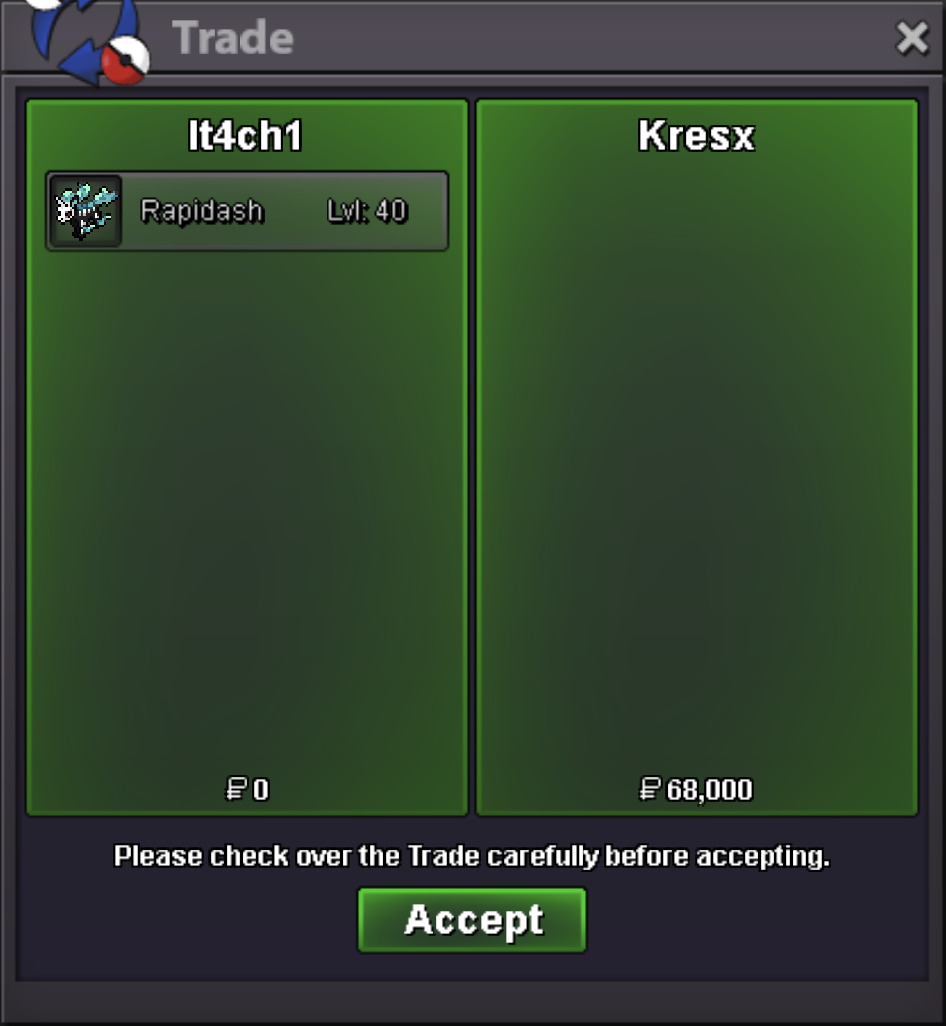
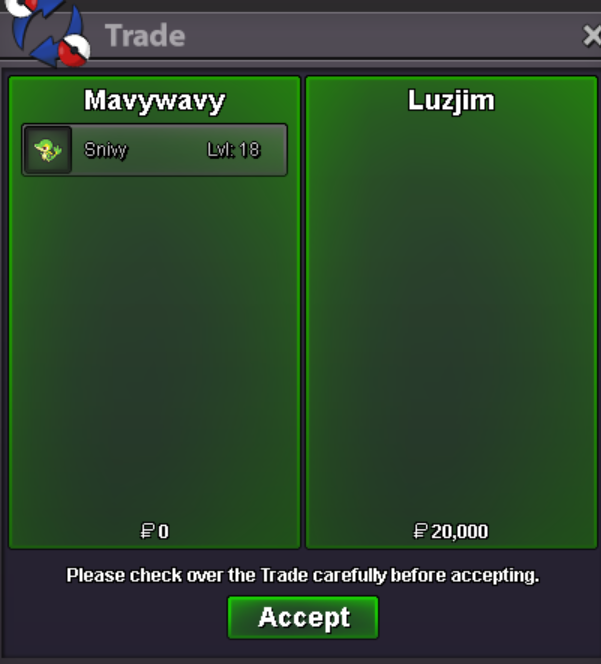
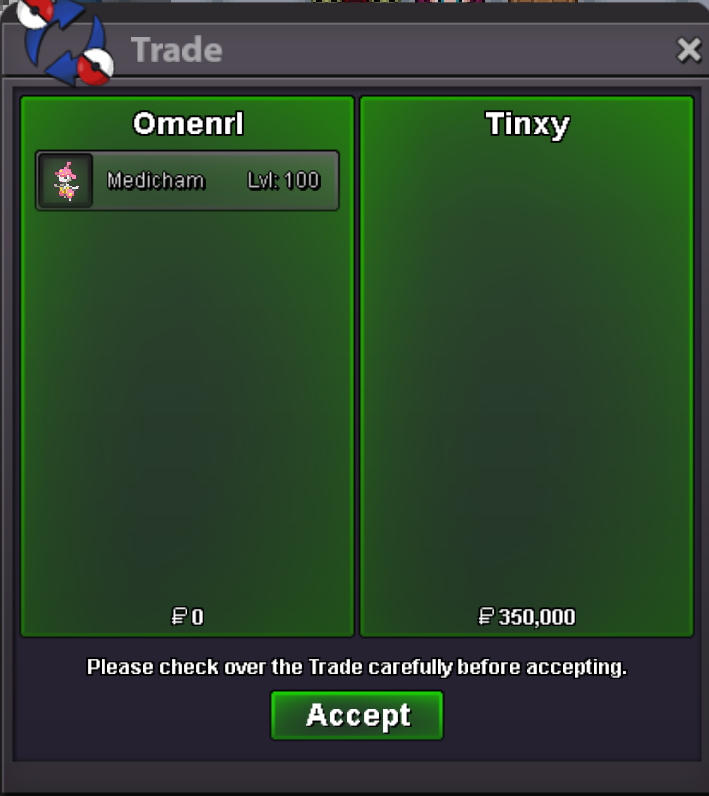
Use the new Trade Zone for auctions and instant-price trades so Pokemon and item offers are easy to find.
All Activity
Past hour
-
Wtb story service. Dm me Dc B0milu
-
Tyra started you want to bid?
-
start tyranatar
-
Today
-
Bump Char 3h left tyra 5h left
-
up
-
Wtb story service. Accept my Dc pls. Ty
-
A super fast and legit,trusted service for all type of your service needed! Kudos to the group!Resolved in Discord - support channel. Can be closed.I tried, but it didn't work.
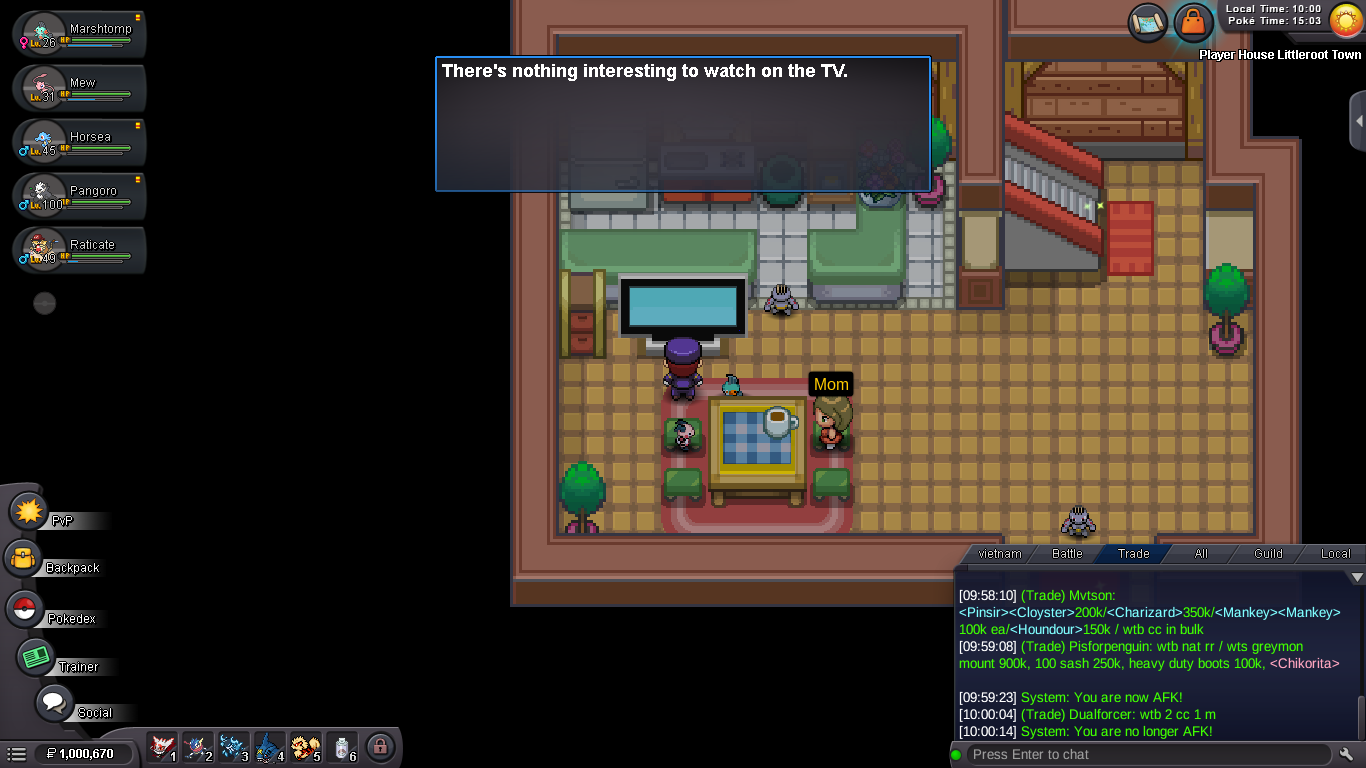
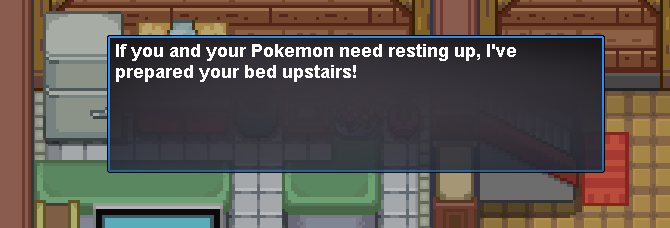 Hey @Whitedzsigma, talk to your Mom there you should get a message to choose either Latias or Latios. Then she will give you Eon Ticket. Use this ticket in Slateport sailor (hard right of PC) to get to Faraway Island.Limespace joined the communitySenormagz joined the communityI followed the proper sequence of events to catch Latios and Latias: first, I interacted with the TV and it mentioned "Red" (or something similar); then, I found and defeated Latias; next, I checked the TV again and it mentioned "Blue" (or something similar). After that, I defeated Latios as well, but when I went back to check the TV, the message shown in the photo appeared. Many people tell me I might have missed a step, but I followed Maskrider Gaming's instructions on YouTube exactly. I don't know where I went wrong, so I'd appreciate some help.( To add to that, I encountered Latias at the Abandoned Ship, while Latios was at the Mossdeep Gym.) I would appreciate everyone's help. thanks u.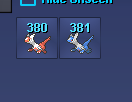
 Mckiller13 joined the community300k sorry my mistake i don't read your post20m18mJeshedz changed their profile photoGabebleut joined the communitythanks for shopping! <3
.png.29f02868ba05ceb6b6380b332e753960.png) Deafinite joined the community
Deafinite joined the communityYesterday
Rigaslee joined the communityKegdaddy joined the communityGrzelpro joined the community1draco13 joined the communityEnderxyz joined the communitysold out on life orbs and focus sashesHello all, This is a very old auction that was not reported correctly to us. I will be voiding it, since this goes back over 1 year already. Kindly, K-Mewauction closed.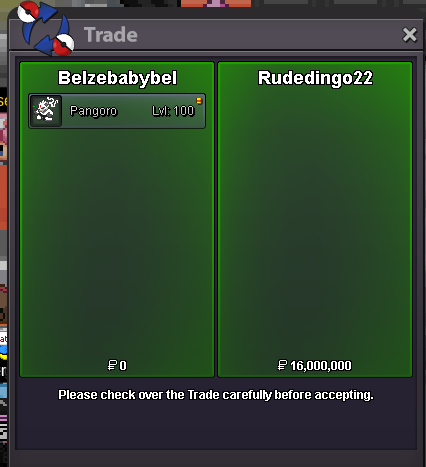 Hello all, This auction has been voided as it's integrity has been compromised. Both the winner and runner-up offers aren't valid bids. According actions have been issued. Kindly, K-MewDos3d changed their profile photo@Chuzisuka - pm me on discord, interested on making some purchases >> @jackwmac


















Account
Navigation
Search
Configure browser push notifications
Chrome (Android)
- Tap the lock icon next to the address bar.
- Tap Permissions → Notifications.
- Adjust your preference.
Chrome (Desktop)
- Click the padlock icon in the address bar.
- Select Site settings.
- Find Notifications and adjust your preference.
Safari (iOS 16.4+)
- Ensure the site is installed via Add to Home Screen.
- Open Settings App → Notifications.
- Find your app name and adjust your preference.
Safari (macOS)
- Go to Safari → Preferences.
- Click the Websites tab.
- Select Notifications in the sidebar.
- Find this website and adjust your preference.
Edge (Android)
- Tap the lock icon next to the address bar.
- Tap Permissions.
- Find Notifications and adjust your preference.
Edge (Desktop)
- Click the padlock icon in the address bar.
- Click Permissions for this site.
- Find Notifications and adjust your preference.
Firefox (Android)
- Go to Settings → Site permissions.
- Tap Notifications.
- Find this site in the list and adjust your preference.
Firefox (Desktop)
- Open Firefox Settings.
- Search for Notifications.
- Find this site in the list and adjust your preference.