New Trade Zone
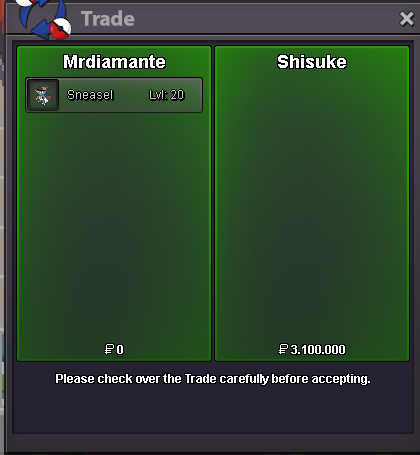
Trade Zone is now live
Use the new Trade Zone for auctions and instant-price trades so Pokemon and item offers are easy to find.
Leaderboard
-
370kibiryani
Suspended35Points2840Posts -
Kwonboa0510
Suspended6Points41Posts -

Zeroo0778
Registered User5Points81Posts -
Herovanged
Registered User4Points92Posts




Popular Content
Showing content with the highest reputation on 11/19/22 in Posts
-
4 points
-
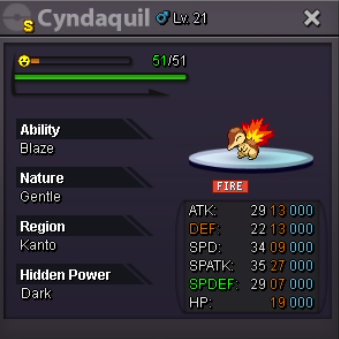
Cyndaquil Shiny Accept: Cash, CC, Rare Candy Coin Capsule = 350k Rare Candy = 7k Start Offert from: 15M Min Bid: 500k No Instant Duration: 48h from the first offer after this post. Goodluck to all !!!


 3 points
 -
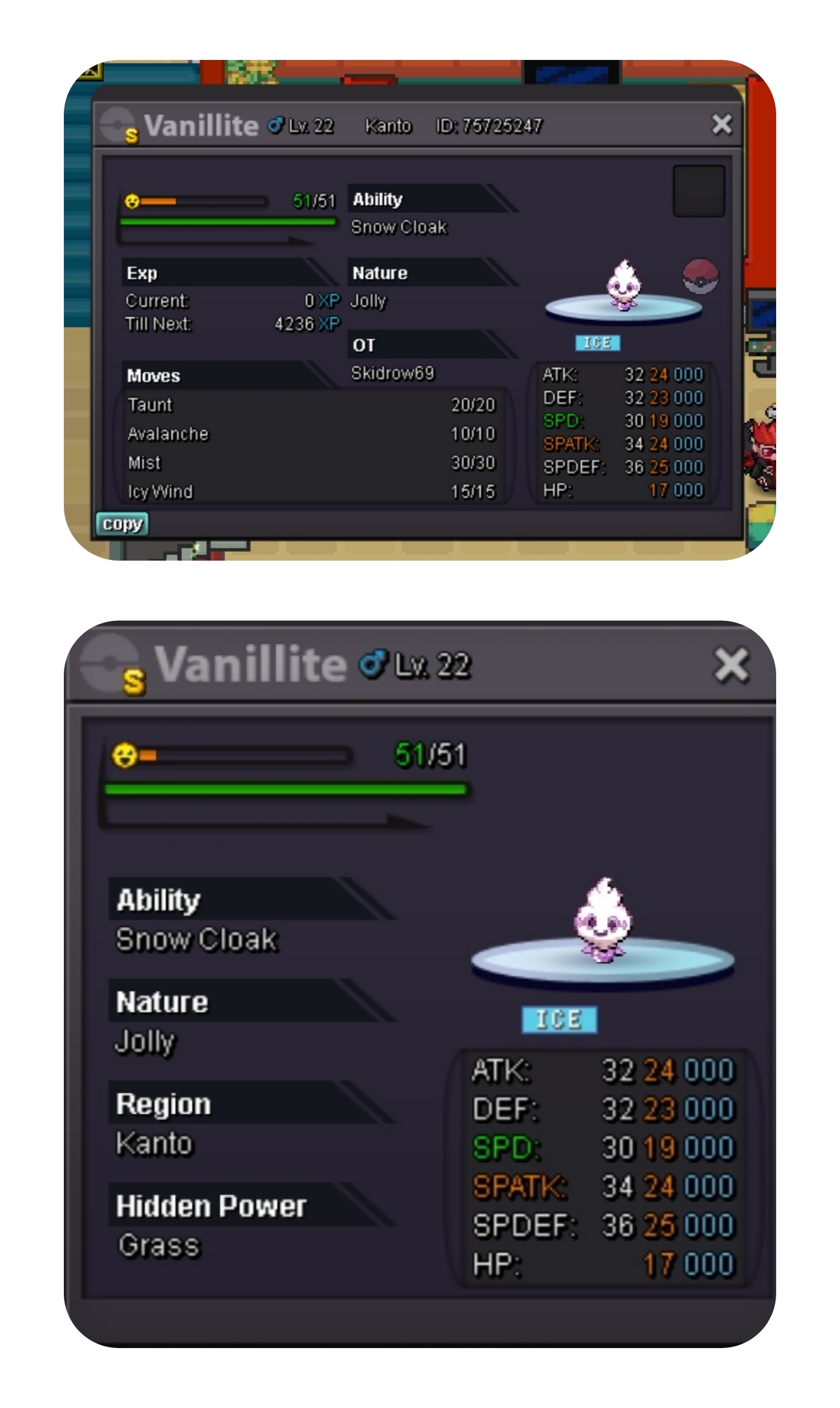
2 pointsStart: 250k Min Bid: 250k No Insta End Auction After First Bid 7days Accept: cc 350k / nat 325k / iv rr 650k
 2 points
 -
2 points
-
2 points
-
2 points
-
2 points
-
2 points
-
2 points
-
2 points
-
2 points
-
2 points
-
2 points
-
2 points
-
2 points
-
2 points
-
2 points
-
1 pointYou are all welcome here at Sirjthan's EV Training Service. I am selling EV Training Service Only. EV Training Service Price. 50k per pokemon (Max EV, tell me what EV you want me to train.) 40k each pokemon if u want me to train 5 or more pokemons. NOTE: Since I'm in the Philippines, we don't have the same time, I won't get your pokemon if I can't train it straight away. I can send you a private message if I am done with those who previously availed of my service ev training. IGN : Sirjthan Discord Tag : jthandiaz#10941 point
-
1 point
-
1 point
-
hello would like to start volca but 1m if you agree 🙂1 point
-
1 point
-
1 point
-
1 point
-
1 point
-
1 point
-
1 point
-
1 point
-
1 point
-
1 point
-
1 point
-
1 point
-
1 point1 point1 point1 point1 point1 point1 point1 point1 point1 point1 point1 point1 point1 point1 point1 point1 point1 point1 pointHi, back at easter i catch many purloinn, i release most of them. I dont realize they only spawn at certain event. Can i ask for restore just 2 any of them at lyn1311 account? I tried ask for buy at trade channel but very hard find aby seller. Thnx1 pointHello, hope you had a great day! There is no guide as such but there are some good points of interest in each region. Johto: -Grinding just the early routes for the first levels till level 20 -Ruins of Alph Surfing till level 40-50 -Dragons Den/Victory Road from 50-100 Hoenn: -Grinding just the early routes for the first levels till level 20 -Route 118 to level 40-50 -Victory Road for 50-100 Sinnoh: -Grinding just the early routes for the first levels till level 20 -Route 222 to level 40-50 -Victory Road/Fight Area for 50-100 Hopefully, this assists you. Enjoy the rest of your day!1 point