




New Trade Zone
Trade Zone is now live
Use the new Trade Zone for auctions and instant-price trades so Pokemon and item offers are easy to find.
Leaderboard




Popular Content
Showing content with the highest reputation on 11/05/26 in Posts
-
1 pointHappy to help! As the matter has been resolved, this thread is now closed. Have a great day!1 point
-
1 point
-
11/5/2026Fixed a memory leak another user found. Causing the tracker to delay on aspects after reloading the game/client a few times. Textboxes should no longer be cut off on appearance. Hiding your stats will now close the gaps on the table.1 point
-
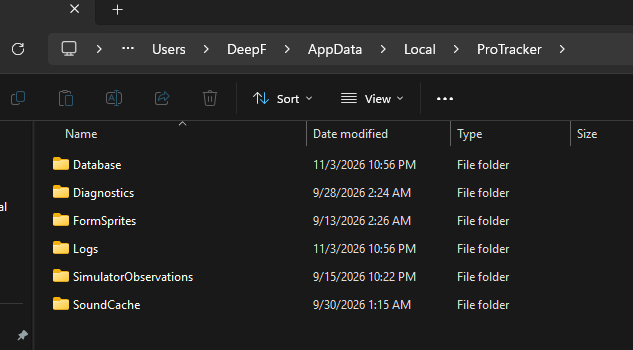
Thank you for the wonderful feedback, and bringing those issues to light. I will look into them as soon as I can. Everything should be logged in your appdata/local (you may need to show hidden files). Export/Import are available under File. If you only open the tracker, it will appear blank until the client is detected. This was a failsafe to keep data from being written by 1 tracker when 2 were accidently opened (tracking same client).
 1 point
-
Can you do me a z move quest?0 points


