New Trade Zone
Trade Zone is now live
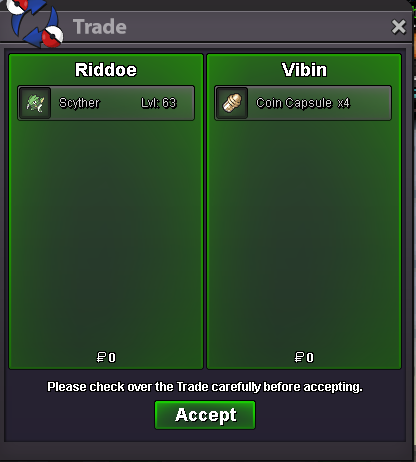
Use the new Trade Zone for auctions and instant-price trades so Pokemon and item offers are easy to find.

Riddoe
Registered User
-
Joined
-
Last visited
Everything posted by Riddoe
-
so is the c.o 500k or 400k lol
-
bump
-
Bump place offers here or on discord Esarms#6720
-
do you offer shaymin service
-
It seems to me you dont understand what a fact is lol. And its so blatantly obvious that most of the people here disagree with your points how can anything you say be a fact when majority disagree with it. You and that crucifucx person make the point of it saves the game yet show no evidence as to how it does that. You say that pvp rewards dont matter to YOU because you have everything you want. Not everyone is the same as you people value prestige mounts enough to pay 12-20m which is a lot for the average player. Not everyone has the time to no life this game like you for 5 years and have all the pvp rewards.
-
i mean its literally called ranked pvp why should they reward you for winning playing a team thats worse than others? The whole point of ranked pvp is for you to play the best way you can and compete for rank.
-
How much time left?
-
Bump
-
Start
-
-
Start
-
-
2m lopunny?
-
bump
-
bump still no rewards for ranked random ladder
-
800k
-
-
Bump
-
can start if 1.5m
-
Start cloyster
-
500k manectric
-
-
Bump
-
Noted Extend 15 mins
-