New Trade Zone
Trade Zone is now live
Use the new Trade Zone for auctions and instant-price trades so Pokemon and item offers are easy to find.

Daftgenius
Registered User
-
Joined
-
Last visited
Everything posted by Daftgenius
-
-
-
@Rockingrockruff you win. Meet at vermillion?
-
17 minutes left
-
-
11 hours 26 mins left
-
-
13,001
-
Auction started! https://countingdownto.com/?c=4873445
-
@Diego1206 Hi, when are you available to trade?
-
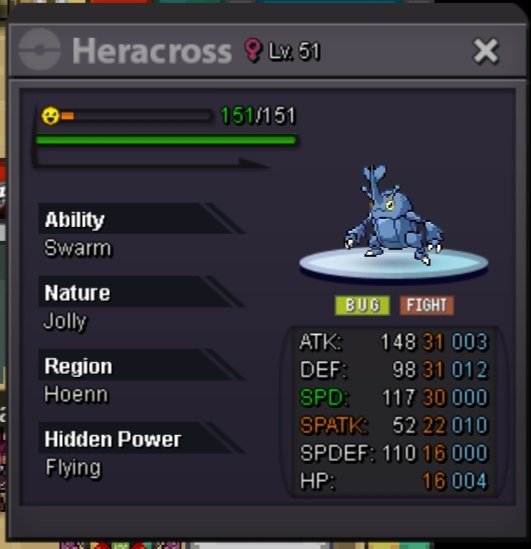
Start 400k Min bid 100k 2.5m insta 24h auction
-
-
Tangela (hp fire) sold.

-
-
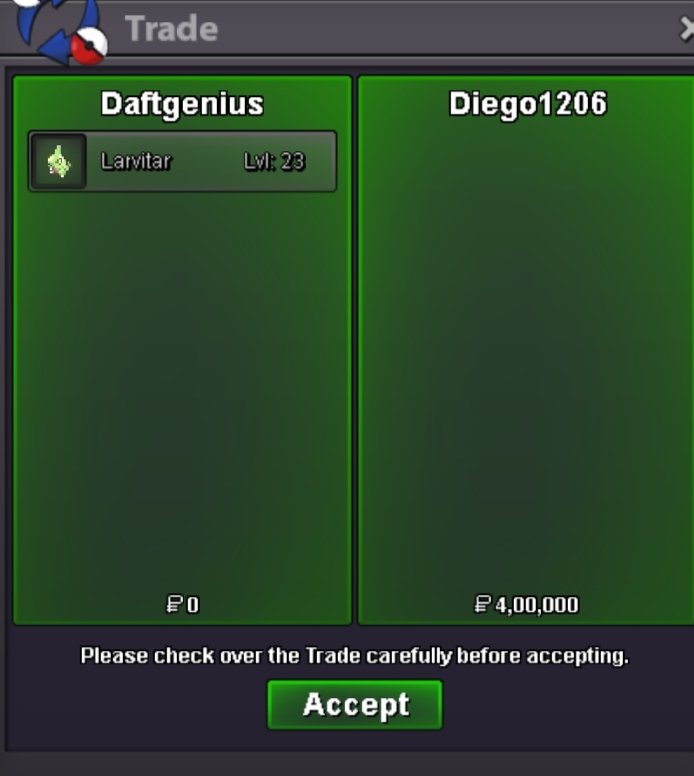
@Diego1206 you win auction. Let me know when you can trade. My discord - daftgenius#3502
-
Start
-
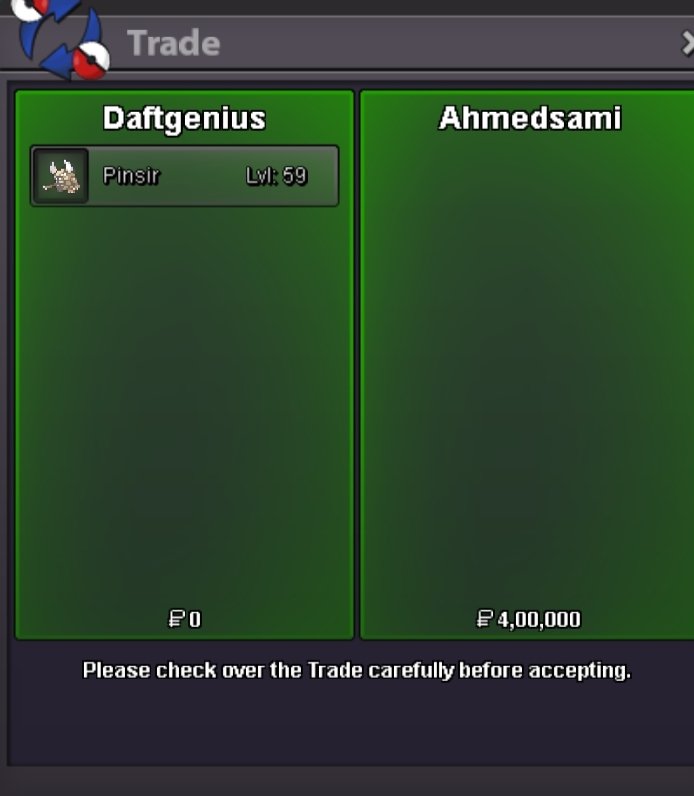
Pinsir sold.
-
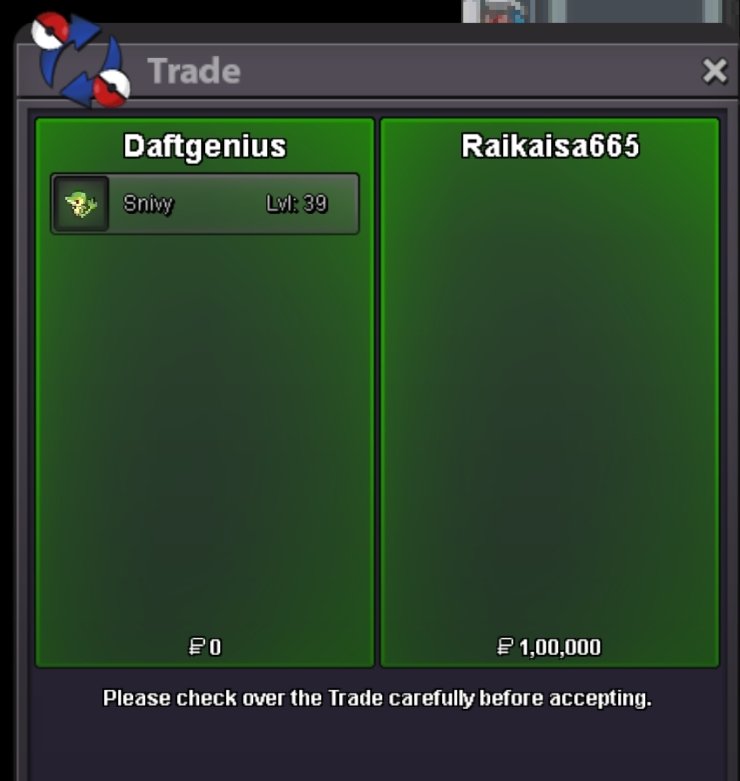
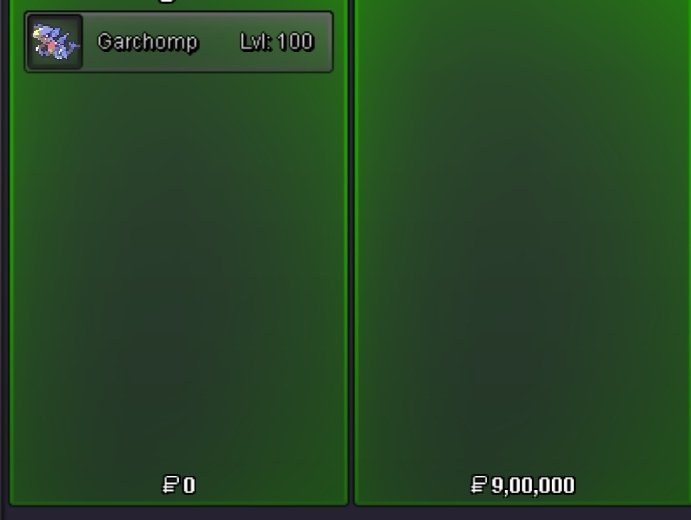
Snivy sold. Garchomp sold.
-
@Raikaisa665 meet at vermillion city
-
@Karthick1111 Sure. I'm available to trade around 6pm (GMT +5.30)
-
-
The following are my preference 1st site (for pawniard, absol, daru) - Ada sync 2nd site (for croagunk, phanpy,etc) also Ada sync 3rd site (for rotom, gastly) timid sync 4th site (for beldum, larvitar) jolly sync 5th site (for sneasel, shellder,swinub) jilly sync 6th site (for tangela, karrablast?) sassy sync 7th site (for porygon, clef, etc) bold sync
-
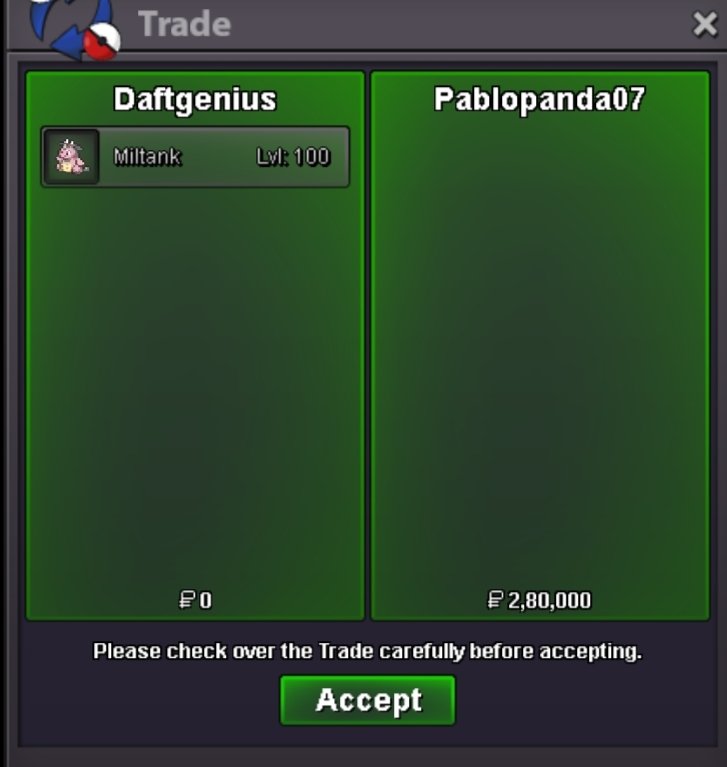
Miltank sold
-
@Raikaisa665 let me know when you can trade for snivy.
-
@Pablopanda07 Okay, that's fine. I'm available 7 hours from now. My discord: daftgenius#3502