




New Trade Zone
Trade Zone is now live
Use the new Trade Zone for auctions and instant-price trades so Pokemon and item offers are easy to find.

Daftgenius
Registered User
-
Joined
-
Last visited
Everything posted by Daftgenius
-
10 pokedollas
-
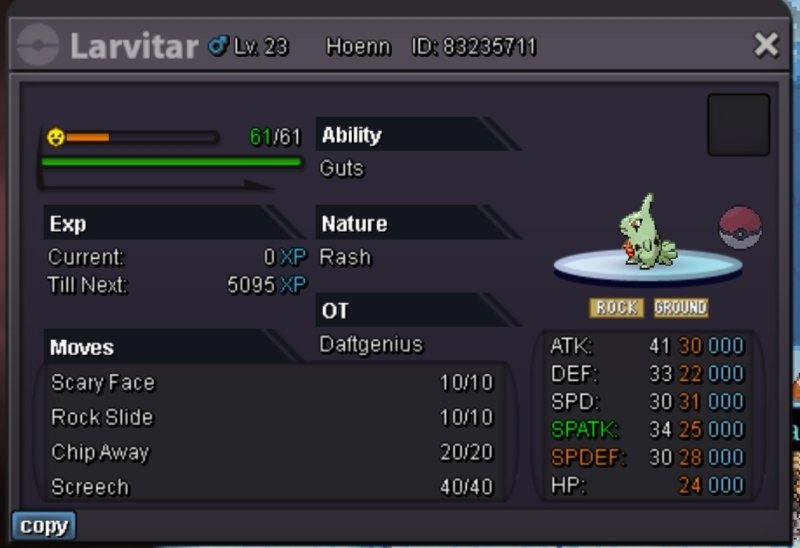
Start 400k Min bid 50k Insta 2m 48hour auction
-
-
Try using the report button (available on every post). Staff usually respond when I do that
-
-
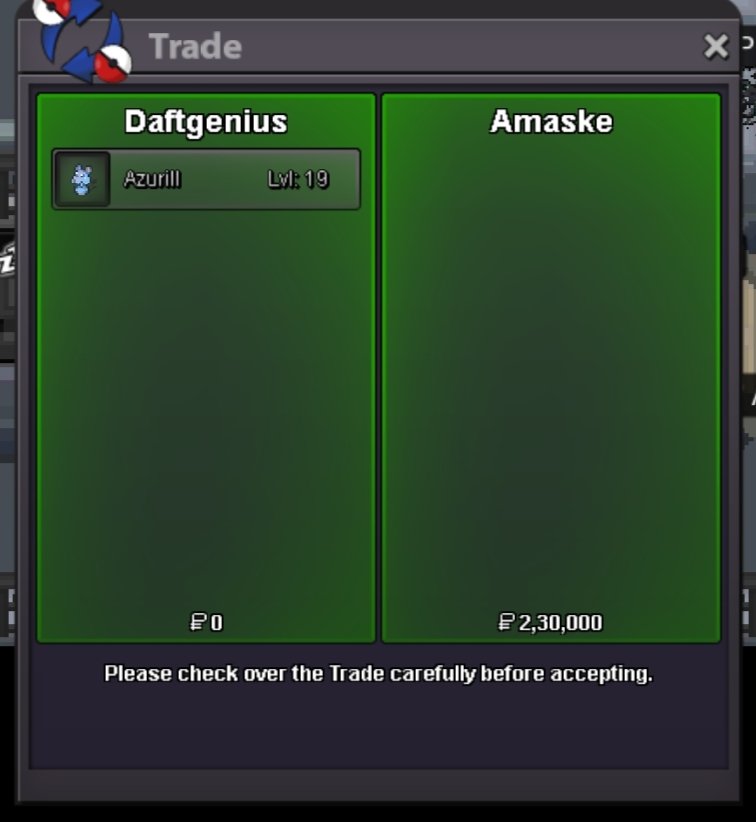
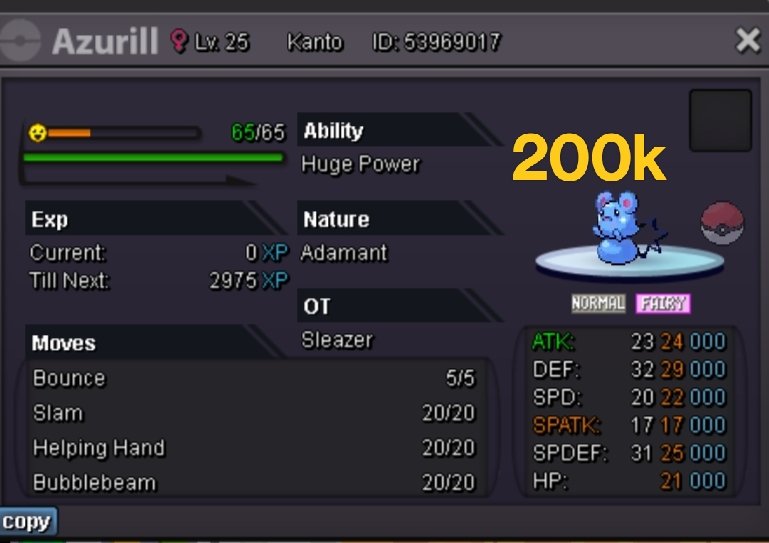
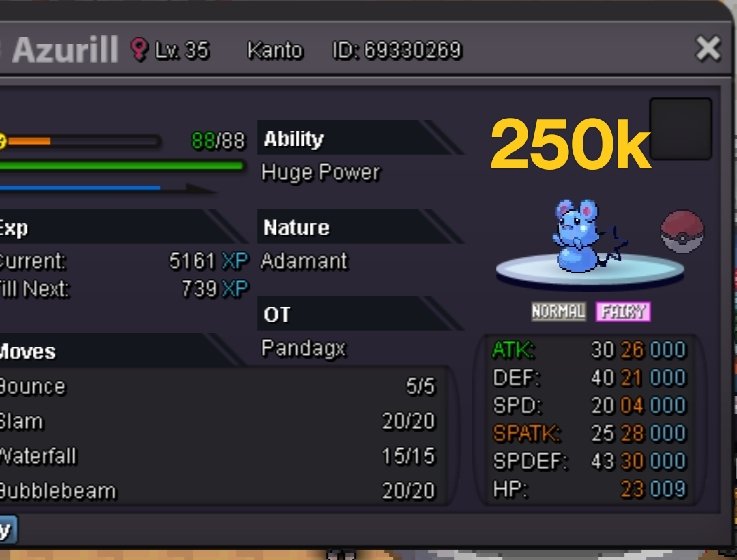
Azurill sold
-
Just added 24 more Pokemon
-
Pawniard sold

-
Swinub sold

-
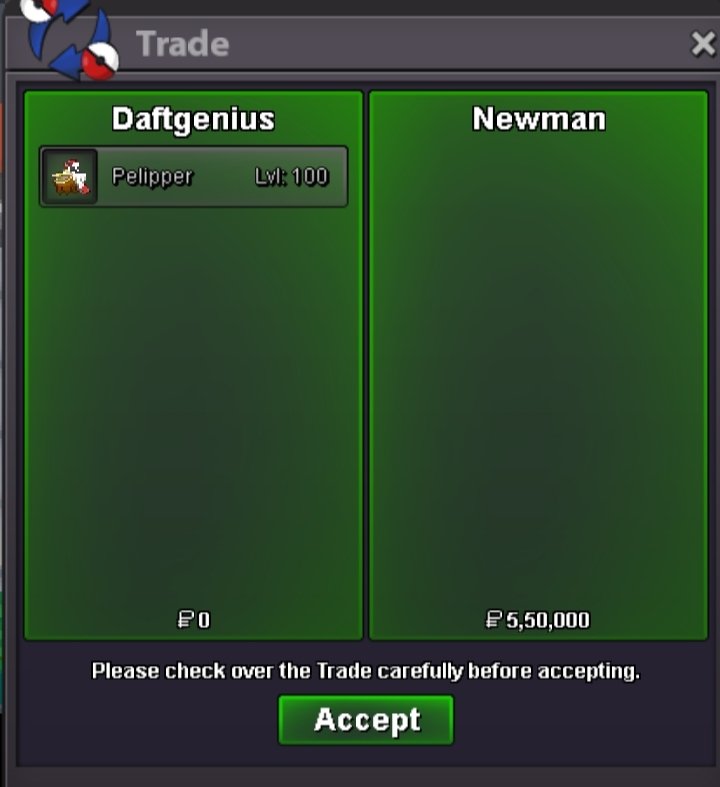
Pelipper sold
-
-
-
Gible sold in-game 100k.

-
Pelipper reserved for @Newman and swinub for @Exoforce I will be available to trade around 6.00pm (IST or GMT +5.30) around 10 hours from now.
-
Added 26 Pokemon.
-
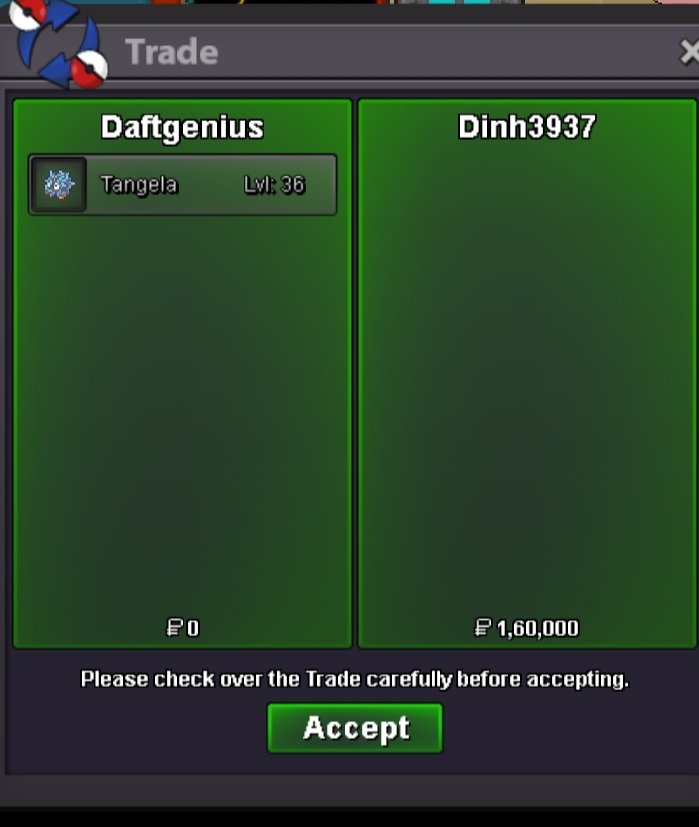
Tangela sold in-game 160k.
-
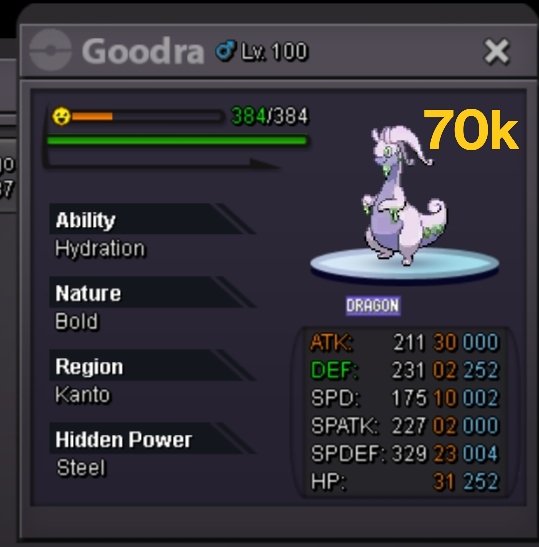
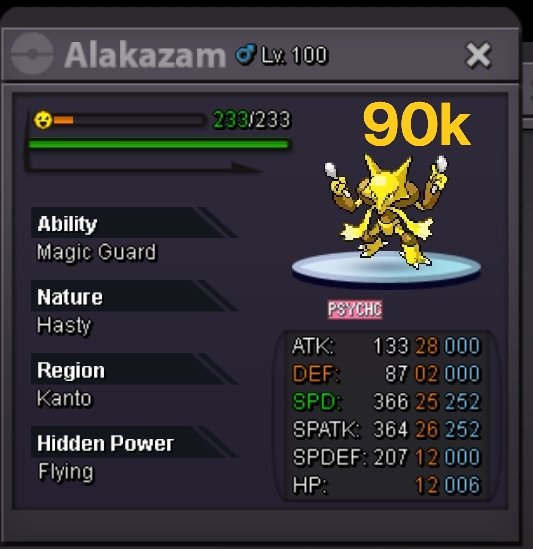
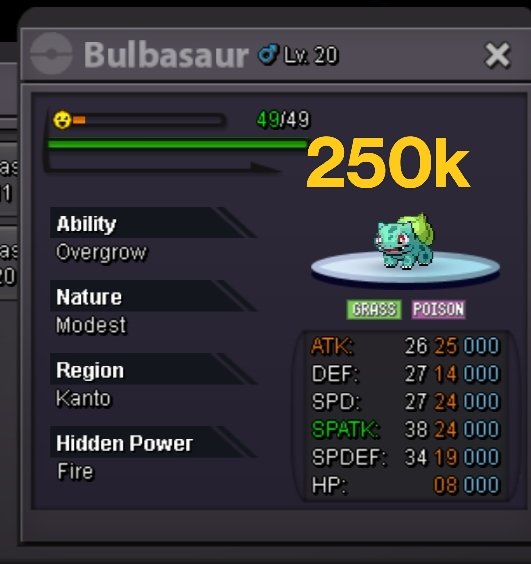
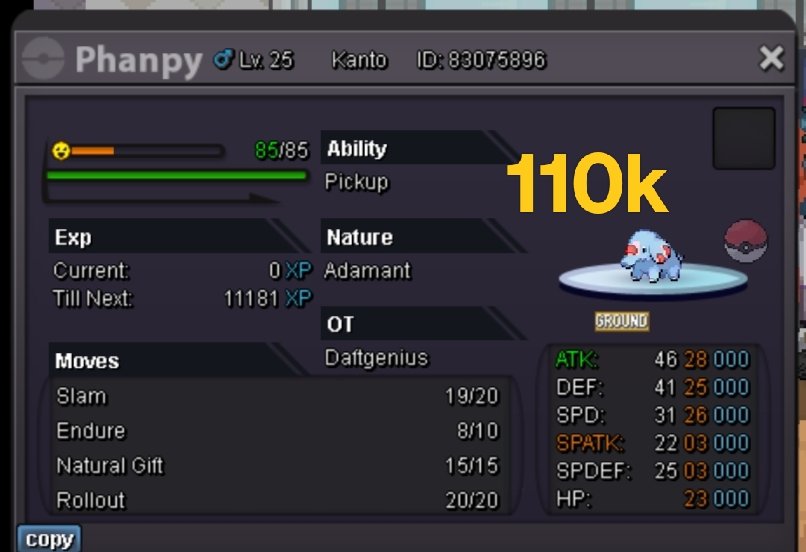
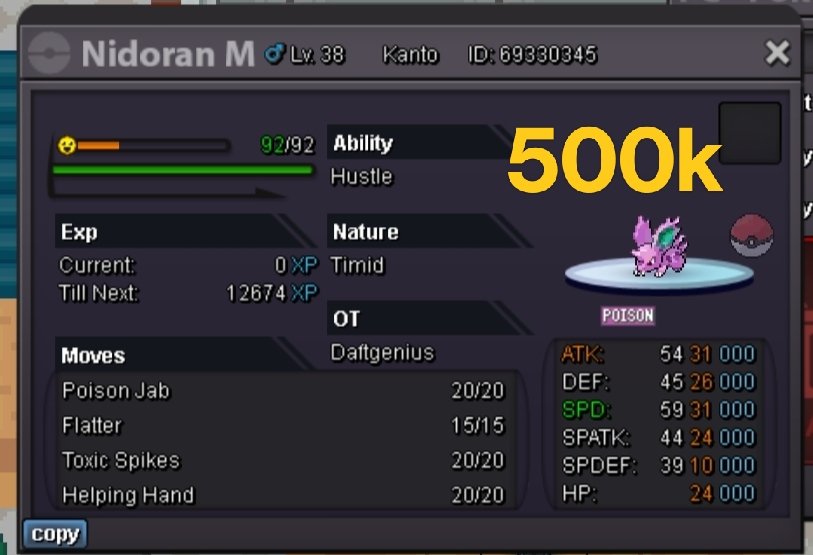
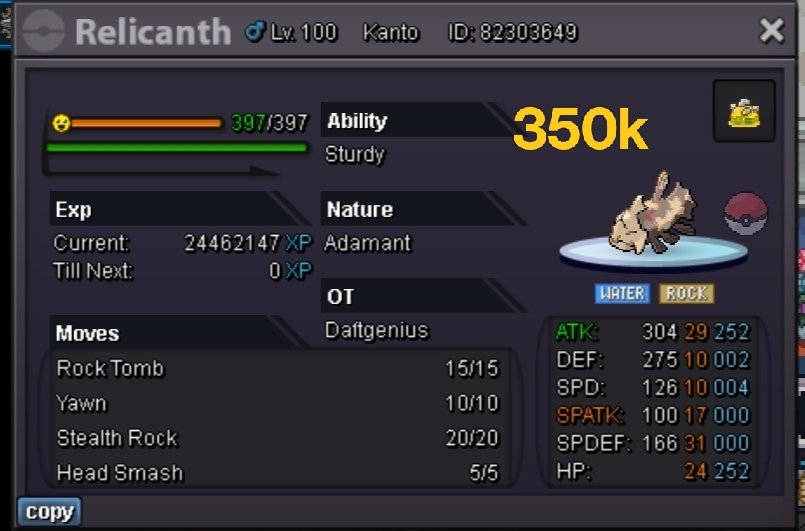
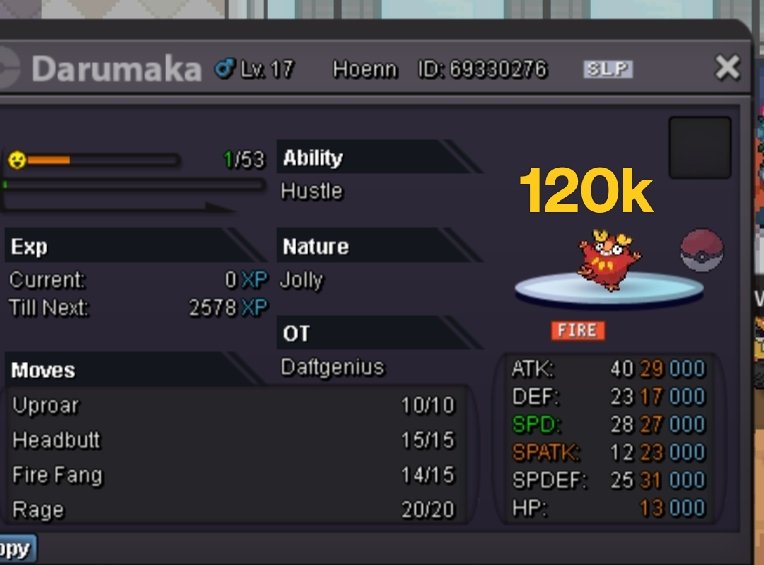
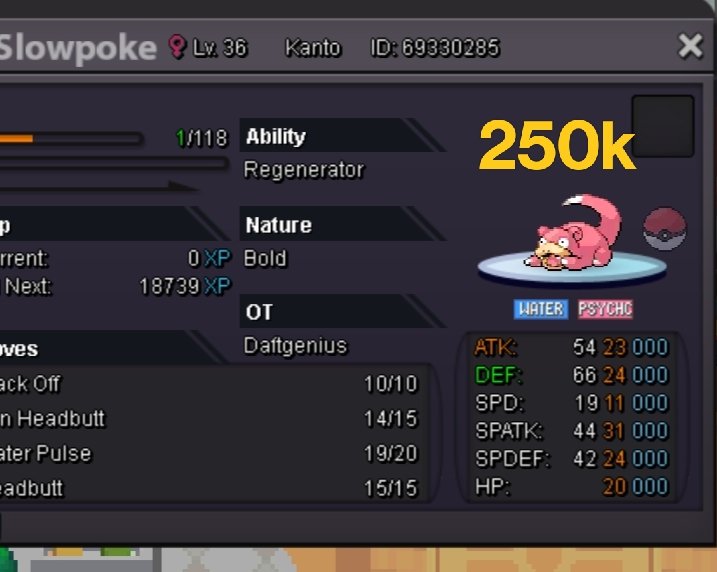
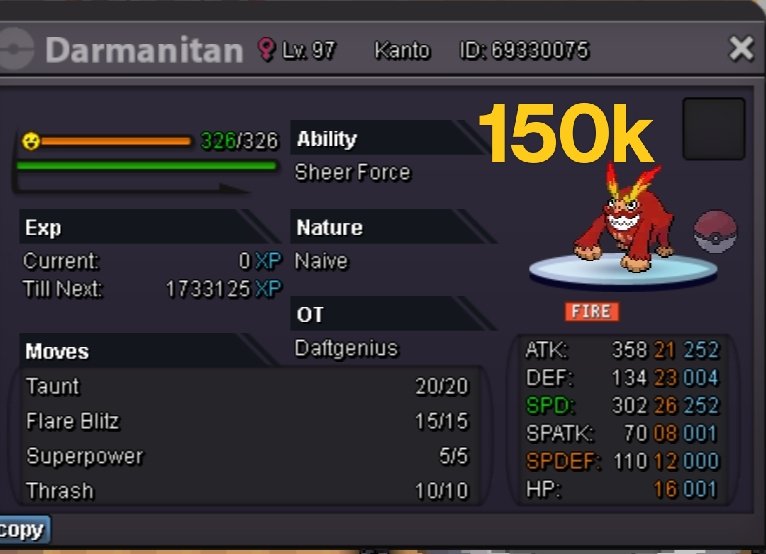
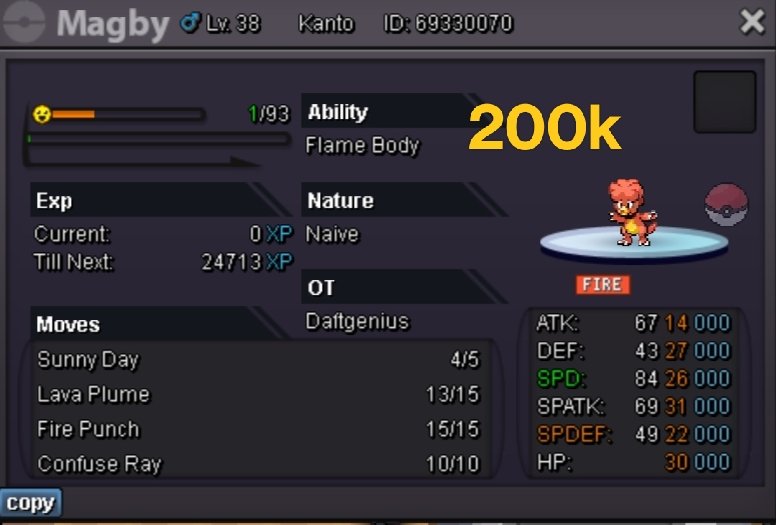
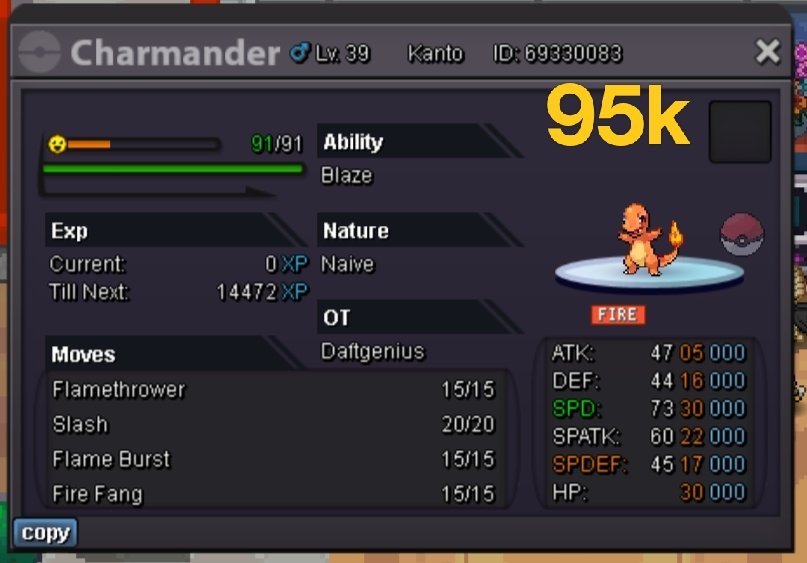
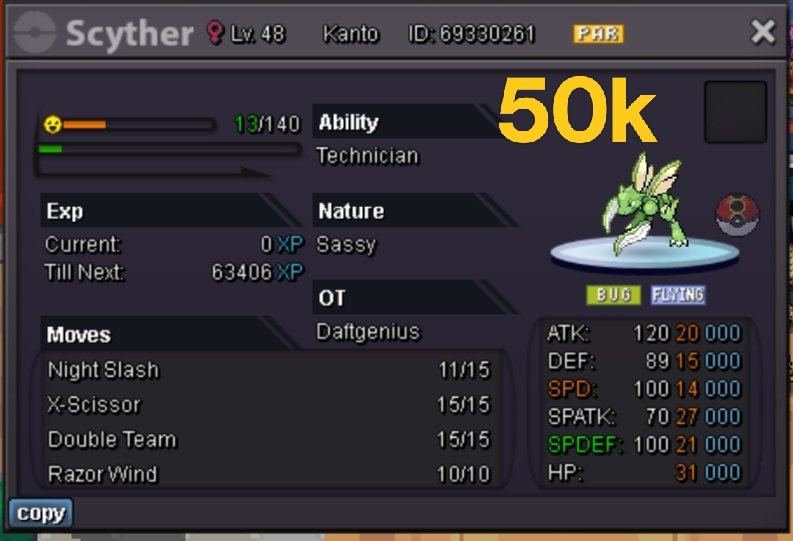
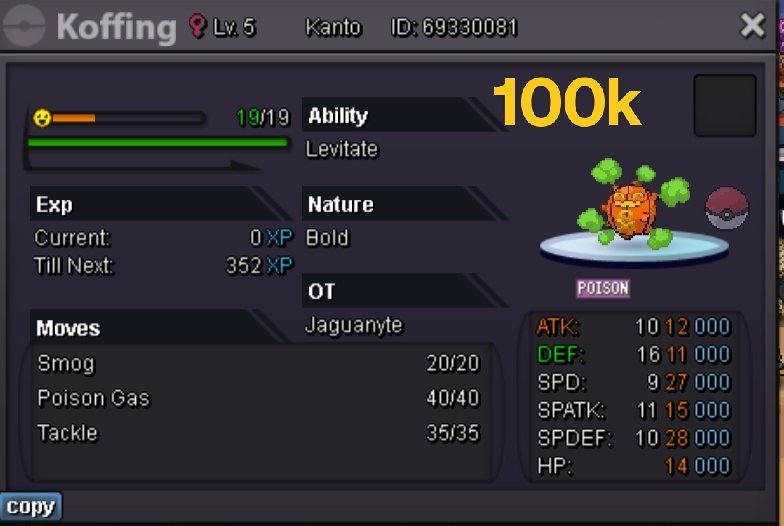
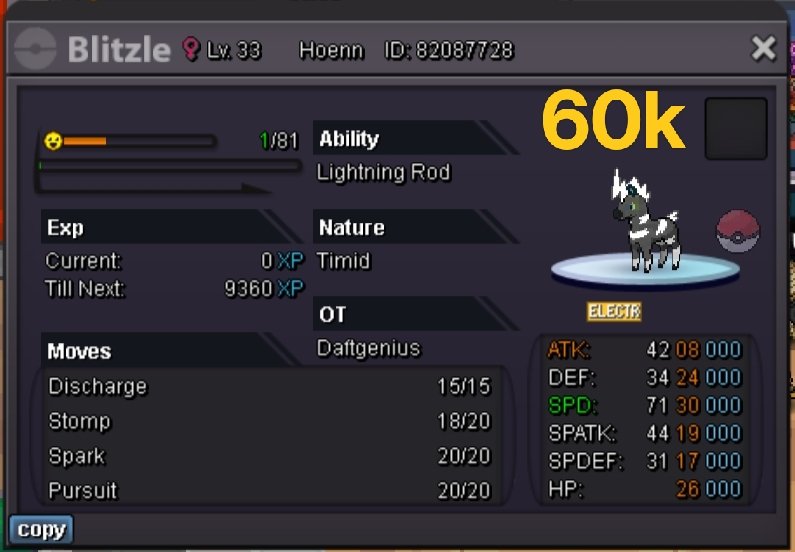
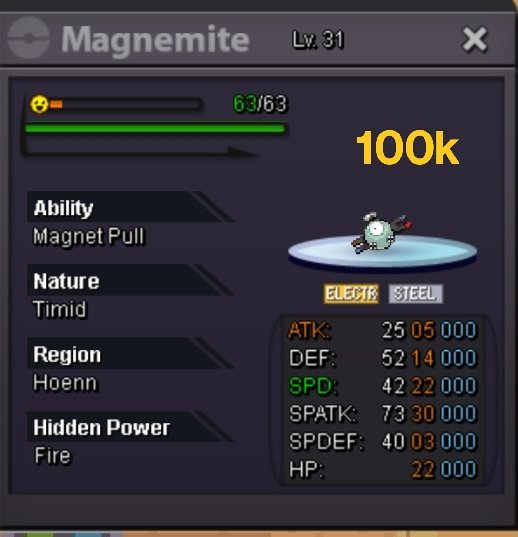
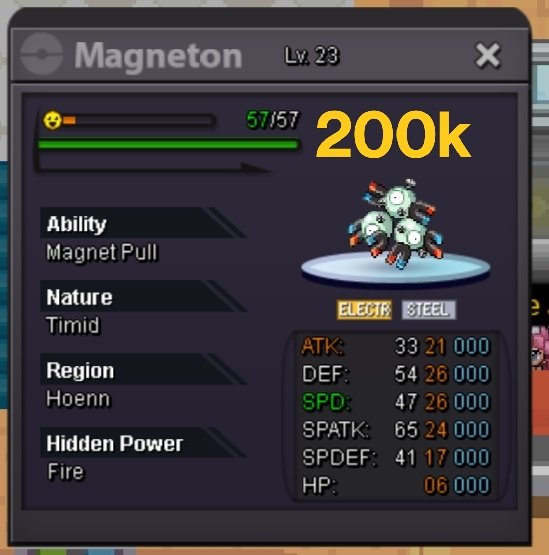
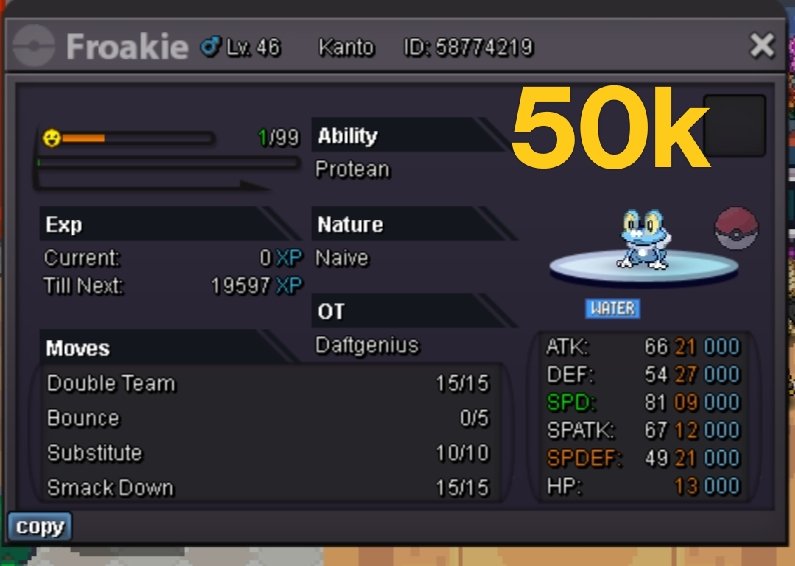
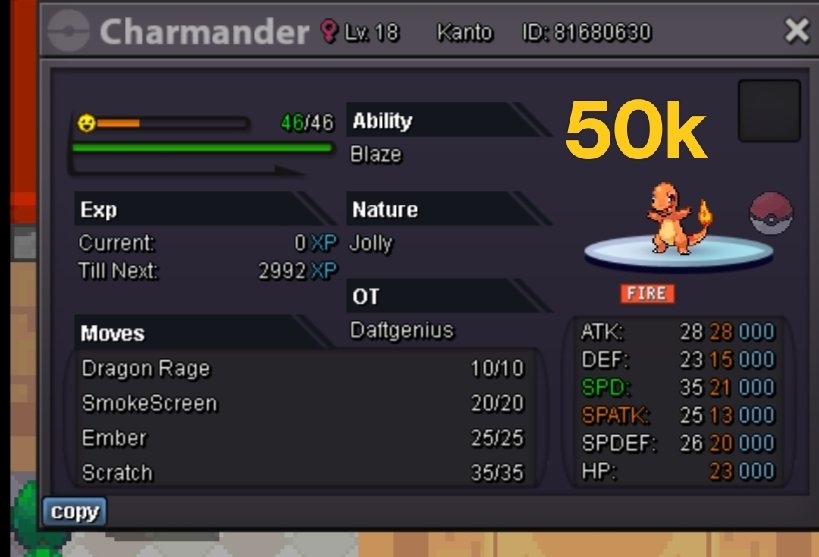
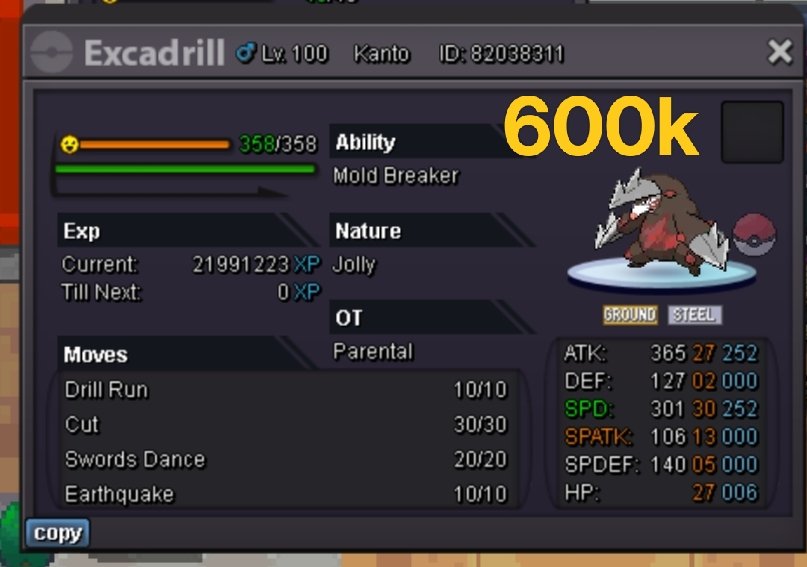
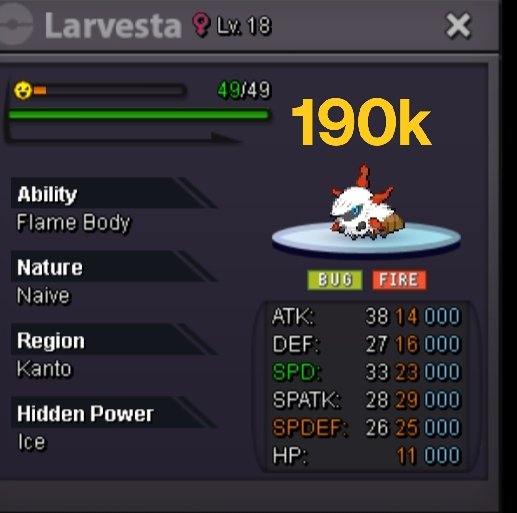
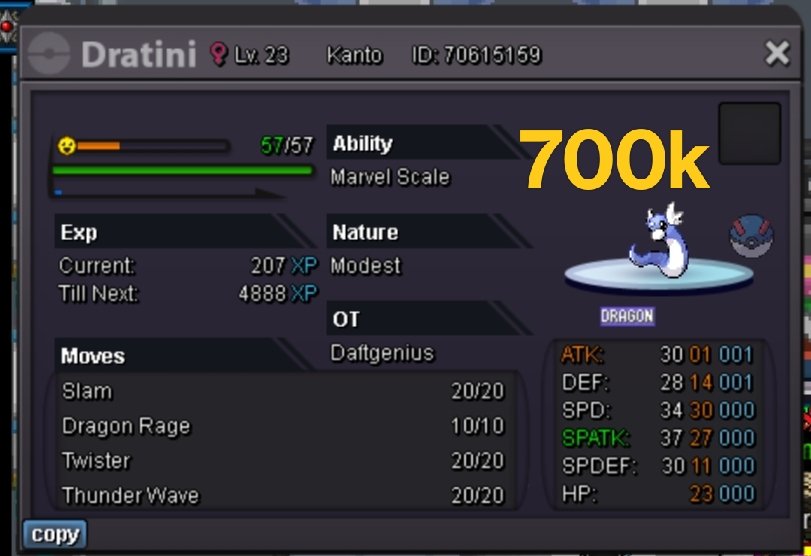
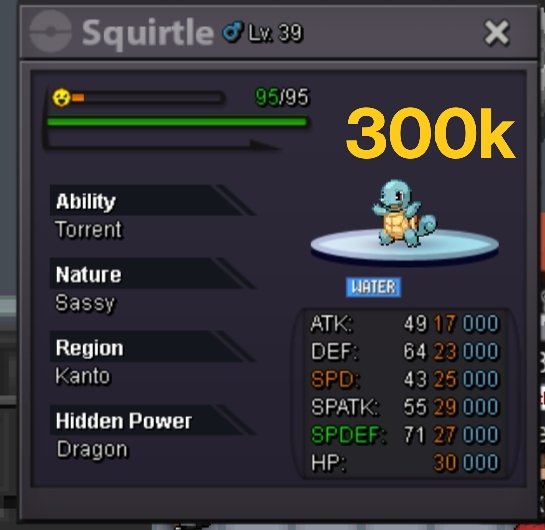
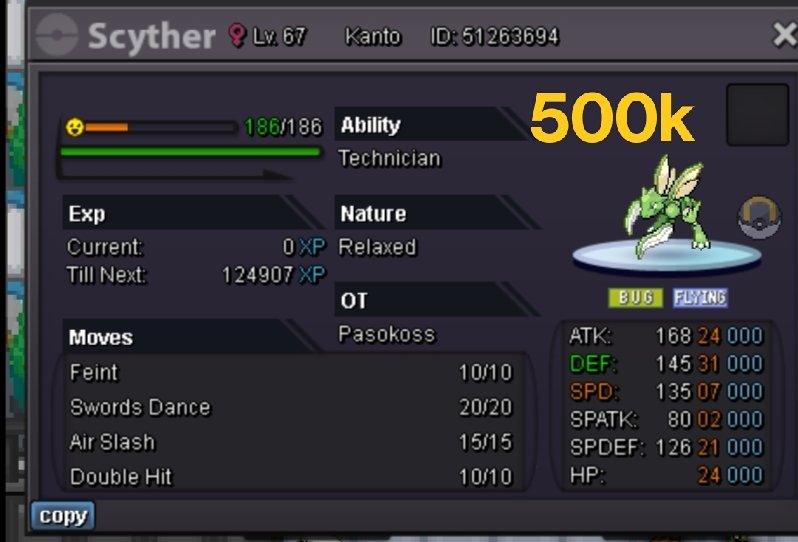
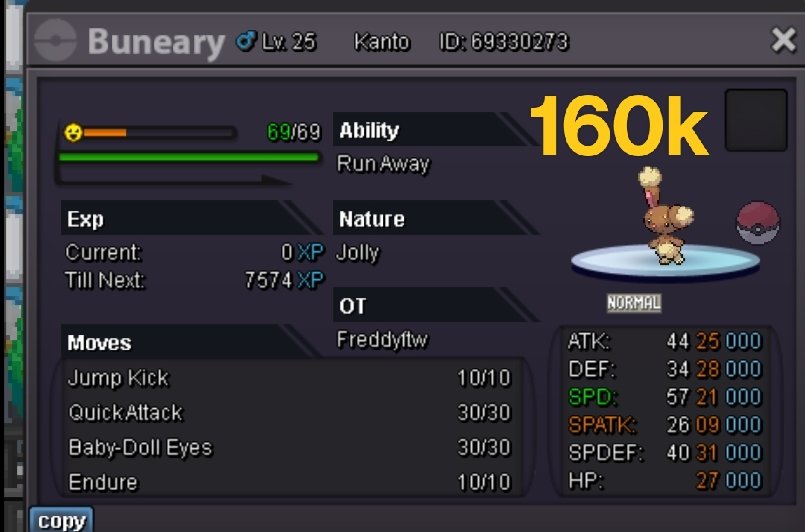
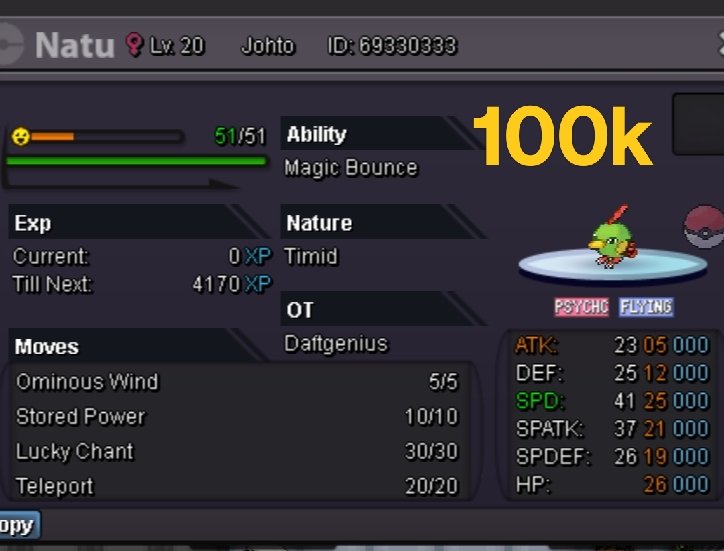
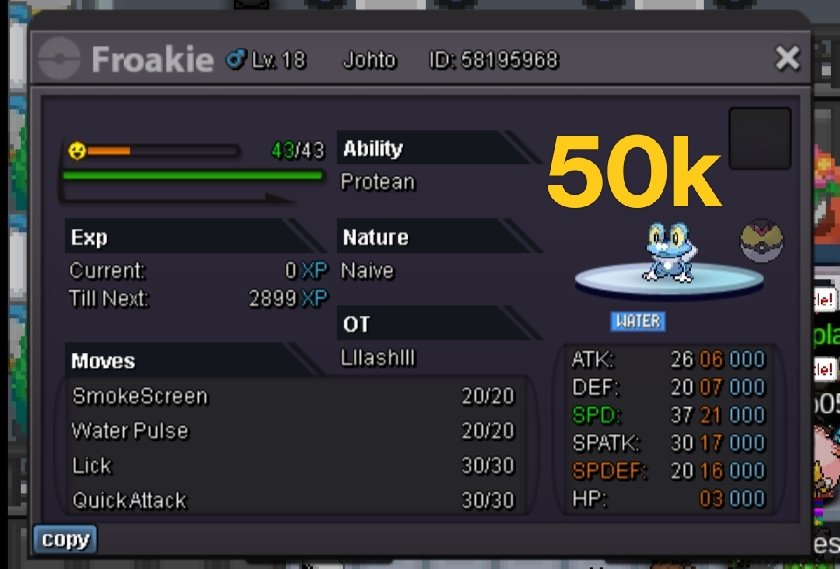
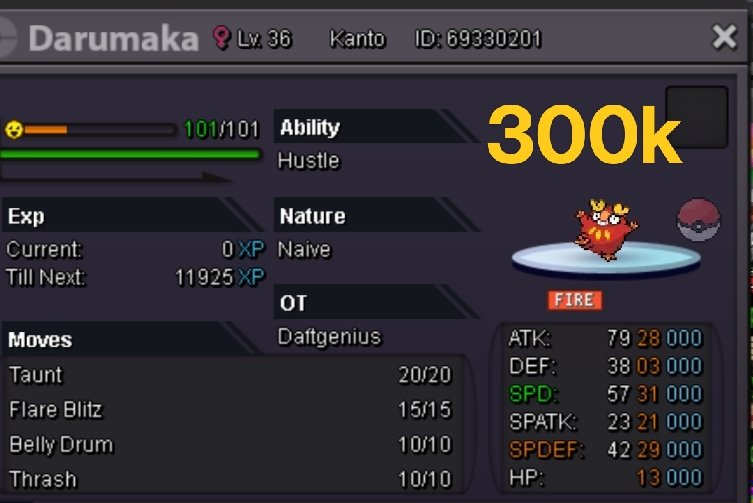
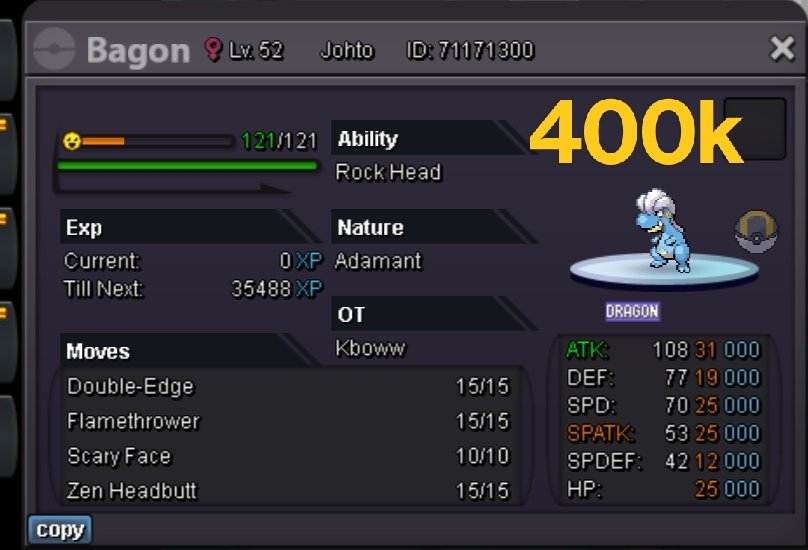
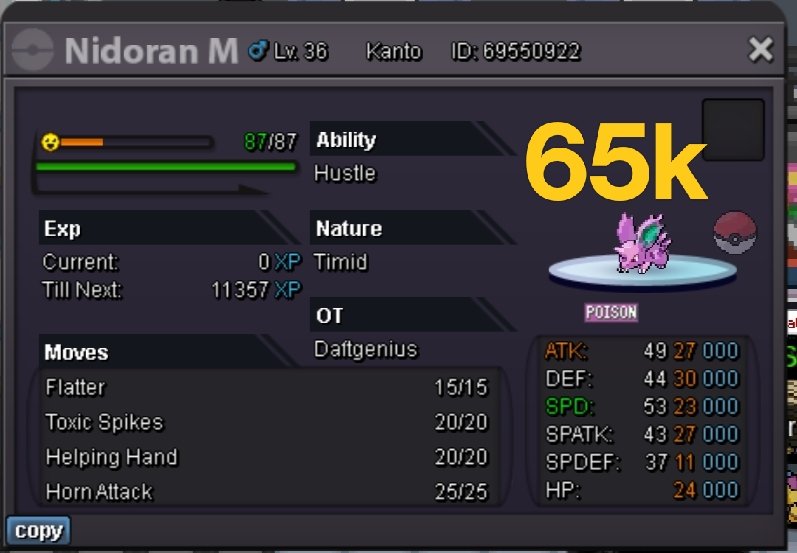
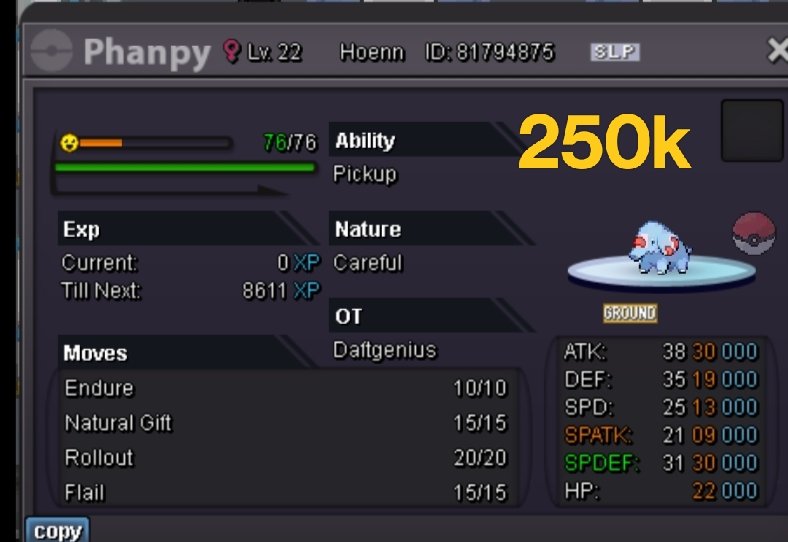
Selling a bunch of Pokemon. Will be adding more soon. Thanks for your support. Payments accepted 1. Pokedollars 2. Coin capsule - 370k 3. Reroll IVS - 530k 4. Rare candy - 7k 5. Master ball - 40k 6. Focus sash - 1k Contact info My discord: daftgenius#3502 *Items not included *Silver server shop














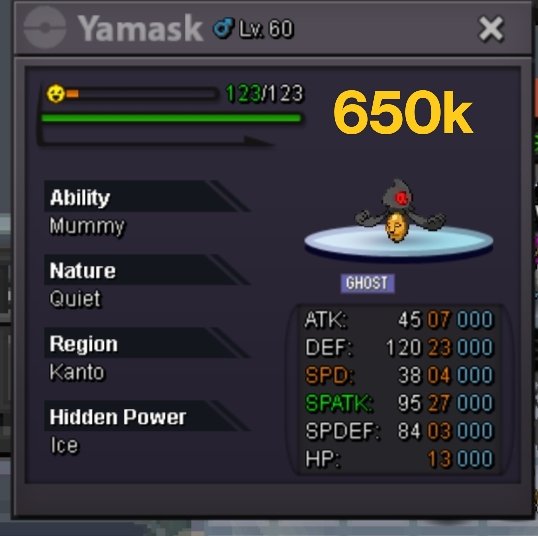

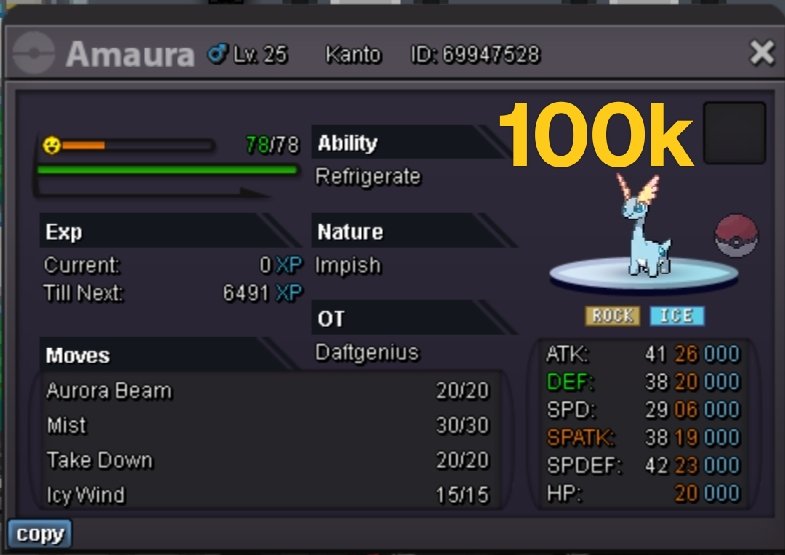
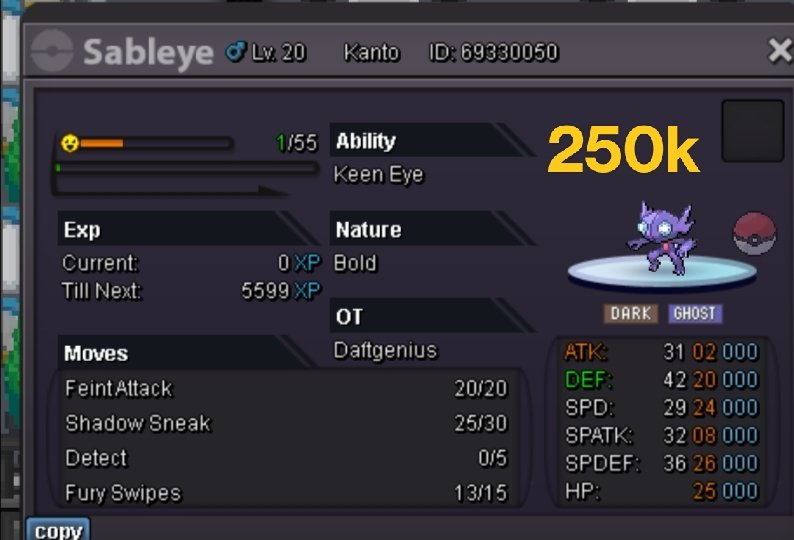
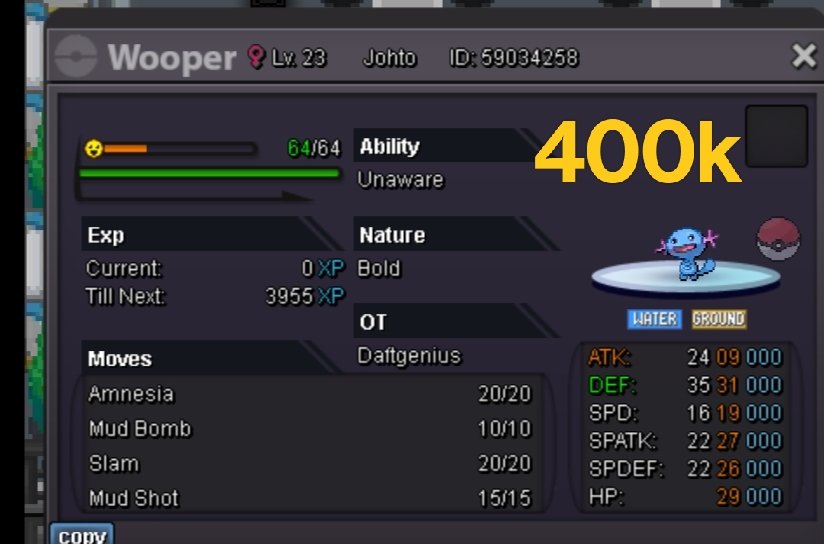

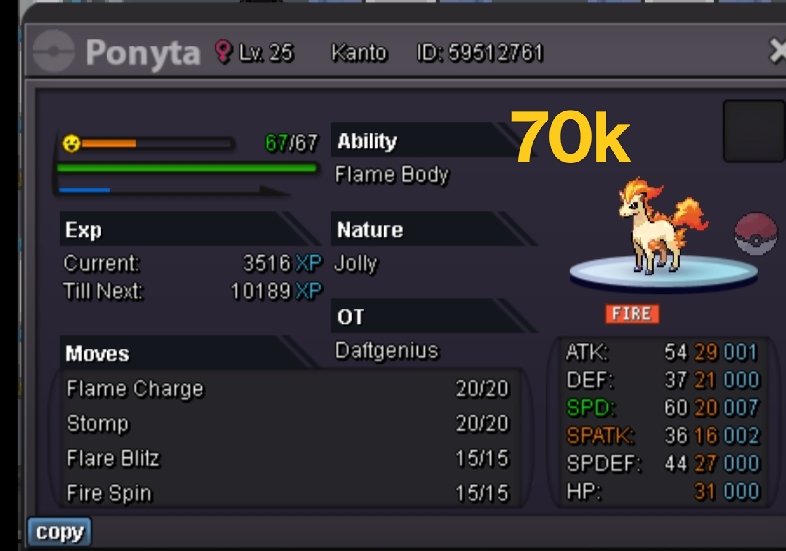
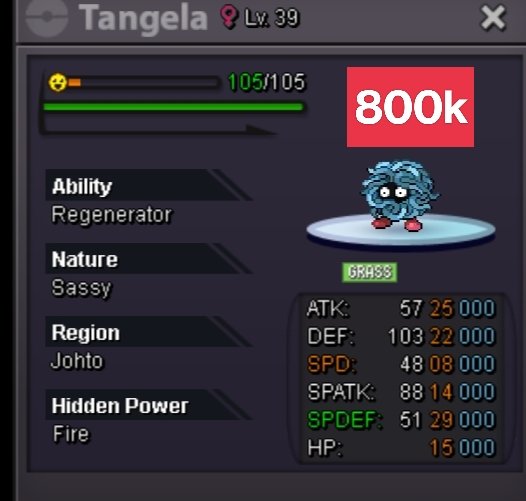
-
@Vedraj Thanks I'll try that. 😀
-
Haven't been able to contact buyer. Please help to force trade
-
Auction complete, can close

-
@Heroyla31 you win auction. My discord is daftgenius#3502
-
https://www.timeanddate.com/countdown/summer?iso=20230717T132605&p0=553&msg=Pawniard+&font=cursive&csz=1
-
Auction started

-
-
@Suncity let me know when you can trade

