New Trade Zone
Trade Zone is now live
Use the new Trade Zone for auctions and instant-price trades so Pokemon and item offers are easy to find.


Xdzin
Suspended
-
Joined
-
Last visited
Everything posted by Xdzin
-
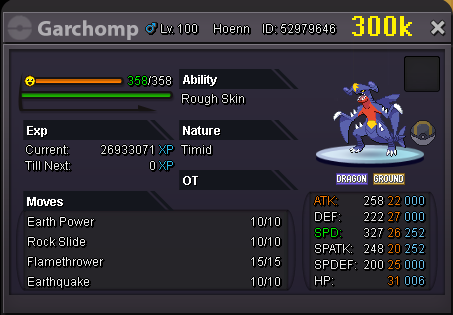
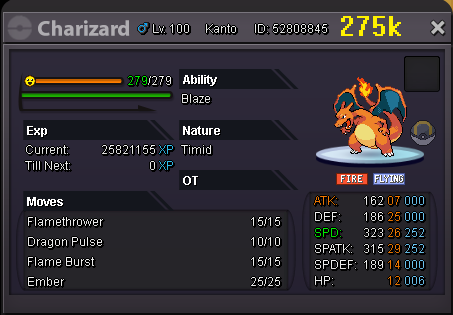
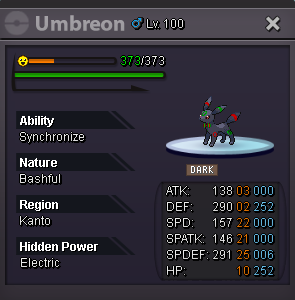
PKN SOLD DISCORD: Adamantino#0115 payment methods: money cc-450k / rare candy 6k reroll: iv-700k / nature-350k / aby capsule-700k UMBREON: started
-
+1 going to be 2 years old
-
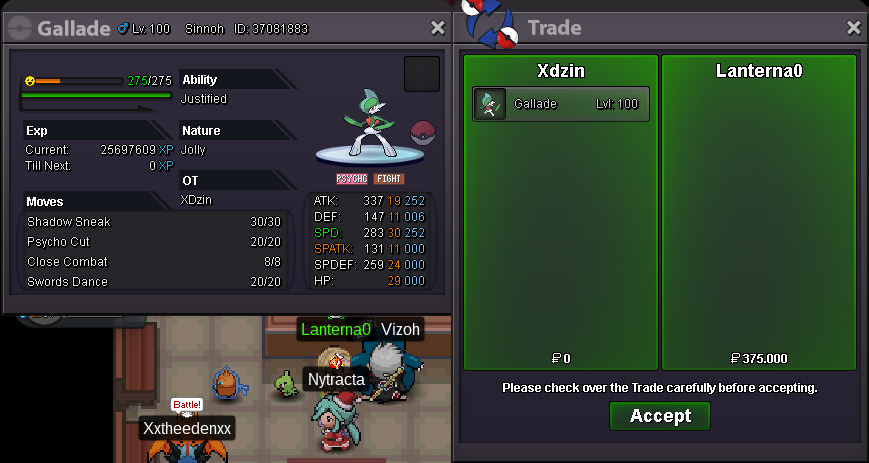
Reunicluss bought by @Jinnrd Gallade bought by @Lanterna0

-
-
Clefable bought by @BrimsonChin Metagross bought by @LikeaBoss69
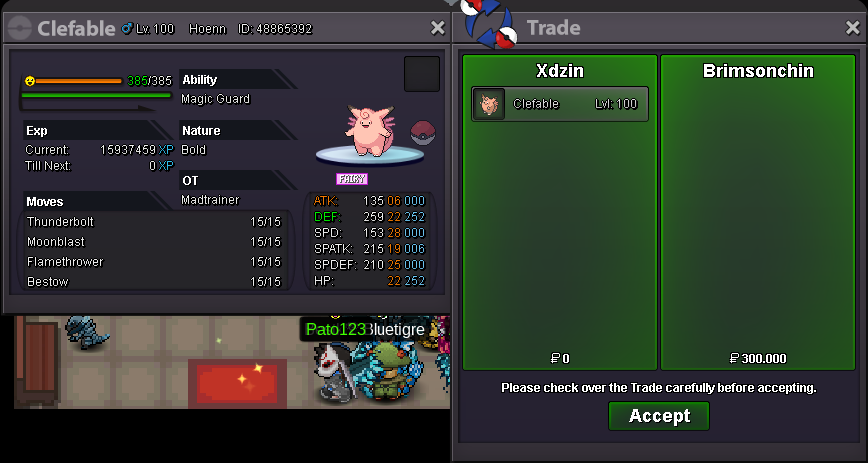
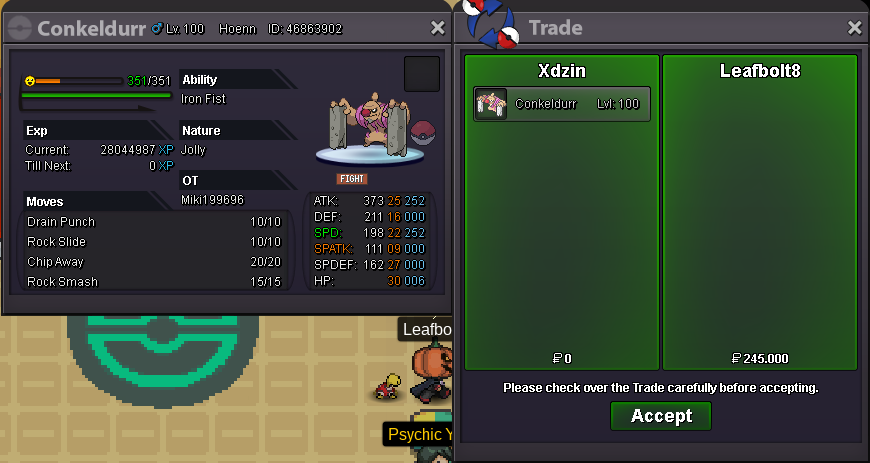
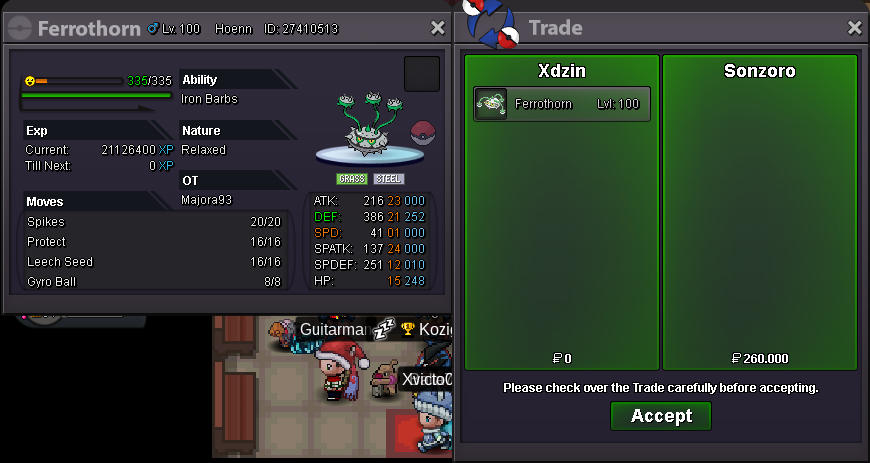
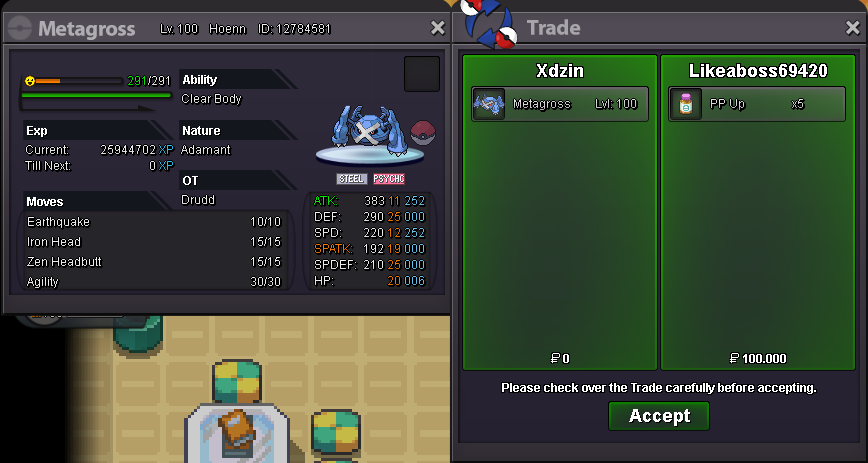 Luxray bought by @Gale7 Conkeldurr bought by @Leafbolt8 Ferrothorn bought by @SonZoro
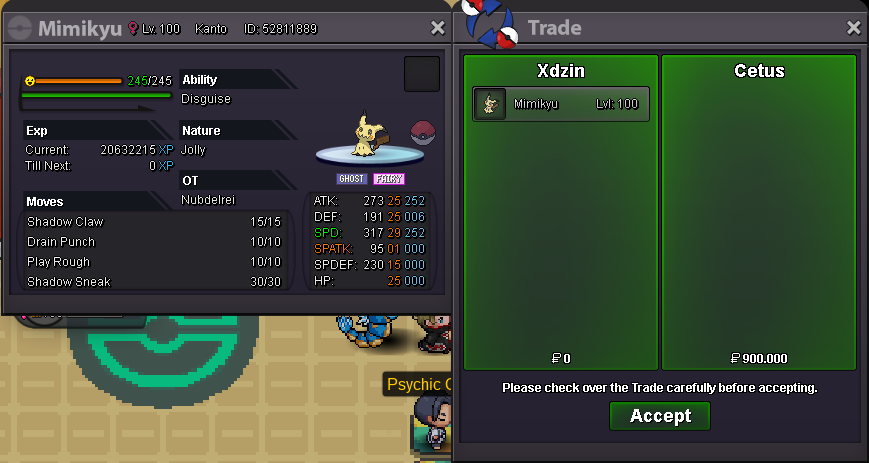
 +1Mimikyu bought by @Cetus
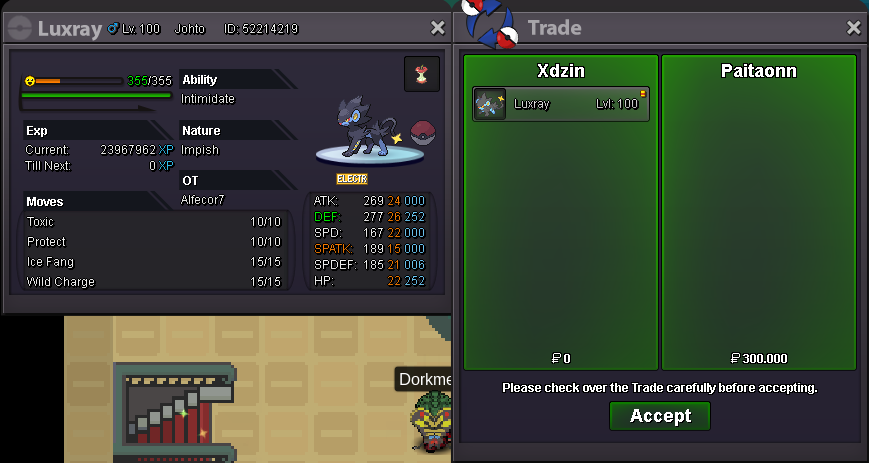
 Luxray bought by @Paitaonn Jolteon bought by @Paitaonn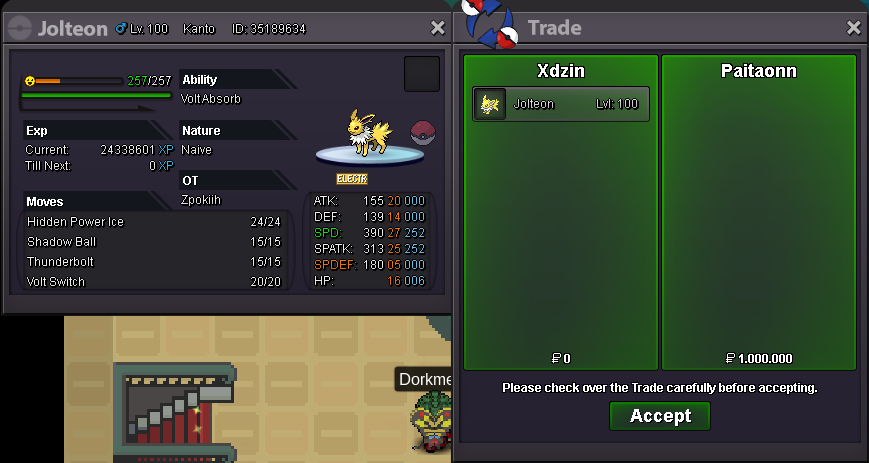
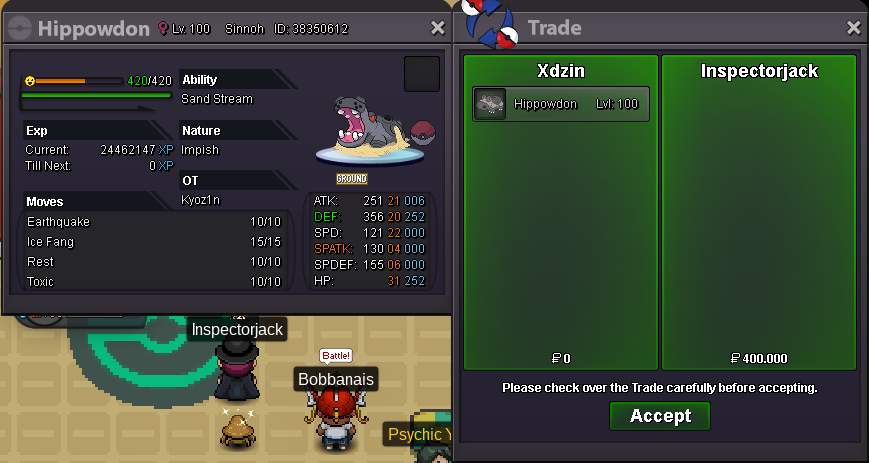
 Hippodown bought by @InspectorJack
 message on discord sends, I await your message when ready
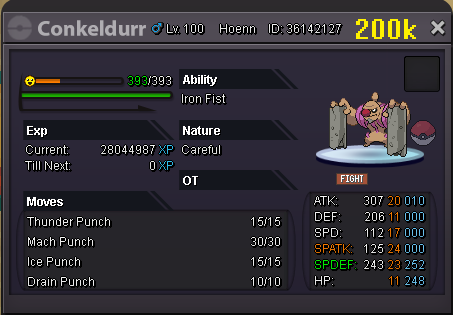 ok bro Nidoking bought by @malltesers
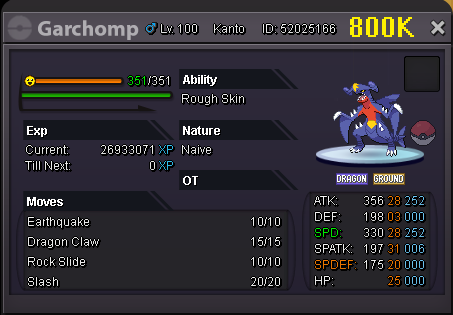
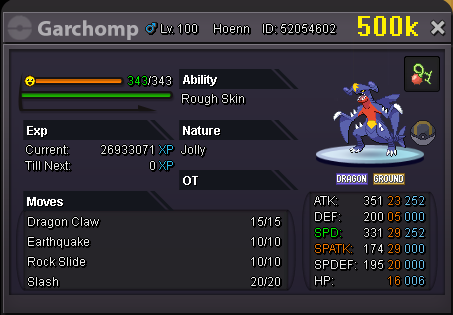
 Garchomp bought by @aponte805 Gyarados bought by @ukyll Gyarados bought by @ukyll
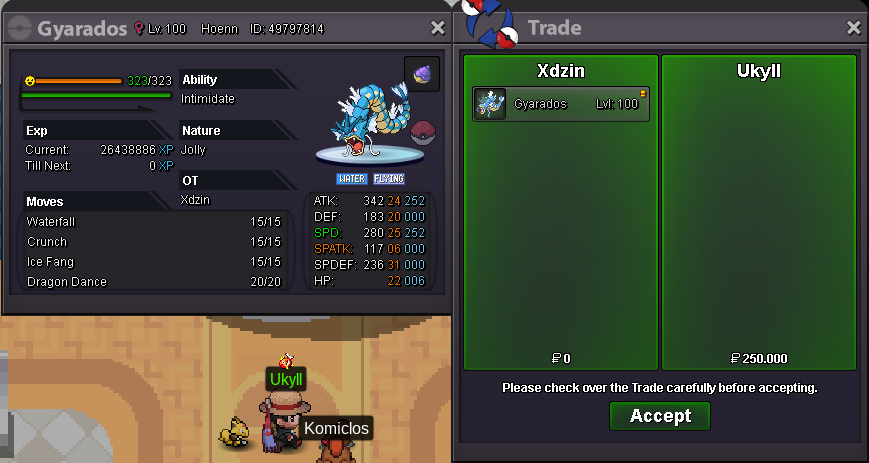
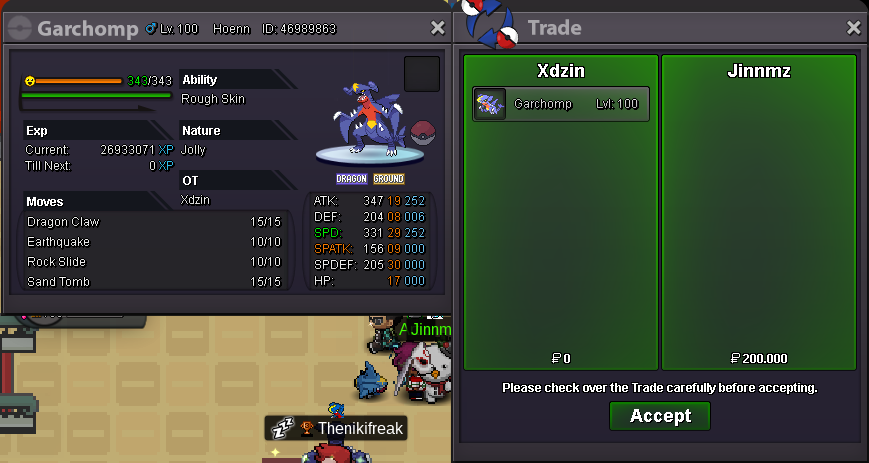
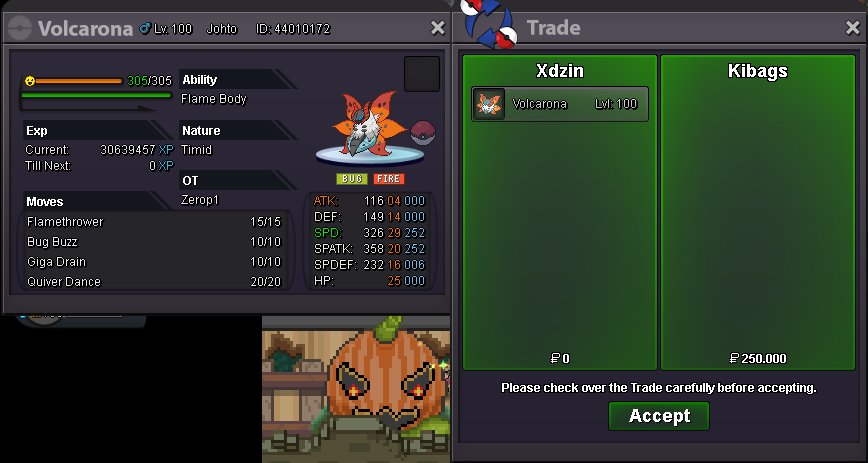
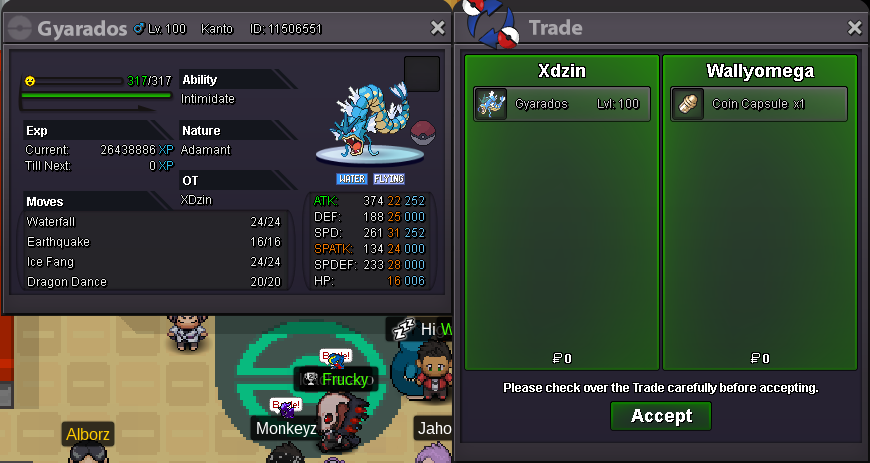
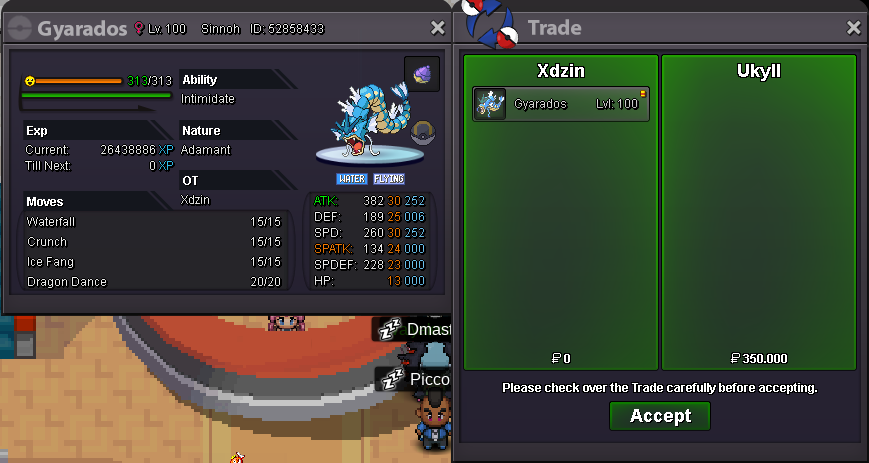 Garchomp bought by @Lordnao Garchomp bought by @JinnMz Volcarona bought by @KiBaGs Gyarados bought by @wallyomega
 +1, there is no reason for this not to be implemented except to force the player to always go to vermilion to be able to access most islands in the game but on the other hand it makes sense that these npc are only in vermilion because the islands they take to are from kanto